

 HOME
HOME PRODUCT CENTER
 ABOUT US
 DOWNLOAD CENTER
 SUPPORT CENTER
 SUBSCRIBE
 BLOG
BLOGDTF Printer Maintenance Guide for Long-Lasting Performance
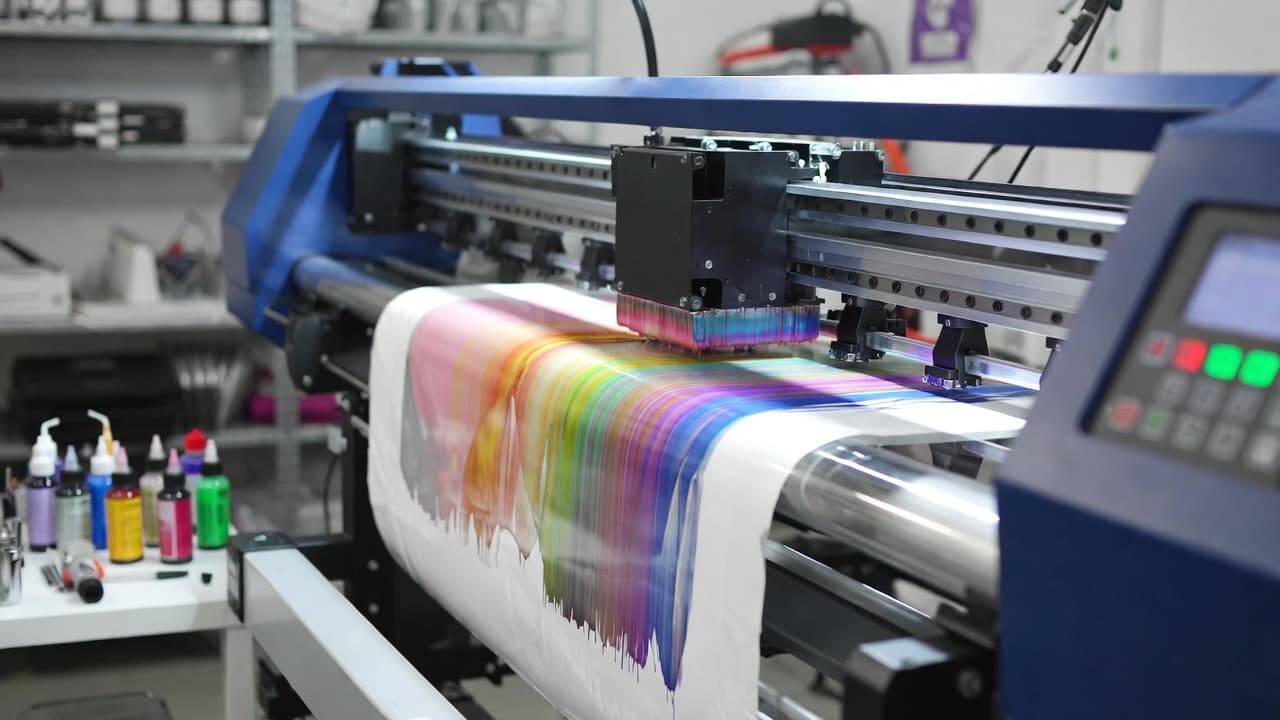
Direct-to-Film (DTF) printing has rapidly transformed the custom apparel and textile industry. From small home-based printing setups to large-scale production units, businesses are embracing DTF technology for its ability to produce vibrant, durable, and highly detailed prints on a wide range of fabrics.
However, owning a DTF printer is not just about pressing “print.” Like any precision equipment, it requires consistent care. Without proper maintenance, even the best machine can suffer from clogged print heads, inconsistent colors, costly repairs, and unexpected downtime.
This comprehensive, SEO-optimized guide will walk you through a complete DTF printer maintenance checklist—covering daily, weekly, monthly, and annual tasks—to ensure your machine operates at peak efficiency for years to come.
Why DTF Printer Maintenance Matters
Regular maintenance is not optional—it is essential. A well-maintained DTF printer offers:
Consistent, high-resolution print quality
Accurate color output
Reduced risk of print head clogging
Lower repair costs
Extended equipment lifespan
Minimal production downtime
Ignoring maintenance often leads to ink blockages, alignment issues, and component wear that could have been easily prevented. The good news? Most maintenance tasks are simple and can be completed in just a few minutes each day.
Daily DTF Printer Maintenance Checklist
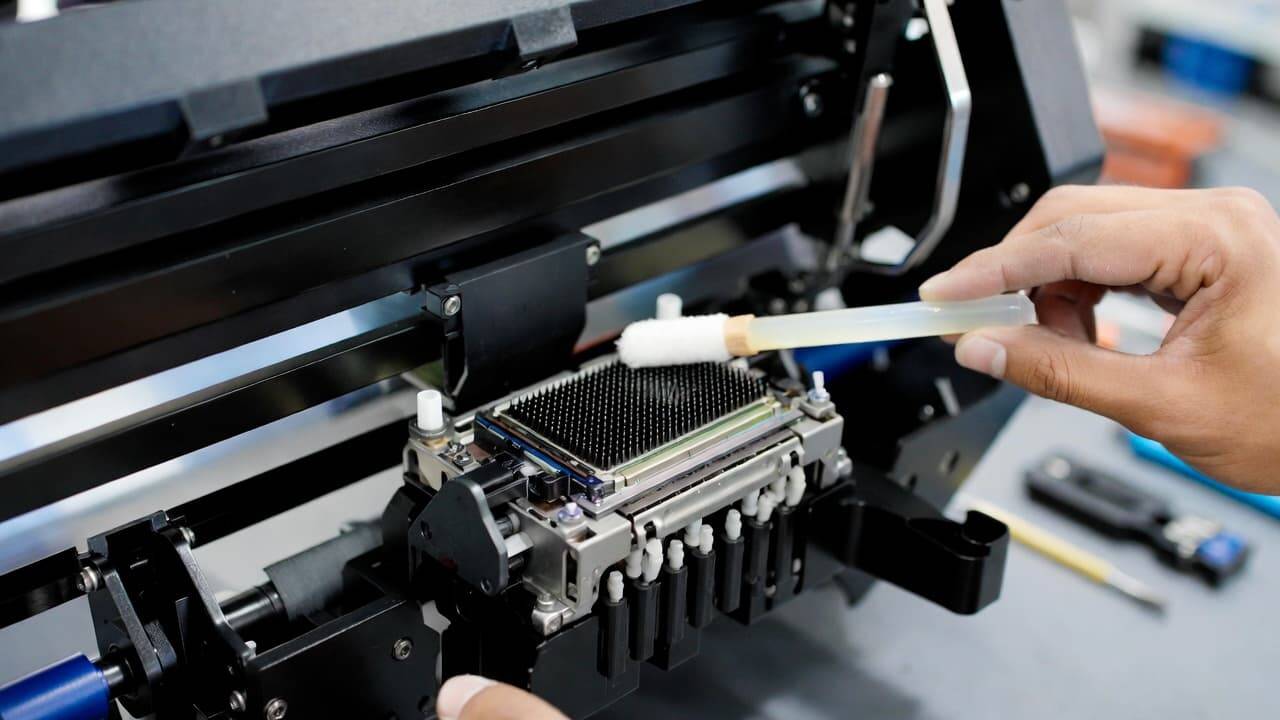
Daily care prevents minor issues from becoming major problems. These small habits can dramatically improve long-term performance.
1. Clean the Print Head
The print head is the heart of your DTF printer. Ink buildup or dried residue can cause nozzle clogging, banding, or missing lines in prints.
What to do:
Use the manufacturer-recommended cleaning solution.
Perform a light cleaning cycle at the start or end of each day.
Wipe the print head area gently using lint-free swabs.
Avoid using random solvents, as incompatible chemicals may damage sensitive components.
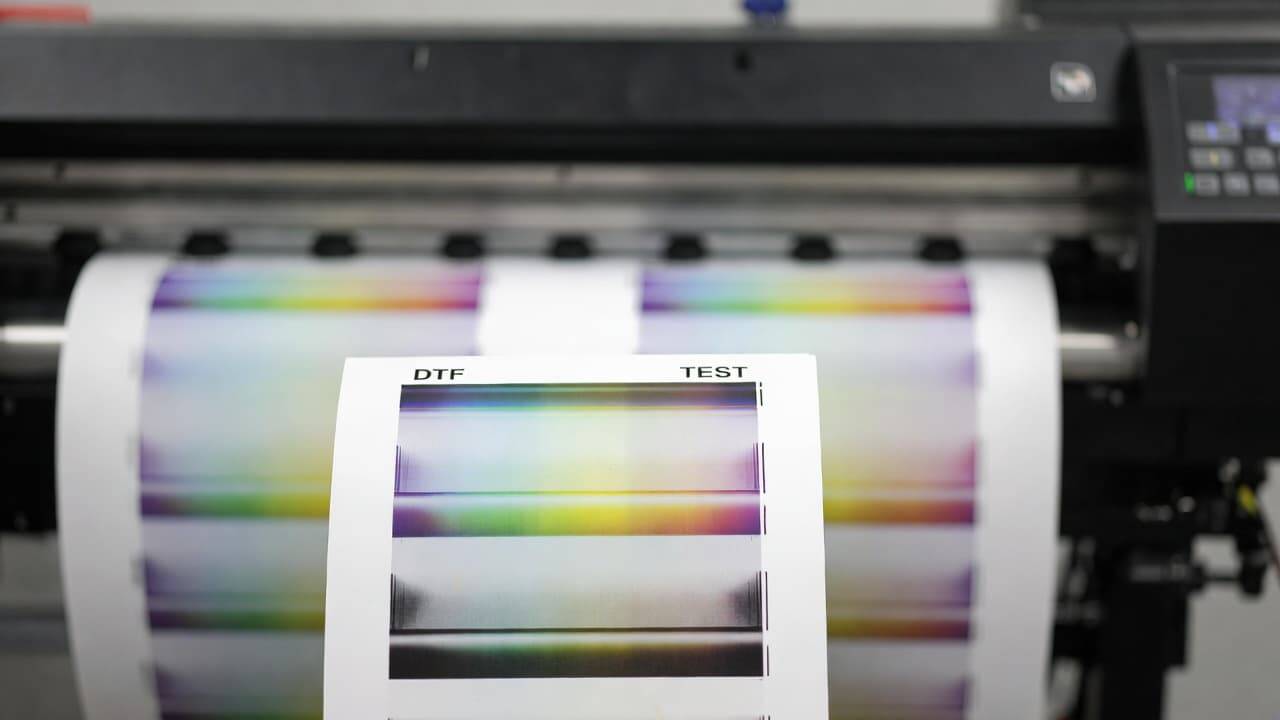
2. Perform a Nozzle Check
A nozzle check ensures all ink channels are firing correctly.
Why it’s important:
Detects partial clogs early.
Prevents color inconsistencies.
Saves film and ink waste.
If you notice missing lines in the test pattern, run a cleaning cycle before starting production.
3. Monitor Ink Levels
Running out of ink mid-print can ruin a job and waste materials.
Best practice:
Check ink levels before starting large batches.
Keep backup ink stocked.
Never let white ink sit unused for long periods—white ink settles quickly and requires gentle shaking (as per manufacturer instructions).
4. Inspect PET Film and Transfer Materials
Dust or moisture on film sheets can ruin output quality.
Daily inspection tips:
Store film in a dry, dust-free area.
Check for scratches or warping.
Ensure powder adhesive is evenly applied.
5. Clean the Surrounding Area
DTF printing environments should be clean and controlled.
Dust particles can:
Clog print heads
Stick to adhesive powder
Cause surface imperfections
Wipe down the platen and nearby surfaces daily.
Weekly DTF Printer Maintenance Tasks
Weekly maintenance helps you detect mechanical or software-related issues early.
1. Run a Full Test Print
Beyond a nozzle check, print a detailed design that includes:
Fine lines
Gradients
Bold colors
White underbase
Look for:
Color shifting
Banding
Alignment issues
Early detection prevents customer complaints.
2. Deep Clean Key Components
Ink overspray and adhesive residue accumulate over time.
Focus on:
Platen surface
Rollers
Capping station
Wiper blade
Follow manufacturer guidelines carefully to avoid accidental damage.
3. Inspect Cables and Connections
Loose or worn cables can cause:
Data transfer errors
Print interruptions
Random machine stoppage
Check USB or network connections and ensure they are secure.
4. Stir or Circulate White Ink System
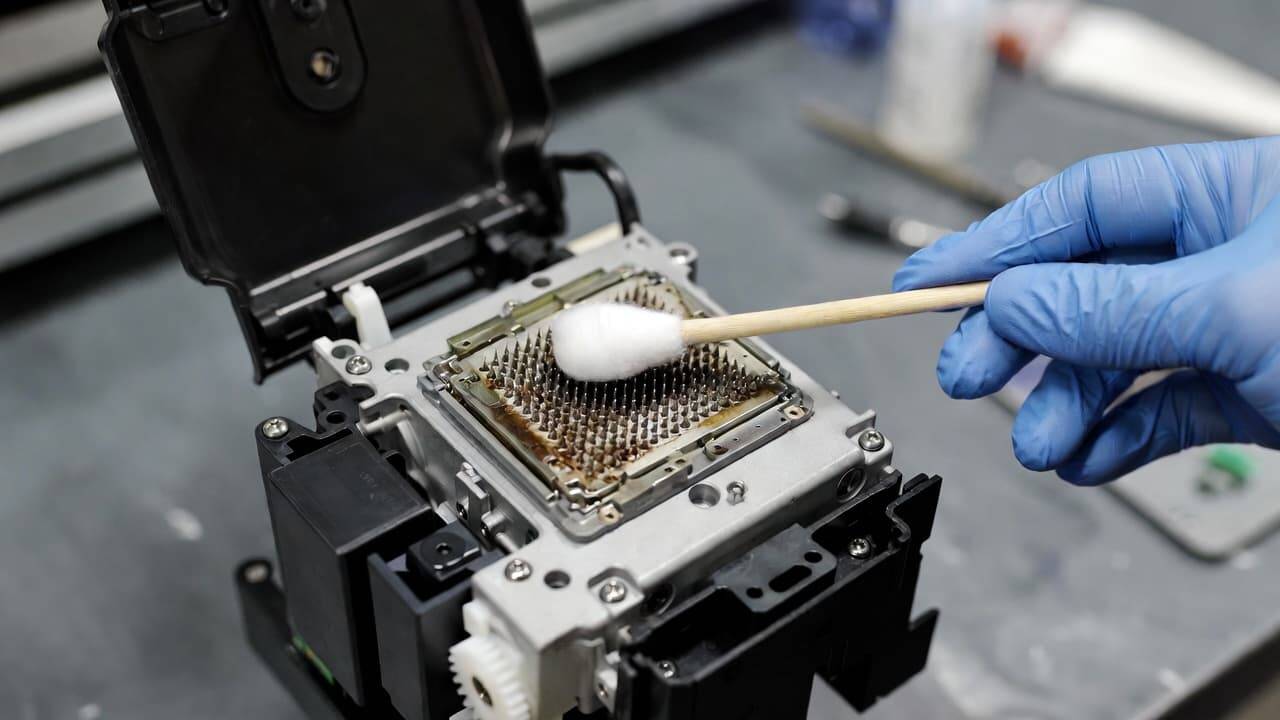
White ink is essential in DTF printing but requires special attention.
Because it contains titanium dioxide pigments, it settles quickly.
Weekly routine:
Ensure white ink circulation system is functioning.
Gently agitate cartridges if recommended.
Check for sediment buildup.
5. Check Software & Firmware Updates
Manufacturers often release updates that:
Improve color profiles
Fix bugs
Enhance performance
Keeping your RIP software and firmware updated ensures smoother workflow.
Monthly DTF Printer Maintenance Checklist
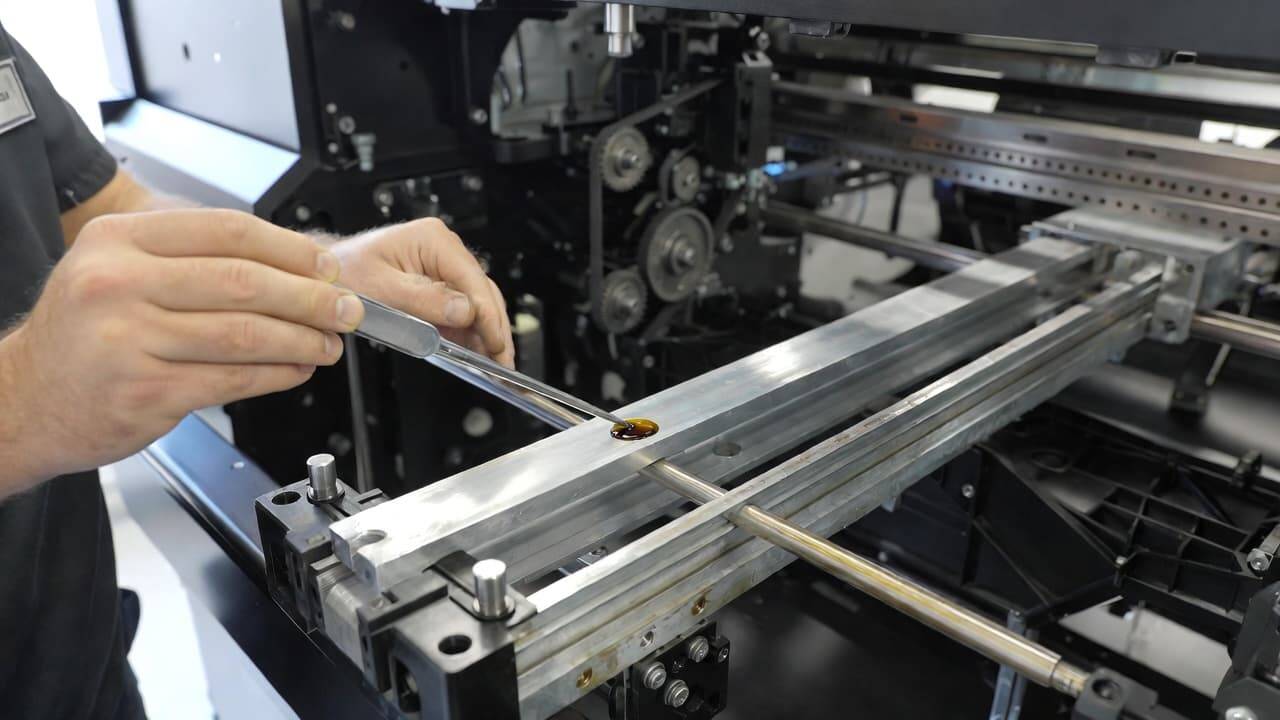
Monthly maintenance focuses on long-term efficiency and component health.
1. Inspect and Replace Air Filters (If Applicable)
Some DTF printers include air filtration systems.
Dirty filters can:
Restrict airflow
Increase internal heat
Reduce print consistency
Replace filters if clogged.
2. Lubricate Moving Parts
Mechanical components require smooth movement.
Apply manufacturer-approved lubricant to:
Rails
Carriage tracks
Metal guide rods
Avoid over-lubrication—it can attract dust.
3. Examine Dampers and Ink Lines
Ink dampers regulate ink flow to the print head.
Signs of damper issues:
Ink starvation
Air bubbles
Inconsistent output
Replace worn dampers as needed.
4. Organize and Optimize Your Workspace
A structured production space improves workflow efficiency.
Store films flat.
Keep adhesive powder sealed.
Maintain controlled humidity (ideally 40–60%).
Proper storage protects materials and ensures consistent results.
5. Maintain a Maintenance Log
Document:
Cleaning dates
Part replacements
Errors encountered
Software updates
This helps identify recurring problems and simplifies technician diagnostics.
Annual DTF Printer Maintenance Tasks
Yearly maintenance protects your investment and extends machine life.
1. Schedule a Professional Inspection
A certified technician can:
Inspect internal electronics
Test calibration accuracy
Detect wear you might overlook
Preventative servicing often costs far less than emergency repairs.
2. Replace Worn Components
Over time, parts naturally degrade, including:
Print heads
Rollers
Belts
Wiper blades
Replacing aging parts ensures consistent quality.
3. Perform Full Calibration
Color accuracy is crucial in garment printing.
Annual calibration ensures:
Proper color matching
Accurate alignment
Sharp image detail
Consult your printer’s technical manual for detailed calibration procedures.
4. Review Manufacturer Documentation
Technology evolves. Re-reading manuals may reveal:
Updated maintenance procedures
New firmware capabilities
Recommended consumables
Staying informed keeps you ahead.
Environmental Factors That Affect DTF Printers
Maintenance isn’t only about cleaning—it’s also about environment control.
Ideal Conditions:
Temperature: 20–25°C (68–77°F)
Humidity: 40–60%
Dust-free room
Stable power supply with surge protection
Extreme humidity can cause:
Film curling
Adhesive clumping
Ink drying issues
Investing in a dehumidifier or air purifier can significantly improve performance.
Common Signs Your DTF Printer Needs Maintenance
Watch for these warning signals:
Faded or dull colors
White ink not printing properly
Horizontal banding
Nozzle dropouts
Unusual grinding sounds
Error messages on display
Addressing issues early prevents expensive breakdowns.
Troubleshooting Common DTF Printer Problems
1. Clogged Print Head
Solution:
Run cleaning cycle
Perform manual cleaning
Check ink expiration
If unresolved, consult a technician.
2. Poor Adhesion on Fabric
Possible causes:
Incorrect curing temperature
Uneven powder application
Low-quality film
Recheck heat press settings and adhesive coverage.
3. Color Inconsistency
Check:
ICC profiles
Ink levels
RIP software settings
Recalibrate if needed.
Pro Tips for Extending DTF Printer Lifespan
Never leave the printer unused for extended periods without proper shutdown.
Always use manufacturer-recommended ink and film.
Avoid third-party cleaning chemicals.
Train staff properly on operation procedures.
Keep backup spare parts in stock.
Consistency is the key to long-term reliability.
How Proper Maintenance Boosts Business Growth
A well-maintained DTF printer directly impacts profitability.
You benefit from:
Fewer reprints
Faster turnaround times
Higher customer satisfaction
Reduced operational costs
Reliable output builds brand trust and repeat business.
Final Thoughts
DTF printing technology offers incredible opportunities for garment decorators and printing entrepreneurs. But like any professional equipment, it requires discipline and care.explore our high-quality DTF printers here
By following this structured DTF printer maintenance checklist—daily, weekly, monthly, and annually—you can ensure vibrant prints, smooth operation, and maximum return on investment.
Make maintenance a habit, not a reaction.
Your printer is the backbone of your production—treat it like one.
Frequently Asked Questions (FAQ)
What is a DTF printer?
A DTF (Direct-to-Film) printer is a specialized printing machine that prints designs onto PET film, which is then transferred to fabric using adhesive powder and heat pressing. It allows high-quality, durable prints on cotton, polyester, blends, and more.
How often should I clean my DTF printer?
Light cleaning and nozzle checks should be performed daily. Deep cleaning is recommended weekly, with more detailed inspections done monthly.
Can I use any ink in my DTF printer?
No. Always use manufacturer-approved DTF inks. Using incompatible ink may damage the print head and void warranties.
What causes white ink clogging?
White ink contains heavy pigments that settle quickly. Poor circulation, long idle times, or lack of agitation can lead to clogging.
How can I improve print durability?
Ensure proper adhesive application, correct curing temperature, and consistent heat press pressure for long-lasting prints.