

 HOME
HOME PRODUCT CENTER
 ABOUT US
 DOWNLOAD CENTER
 SUPPORT CENTER
 SUBSCRIBE
 BLOG
BLOGBi-Directional vs Uni-Directional DTF Printing
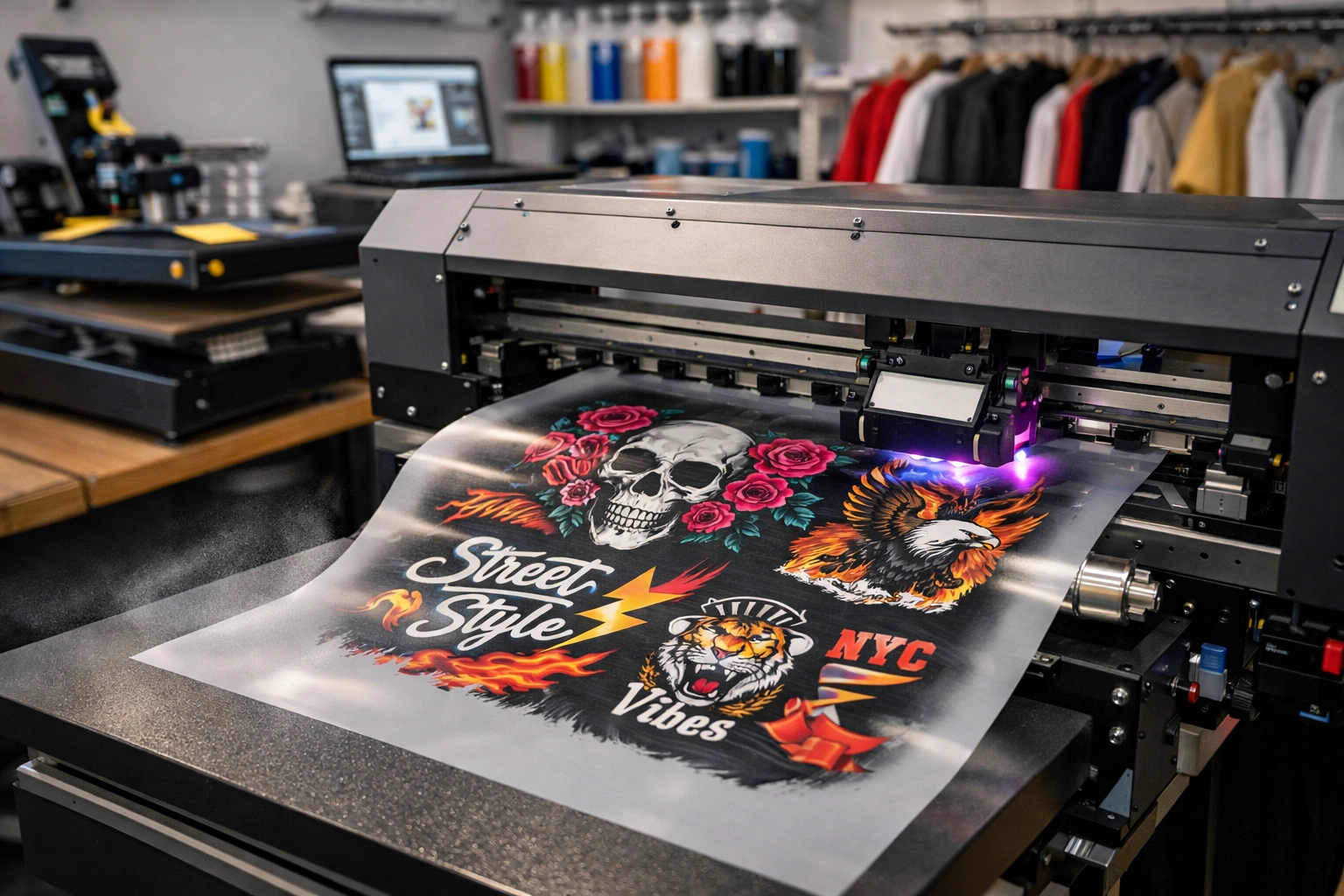
Direct to Film (DTF) printing has rapidly emerged as one of the most reliable and versatile technologies in the modern textile printing industry. From small apparel startups to large-scale garment manufacturers, DTF printing is widely adopted due to its ability to produce vibrant colors, sharp details, and long-lasting prints on a wide variety of fabrics. However, while many printers focus on ink quality, film type, or heat press settings, one crucial factor often overlooked is the printing direction.
Printing direction plays a major role in determining print quality, production speed, consistency, and overall operational efficiency. In DTF printing, two primary printing approaches dominate the market: bi-directional printing and uni-directional printing. Each method has its own technical characteristics, benefits, and limitations, and the right choice can significantly impact your workflow and profit margins.
This article provides an in-depth, practical, and easy-to-understand comparison of bi-directional and uni-directional DTF printing. Whether you are just starting your DTF business or looking to optimize an existing setup, this guide will help you choose the printing method that aligns best with your production goals.
What Is DTF Printing?
DTF (Direct to Film) printing is a digital printing process where designs are printed onto a special PET film using water-based pigment inks. After printing, a hot-melt adhesive powder is applied to the wet ink layer. The film is then cured using heat and later transferred onto fabric using a heat press.
Unlike traditional printing methods such as screen printing or direct-to-garment (DTG), DTF printing offers greater flexibility. It works efficiently on cotton, polyester, blends, denim, leather, and even dark-colored fabrics without the need for pre-treatment.
Key Benefits of DTF Printing
High color vibrancy and sharp details
Strong wash durability
Compatibility with multiple fabric types
Suitable for small batches and bulk production
Lower setup cost compared to screen printing
However, to fully leverage these advantages, understanding how the printer lays down ink—through bi-directional or uni-directional movement—is essential.
Understanding Printing Direction in DTF Printers
Printing direction refers to the movement of the print head while depositing ink onto the film. The direction of movement directly affects ink placement accuracy, drying behavior, and print consistency.
Before choosing between the two methods, let’s clearly define them in the context of DTF printing.
What Is Bi-Directional DTF Printing?
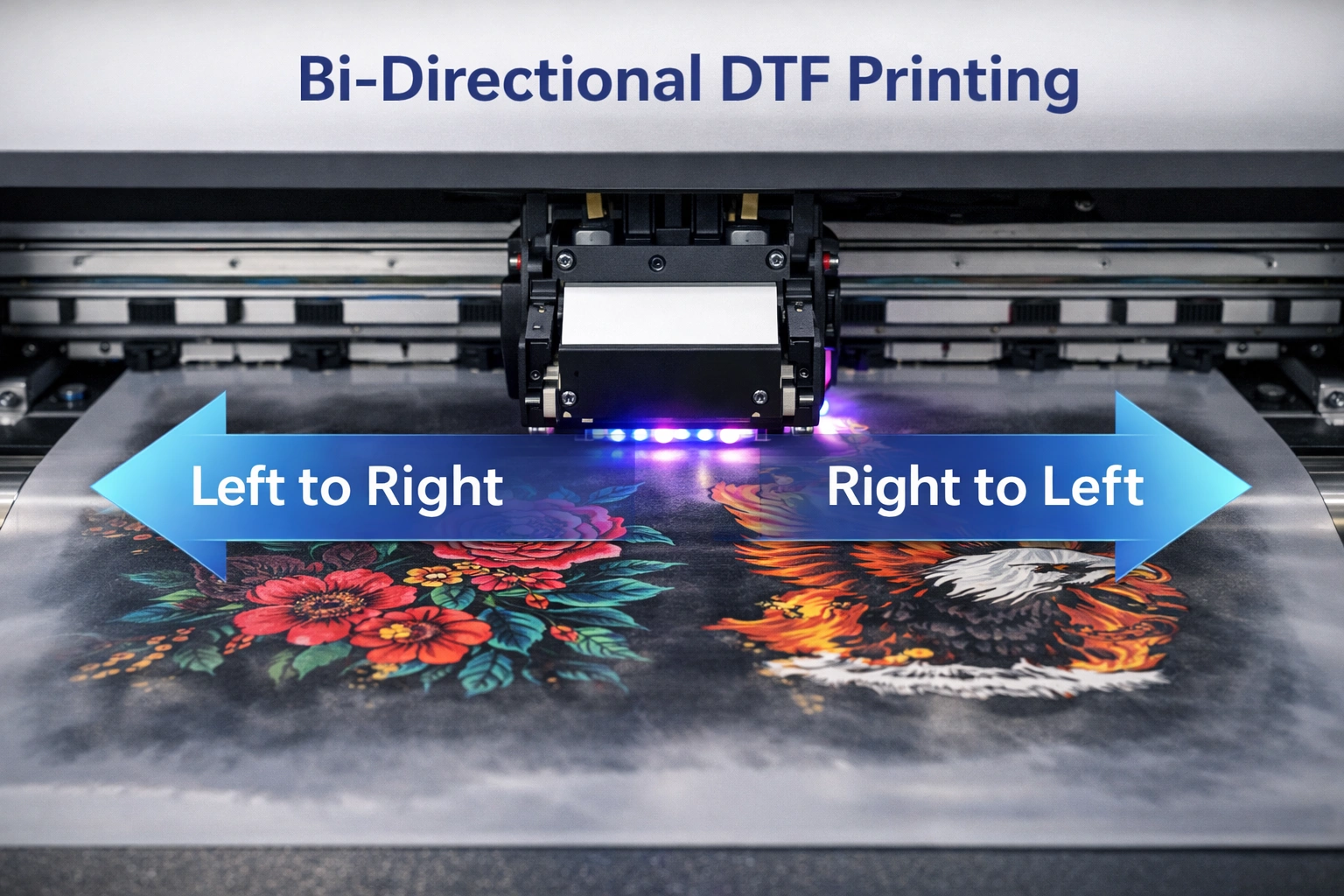
Bi-directional printing means the printer deposits ink while moving the print head from left to right and from right to left. Instead of printing only in one direction, ink is applied during both movements, effectively doubling the productive passes.
This method is commonly used in high-speed production environments where efficiency and turnaround time are critical.
Advantages of Bi-Directional DTF Printing
1. Faster Printing Speed
The biggest advantage of bi-directional printing is speed. Since the print head applies ink in both directions, print times are significantly reduced. This allows businesses to handle large orders efficiently without compromising delivery timelines.
2. Higher Production Output
Faster print cycles naturally translate into higher daily output. This makes bi-directional printing ideal for bulk production, promotional merchandise, and fast-moving apparel businesses.
3. Improved Cost Efficiency
With reduced printing time per job, operational costs such as electricity, labor, and machine usage are optimized. Over time, this can lead to noticeable savings, especially for high-volume operations.
4. Suitable for Simple and Bold Designs
Bi-directional printing performs exceptionally well with bold graphics, large logos, and designs that do not rely heavily on ultra-fine details.
Limitations of Bi-Directional DTF Printing
1. Slight Variations in Print Quality
Because ink is applied in two opposing directions, slight inconsistencies in ink placement or density can occur if calibration is not perfect. These variations may be noticeable in gradients or fine details.
2. Requires Precise Calibration
Bi-directional printing demands accurate mechanical alignment and software calibration. Without proper tuning, issues such as banding or misalignment may appear.
3. Not Ideal for Highly Detailed Artwork
For designs that include micro text, thin lines, or photographic details, bi-directional printing may not always deliver the highest level of precision.
What Is Uni-Directional DTF Printing?
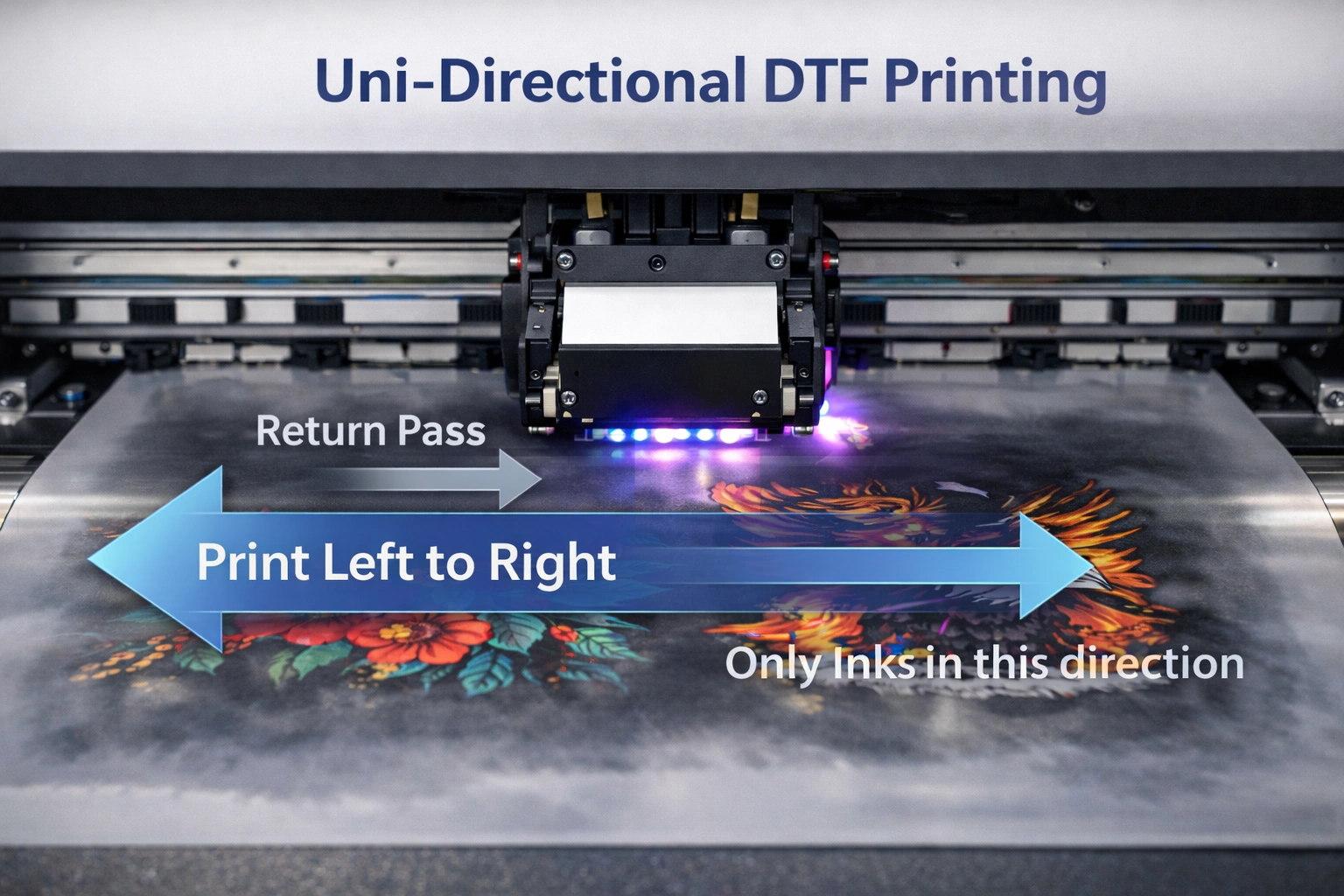
Uni-directional printing involves ink deposition in only one direction, typically from left to right. After each printing pass, the print head returns to its starting position without printing ink.
This controlled approach prioritizes accuracy and consistency over speed.
Advantages of Uni-Directional DTF Printing
1. Superior Print Consistency
Because ink is always laid down in the same direction, uni-directional printing ensures uniform ink distribution. This minimizes the risk of banding, streaks, or alignment issues.
2. Excellent for Fine Details
Uni-directional printing excels in handling intricate designs, fine typography, gradients, and high-resolution artwork. It is often preferred for premium apparel and custom designs.
3. Better Color Density and Accuracy
Ink droplets are placed more precisely, resulting in richer colors and smoother transitions, especially in detailed or shaded areas.
4. Reduced Calibration Complexity
Compared to bi-directional printing, uni-directional printing is easier to calibrate and maintain consistent results over time.
Limitations of Uni-Directional DTF Printing
1. Slower Printing Speed
Since ink is applied in only one direction, print times are longer. This can become a bottleneck for businesses handling large volumes.
2. Lower Production Capacity
Slower printing speed means fewer prints per day, which may not be ideal for high-demand environments.
3. Higher Operational Costs
Extended printing time increases energy consumption and labor involvement, potentially raising production costs.
Bi-Directional vs Uni-Directional: Key Differences
| Factor | Bi-Directional Printing | Uni-Directional Printing |
|---|---|---|
| Printing Speed | Very fast | Slower |
| Print Quality | Good (depends on calibration) | Excellent and consistent |
| Detail Handling | Moderate | High |
| Productivity | High | Medium |
| Calibration Needs | High | Low |
| Best For | Bulk orders, fast production | Premium and detailed designs |
How to Choose the Right Printing Method
Define Your Business Goals
If your primary objective is fast turnaround and high-volume output, bi-directional printing is the logical choice. For businesses focused on premium quality and customization, uni-directional printing offers better results.
Analyze Your Design Types
Bold logos and simple graphics work well with bi-directional printing, while detailed artwork, gradients, and fine text benefit from uni-directional printing.
Understand Your Target Customers
High-end fashion brands and custom apparel clients often prioritize quality over speed. On the other hand, promotional product suppliers and wholesalers value efficiency and cost-effectiveness.
Evaluate Printer Capabilities
Not all DTF printers perform equally well in both modes. Some printers are optimized for high-speed bi-directional printing, while others deliver superior results in uni-directional mode.
Can You Use Both Modes in One Workflow?
Many modern DTF printers allow users to switch between bi-directional and uni-directional printing. This flexibility enables businesses to adapt their workflow based on order type. Bulk jobs can be printed bi-directionally, while premium orders can be handled using uni-directional settings.
However, switching modes requires proper recalibration to maintain consistent quality.
Impact on Ink Consumption and Maintenance
Bi-directional printing may slightly reduce ink usage due to faster passes, while uni-directional printing can consume more ink to maintain density and quality. Maintenance routines also vary, with bi-directional systems requiring more frequent alignment checks.
Conclusion
Choosing between bi-directional and uni-directional DTF printing is not about determining which method is universally better, but about understanding which approach aligns best with your production needs. Bi-directional printing offers speed, efficiency, and scalability, making it ideal for bulk production. Uni-directional printing, on the other hand, delivers unmatched consistency and detail, making it the preferred choice for premium-quality output.
explore our high-quality DTF printers here.
By evaluating your business goals, design requirements, and printer capabilities, you can strategically use either or both methods to maximize productivity and profitability.
Frequently Asked Questions (FAQ)
Which printing method is best for beginners?
Uni-directional printing is often recommended for beginners due to its consistency and easier calibration.
Does bi-directional printing reduce print lifespan?
No, if properly calibrated, print durability remains the same for both methods.
Can switching modes affect print quality?
Yes, improper calibration when switching modes can impact quality, so recalibration is essential.
Is uni-directional printing worth the extra time?
For premium and highly detailed designs, the improved quality often justifies the slower speed.