

 HOME
HOME PRODUCT CENTER
 ABOUT US
 DOWNLOAD CENTER
 SUPPORT CENTER
 SUBSCRIBE
 BLOG
BLOGDTF Printer Carriage Rail Lubrication Guide
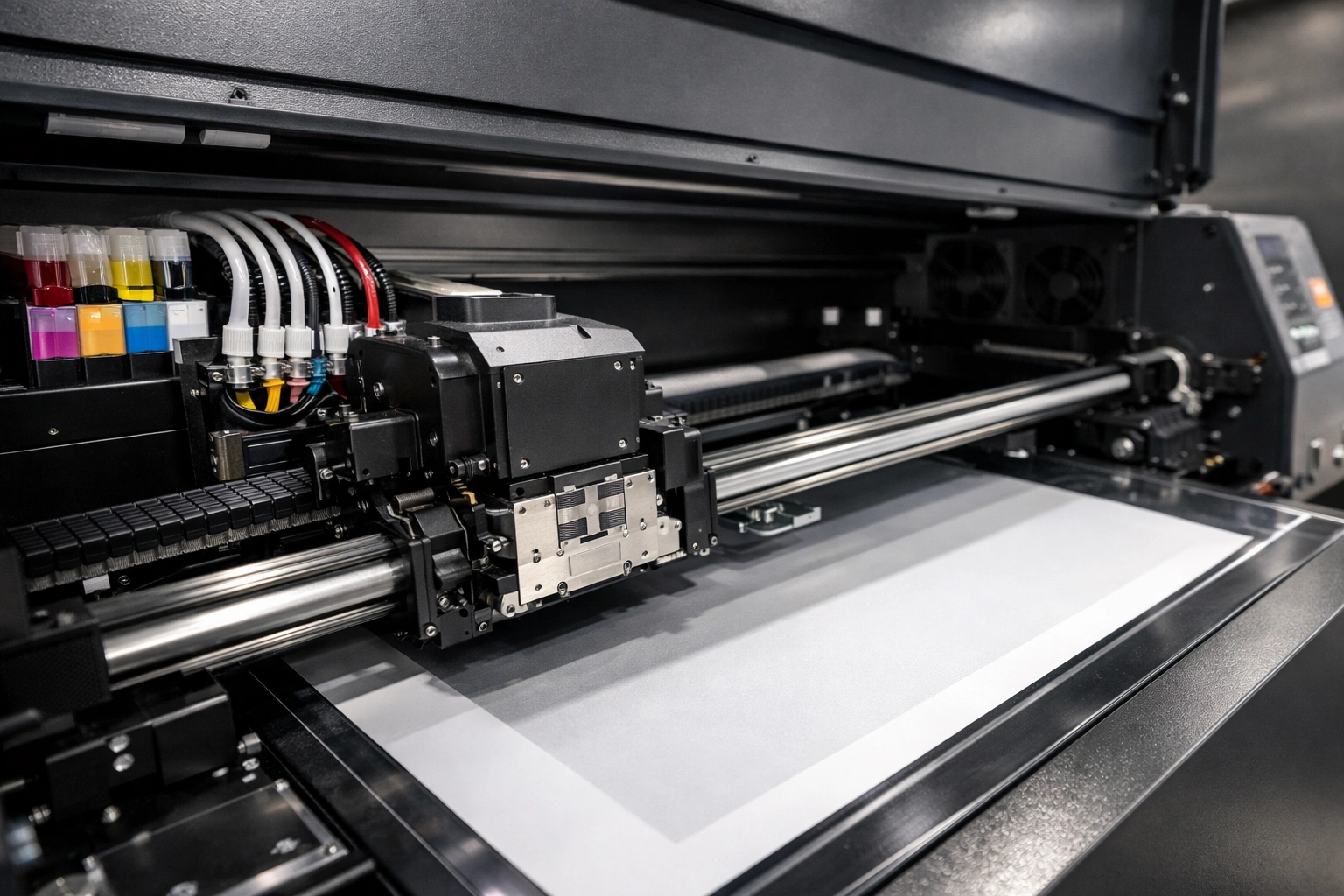
Direct to Film (DTF) printing has rapidly become one of the most preferred technologies in the textile and apparel printing industry. Its ability to produce vivid colors, fine details, and durable prints on a wide range of fabrics makes it an excellent choice for both small businesses and large-scale production units. However, while much attention is given to inks, films, and print heads, one crucial aspect of DTF printer maintenance is often overlooked: carriage rail lubrication.
The carriage rail system is the backbone of a DTF printer’s mechanical movement. It supports the smooth and precise motion of the print head assembly during printing. Without proper lubrication, even the most advanced DTF printer can suffer from performance issues, reduced print quality, and premature mechanical failure. Regular and correct lubrication of carriage rails is not just maintenance—it is a necessity for consistent output and long-term reliability.
This comprehensive guide explains everything you need to know about DTF printer carriage rail lubrication, including why it matters, how to identify lubrication needs, choosing the right lubricant, step-by-step lubrication procedures, common mistakes to avoid, and long-term maintenance best practices.
Understanding the Carriage Rail System in DTF Printers
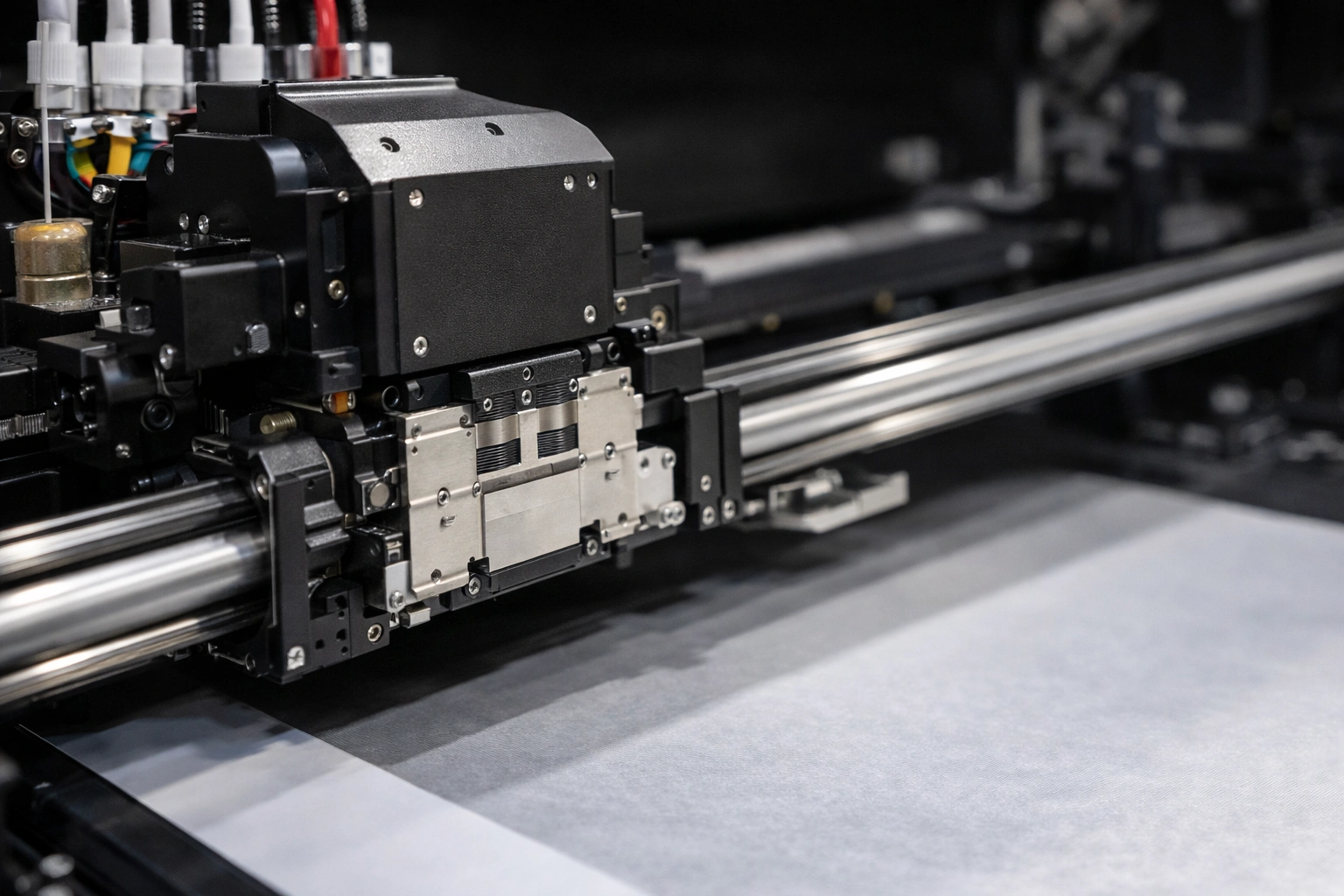
The carriage rail is a precision-engineered metal rod or guide on which the print carriage moves horizontally. The print carriage holds critical components such as the print head, dampers, ink lines, and sometimes sensors. During printing, the carriage moves thousands of times across the rail, making smooth motion essential for accuracy.
Because of constant motion and exposure to ink mist, dust, fabric fibers, and environmental humidity, carriage rails are subject to gradual contamination and wear. Lubrication acts as a protective barrier that reduces metal-to-metal contact, ensures stable movement, and minimizes vibration during operation.
A poorly maintained carriage rail system can lead to subtle issues at first, such as faint banding or minor noise, but can escalate into major mechanical failures if ignored.
Why Carriage Rail Lubrication Is Critical
Proper lubrication plays a key role in maintaining overall printer health. Below are the main reasons why carriage rail lubrication is essential for DTF printers.
Reduced Mechanical Friction
Lubrication creates a thin film between the rail and the carriage bearings, reducing friction. Lower friction means smoother motion and less strain on the motor and belt system.
Consistent Print Quality
Smooth carriage movement directly affects print alignment. Poor lubrication can cause micro-vibrations or uneven movement, resulting in banding, ghosting, or misaligned prints.
Noise Reduction
A dry or contaminated rail often produces grinding or squeaking sounds during operation. Proper lubrication significantly reduces operational noise.
Extended Component Lifespan
Lubrication prevents premature wear of rails, bearings, belts, and motors, reducing the need for costly repairs or replacements.
Improved Printing Efficiency
A well-lubricated system allows the printer to operate at optimal speeds without hesitation or resistance, improving workflow efficiency.
Signs Your DTF Printer Needs Carriage Rail Lubrication
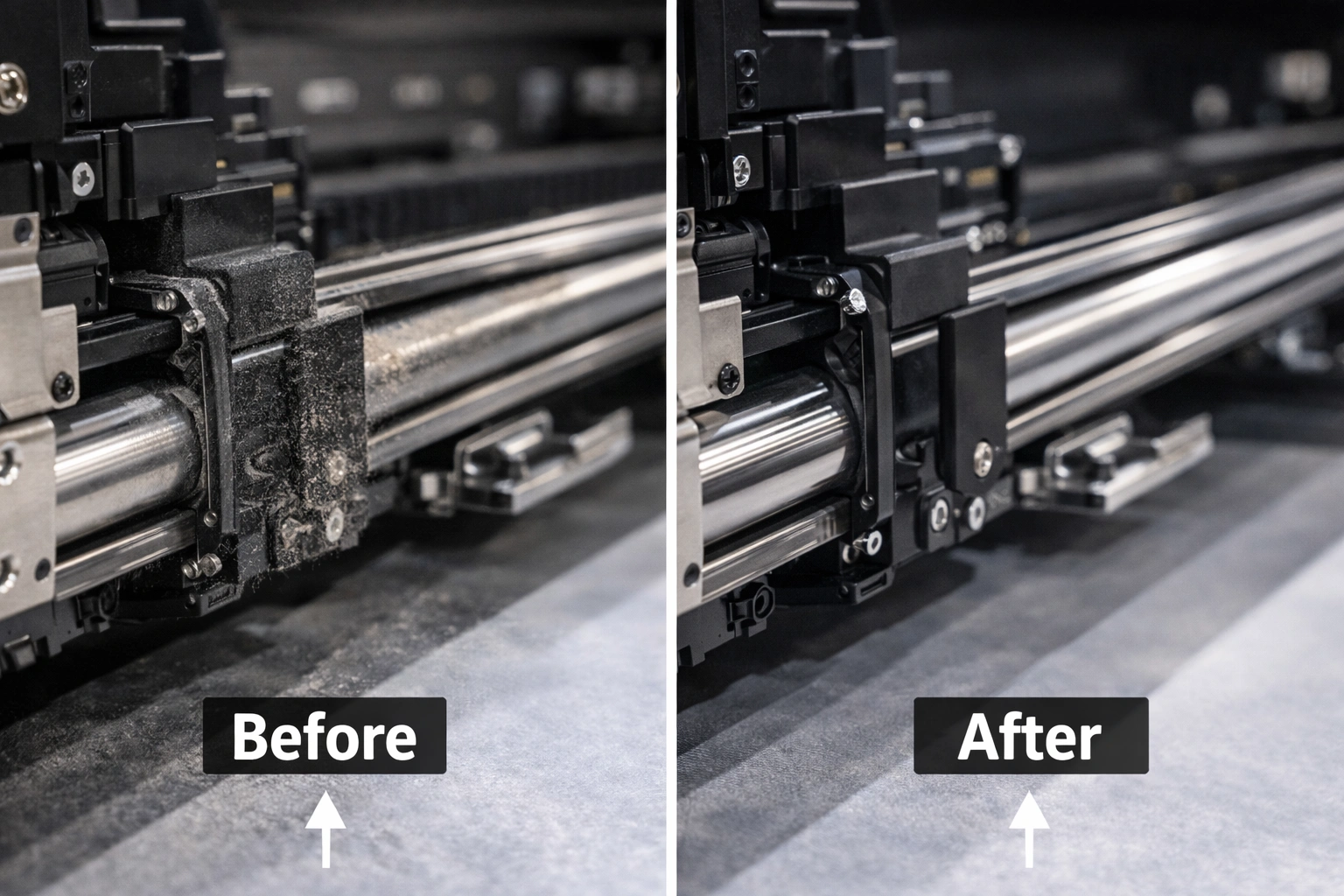
Knowing when to lubricate is just as important as knowing how. Here are the most common warning signs:
Unusual noise during printing, such as grinding or squeaking
Visible dark streaks, scratches, or dust buildup on the rail
Inconsistent print alignment or horizontal banding
Jerky or uneven carriage movement
Increased resistance when moving the carriage manually
Sudden reduction in print speed or accuracy
Ignoring these signs can result in long-term mechanical damage.
How Often Should You Lubricate Carriage Rails?
Lubrication frequency depends on usage, environment, and workload. While there is no universal rule, general guidelines include:
Light usage: Every 2–3 months
Moderate usage: Once a month
Heavy commercial usage: Every 2–3 weeks
Dusty environments, high humidity, or continuous production cycles may require more frequent inspection and lubrication.
Choosing the Right Lubricant for DTF Printers
Selecting the correct lubricant is crucial. Using the wrong product can attract dust, damage seals, or interfere with printer components.
Recommended Lubricant Types
Light Machine Oil
Ideal for precision components. It spreads evenly and does not leave heavy residue.
Synthetic Lubricants
Offer excellent temperature stability and longer-lasting protection. Suitable for high-speed printers.
Specialized Printer Rail Oil
Designed specifically for printing equipment and often recommended by manufacturers.
Lubricants to Avoid
Thick automotive grease
WD-40 or penetrating sprays
Silicone sprays near sensors or belts
Household oils that attract dust
Always consult the printer’s manual or manufacturer recommendations before applying any lubricant.
Tools and Materials Required
Before starting, gather the following:
Recommended lubricant
Lint-free microfiber cloth
Isopropyl alcohol or mild cleaner
Disposable gloves
Small applicator or dropper
Paper towels
Having everything ready ensures a clean and efficient lubrication process.
Step-by-Step Carriage Rail Lubrication Process
Step 1: Power Off and Unplug
Turn off the printer and unplug it from the power source to ensure safety.
Step 2: Access the Carriage Rail
Open the printer cover carefully and locate the carriage rail. Ensure good lighting for visibility.
Step 3: Move the Carriage Manually
Gently move the carriage to the center to expose more rail surface.
Step 4: Clean the Rail Thoroughly
Use a lint-free cloth lightly dampened with isopropyl alcohol to remove dust, old lubricant, and ink residue.
Step 5: Apply Lubricant Sparingly
Apply a thin, even layer of lubricant along the rail. Less is more—excess lubricant attracts dust.
Step 6: Distribute the Lubricant
Move the carriage slowly from side to side several times to spread the lubricant evenly.
Step 7: Remove Excess
Wipe off any visible excess lubricant with a clean cloth.
Step 8: Test the Printer
Close the cover, plug in the printer, and run a test print to confirm smooth operation.
Common Mistakes to Avoid
Over-lubricating the rail
Using incompatible lubricants
Skipping the cleaning step
Lubricating while the printer is powered on
Allowing lubricant to drip onto belts or sensors
Avoiding these mistakes ensures optimal performance and prevents secondary issues.
Impact of Poor Lubrication on Print Quality
Improper lubrication can cause:
Horizontal banding
Color misalignment
Uneven ink deposition
Reduced resolution in fine details
In professional printing environments, these defects can result in rejected orders and customer dissatisfaction.
Environmental Factors Affecting Lubrication
Environmental conditions significantly influence lubrication needs:
Dusty areas: Require more frequent cleaning
High humidity: May cause lubricant breakdown
Temperature fluctuations: Affect lubricant viscosity
Maintaining a clean, climate-controlled workspace enhances printer longevity.
Preventive Maintenance Best Practices
To keep your DTF printer running smoothly:
Inspect carriage rails weekly
Clean the printer interior regularly
Use high-quality consumables
Maintain a maintenance log
Follow manufacturer guidelines strictly
Preventive care reduces downtime and repair costs.
Troubleshooting After Lubrication
If issues persist after lubrication:
Recheck for excess lubricant
Inspect belts and bearings
Ensure rail alignment
Look for obstructions or debris
Persistent problems may require professional servicing.
Long-Term Benefits of Regular Lubrication
Stable and consistent print quality
Reduced mechanical stress
Lower maintenance costs
Extended printer lifespan
Improved production efficiency
Regular lubrication is a small effort with significant long-term rewards.
Conclusion
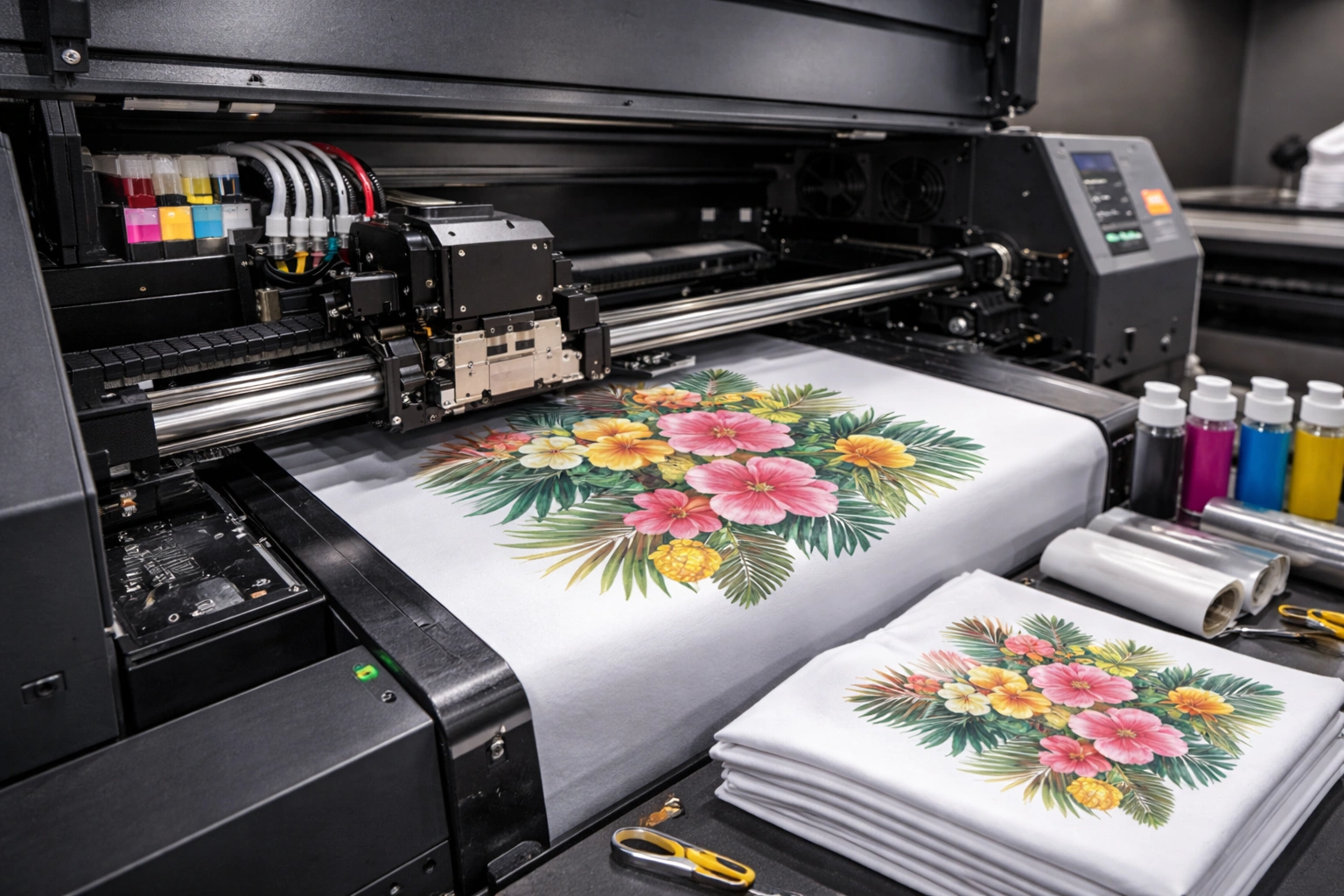
Carriage rail lubrication is a fundamental yet often underestimated aspect of DTF printer maintenance. A smooth-running carriage system ensures precise print alignment, consistent quality, and long-term machine reliability. By following proper lubrication techniques, choosing the right products, and maintaining a regular maintenance schedule, you can significantly extend the life of your DTF printer and protect your investment.explore our high-quality DTF printers here
Whether you are a small business owner or a large-scale production operator, proper carriage rail lubrication is essential for achieving professional-grade printing results.
Frequently Asked Questions (FAQ)
How often should I lubricate my DTF printer carriage rails?
Typically every 1–3 months, depending on usage and environment.
Can I use general-purpose oil for lubrication?
No. Always use lubricants recommended for precision printing equipment.
Is lubrication required for new printers?
Yes. Even new printers benefit from regular inspection and maintenance.
What happens if I over-lubricate the rail?
Excess lubricant attracts dust and may cause print quality issues.
Can lubrication fix banding problems?
If banding is caused by uneven carriage movement, proper lubrication can help.