

 HOME
HOME PRODUCT CENTER
 ABOUT US
 DOWNLOAD CENTER
 SUPPORT CENTER
 SUBSCRIBE
 BLOG
BLOG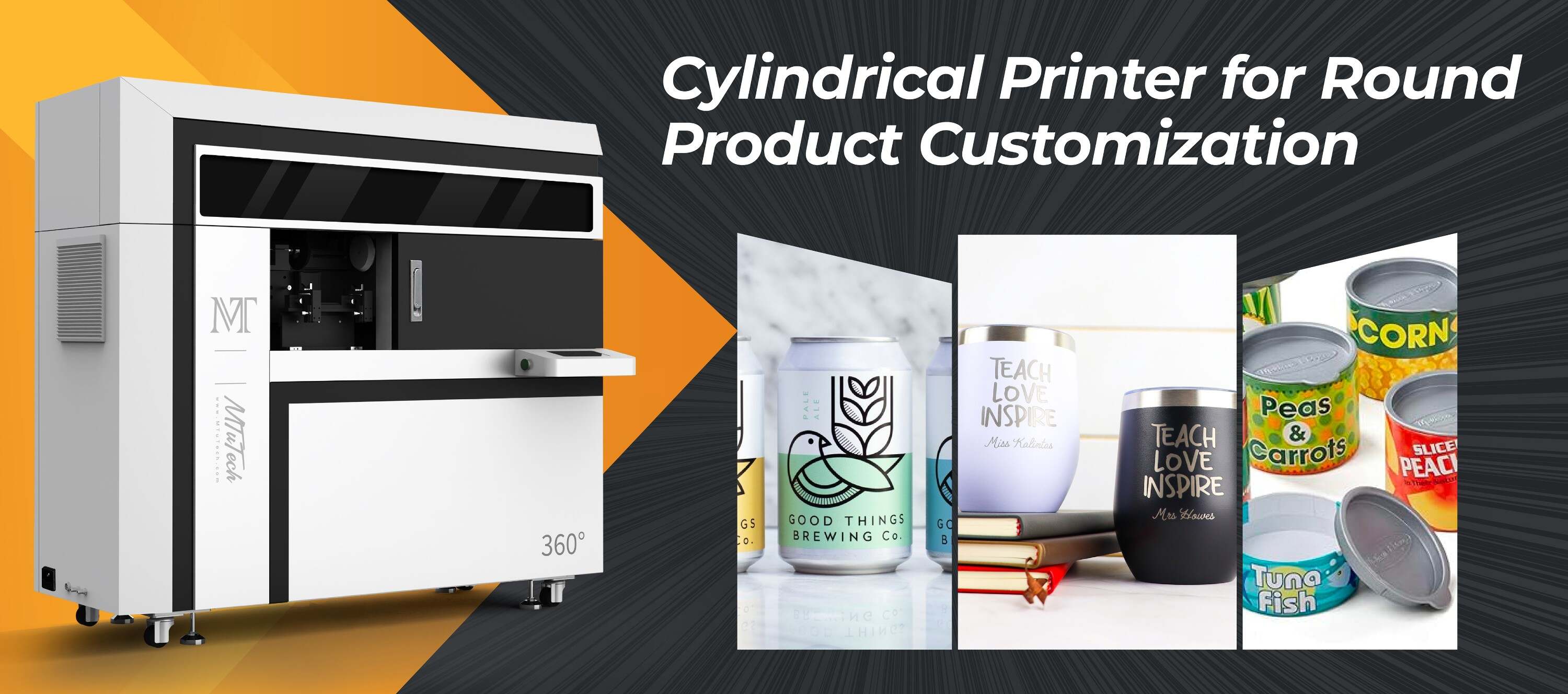
Cylindrical Printer Motor Overheating: Cooling and Duty Cycle Fixes
Introduction
Cylindrical printers play a critical role in modern printing technology, particularly in the production of unique, cylindrical items like bottles and jars. While these machines can significantly enhance production efficiency and quality, overheating issues, particularly within the motor, can pose significant challenges. Understanding the causes of motor overheating and implementing effective cooling and duty cycle fixes can extend the lifespan of your cylindrical printer and ensure high-quality output.
Understanding Motor Overheating
Before delving into solutions, it’s essential to understand what causes motors in cylindrical printers to overheat. Several factors can contribute to this issue:
·
Inadequate Cooling: If the cooling system is insufficient, the motor may overheat, especially during prolonged use.
·
·
Excessive Load: Continuously operating the printer beyond its specified capacity can cause the motor to work harder, leading to overheating.
·
·
Infrequent Maintenance: Dust and debris accumulation can hinder cooling and cause components to overheat.
·
·
Environmental Conditions: High ambient temperatures can exacerbate overheating issues.
·
Identifying Overheating Issues
Monitoring the performance of your cylindrical printer is crucial for spotting early signs of overheating. Here are some indicators to look out for:
·
The motor casing is hot to the touch.
·
·
Strange noises, such as grinding or clunking sounds, during operation.
·
·
Fluctuations in printing quality, including inconsistent ink distribution.
·
·
Frequent trips of thermal overload protection or motor shut-offs.
·
Cooling Solutions for Cylindrical Printer Motors
Implementing effective cooling solutions can help mitigate the risk of overheating. Here are several strategies you can consider:
1. Improve Ventilation
Ensure that the area surrounding your cylindrical printer is well-ventilated. Increasing airflow can help dissipate heat generated during operation. Consider using fans or air conditioning units to enhance ventilation, particularly in high-temperature environments.
2. Use Temperature Monitoring Systems
Installing temperature sensors on your printer can provide real-time data on the motor's temperature. This information can help identify patterns and alert you when temperatures are approaching critical levels.
3. Upgrade Cooling Systems
If your printer has a built-in cooling system, assess its efficiency. Consider upgrading to more advanced cooling solutions, such as:
·
Liquid Cooling Systems: These systems can provide more efficient and consistent cooling than traditional fans.
·
·
Heat Sinks: Adding heat sinks can help dissipate heat away from the motor more effectively.
·
4. Regular Maintenance
Implementing a regular maintenance schedule can ensure that the cooling components of your printer are functioning optimally. Clean the fan blades, ducts, and vents regularly to prevent dust buildup and ensure free airflow.
Duty Cycle Management
Duty cycle refers to the ratio of the time a machine is operational versus the time it is idle. Effectively managing the duty cycle can significantly reduce the risk of motor overheating. Here are some strategies:
1. Assess Printer Capabilities
Examine your cylindrical printer's specifications to understand its recommended duty cycle. Operating it beyond these limits can lead to overheating. Stick to the manufacturer's recommendations for on-time and cooling periods.
2. Implement Breaks During Long Runs
For long production runs, incorporating scheduled breaks can allow the motor to cool down before resuming operation. This simple practice can enhance performance and extend the life of your machinery.
3. Monitor Production Workloads
Keep an eye on production loads. If consistently high workloads are causing overheating, consider adjusting the production schedule or employing additional machines to share the load.
Training and Education
Investing in staff training is crucial for ensuring that your team understands the importance of proper duty cycle management and cooling systems. Educate your personnel about:
·
Identifying signs of motor overheating.
·
·
Implementing cooling solutions.
·
·
Maintaining an optimal duty cycle.
·
Training can contribute to the efficiency and longevity of not only the cylindrical printer but the entire production process.
Conclusion
Cylindrical printer motor overheating can pose significant challenges to production efficiency and quality. By understanding the causes, implementing effective cooling solutions, and managing duty cycles diligently, businesses can minimize the risk of overheating. Regular maintenance and staff training further bolster these efforts, ensuring that your cylindrical printer operates reliably and efficiently.
For businesses invested in high-quality printing solutions, our Cylindrical printers offer both exceptional performance and durability, making them an ideal choice for a variety of applications.
FAQ
What are the signs of a cylindrical printer motor overheating?
Common signs include a hot motor casing, strange noises during operation, fluctuations in print quality, and frequent thermal overload trips.
How can I prevent overheating in my cylindrical printer?
Prevent overheating by improving ventilation, installing temperature monitoring systems, upgrading cooling solutions, and adhering to a regular maintenance schedule.
What is duty cycle in terms of cylindrical printers?
Duty cycle refers to the ratio of time a printer operates versus the time it remains idle, with specific limits set by the manufacturer to avoid overheating.
How often should I perform maintenance on my cylindrical printer?
A regular maintenance schedule is crucial—consider monthly checks for cooling systems and more in-depth inspections on a quarterly basis.
Can running a cylindrical printer beyond its duty cycle cause damage?
Yes, exceeding the recommended duty cycle can lead to overheating, which may cause significant damage to motor components and reduce the printer's lifespan.