

 HOME
HOME PRODUCT CENTER
 ABOUT US
 DOWNLOAD CENTER
 SUPPORT CENTER
 SUBSCRIBE
 BLOG
BLOG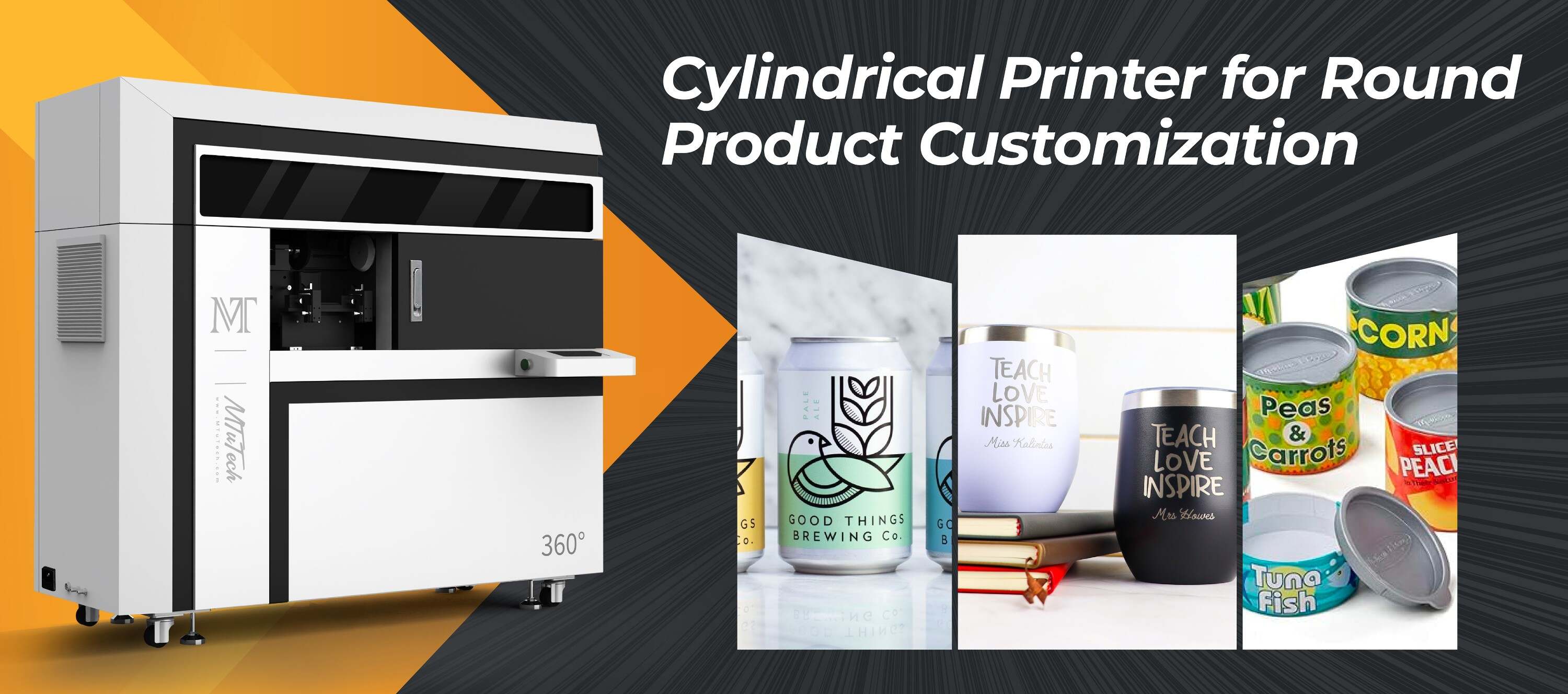
Understanding Tumbler Printer Ink Drop Size and DPI on Curved Surfaces
Introduction
In the world of custom drinkware, tumbler printing has emerged as a popular choice for businesses looking to create unique, personalized products. Whether for promotional items, gifts, or everyday use, the quality of the print is paramount. At the core of this quality lies two crucial factors: ink drop size and dots per inch (DPI). Understanding these terms not only optimizes your printing process but also ensures the best results when printing on curved surfaces.
What is Ink Drop Size?
Ink drop size refers to the volume of ink that is ejected from the print head of a tumbler printer during the printing process. This measurement is typically given in picoliters (pL), where a smaller number indicates a finer drop size. Knowing the drop size can be crucial for several reasons:
·
Precision: Smaller drop sizes allow for greater detail and sharper images.
·
·
Color Depth: Fine drops can blend colors more effectively, resulting in a more vibrant finish.
·
·
Ink Usage: Smaller drops can lead to less ink wastage when printing intricate designs.
·
Understanding DPI (Dots Per Inch)
DPI, or dots per inch, is a measure of the resolution of a print. It indicates how many individual dots of ink a printer can place in a single inch. Higher DPI values result in more detail and smoother gradients in printed images. Here's why DPI is critical for tumbler printing:
·
Image Clarity: A higher DPI leads to clearer and more defined images.
·
·
Size and Scale: Adjusting the DPI setting can help manage how an image scales when printed on a curved surface.
·
·
Design Versatility: Higher DPI permits intricate designs that stand out even on small surfaces like tumblers.
·
How Ink Drop Size and DPI Affect Printing on Curved Surfaces
Printing on curved surfaces presents unique challenges. The curvature can distort images, making precise control over ink drop size and DPI even more critical. Here’s how each factor plays a role:
1. Ink Drop Size Adaptation
The curved nature of tumblers can cause uneven application of ink. Here’s how managing drop size can help:
·
Consistent Coverage: Smaller drops can adapt to the surface changes, providing uniform coverage without running or pooling of ink.
·
·
Detail Retention: When dealing with curves, maintaining image detail is key, and smaller drops facilitate better detail reproduction.
·
2. DPI and Image Definition
When printing on a curved surface, high DPI settings are crucial for retaining image integrity. At higher resolutions:
·
Reduced Distortion: Images remain sharp, reducing the risk of visual distortion that could occur due to the curve of the tumbler.
·
·
Smoother Gradients: Displays smoother color transitions, which enhances the overall appearance.
·
Choosing the Right Settings for Optimal Results
When setting up your tumbler printer, it’s essential to consider what settings work best together for your specific needs. Here’s a guide to help you choose:
1. Determine Your Design Needs
Start by analyzing the design you intend to print:
·
If the design has intricate details, consider a smaller ink drop size (e.g., 4-8 pL) and a higher DPI (e.g., 1200 DPI).
·
·
For simpler designs, you can opt for a larger drop size while maintaining a moderate DPI (e.g., 600 DPI).
·
2. Test Printing
Before finalizing any project, conduct test prints to see how different settings affect the final product. This will help you fine-tune your preferences for:
·
Color accuracy
·
·
Detail retention
·
·
Overall print quality
·
Common Challenges in Tumbler Printing
Printing on tumblers isn’t without its challenges. Here are some common issues users face, along with solutions:
1. Ink Smudging or Running
This issue primarily arises when the drop size is too large, or the DPI is insufficient. To mitigate this:
·
Use a smaller drop size for more intricate designs.
·
·
Increase the DPI to manage ink saturation better.
·
2. Inconsistent Image Quality
Inconsistencies can stem from improper calibration or varying print settings. Ensure that:
·
Your printer is regularly calibrated.
·
·
The settings are adjusted correctly based on different designs and surfaces.
·
Conclusion
In conclusion, understanding the intricacies of ink drop size and DPI is essential for getting the best results when printing on tumblers. By carefully considering these factors, you can achieve high-quality prints that not only look stunning but also meet your business or personal needs. If you’re looking to elevate your tumbler printing experience, investing in a high-quality tumbler printer is a step in the right direction. Explore our high-quality Tumbler printers here and start your journey towards exceptional custom drinkware.
FAQ
What is the ideal DPI for printing on tumblers?
The ideal DPI for tumbler printing typically ranges from 600 to 1200 DPI. A higher DPI is recommended for intricate designs, while lower DPI can be used for simpler graphics.
How does drop size impact color vibrancy?
Smaller drop sizes tend to mix colors more effectively, leading to vibrant prints with smooth gradients and better detail retention.
Can I use different settings for different designs on the same tumbler?
Yes, you can adjust settings according to the complexity of each design. However, it's essential to test prints to ensure consistency.