

 HOME
HOME PRODUCT CENTER
 ABOUT US
 DOWNLOAD CENTER
 SUPPORT CENTER
 SUBSCRIBE
 BLOG
BLOG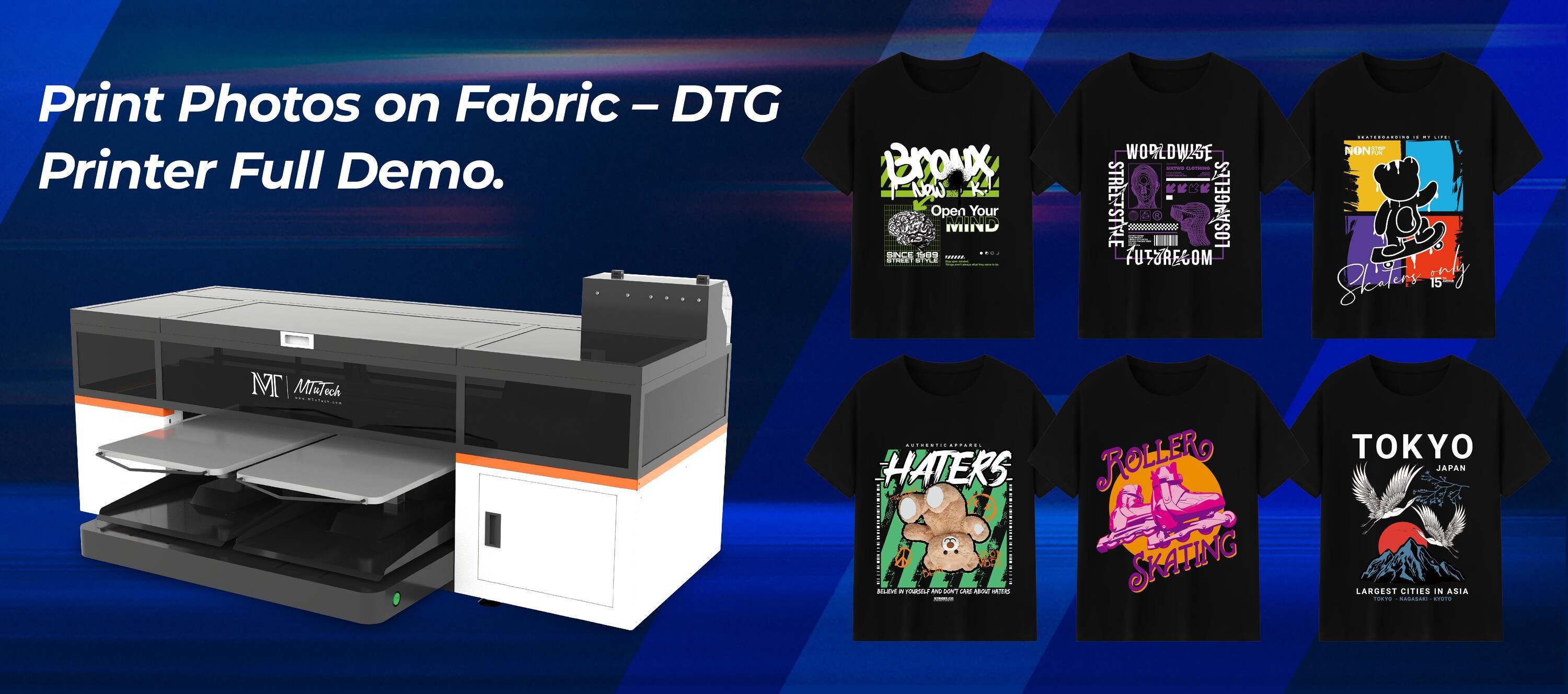 Introduction
If you've recently purchased a Direct to Garment (DTG) printer, the chances are pretty good that you are excited and eager for its arrival. And, why not? It's a remarkable technology that has revolutionized the fabric printing sector, enabling businesses to produce vibrant, high-resolution printed apparel in less time.
However, receiving your DTG printer is only the first half of the story. The next crucial step is to properly install and set up your new machine. Here, we have curated an exhaustive checklist and some essential setup tips to ensure a smooth and error-free deployment of your DTG printer.
Inspection And Initial Set-up
Once your DTG printer arrives, your first task should be a meticulous inspection.
Unboxing
Carefully unravel your package. Check the exterior for any signs of visible damage that might have occurred during the transit. Should any damage be visible, notify the shipper and the manufacturer immediately.
Inventory Check
Make sure that all the parts have made it safely. Inventory the box against the provided list of contents to ensure nothing is missing. If any parts are missing, report this to the manufacturer at the earliest.
Interior Inspection
Look for any potential damages to the printer's interior. Although rare, occasionally components may loosen during transit. Spot any loose parts or accessories and re-secure them as necessary.
Setup
Once you've confirmed that your DTG printer has arrived in peak condition, the next step is setting it up.
Choose A Suitable Location
The device's location in your workspace can impact its performance and lifespan. Ensure that your printer is situated in a dust-free environment, away from direct sunlight, and isn't in a damp area. The machine should sit on a leveled surface.
Install Ink Cartridges
Insert the ink cartridges into their respective slots. Ensure the inks are allotted correctly as per the color designation. Make sure the cartridges are firmly seated into place.
Print Head Alignment
A crucial aspect of setting up your DTG printer is the alignment of the print head. Carefully follow your printer's manual for precise instructions on how to align the print head properly.
Software Installation
Install the necessary software that came with your printer onto your working computer. The software is an integral component of your DTG printer as it communicates your design from the computer to the printer. Most DTG printers come with unique software tailored to suit the particular model's specifications and needs.
After these steps, your DTG printer is ready to use. But remember, like any other tool, its performance depends on how well you maintain it. Always follow manufacturer recommendations to ensure the longevity of the printer and the optimum quality of prints.
Maintenance Tips
Now that your new DTG printer is ready let's explore a few important maintenance tips.
Regular Cleaning
Maintain a routine cleaning schedule to keep your printer running smoothly. Wipe down the printer exterior, clean the print head, and the ink cartridges. Don’t forget to clean the platen where the garment is placed for printing.
Frequent Use
To keep the ink from clotting and damaging the print heads, try to use your printer frequently. If you're not utilizing it daily, conduct test prints regularly to keep the ink moving through the system.
Ink Levels
Keep a close check on ink levels. If your printer runs out of a certain color before you notice, it can damage the print head.
Follow these steps, and you’re all set to make the most out of your DTG printer. Often, the idea of setting up a new machine might seem daunting, but with the right guidance and patience, you can easily master it. Ensuring that you regularly maintain your printer will result in high-quality prints and extend your printer's life.
Once your DTG printer is well set-up and running, it can drastically upsurge the productivity of your business. With an ability to print intricate designs directly onto garments, these printers offer an unprecedented level of detail and color accuracy that is hard to surpass. Interested in exploring the line of high-quality DTG printers? Explore our high-quality DTG printers here.
FAQs
What is a DTG printer?
A DTG printer is a machine that prints digital images directly onto a garment using ink jet technology. It's perfect for designs that require high resolution and multiple colors.
How do I keep my DTG printer in top condition?
Routine maintenance, regular use, and careful monitoring of ink levels and print quality are the best ways to keep your DTG printer in top condition.
What's the best location for a DTG printer in my workspace?
Your DTG printer should be in a dust-free environment, away from direct sunlight, and not in a damp area. Also, ensure that your printer rests on a leveled surface.
What's included with my DTG printer?
Items included may vary between manufacturers and models. Commonly, a DTG printer package includes the printer, print-head, a set of inks, cables, and software used to create and print designs.