

 HOME
HOME PRODUCT CENTER
 ABOUT US
 DOWNLOAD CENTER
 SUPPORT CENTER
 SUBSCRIBE
 BLOG
BLOGDTG Printer Complete Guide to Tools and Setup for High Quality Garment Prints
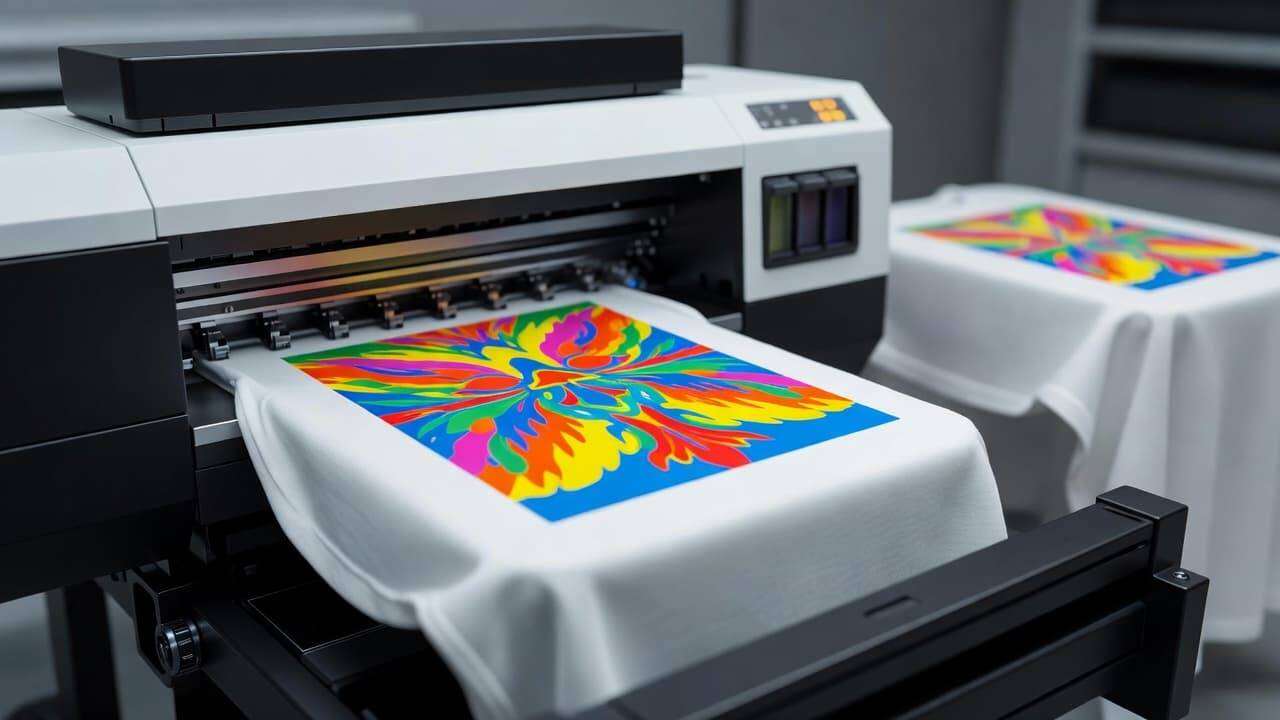
A DTG printer or direct to garment printer has become one of the most popular tools in the clothing and custom apparel industry. It makes it possible to print detailed and bright designs directly on fabric without the need for screens or plates. This printing method works much like an inkjet printer for paper but is designed for textile use. With a DTG printer, users can create full colour images and detailed artwork with high precision and quality. DTG printing is ideal for small orders, personalized designs, and businesses that need flexibility and professional quality output.
However, owning a DTG printer alone is not enough to get the best results. Along with the printer, there are important tools, accessories, and workflow equipment that help improve print quality, speed, and consistency. These supporting items help prepare garments, manage software, handle curing and more. In this article, we will explain all the essential tools you need for a complete DTG printing setup and how each component contributes to better results.
This guide is designed to help beginners, small business owners, and anyone starting in DTG printing to understand what they need to create high quality custom products with ease.
What Is a DTG Printer
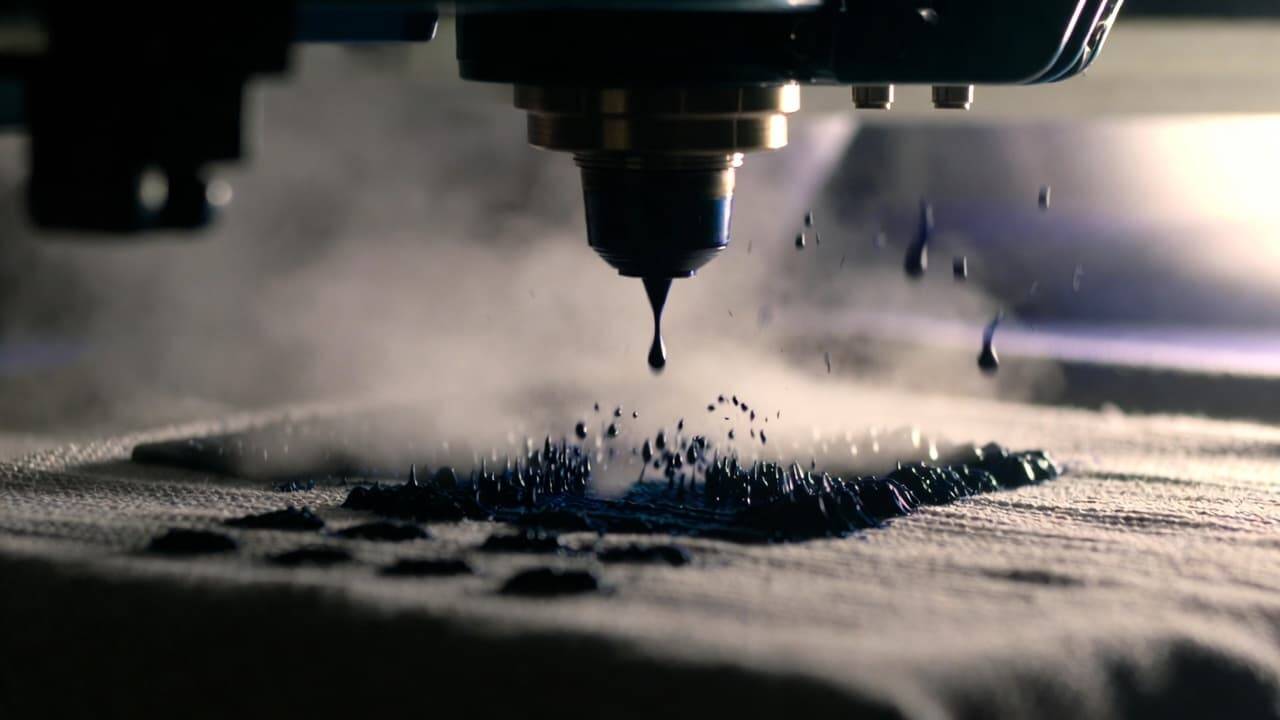
A DTG printer is a specialized machine that prints directly onto garments using textile ink. The ink is absorbed by the fabric fibres and becomes part of the material once cured. This process does not require separate screens or film, making it suitable for complex designs and small batches. DTG printers are especially effective on cotton or cotton blend fabrics where the ink can bond well. DTG printing delivers soft hand feel and vibrant colour results when done correctly.
Why You Need Supporting Tools for DTG Printing
Using a DTG printer without proper support tools can result in prints that lack vibrancy, wash durability, or proper ink absorption. Without pre-treatment, heat curing, and proper software, prints may fade or wash out over time. Supporting tools make the entire printing process smoother and more professional. These tools help with garment preparation, printing workflow, and maintaining the printer to reduce downtime and errors.
Below, we explain the key tools and accessories every DTG printer owner should consider.
Pre-Treatment Tools
What Is Pre-Treatment
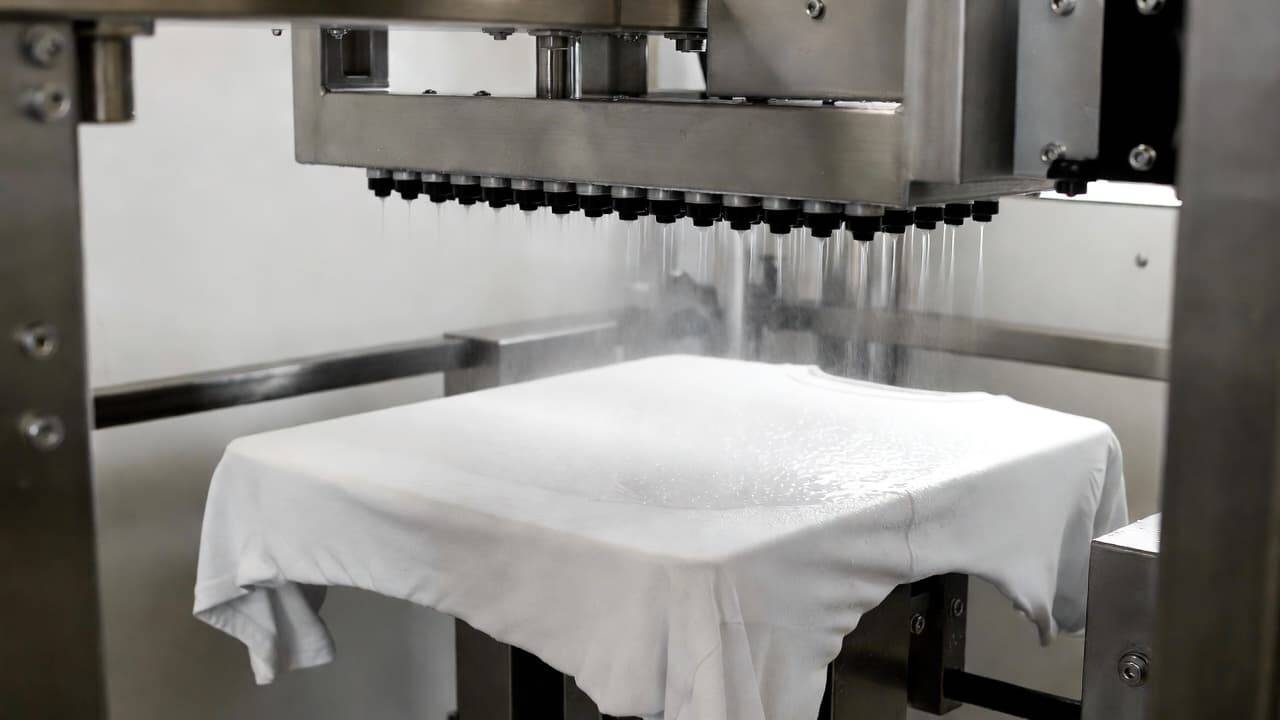
Pre-treatment solution is a liquid applied to garments before printing. It prepares the fabric by helping the ink bind better to the fibres. This is especially important when printing on dark garments because white ink and vibrant colours need a base to stand out. Without proper pre-treatment, colours may look faded or washed out after printing and washing. Pre-treatment also improves wash durability and helps prevent ink bleeding. Pre-treatment is a standard step used by most DTG professionals to achieve consistent and high quality prints.
Manual Pre-Treatment
For those just starting or running a small operation, manual spraying of the pre-treatment solution may be enough. A hand sprayer or manual spray bottle allows you to apply the pre-treatment before printing. It requires careful application to avoid uneven areas or over saturation. When used correctly, manual pre-treatment can deliver good results and is cost effective for low volume work.
Pre-Treatment Machine
For better consistency and speed, many printers use a dedicated pre-treatment machine. A pre-treatment machine automatically applies the solution evenly across the garment surface. This is especially useful for higher volume work. Automated pre-treatment machines reduce risks of uneven application and save time compared to manual spraying. For businesses expecting moderate to high order volumes, a pre-treatment machine improves quality and workflow efficiency.
Choosing Pre-Treatment Tools
When choosing pre-treatment tools, consider your expected order volume, the types of garments you will print, and your budget. Manual methods work for low volumes and testing. A dedicated machine is best for consistent quality and faster production in busy environments.
Heat Press Equipment
fSoftware Tools for Design and Printing
Why Heat Press Is Important
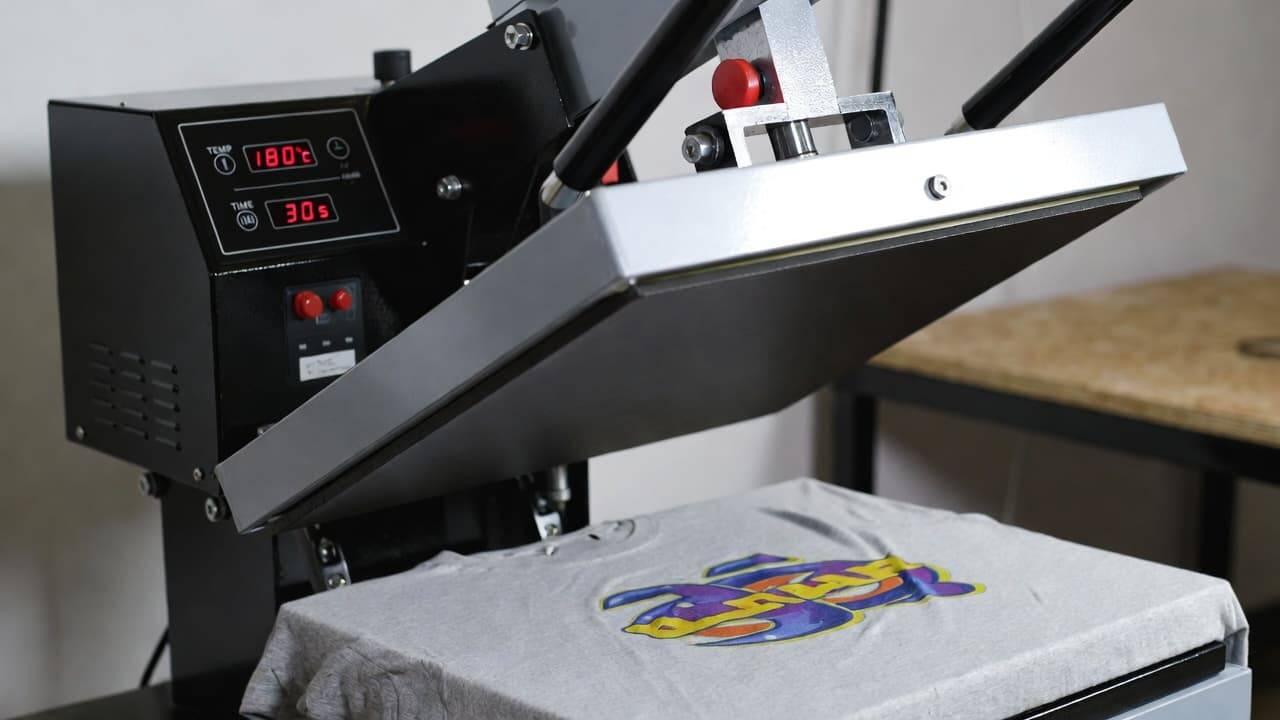
Once a design is printed on a garment with a DTG printer, the next step is to cure or fix the ink. Curing makes the ink permanent so it resists washing, cracking, and fading. A heat press applies controlled heat and pressure to the print area to make the ink bond with the fabric fibres. Without adequate curing, prints may wash out or fade quickly over time. Heat press machines are a key part of the DTG printing workflow.
How a Heat Press Works
A heat press works by pressing the printed garment between two heated plates at a specific temperature and time period. This process activates the ink and permanently fixes it onto the fabric. The press settings depend on the type of ink and garment. A good heat press allows precise control over temperature and pressure to ensure consistent results.
Choosing the Right Heat Press
When selecting a heat press, look for these important features:
Even heat distribution across the entire surface
Adjustable temperature control
Adjustable pressure settings
Platen size that matches your garment types and typical print areas
A heat press that does not maintain even heat or pressure can lead to poor curing, uneven prints, or faded colours. Investing in a good quality heat press can greatly improve the durability and look of your DTG prints.
Software Tools for Design and Printing
Design Software
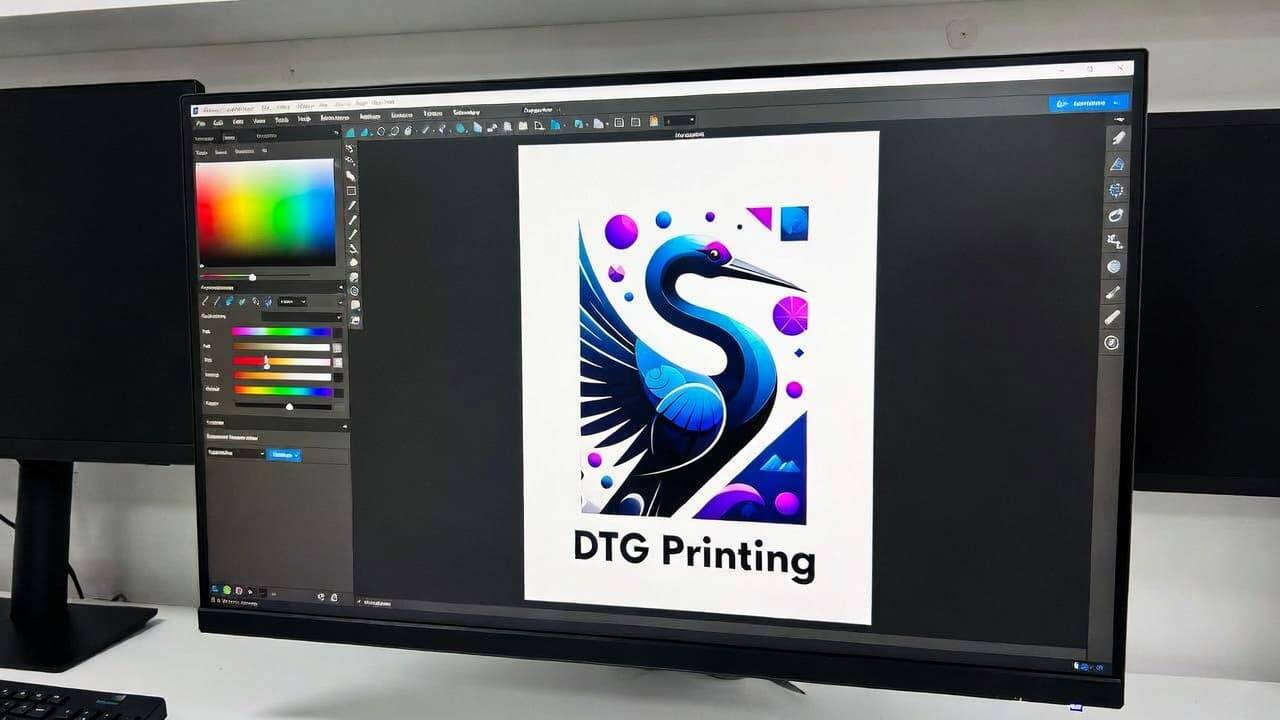
Before printing, the artwork must be created or edited. Design software helps you prepare images, adjust colours, control transparency, and size artwork for the print area. Common design programs used in DTG printing include paid tools like Adobe Photoshop and Adobe Illustrator, as well as free alternatives such as GIMP or Inkscape. High quality designs start with good software that allows detailed editing and manipulation of images.
RIP Software
RIP software, or Raster Image Processor software, is a crucial part of the DTG workflow. It takes digital artwork and prepares it for the printer. RIP software manages colour profiles, ink usage, white ink underbase, and print speed settings. It also ensures that the printer reads the file correctly and produces the design with accurate colour representation. Without proper RIP software, colour may appear dull, misaligned, or incorrect on the garment.
Why Software Matters
Good software allows you to control how artwork prints on fabric. It ensures the design is optimised for the specific DTG printer and ink system being used. Many printers come with recommended RIP software or print drivers designed for best results. This software improves colour management and reduces wasted ink and time.
DTG Inks and Consumables
Textile Inks
DTG printers use water based pigment inks. These special inks are designed to work with fabric and become part of the fibre when cured. Many DTG systems use a four colour process of cyan, magenta, yellow and black, with white ink added for printing on dark fabrics. White ink acts as a base layer that helps other colours appear bright and vibrant. Using the correct ink for your printer model helps avoid issues such as colour dullness or clogging of the print heads.
Importance of Quality Ink
Choosing high quality inks that are compatible with your machine is important for consistent colour output and durability. Poor quality ink can cause print defects, clog heads, and reduce the life of your printer. It is also important to shake and maintain white ink frequently because it can settle and lead to blockage if left unused.
Consumables and Spare Parts
In addition to inks, you will need a range of consumables and parts to keep your DTG printer running smoothly. This may include cleaning cartridges, maintenance kits, print head cleaning tools, and replacement filters or caps. Keeping these on hand helps reduce downtime and ensures continuous operation of your printer.
Platens and Holding Tools
What Platens Do
A platen is the flat surface inside the DTG printer that holds the garment in place during printing. The fabric must be completely flat and smooth for the best quality prints. Wrinkles or uneven surfaces can cause the design to misalign or look distorted. Using platens designed for specific garment types, such as t shirts, hoodies or sleeves, improves accuracy.
Platen Accessories
There are different platen sizes for different garments. Standard platen sizes work for regular t shirts. Specialty platens are used for sleeves, bags, or even hats. Many DTG businesses use quick change platens so they can move from one garment type to another without wasting time. Sliders and quick clamp systems help swap platens fast and improve overall efficiency.
Cleaning and Maintenance Supplies
Why Maintenance Matters
Regular cleaning and maintenance prevent problems such as clogged print heads, ink build up and printer malfunctions. Routine cleaning extends the life of the printer and keeps print quality high. A maintenance schedule should be followed daily, weekly and monthly depending on usage volumes and ink types.
Essential Cleaning Items
Basic cleaning tools include cleaning solutions, swabs, lint free cloths, and wipes for cleaning the print head and capping station. Some consumable kits are provided by the printer manufacturer and should be replaced periodically. Maintenance parts are often specific to the brand and model of the DTG printer, so using recommended supplies helps avoid damage.
Workspace and Production Environment
Preparing Your Space
The environment where you set up your DTG printer influences print quality. A clean, dust free space reduces the risk of dust particles interfering with prints or equipment functioning.
Wide work tables and proper airflow help you move garments between pretreatment, printing and heat pressing without confusion. Good organisation improves speed and reduces mistakes.
Temperature and Humidity
Controlling temperature and humidity helps prevent ink drying too quickly in the printer or causing unwanted effects on print quality. While small shops may work in regular room conditions, larger production areas benefit from controlled climate to maintain consistent results throughout long print sessions.
Workflow Integration and Production Planning
Creating a Printing Workflow
Planning an efficient workflow is important for productivity. A typical DTG printing workflow includes:
Design creation and preparation
Applying pre-treatment to garments
Drying and flattening fibres with a press
Printing the design
Curing the printed garment
Final quality inspection and packaging
Organising these steps in a clear sequence saves time and reduces errors. Knowing which tools are needed at each stage helps staff work faster and deliver better quality output.Explore our high-quality DTG printers here
Managing Orders and Production
For businesses, managing orders and production is also important. Software tools that help queue print jobs, track progress, and manage inventories of consumables improve overall business efficiency. Planning orders ahead and grouping similar items can reduce setup changes and save time.
Final Thoughts
A DTG printer is a powerful machine for creating custom apparel with detailed, vibrant prints, but it works best when supported by the right tools and a well structured workflow. From pre-treatment equipment to heat press machines, software tools, inks and workspace setup, every part plays a role in achieving professional results. Investing in quality accessories and maintaining regular workflows will improve your prints, save time, and reduce costs over the long term.
By understanding the tools and processes involved, you can build a reliable and efficient DTG printing system that produces high quality output every time.