

 HOME
HOME PRODUCT CENTER
 ABOUT US
 DOWNLOAD CENTER
 SUPPORT CENTER
 SUBSCRIBE
 BLOG
BLOGPreventing Print Head Clogging in DTG Printers
Direct to Garment (DTG) printing has transformed the custom apparel industry, making it possible to produce vibrant, detailed designs on demand with minimal setup. From small home-based studios to large-scale commercial print shops, DTG printers are now a cornerstone of modern garment decoration. Their ability to print complex graphics, gradients, and photographic images directly onto fabric has made them especially popular among businesses that value flexibility and premium print quality.
However, as powerful and efficient as DTG printers are, they are also precision machines that require careful handling and consistent upkeep. One of the most common and frustrating issues faced by DTG printer owners is print head clogging. When print heads become clogged, the results can range from minor banding and color inconsistencies to complete print failure and costly hardware damage. Left unresolved, chronic clogging can shorten the lifespan of the printer and significantly increase operating costs.
This in-depth guide explains what causes print head clogging in DTG printers, why it happens so frequently, and—most importantly—how to prevent it. By adopting the right usage habits, maintenance routines, and environmental controls, you can protect your equipment, maintain exceptional print quality, and ensure reliable performance over the long term.
Understanding Print Head Clogging in DTG Printing
Print heads are the heart of any DTG printer. They contain microscopic nozzles that precisely dispense ink droplets onto fabric. DTG inks, especially white inks, are pigment-based and thicker than traditional dye inks. This composition allows them to sit on top of textile fibers and deliver bold, opaque prints, but it also makes them more prone to settling, drying, and clogging.
Print head clogging occurs when dried ink, pigment particles, lint, or dust accumulate inside or around the nozzles. Even a partial blockage can disrupt ink flow, leading to uneven prints, missing lines, or incorrect colors. Over time, repeated clogs can cause permanent nozzle damage, requiring expensive repairs or full print head replacement.
Understanding the factors that contribute to clogging is the first step toward prevention. These factors generally fall into five categories: printer inactivity, improper usage, inadequate maintenance, poor ink quality, and unsuitable environmental conditions.
The Impact of Inactivity on DTG Printers
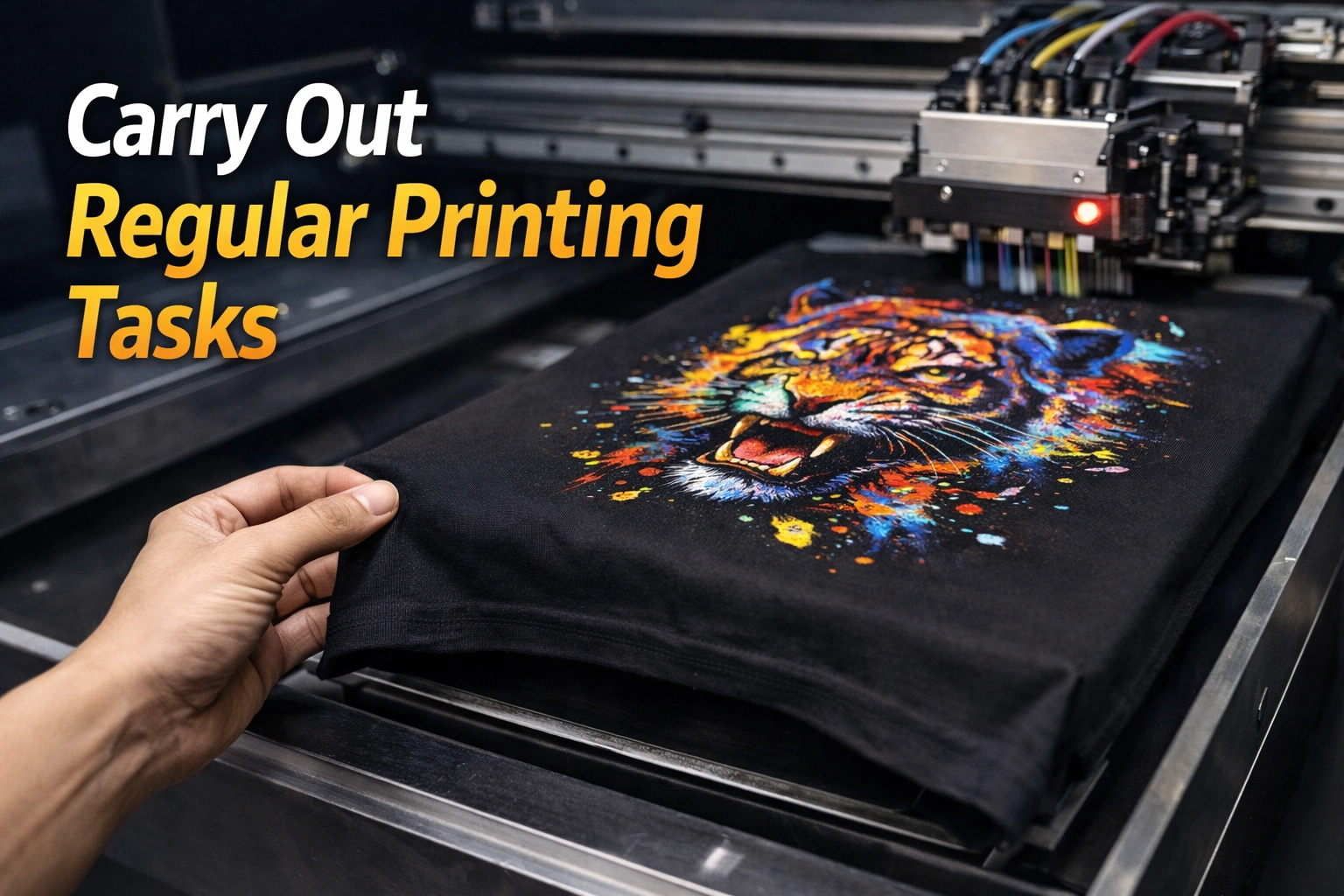
One of the most overlooked causes of print head clogging is printer downtime. DTG printers are designed to be used regularly. When ink sits idle inside the print head for extended periods, it begins to dry and separate. White ink, which contains heavier pigments like titanium dioxide, is especially vulnerable to settling and hardening inside the nozzles.
Even a few days of inactivity can be enough for partial clogs to form. Over weeks, these clogs can become severe and difficult to remove through standard cleaning cycles. This is why consistent printer use is not just recommended but essential for DTG equipment health.
Best Practices for Regular Printer Use
If your business processes daily orders, regular usage may already be built into your workflow. However, for smaller operations or seasonal businesses, additional steps are necessary:
Run a nozzle check or test print at least every one to two days
Print small maintenance patterns if there are no active orders
Gently agitate white ink cartridges or tanks as recommended by the manufacturer
These simple actions keep ink flowing through the system and significantly reduce the risk of drying and buildup.
Following Manufacturer Guidelines
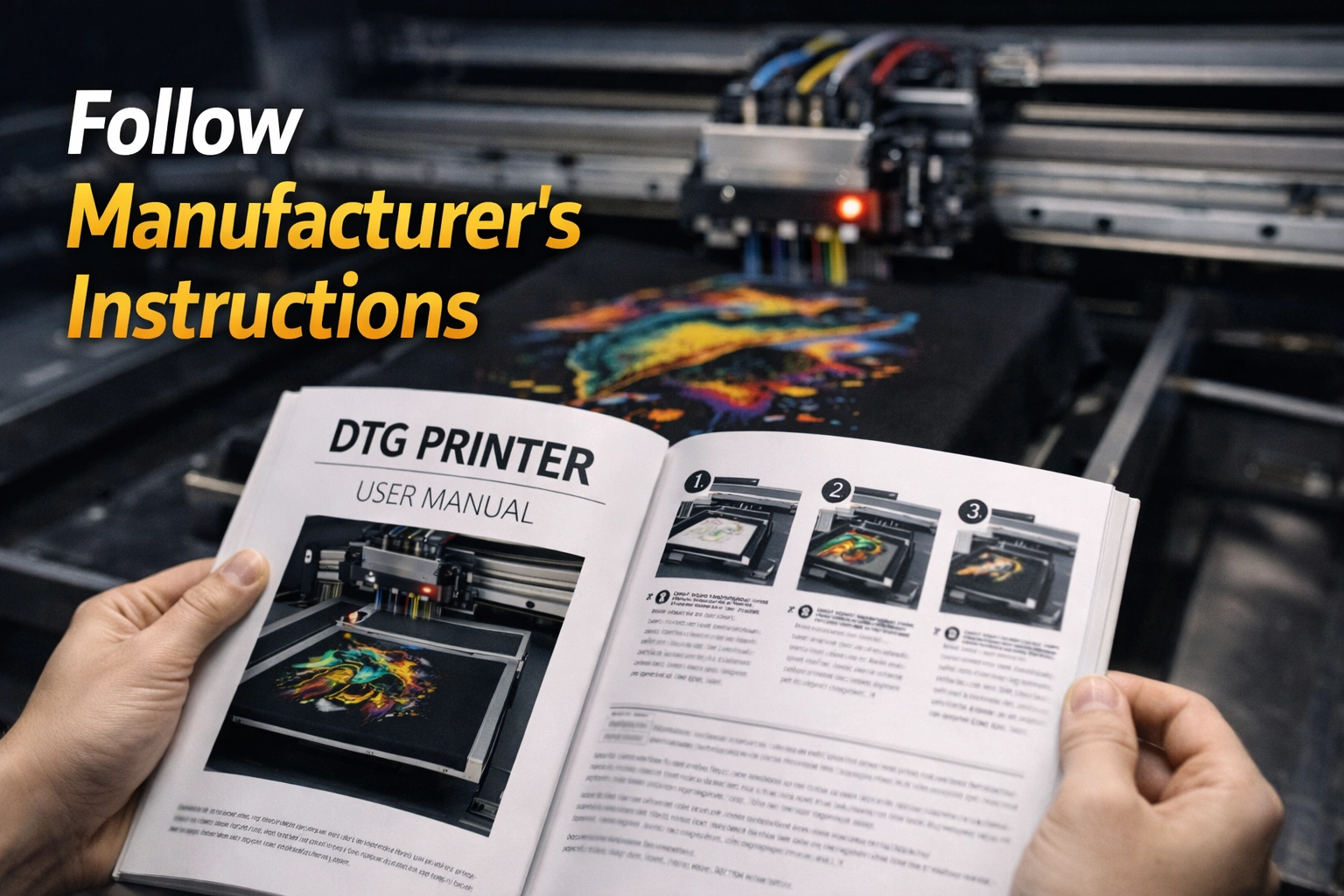
Every DTG printer model is engineered with specific components, tolerances, and maintenance requirements. Ignoring manufacturer guidelines is one of the fastest ways to encounter print head issues.
Manufacturers provide detailed instructions covering:
Recommended inks and consumables
Daily, weekly, and monthly maintenance procedures
Approved cleaning solutions
Proper startup and shutdown routines
Adhering strictly to these instructions ensures that the printer operates within safe parameters. Using unauthorized inks or skipping recommended maintenance steps may save time in the short term but often leads to clogging, voided warranties, and costly repairs.
The Role of Regular Maintenance
Preventing print head clogging is far easier and less expensive than fixing it. A proactive maintenance routine is essential for keeping DTG printers in peak condition.
Daily Maintenance Tasks
Daily maintenance does not have to be time-consuming, but it must be consistent. Typical daily tasks include:
Performing an automatic or manual nozzle check
Running a light cleaning cycle if necessary
Wiping excess ink or lint from around the print head area
Ensuring ink levels are adequate and properly mixed
These steps help catch early signs of clogging before they escalate into serious problems.
Weekly and Monthly Maintenance
In addition to daily tasks, more thorough maintenance should be scheduled weekly or monthly depending on usage levels:
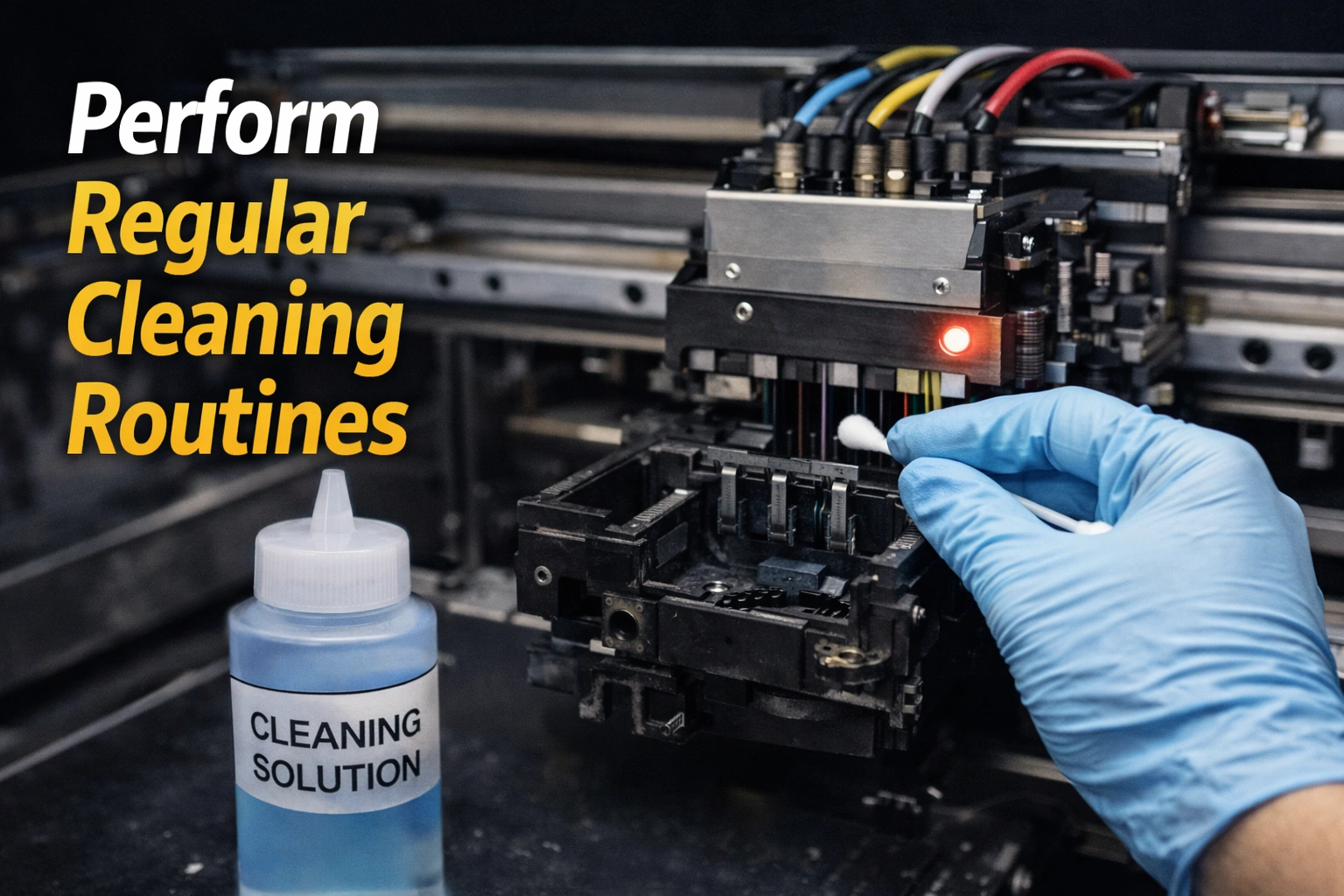
Deep cleaning cycles using manufacturer-approved solutions
Inspecting capping stations and wiper blades for ink buildup
Cleaning encoder strips and rails if recommended
Checking waste ink systems and drainage lines
Neglecting these components can indirectly contribute to clogging by preventing proper sealing or cleaning of the print head.
Maintaining a Clean Printing Environment
DTG printers are sensitive to their surroundings. Dust, fabric fibers, and airborne particles are common in garment printing environments and can easily find their way into the printer.
Environmental Best Practices
To minimize contamination:
Place the printer in a low-dust, climate-controlled room
Avoid operating the printer near cutting tables or sewing machines
Cover the printer when not in use
Clean floors and surfaces regularly to reduce airborne lint
Even small particles can interfere with the delicate nozzle openings, so cleanliness plays a major role in preventing clogging.
Temperature and Humidity Control
Environmental conditions directly affect ink behavior. Low humidity causes ink to dry faster, increasing the likelihood of nozzle blockages. Excessive heat can also accelerate ink evaporation.
Most DTG manufacturers recommend:
Temperature range: 18–28°C (65–82°F)
Relative humidity: 45–60%
Using humidifiers or dehumidifiers as needed helps maintain stable conditions that support smooth ink flow and consistent print quality.
Choosing High-Quality DTG Inks
Ink quality is one of the most critical factors in preventing print head clogging. Low-cost or counterfeit inks often contain inconsistent pigment sizes, impurities, or unstable formulations that clog nozzles more easily.
High-quality DTG inks are:
Precisely filtered to remove oversized particles
Formulated for proper viscosity and flow
Designed to remain stable during extended use
While premium inks may cost more upfront, they reduce downtime, maintenance costs, and the risk of permanent print head damage.
Proper Ink Handling and Storage
Even the best ink can cause problems if handled improperly. Ink that is expired, poorly mixed, or stored incorrectly can separate and thicken.
To avoid these issues:
Store ink in sealed containers away from heat and sunlight
Gently agitate white ink daily as recommended
Never mix ink brands or formulations
Observe expiration dates and rotate stock regularly
Proper ink management ensures consistent performance and reduces the likelihood of clogging.
Correct Startup and Shutdown Procedures
How you turn your DTG printer on and off matters more than many users realize. Improper shutdown can leave ink exposed to air, allowing it to dry inside the nozzles.
Always:
Follow the manufacturer’s shutdown sequence
Ensure the print head parks correctly on the capping station
Avoid unplugging the printer abruptly
These steps help maintain an airtight seal that keeps ink from drying out.
Recognizing Early Warning Signs of Clogging
Catching clogs early can prevent long-term damage. Common warning signs include:
Missing lines or gaps in prints
Uneven color density
Increased need for cleaning cycles
Failing nozzle checks
Addressing these issues immediately with proper cleaning and maintenance can often restore full functionality.
Long-Term Benefits of Preventive Care
Investing time in preventive maintenance delivers measurable benefits:
Consistent, high-quality prints
Reduced ink waste
Lower repair and replacement costs
Extended printer lifespan
Improved production reliability
For businesses, this translates directly into higher profitability and customer satisfaction.
Conclusion
Print head clogging is one of the most common challenges in DTG printing, but it is also one of the most preventable. By understanding how clogs form and implementing disciplined usage, maintenance, and environmental practices, you can keep your DTG printer running smoothly for years.Explore our high-quality DTG printers here
Regular operation, strict adherence to manufacturer guidelines, high-quality inks, and a clean, controlled workspace work together to protect the print head—the most vital and expensive component of your printer. With a proactive approach, you not only avoid costly downtime but also ensure that every garment you print meets the highest standards of quality.