

 HOME
HOME PRODUCT CENTER
 ABOUT US
 DOWNLOAD CENTER
 SUPPORT CENTER
 SUBSCRIBE
 BLOG
BLOG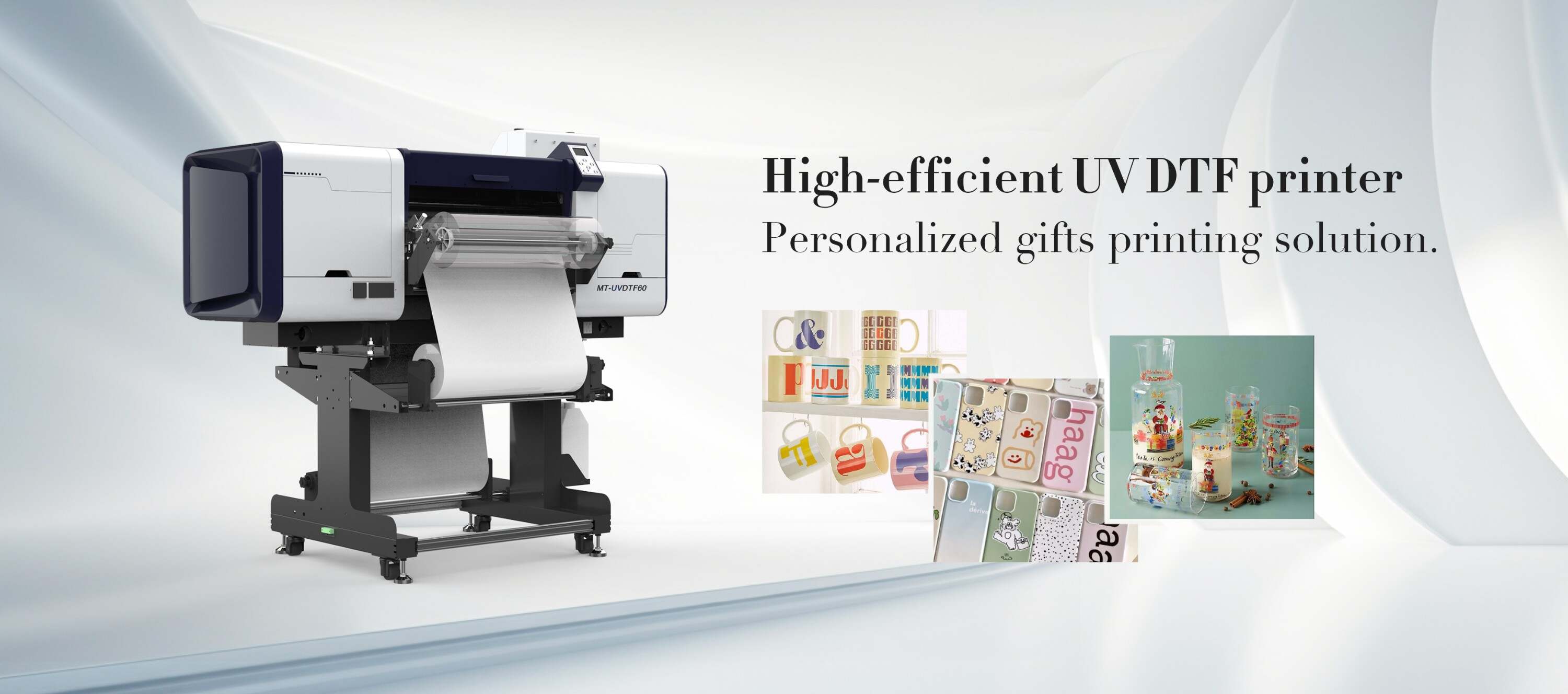 Introduction
Digital printing has revolutionized the textile industry, offering innovative solutions for high-quality transfers. UV Direct-to-Film (DTF) printing is one of the latest advancements, allowing users to create vibrant and durable designs. However, adhesion problems can sometimes arise, affecting the quality and longevity of the prints. This comprehensive guide provides you with insights into diagnosing and fixing adhesion problems encountered in UV DTF transfers.
Understanding UV DTF Printing
Before diving into the adhesion issues, it is crucial to understand how UV DTF printing works. This process involves printing designs onto a transfer film using UV curable inks, which are then heat-pressed onto various substrates. The technology is known for its ability to produce detailed and colorful images that can withstand washing and wear. However, adhesion issues can compromise the output quality, making it essential to address these concerns effectively.
Common Adhesion Problems
While UV DTF printing provides numerous benefits, users may encounter specific adhesion problems. Understanding these issues is the first step toward finding effective solutions. Some common adhesion problems include:
Peeled Edges: Over time, the edges of the transfers may start peeling off.
Cracking: A common problem that can be caused by improper heat application or an unsuitable substrate.
Color Fading: Not an adhesion problem per se, but faded colors may appear as if the transfer isn’t adhered well at all.
Bubbling: Air bubbles trapped during the transfer process can lead to areas of poor adhesion.
Incomplete Bonding: Transfers may lift if not applied with the correct pressure or temperature.
Causes of Adhesion Problems
Identifying the root cause of adhesion problems is essential for effective resolution. Here are several factors that may contribute to these issues:
Incorrect Temperature Settings: Each substrate has a recommended temperature for heat pressing. Using incorrect settings can lead to poor adhesion.
Inadequate Pressure: Insufficient pressure during the heat transfer process can prevent the transfer film from bonding properly.
Dirty Substrate: Dirt, dust, or oil on the substrate surface can create a barrier that hinders adhesion.
Improper Ink Configuration: Using the wrong type of ink or insufficient ink density can result in adhesion issues.
Substrate Compatibility: Not all substrates are suitable for UV DTF transfers, leading to poor adhesion.
Fixing Adhesion Problems
Now that we've identified common adhesion problems and their causes, let's explore actionable steps to fix them.
1. Adjusting Temperature and Time
Ensure that you are using the correct temperature settings as recommended by the substrate manufacturer. Typically, DTF transfers require a heat press temperature between 160°C and 180°C (320°F to 356°F). Test different timings between 10 to 20 seconds to find the sweet spot for optimal adhesion.
2. Ensuring Adequate Pressure
Make sure that you are applying the right pressure during the heat transfer process. Too little pressure can lead to incomplete bonding. Utilize a pressure gauge if your heat press has one, and adjust the settings as needed.
3. Preparing the Substrate
Before applying the transfer, ensure that the substrate is clean and free from contaminants. Use a lint roller or a clean cloth to remove any dust or debris, and consider wiping the area with isopropyl alcohol for a thorough clean.
4. Using Compatible Inks
Always utilize high-quality inks that are suitable for UV DTF printing. Consider conducting ink density tests to ensure you’re using the right amount of ink for optimal adhesion.
5. Choosing the Right Substrate
If you're frequently experiencing adhesion issues, it might be worthwhile to evaluate your choice of substrate. Materials such as cotton, polyester, and nylon generally work well with UV DTF transfers. Other materials may require special treatment or substrates specifically designed for compatibility.
6. Post-Press Treatment
After applying the transfer, consider using a protective top coat or adhesive spray, especially for items that are subject to high wear and tear. This can enhance durability and improve adhesion over time.
Preventive Measures
While fixing existing adhesion problems is critical, taking preventative measures can save you from future headaches. Here are some proactive steps you can implement:
Regular Maintenance: Keep your heat press clean and in good working condition to avoid technical issues.
Test and Adjust: Perform regular tests on each new substrate you use to determine the best settings.
Training and Guidelines: Ensure that all operators are well-trained in the proper techniques for applying UV DTF transfers.
Documentation: Keep a log of successful settings and substrates used for future reference.
Conclusion
Fixing adhesion problems in UV DTF transfers is an essential skill for anyone serious about digital printing. By understanding the common issues, their causes, and how to address them effectively, you can ensure high-quality results in your printing projects. As you implement these strategies, you’ll not only improve the adhesion of your transfers but also extend the life of your printed designs. For those looking to invest in high-quality printing technology, explore our high-quality UV-DTF printers here and elevate your printing game.
FAQ
What types of substrates are best for UV DTF transfers?
UV DTF transfers typically work best on fabrics made from cotton, polyester, or nylon. However, it’s essential to check compatibility with specific substrates for optimal results.
Can I fix peeling edges on UV DTF transfers?
Yes, peeling edges can often be fixed by re-pressing the affected area with the correct pressure and temperature. If peeling persists, consider whether the transfer was applied correctly in the first place.
How can I prevent color fading in my transfers?
To prevent color fading, ensure that you are using quality UV inks and that the correct heat and pressure settings are applied during the transfer. Avoid exposing the prints to harsh chemicals or prolonged sunlight.
Is there a particular cleaning solution I should use for my substrates?
Using isopropyl alcohol is generally recommended for cleaning substrates before transferring. It effectively removes oils and dirt without leaving residue.
How often should I conduct tests on substrates?
It is advisable to conduct tests whenever you adjust your heat press settings, switch substrates, or change ink types to ensure the best outcomes for your prints.
```