

 HOME
HOME PRODUCT CENTER
 ABOUT US
 DOWNLOAD CENTER
 SUPPORT CENTER
 SUBSCRIBE
 BLOG
BLOG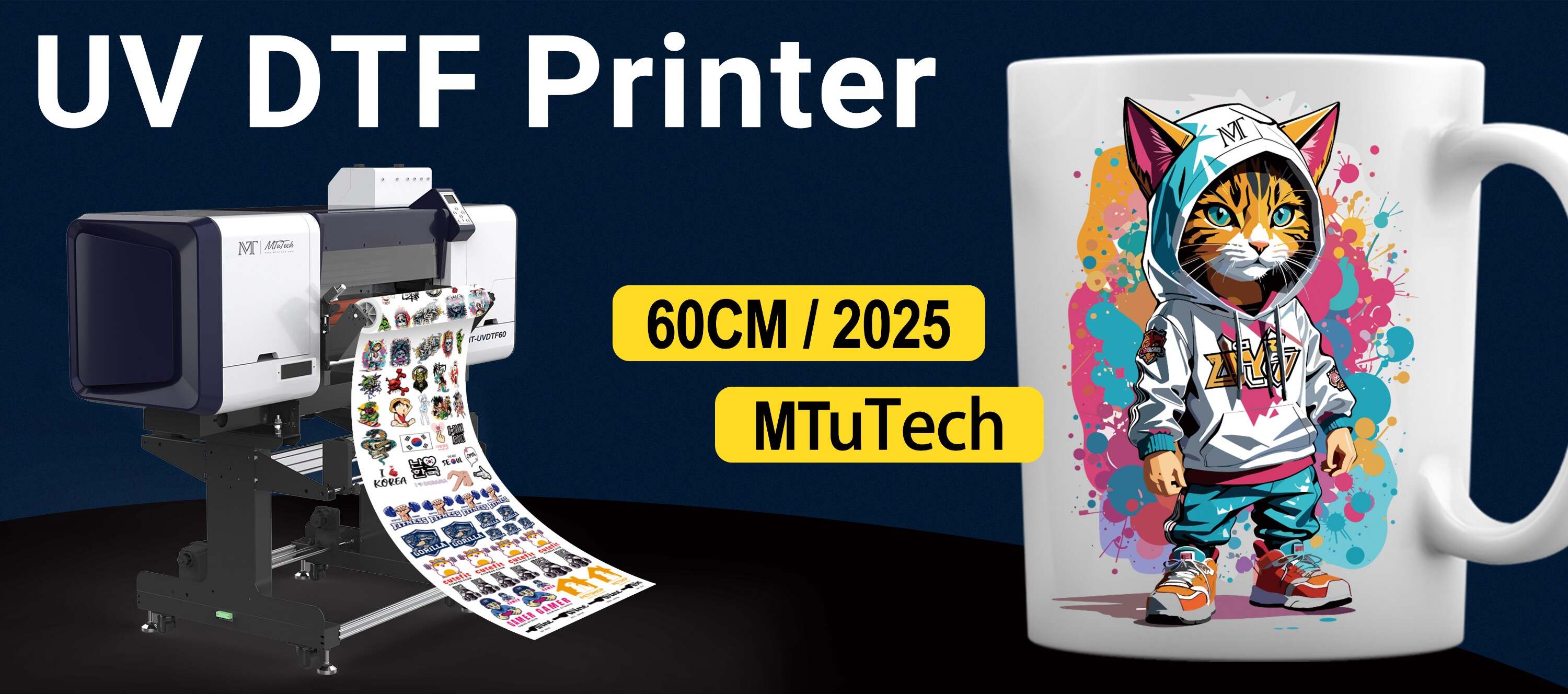
Introduction
UV Direct To Film (DTF) printers have revolutionized the printing industry, providing vibrant colors, superior durability, and the flexibility to print on a variety of substrates. However, many users encounter banding issues, which can significantly affect print quality. Banding refers to the horizontal lines or bands that appear on printed surfaces, often leading to an unsatisfactory final product. In this blog, we will discuss the common causes of banding in UV DTF printers and explore effective solutions to eliminate this issue permanently.
Understanding Banding in UV DTF Printing
Before diving into the causes and fixes, it's essential to understand what banding is and how it manifests in UV DTF printing. Banding can occur for various reasons, and it's characterized by:
Visible horizontal lines across the print.
Inconsistent ink density and color variation.
Patterns that do not align with intended designs.
Banding not only affects the aesthetic appeal of the printed material but can also lead to increased material waste and higher production costs. Therefore, addressing these issues is crucial for maintaining the quality of your prints.
Common Causes of Banding Issues
Identifying the underlying causes of banding is the first step towards finding a permanent fix. Here are some of the most common reasons behind banding in UV DTF printers:
1. Clogged Printheads
A clogged printhead is one of the most frequent causes of banding. When the nozzles become blocked, they cannot consistently discharge ink, leading to streaks and bands. Regular maintenance is essential to prevent this issue.
2. Incorrect Print Settings
Settings such as print speed, resolution, and ink density can greatly influence print quality. If the speed is set too high, the printer might not have enough time to lay down the ink evenly, resulting in banding.
3. Mechanical Issues
Mechanical problems can also lead to banding. This includes misaligned printheads, worn-out rollers, or issues with the media feeding mechanism. Any disruption in the movement can create inconsistent prints.
4. Low-Quality Materials
The quality of the film and ink used can significantly affect print outcome. Substandard materials might not adhere well, resulting in uneven coverage and visible banding.
5. Environmental Factors
Temperature and humidity levels in the printing environment can impact ink flow and drying times. Excessive heat can cause the ink to dry too quickly, while high humidity might cause the film to warp, both leading to banding.
Permanent Fixes for Banding Issues
Now that we understand the causes of banding in UV DTF printing, let’s explore some permanent fixes you can implement to ensure high-quality prints.
1. Regular Maintenance of Printheads
To prevent clogged printheads, regular maintenance is vital. Here are some practices to follow:
Perform regular cleaning cycles as recommended by the manufacturer.
Use a soft cleaning solution specifically designed for printheads.
Allow the printer to run frequently to keep the ink flowing.
2. Optimize Print Settings
Adjusting your print settings can significantly minimize banding issues. Consider the following:
Reduce print speed to allow for better ink application.
Experiment with different resolutions to find the optimal balance between speed and quality.
Increase ink density for better color coverage.
3. Regular Calibration and Alignment
Maintaining the mechanical integrity of your printer is crucial. Make sure to:
Perform regular alignment checks for the printhead.
Inspect and replace worn-out components like rollers and belts.
Ensure that the media feed is correctly aligned and secure.
4. Invest in Quality Materials
Using high-quality films and inks can dramatically enhance print quality. Always opt for reputable suppliers and ensure compatibility with your printer. Consider:
Testing different film surfaces to determine which provides the best adhesion and color vibrancy.
Investing in genuine inks recommended by the printer manufacturer.
5. Monitor Environmental Conditions
Pay attention to the environmental factors affecting your printing process. Here are some tips:
Maintain a consistent temperature between 20-25 degrees Celsius.
Aim for humidity levels around 40-60% to ensure optimal ink performance.
Keep the printing area free from dust and other contaminants.
Conclusion
Banding issues in UV DTF printing can be frustrating, but understanding the causes and implementing the fixes can lead to a permanent resolution. Regular maintenance, quality materials, optimized settings, and proper environmental conditions are all key components in achieving high-quality prints without banding. By taking these steps, you can maximize the potential of your UV DTF printer and ensure that every print meets your standards. If you’re in the market for a reliable UV DTF printer, consider explore our high-quality UV-DTF printers here that offer superior performance and excellent output quality.
FAQ
What is banding in UV DTF printing?
Banding refers to the appearance of horizontal lines or streaks on printed materials, caused by various factors such as clogged printheads, incorrect settings, and mechanical issues.
How can I prevent clogged printheads?
Regular maintenance, including cleaning cycles and running the printer frequently, can help prevent clogged printheads. It's also essential to use appropriate cleaning solutions.
Can the choice of materials affect banding issues?
Yes, using high-quality films and inks can significantly reduce banding problems as they provide better adhesion and color consistency.
What environmental conditions are best for UV DTF printing?
Maintaining a stable temperature between 20-25 degrees Celsius and humidity levels of 40-60% is ideal for optimal ink performance and to minimize banding.
How often should I calibrate my UV DTF printer?
Calibration should be performed regularly or whenever you notice a decline in print quality. This ensures that the printheads are aligned correctly and that the printing mechanism operates smoothly.