

 HOME
HOME PRODUCT CENTER
 ABOUT US
 DOWNLOAD CENTER
 SUPPORT CENTER
 SUBSCRIBE
 BLOG
BLOGUV DTF Printers: A Complete Buyer’s Guide for Modern Printing Businesses
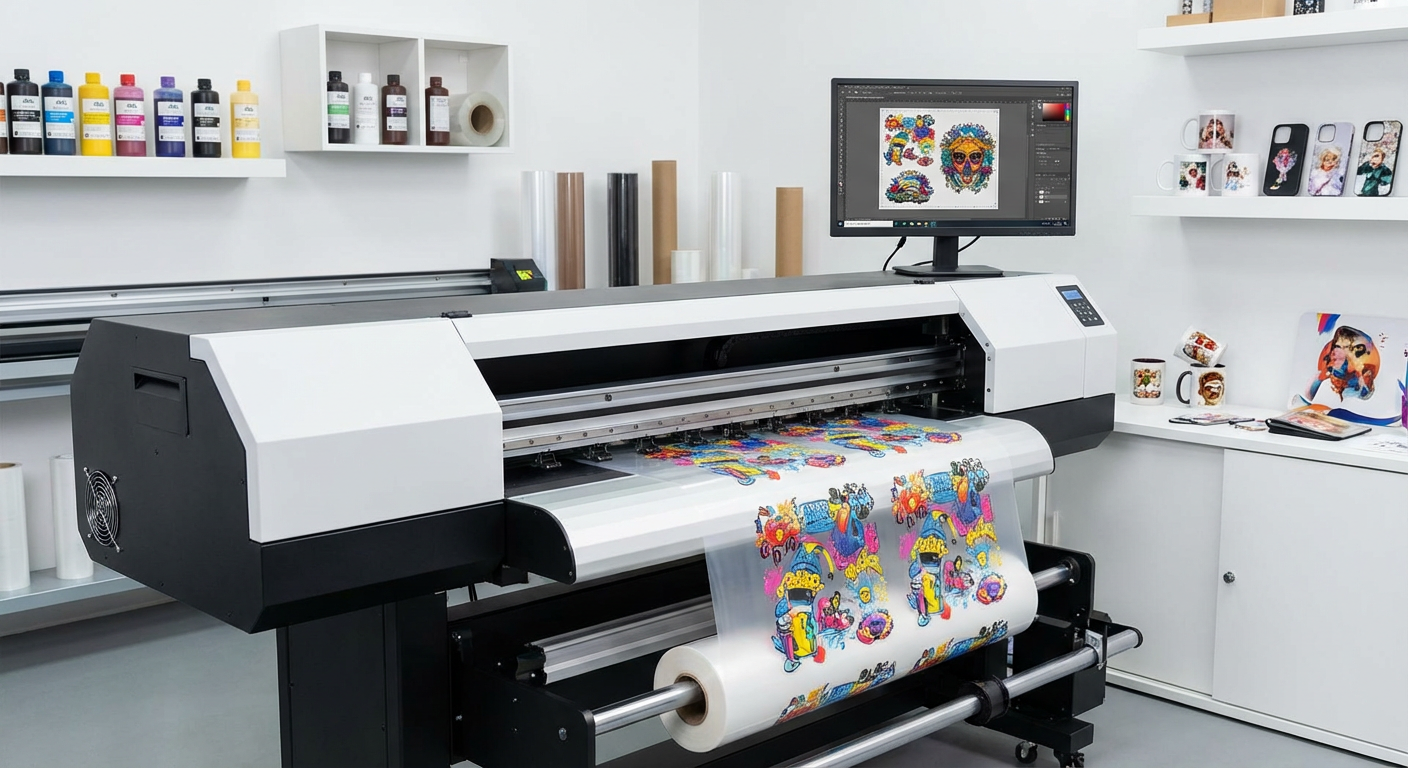
The printing industry has evolved rapidly over the last decade, driven by demand for customization, speed, durability, and visual impact. Among the most significant innovations to emerge is the UV DTF printer. Short for Ultraviolet Direct to Film, this technology combines the flexibility of transfer printing with the durability of UV-cured inks, opening new possibilities for businesses across apparel, promotional products, signage, packaging, and industrial decoration.
Unlike traditional printing methods that limit you to specific substrates, UV DTF printing allows designs to be transferred onto a wide range of materials—including glass, metal, plastic, leather, wood, ceramics, and more—without the need for pre-treatment. This makes UV DTF printers especially attractive for businesses looking to diversify their product offerings while maintaining consistent quality.
However, choosing the right UV DTF printer is not a simple task. With varying specifications, ink systems, print heads, software compatibility, and price points, the wrong decision can lead to inefficiencies, high maintenance costs, or disappointing output. This comprehensive guide is designed to help you understand UV DTF technology, evaluate key features, and confidently select a printer that aligns with your business goals.
Whether you’re a startup entering the customization market or an established print shop upgrading your equipment, this guide will give you the clarity needed to make an informed investment.
What Is a UV DTF Printer?
 Advantages of UV DTF Printing Technolo
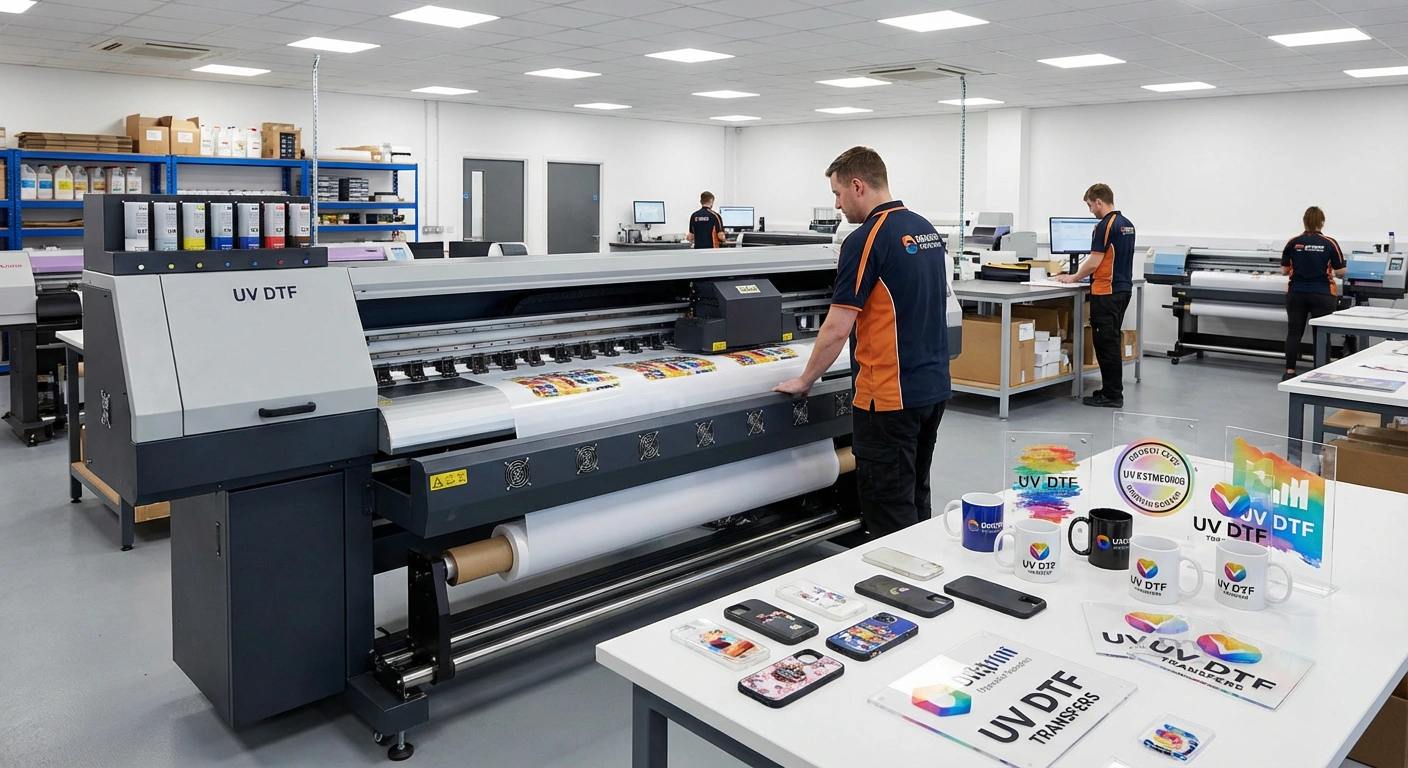
A UV DTF printer is a specialized digital printer that prints designs onto a transparent film using UV-curable inks. The printed design is then laminated with an adhesive layer and transferred onto a target surface. Once applied, the ink cures instantly under UV light, creating a strong bond that is resistant to wear and environmental exposure.
Unlike traditional DTF printing, which is primarily used for fabrics, UV DTF printing is designed for hard and irregular surfaces. This makes it a powerful tool for producing custom logos, labels, decals, and decorative elements on products that were previously difficult or expensive to print on.
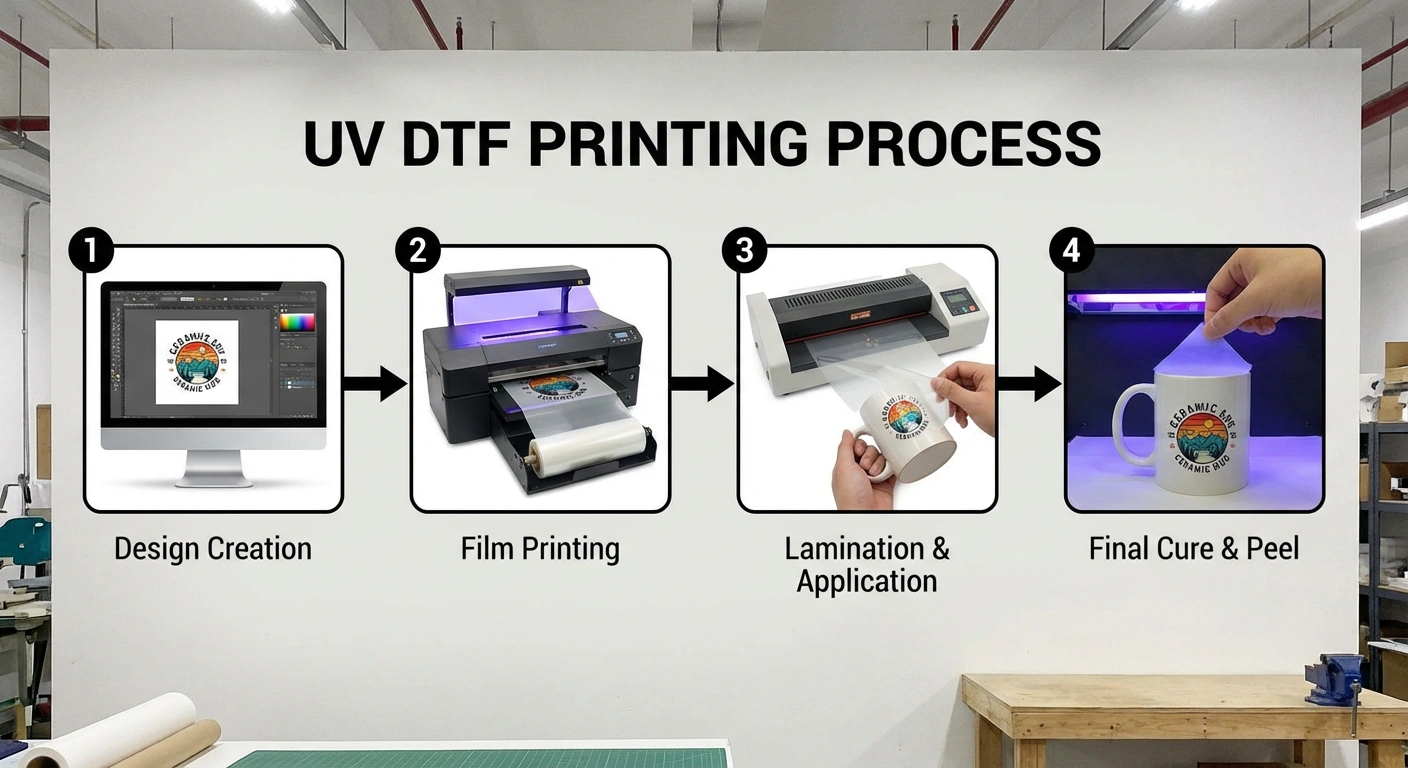
How UV DTF Printing Works
Design Creation – The artwork is prepared using graphic design software.
Film Printing – The UV DTF printer prints the design onto a special release film.
Lamination – An adhesive film is applied over the printed layer.
Transfer Application – The design is pressed or applied onto the final substrate.
Final Cure – UV light instantly hardens the ink, ensuring durability.
This streamlined process allows for high-quality output with minimal setup time, making UV DTF printers ideal for both small batches and scalable production.
Advantages of UV DTF Printing Technology
Understanding the benefits of UV DTF printing is essential before evaluating printer models. This technology offers several advantages that directly impact productivity, profitability, and customer satisfaction.
Exceptional Material Versatility
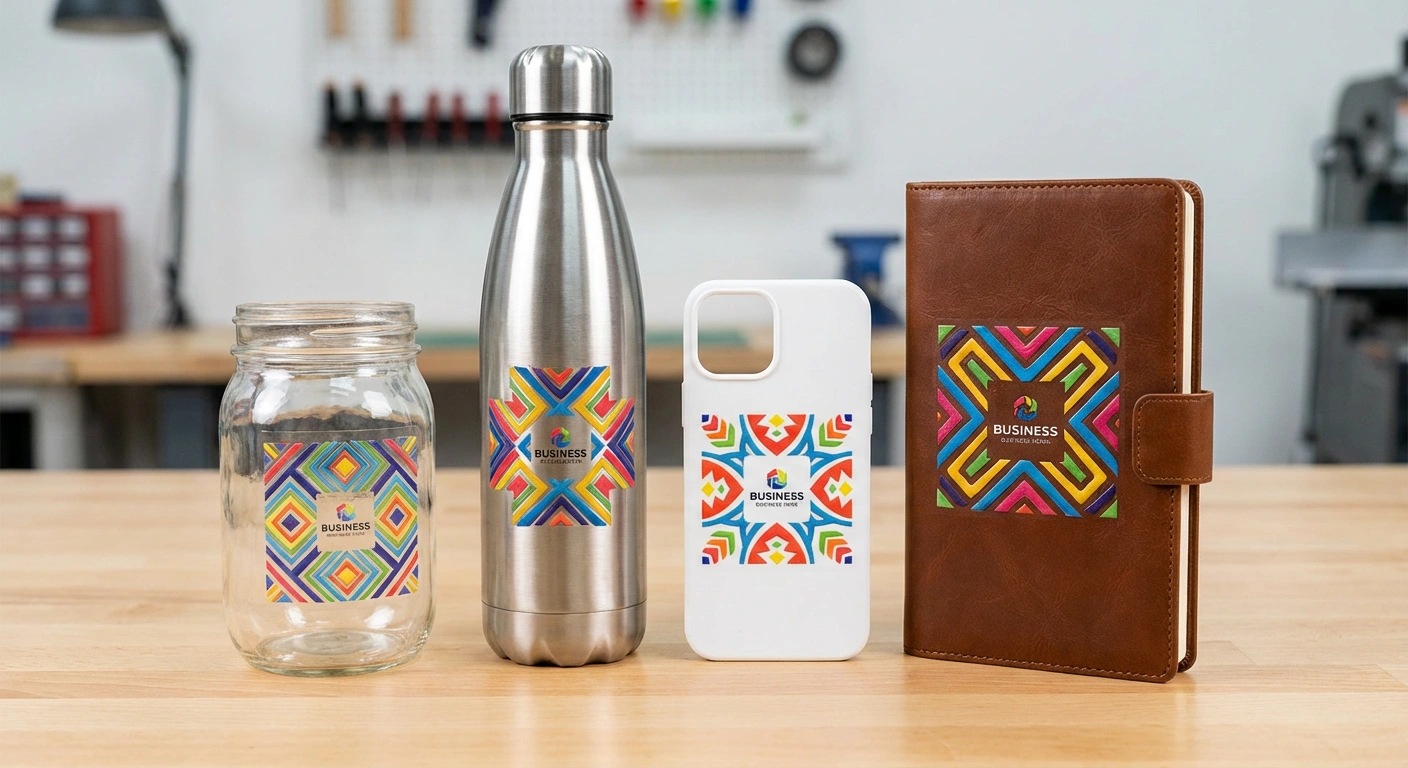
One of the biggest advantages of UV DTF printers is their ability to print on a wide range of materials. From rigid surfaces like glass and metal to flexible items like leather and plastic, UV DTF transfers adhere effectively without compromising quality.
High Color Accuracy and Visual Impact
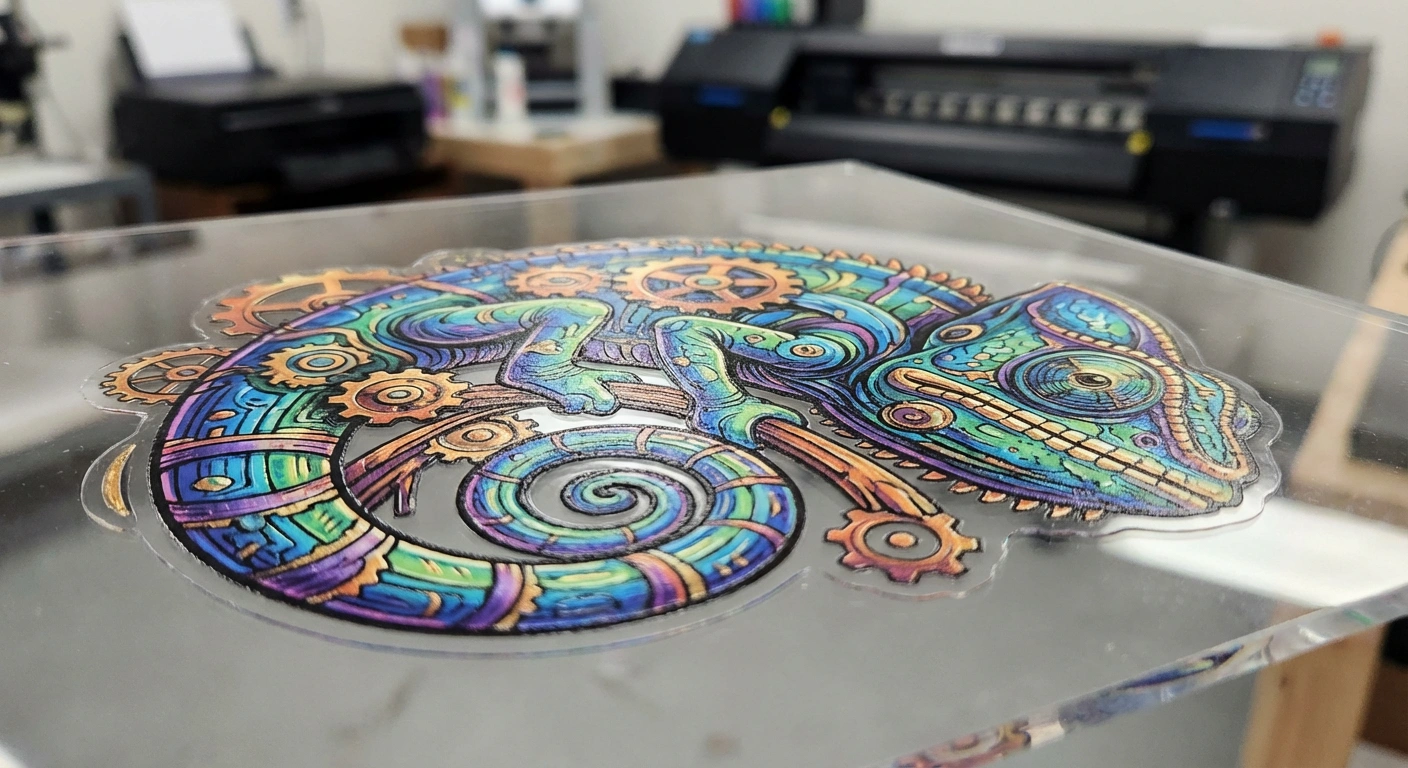
UV inks are known for their rich pigmentation and sharp detail. They produce vibrant colors, smooth gradients, and crisp text, even on transparent or dark surfaces. This makes UV DTF printing ideal for branding applications where visual consistency is critical.
Long-Lasting Durability
UV-cured inks are resistant to scratches, fading, moisture, and chemicals. Prints maintain their appearance even in outdoor environments or high-contact settings, such as promotional products and industrial labels.
Environmentally Responsible Printing
Modern UV inks emit very low levels of volatile organic compounds (VOCs). Since the ink cures instantly, there is no need for heat drying, which reduces energy consumption and makes the process safer for operators.
Reduced Production Costs Over Time
Although UV DTF printers may have a higher initial cost compared to entry-level machines, their efficiency, reduced waste, and premium output often result in higher margins and faster return on investment.
Key Industries Using UV DTF Printers
UV DTF printers are not limited to one niche. Their flexibility makes them valuable across multiple industries:
Promotional products and corporate branding
Signage and display manufacturing
Custom gifts and personalized items
Electronics and appliance labeling
Interior décor and architectural elements
Small-scale manufacturing and prototyping
Businesses that rely on customization, short production runs, or premium finishes benefit the most from this technology.
UV DTF Printer
Selecting the right UV DTF printer requires careful evaluation of several technical and operational factors. Below are the most important features to consider.
Print Quality and Resolution
Print quality is the foundation of any successful printing operation. A UV DTF printer should consistently produce sharp, accurate, and vibrant results.
Resolution Capabilities
Resolution is measured in dots per inch (DPI). Higher DPI allows for finer detail, smoother gradients, and more precise text reproduction. For professional applications, a UV DTF printer should offer at least 1200 DPI, with higher options available for detailed graphics.
Color Configuration
Standard CMYK color systems are common, but advanced models may include additional channels such as white or varnish. White ink is particularly important for printing on dark or transparent surfaces, as it enhances opacity and color vibrancy.
Ink Layer Control
Look for printers that allow precise control over ink layers. Proper layering improves adhesion, depth, and durability, especially for textured or non-porous substrates.
Printing Speed and Productivity
Speed directly affects your ability to meet deadlines and handle large orders.
Output Rate
Printing speed is often measured in square meters or square feet per hour. Entry-level models are suitable for low to medium volumes, while industrial printers are designed for continuous, high-output production.
Print Head Configuration
Printers equipped with dual or multiple print heads can significantly increase production speed without sacrificing quality. This is especially useful for businesses with growing order volumes.
Ink System and UV Curing Technology
The ink system plays a critical role in both print quality and machine reliability.
UV Ink Quality
High-quality UV inks provide better adhesion, flexibility, and resistance to environmental factors. Always verify that the printer supports stable, tested ink formulations.
White Ink Circulation
White ink tends to settle over time. Printers with automatic white ink circulation and agitation systems help prevent clogging and maintain consistent output.
UV Lamp Performance
The UV curing system should deliver uniform light intensity to ensure even curing across the print. LED UV lamps are preferred due to their long lifespan and energy efficiency.
Software Compatibility and Workflow Integration
A powerful printer is only as effective as the software driving it.
RIP Software Support
Raster Image Processor (RIP) software manages color profiles, ink density, and print layers. Ensure the printer is compatible with industry-standard RIP software for greater control and consistency.
Design Software Integration
Seamless compatibility with popular design tools improves workflow efficiency and reduces errors during file preparation.
Ease of Use and Operator Experience
User-friendly features reduce training time and minimize production errors.
Touchscreen Controls
An intuitive touchscreen interface simplifies navigation, job setup, and maintenance tasks.
Automated Functions
Features such as automatic cleaning, nozzle checks, and ink level monitoring reduce downtime and extend the lifespan of the printer.
Physical Size and Build Quality
Before purchasing, consider your available workspace and production environment.
Machine Footprint
UV DTF printers come in various sizes. Choose a model that fits comfortably within your facility without disrupting workflow.
Structural Stability
A well-built frame reduces vibration during printing, improving alignment accuracy and overall output quality.
Maintenance Requirements and Technical Support
Long-term reliability depends on proper maintenance and manufacturer support.
Routine Maintenance
Look for printers designed with easy access to key components for cleaning and servicing. Simplified maintenance reduces downtime and labor costs.
After-Sales Support
Reliable customer support, training resources, and readily available spare parts are essential, especially for businesses new to UV DTF technology.
Connectivity Options and System Compatibility
Modern printing environments often rely on networked workflows.
Connection Types
USB, Ethernet, and wireless connectivity provide flexibility in how jobs are sent to the printer.
Multi-User Access
If multiple operators or departments use the printer, network compatibility is an important consideration.
Cost, Warranty, and Long-Term Value
Price should be evaluated alongside performance, durability, and support.
Initial Investment
While budget matters, choosing the cheapest option can lead to higher costs over time due to maintenance, downtime, or limited capabilities.
Warranty Coverage
A strong warranty provides peace of mind. Look for coverage that includes critical components and technical support for at least one year.
Return on Investment
Consider how quickly the printer can pay for itself through increased production capacity, higher-value products, and reduced outsourcing.
Common Mistakes to Avoid When Buying a UV DTF Printer
Many buyers focus solely on price or advertised features. Common mistakes include:
Ignoring ink system quality
Underestimating maintenance needs
Choosing inadequate print resolution
Overlooking software compatibility
Failing to assess long-term support availability
Avoiding these pitfalls can save significant time and money.
Future Trends in UV DTF Printing
As demand for customization continues to grow, UV DTF technology is expected to advance in several areas:
Faster printing speeds with higher resolution
Improved eco-friendly ink formulations
Enhanced automation and AI-driven workflows
Broader material compatibility
Investing in a scalable, future-ready printer ensures your business remains competitive.
Conclusion
UV DTF printers represent a powerful and flexible solution for modern printing businesses. Their ability to produce vibrant, durable prints on a wide range of materials makes them an invaluable asset in today’s customization-driven market. By carefully evaluating print quality, speed, ink systems, software compatibility, maintenance requirements, and long-term value, you can select a UV DTF printer that aligns with your business goals and supports sustainable growth.Explore our high-quality UV-DTF printers here
A well-chosen UV DTF printer is more than a machine—it’s an investment in quality, efficiency, and creative freedom.
Frequently Asked Questions
What makes UV DTF printing different from traditional DTF printing?
UV DTF printing is designed for hard and non-porous surfaces, while traditional DTF printing is mainly used for textiles. UV inks cure instantly, providing greater durability and versatility.
Can UV DTF prints be used outdoors?
Yes. UV-cured inks are resistant to UV light, moisture, and abrasion, making them suitable for outdoor applications.
Is special training required to operate a UV DTF printer?
Most modern UV DTF printers are user-friendly, but basic training is recommended to ensure optimal performance and proper maintenance.
How long do UV DTF prints last?
With proper application, UV DTF prints can last several years without noticeable fading or peeling.
Are UV DTF printers suitable for small businesses?
Yes. Many compact models are designed specifically for startups and small print shops, offering professional quality at manageable costs.