

 HOME
HOME PRODUCT CENTER
 ABOUT US
 DOWNLOAD CENTER
 SUPPORT CENTER
 SUBSCRIBE
 BLOG
BLOG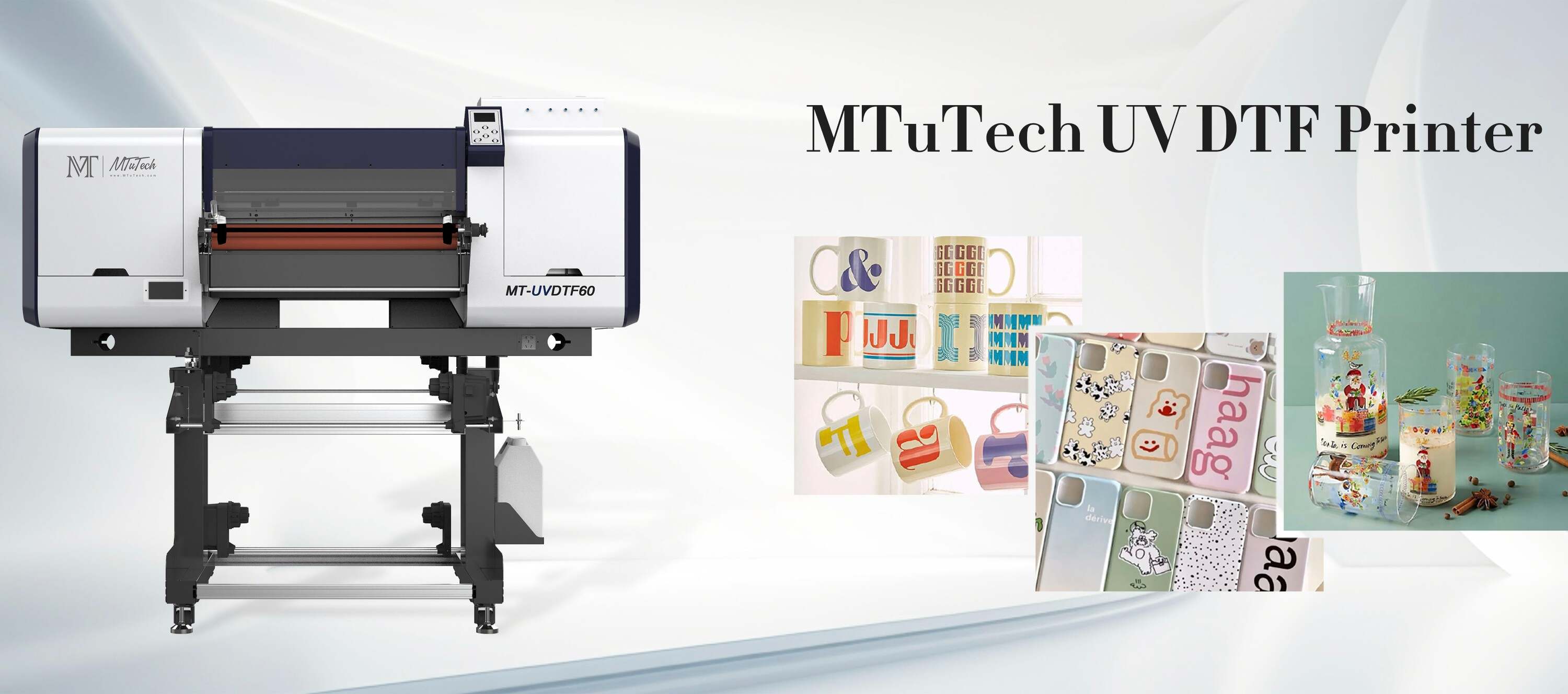
Introduction
In the dynamic world of printing technology, optimizing workflow is crucial for businesses looking to maximize their daily output, especially when using advanced printers like UV Direct-to-Film (DTF) units. UV DTF printing stands out for its versatility and ability to produce high-quality prints on various substrates. This blog post will delve into strategies for optimizing your UV DTF printer workflow, ensuring you achieve maximum productivity while maintaining print quality.
Understanding UV DTF Printing
Before delving into workflow optimization techniques, it's essential to understand what UV DTF printing entails. Unlike traditional printing methods, UV DTF printers utilize ultraviolet light to cure inks as they are printed. This process not only enables vibrant colors and sharp details but also allows for printing on a wide range of materials, including plastics, metals, and textiles.
Benefits of UV DTF Printer Workflow Optimization
Streamlining your UV DTF printing operation can yield numerous benefits, including:
Increased Productivity: Reducing downtime and streamlining processes leads to higher output rates.
Cost Efficiency: A more optimized workflow can help save on material and operational costs.
Enhanced Print Quality: Improved techniques can lead to consistently high-quality outputs.
Better Resource Management: An optimized workflow helps in organizing resources and utilizing them effectively.
Key Techniques for Optimizing UV DTF Printer Workflow
1. Regular Maintenance and Calibration
Routine maintenance is vital to ensure that your UV DTF printer operates at peak performance. Regularly checking and calibrating your printer helps:
Prevent potential mechanical failures.
Ensure accurate color output and print quality.
Avoid unplanned downtimes that can slow your workflow.
Setting a maintenance schedule can help manage this process, allowing you to focus on production during peak hours.
2. Optimize Print Settings
Fine-tuning your printer’s settings is essential for improving workflow efficiency. Consider the following settings:
Resolution: Use the appropriate resolution for the specific job. Higher resolutions may look better but consume more time and ink.
Ink Density: Adjusting the ink density can balance quality and speed, allowing faster print times without sacrificing quality.
Print Speed: Experiment with print speed settings to determine the optimal speed for different materials.
Remember, every material might respond differently to settings, so some testing may be necessary.
3. Streamline Pre-Press Processes
Efficient pre-press processes can significantly save time. This includes:
File Preparation: Ensure all files are print-ready by checking dimensions, color profiles, and ensuring there’s no unnecessary clutter.
Batch Processing: Group similar print jobs together when possible. This reduces the need to change settings often and keeps the workflow moving smoothly.
Software Utilization: Use software that facilitates quick adjustments and enhances the overall workflow.
4. Train Your Team
Your team plays a fundamental role in workflow efficiency. Equip them with the knowledge and training they need on:
Operating the UV DTF printer optimally.
Understanding color management and ink usage.
Identifying and troubleshooting common printing issues.
Investing time in training can lead to fewer errors and faster production times, contributing to a smoother overall workflow.
5. Implement a Quality Control Process
Quality control should be integrated at various stages of the printing process to mitigate issues that can lead to waste and reprints. Consider implementing these practices:
Conduct inspections after each print job to catch errors immediately.
Maintain a checklist for quality assurance that operators can follow.
Involve team members in quality control to foster a culture of accountability.
6. Utilize the Right Materials
The choice of materials impacts both print quality and workflow efficiency. Ensure that you’re sourcing:
High-quality film compatible with your UV DTF printer.
Substrates that perform well with UV inks to avoid issues like ink adhesion.
Accessories like tapes and grips to streamline the loading process.
Quality materials can reduce the occurrence of print failures, thereby enhancing productivity.
7. Monitor and Analyze Production Metrics
Tracking and analyzing productivity metrics will help you identify areas of improvement. Regularly review:
Daily print output.
Downtime occurrences and their causes.
Material waste rates.
Using this data, you can make informed decisions about optimizing processes further and identifying necessary adjustments in your workflow.
Conclusion
Optimizing your UV DTF printer workflow is essential for maximizing daily output and ensuring that your business stays competitive. By embracing regular maintenance, fine-tuning print settings, streamlining processes, training your team, implementing quality control, using the right materials, and analyzing production metrics, you can create a well-oiled printing operation. Continuous improvement in your workflow will not only enhance productivity but also elevate the quality of your printed products.
If you’re looking to explore options for UV DTF printing, explore our high-quality UV-DTF printers here.
FAQ
What is a UV DTF printer?
A UV DTF printer is a type of printer that uses UV technology to cure inks on film as they are printed, allowing for vibrant designs on various materials, including textiles, plastics, and metals.
How often should I perform maintenance on my UV DTF printer?
Regular maintenance should be conducted based on the printer’s usage, but a good rule of thumb is to perform weekly cleaning and calibration checks to ensure optimal performance.
Can I print on any material with a UV DTF printer?
UV DTF printers are versatile and can print on a wide range of materials, but it’s essential to ensure the material is compatible with UV inks to achieve the best results.
What factors affect the print quality of my UV DTF printer?
Print quality can be affected by several factors, including ink density, resolution settings, the quality of the substrate, and whether proper maintenance has been performed on the printer.
Is training necessary for using a UV DTF printer?
Yes, training is crucial as it ensures operators understand how to use the printer effectively, reducing errors and maximizing production efficiency.