

 HOME
HOME PRODUCT CENTER
 ABOUT US
 DOWNLOAD CENTER
 SUPPORT CENTER
 SUBSCRIBE
 BLOG
BLOGOptimizing UV Printing and Finishing Workflow
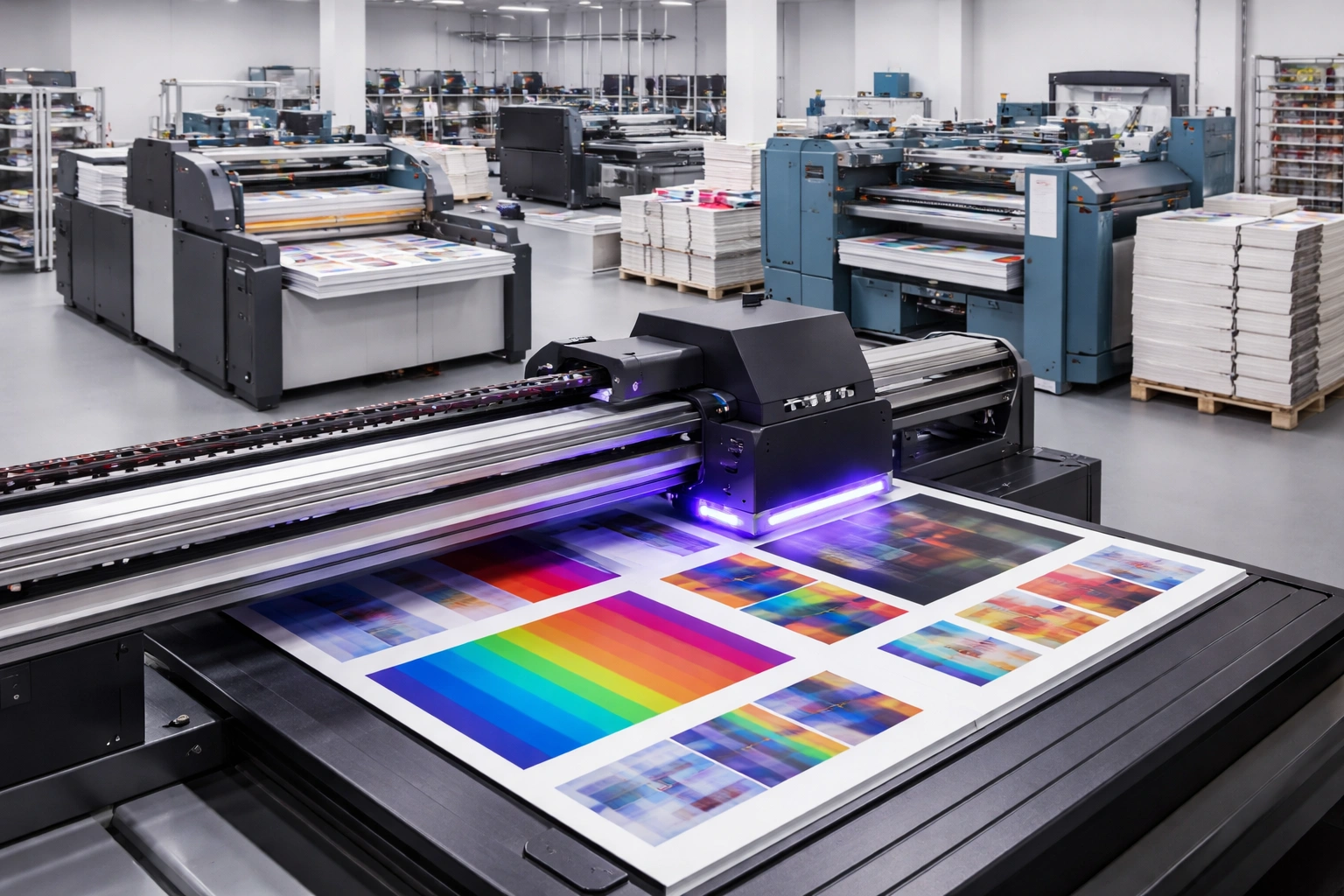
In today’s fast-paced and highly competitive printing industry, efficiency, precision, and consistent quality are no longer optional—they are essential for survival and growth. Customers expect faster delivery, flawless finishes, and durable print results across a wide range of materials. To meet these expectations, print businesses must focus not only on advanced printing technologies but also on how effectively different production stages work together.
One of the most critical areas of improvement lies in the seamless integration of UV printing and finishing processes. While UV printing delivers speed, versatility, and premium output, finishing determines the final look, functionality, and perceived value of the product. Poor coordination between these stages can lead to delays, material waste, rework, and inconsistent quality.
This comprehensive guide explores how to optimize workflow between UV printing and finishing operations. It covers practical strategies, process planning, quality control, automation, and real-world challenges—helping print businesses build a streamlined, scalable, and profitable production environment.
Understanding UV Printing in Modern Production
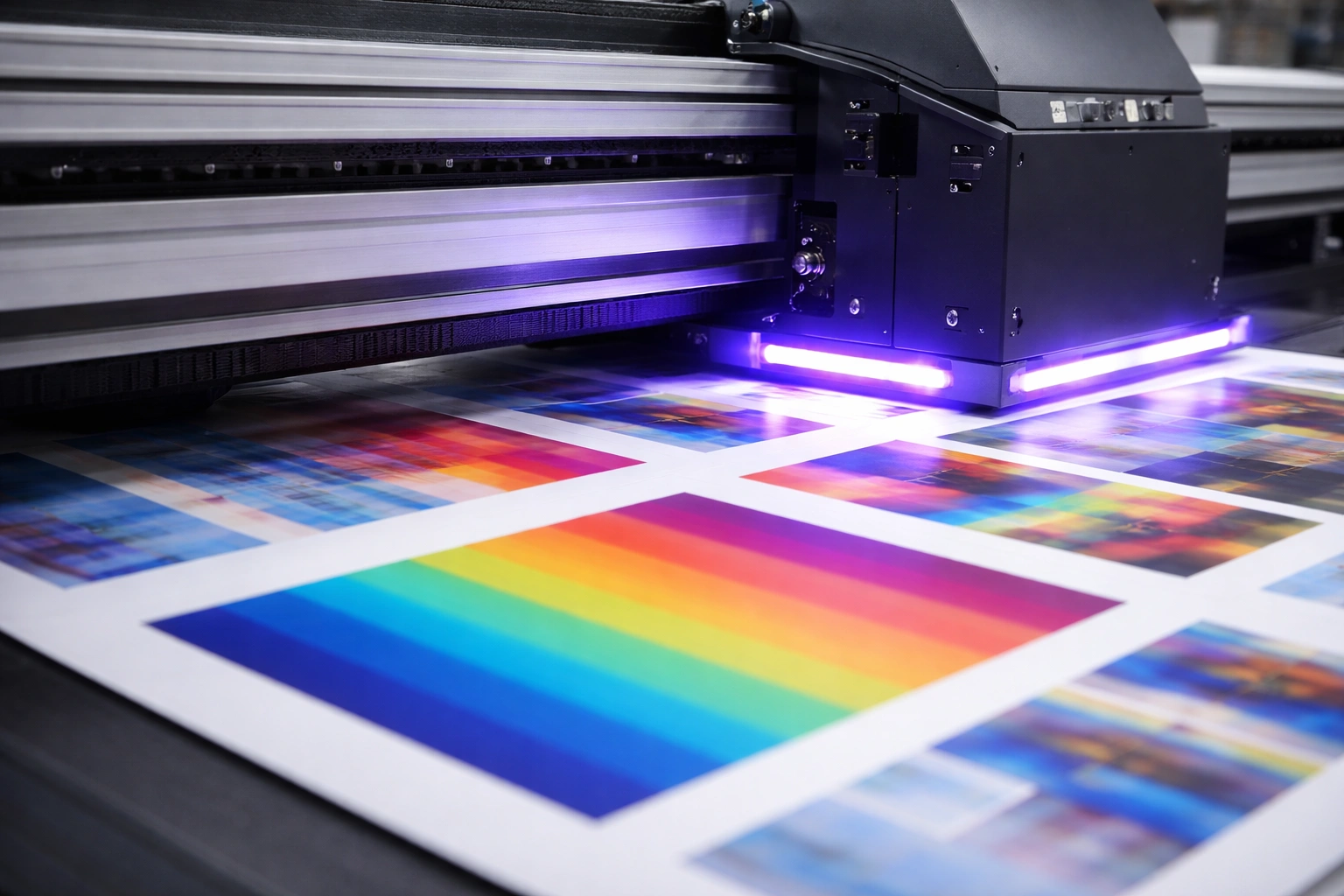
UV printing has transformed digital printing by eliminating long drying times and expanding substrate compatibility. Unlike conventional printing methods that rely on heat or air drying, UV printers use ultraviolet light to cure ink instantly at the moment of application.
This instant curing allows prints to move directly to finishing without waiting, reducing downtime and increasing overall throughput.
Key Advantages of UV Printing
Instant Ink Curing
UV inks harden immediately under UV light, preventing smudging and enabling immediate handling.
High Production Speed
Jobs can be completed faster, making UV printing ideal for tight deadlines and high-volume work.
Exceptional Print Quality
UV printing produces sharp text, fine details, and rich color density that enhances visual impact.
Material Versatility
UV printers can print on a wide range of rigid and flexible substrates, including paper, plastic, acrylic, wood, metal, glass, leather, and more.
Eco-Friendly Output
UV inks contain fewer volatile organic compounds (VOCs), making them a cleaner option compared to solvent-based inks.
These benefits make UV printing a powerful foundation—but without proper finishing integration, its full potential cannot be realized.
The Role of Finishing in Print Quality
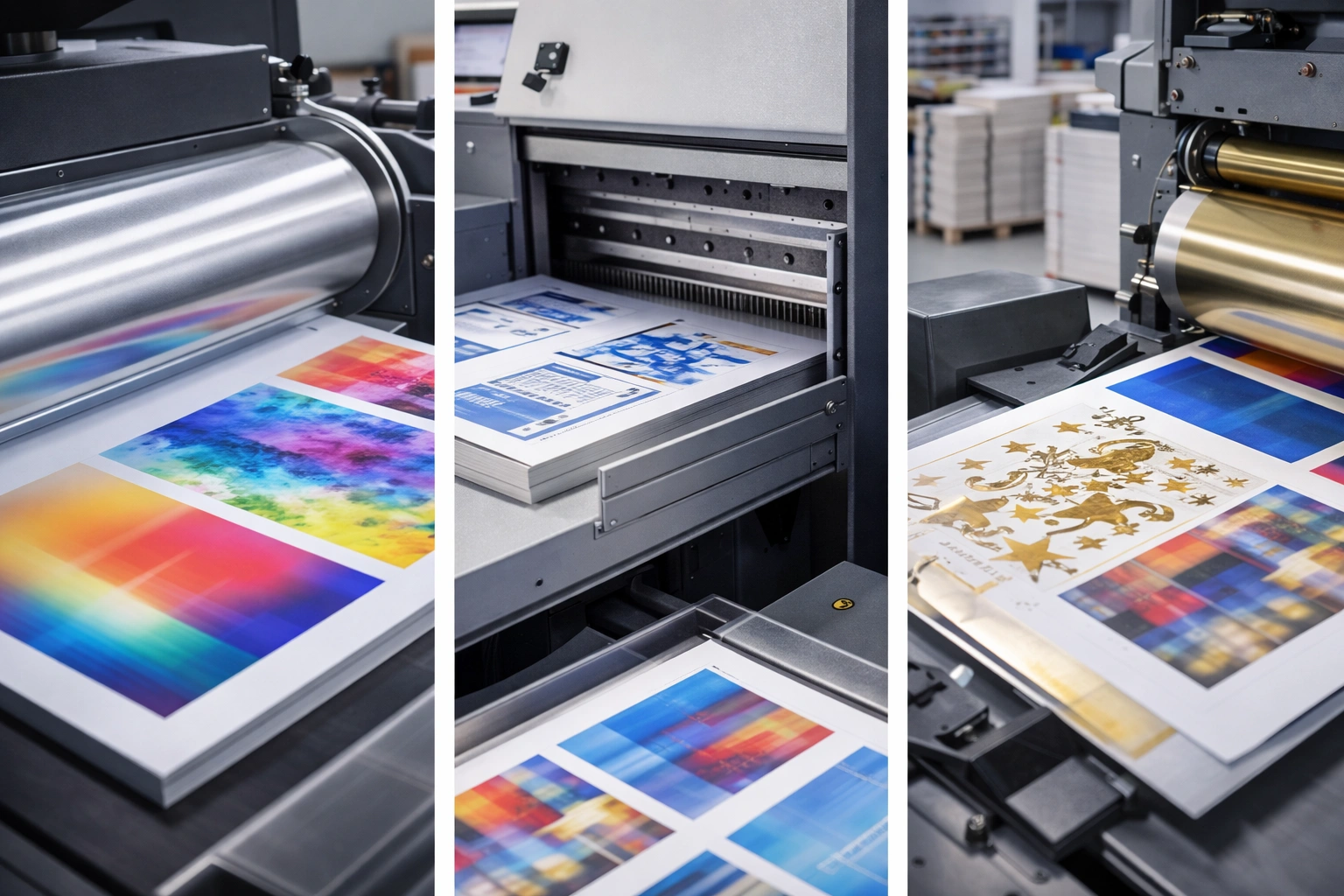
Finishing is the stage where printed materials are transformed into ready-to-use products. It enhances durability, aesthetics, and functionality, often determining whether a product meets customer expectations.
Common Finishing Techniques
Cutting and trimming
Lamination and coating
Die-cutting
Foil stamping
Embossing and debossing
Folding and binding
Mounting and assembly
Each finishing process has specific technical requirements related to ink adhesion, curing strength, material thickness, and surface texture. If these requirements are not considered during printing, finishing issues can arise.
Why Workflow Integration Matters
When UV printing and finishing operate in isolation, problems are inevitable. Misalignment between teams, incorrect curing levels, or improper material handling can disrupt production.
Common Workflow Problems
Ink cracking during folding
Poor lamination adhesion
Delays caused by reprints
Inconsistent quality across batches
Material damage during finishing
Integrating workflows ensures that printing decisions support finishing requirements, reducing errors and improving efficiency.
Building a Seamless UV Printing and Finishing Workflow
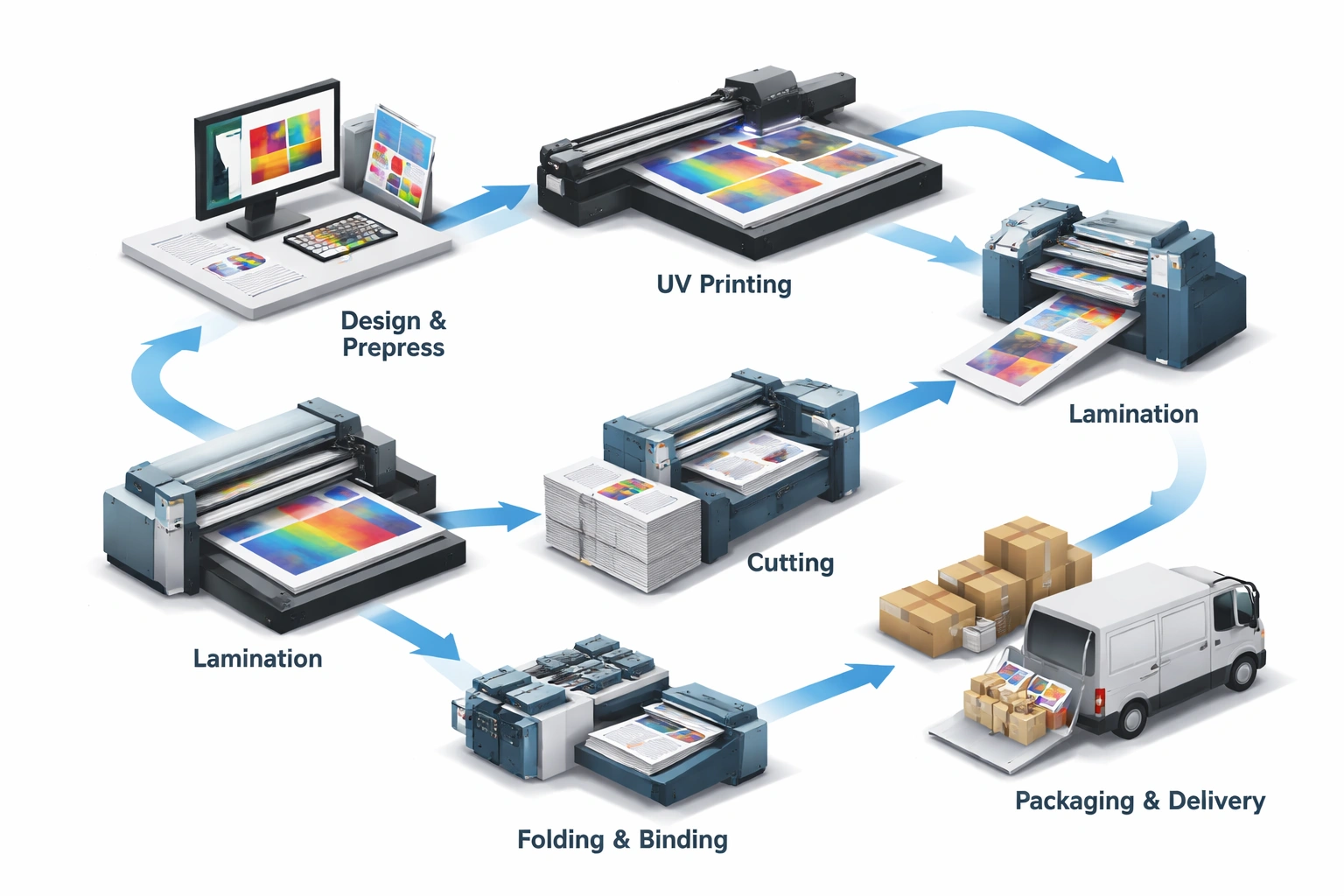
1. Workflow Planning and Process Mapping
A well-defined workflow starts with clear process mapping. Every stage—from file preparation to final delivery—should be documented and timed.
Key elements to plan include:
Substrate preparation
Ink curing intensity
Cooling time (if required)
Finishing method compatibility
Quality inspection checkpoints
Process mapping helps identify bottlenecks and prevents last-minute adjustments that compromise quality.
2. Standard Operating Procedures (SOPs)
SOPs bring consistency and accountability to production. They ensure that every operator follows the same procedures regardless of shift or workload.
Effective SOPs should cover:
Printer settings for different substrates
Recommended curing parameters
Handling instructions before finishing
Approved finishing techniques per material
Troubleshooting guidelines
Regularly updating SOPs based on real-world feedback keeps operations efficient and error-free.
3. Communication Between Printing and Finishing Teams
Poor communication is one of the biggest workflow killers. Printing teams must understand how their output will be finished, and finishing teams must be aware of print characteristics.
Best practices include:
Daily job briefings
Shared job sheets with finishing notes
Feedback loops for recurring issues
Joint quality review sessions
Strong collaboration reduces misunderstandings and rework.
4. Quality Control at Every Stage
Quality control should not be limited to the final product. Early detection of issues saves time and material.
Recommended checkpoints:
Pre-print file inspection
Post-print ink adhesion testing
Visual inspection before finishing
Final product verification
This layered approach ensures consistency and minimizes costly corrections.
Optimizing Equipment for Better Workflow
Using compatible and well-maintained equipment is essential for smooth integration.
Equipment Considerations
UV printers with adjustable curing intensity
Finishing machines designed for UV-printed surfaces
Accurate cutting and registration systems
Anti-static handling solutions
Routine maintenance and calibration ensure that machines perform consistently across production cycles.
Automation and Digital Workflow Tools
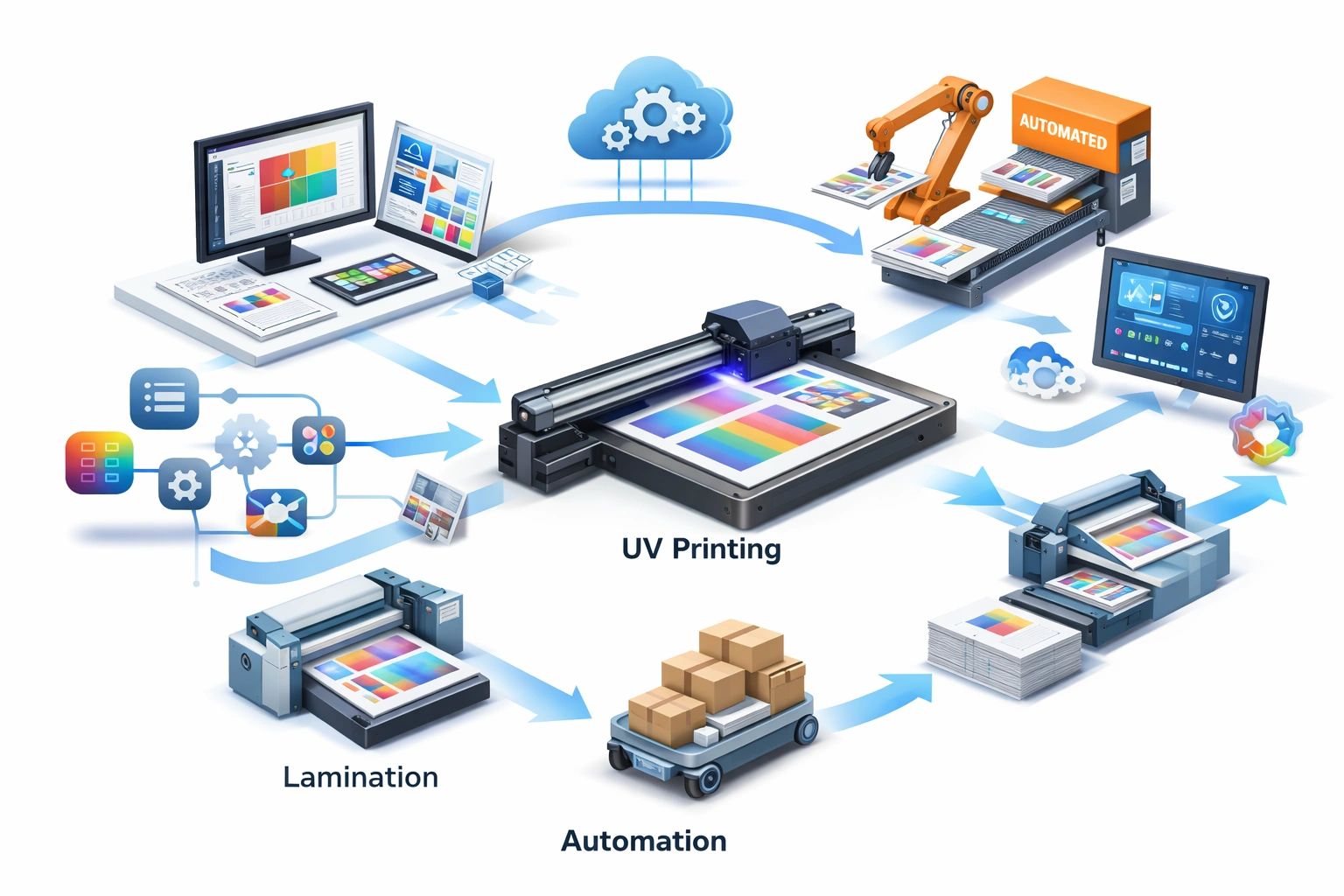
Automation plays a key role in scaling production while maintaining quality.
Benefits of Workflow Automation
Faster Turnaround
Automated job routing reduces manual intervention and delays.
Reduced Errors
Digital workflows minimize data entry mistakes and miscommunication.
Real-Time Tracking
Production managers can monitor job status, machine usage, and bottlenecks.
Resource Optimization
Automation improves material usage and labor efficiency.
Integrating workflow management software allows print businesses to handle higher volumes without sacrificing accuracy.
Managing Different Substrates Effectively
Each substrate behaves differently under UV ink and finishing processes.
Common Challenges
Ink adhesion issues on non-porous materials
Over-curing leading to brittleness
Under-curing causing smudging
Lamination failure on textured surfaces
Proper testing, correct primer usage, and customized curing settings help overcome these challenges.
Training and Skill Development
Technology alone cannot guarantee success—skilled operators are equally important.
Training programs should focus on:
Understanding UV ink behavior
Substrate compatibility
Finishing limitations
Preventive maintenance
Quality inspection techniques
Regular training ensures teams adapt quickly to new materials and production demands.
Cost Control Through Workflow Optimization
Efficient workflow integration directly impacts profitability.
Key cost-saving benefits include:
Reduced material waste
Fewer rejected jobs
Lower rework expenses
Improved machine utilization
Faster job completion
Over time, these efficiencies significantly improve margins and customer retention.
Scaling Production Without Losing Quality
As demand grows, workflow systems must scale accordingly.
Scalable workflow strategies include:
Modular finishing setups
Flexible job scheduling
Automated quality checks
Data-driven production planning
A scalable system allows businesses to grow without compromising consistency.
Future Trends in UV Printing Workflow Integration
The future of UV printing lies in smarter, more connected production environments.
Emerging trends include:
AI-based quality inspection
Predictive maintenance systems
Fully automated finishing lines
Cloud-based workflow management
Sustainable ink and substrate solutions
Early adoption of these trends provides a competitive edge.
Conclusion
Optimizing workflow between UV printing and finishing is not just about speed—it’s about precision, consistency, and long-term efficiency. When printing and finishing processes are aligned through planning, communication, automation, and quality control, businesses achieve higher productivity and superior output.explore our high-quality UV-DTF printers here.
By implementing structured workflows, investing in training, and embracing automation, print businesses can reduce waste, meet tight deadlines, and consistently exceed customer expectations.
A well-integrated UV printing and finishing workflow is the foundation of a scalable, profitable, and future-ready printing operation.
Frequently Asked Questions (FAQ)
What makes UV printing ideal for fast production?
Instant ink curing allows prints to move directly to finishing, eliminating drying delays.
Can UV-printed materials be laminated and embossed?
Yes, when curing levels and material compatibility are properly managed.
Why is workflow integration important?
It reduces errors, improves efficiency, and ensures consistent quality from printing to finishing.
How does automation help UV printing workflows?
Automation improves speed, accuracy, tracking, and resource management across production stages.