

 HOME
HOME PRODUCT CENTER
 ABOUT US
 DOWNLOAD CENTER
 SUPPORT CENTER
 SUBSCRIBE
 BLOG
BLOGUV Printer Demo Day Checklist
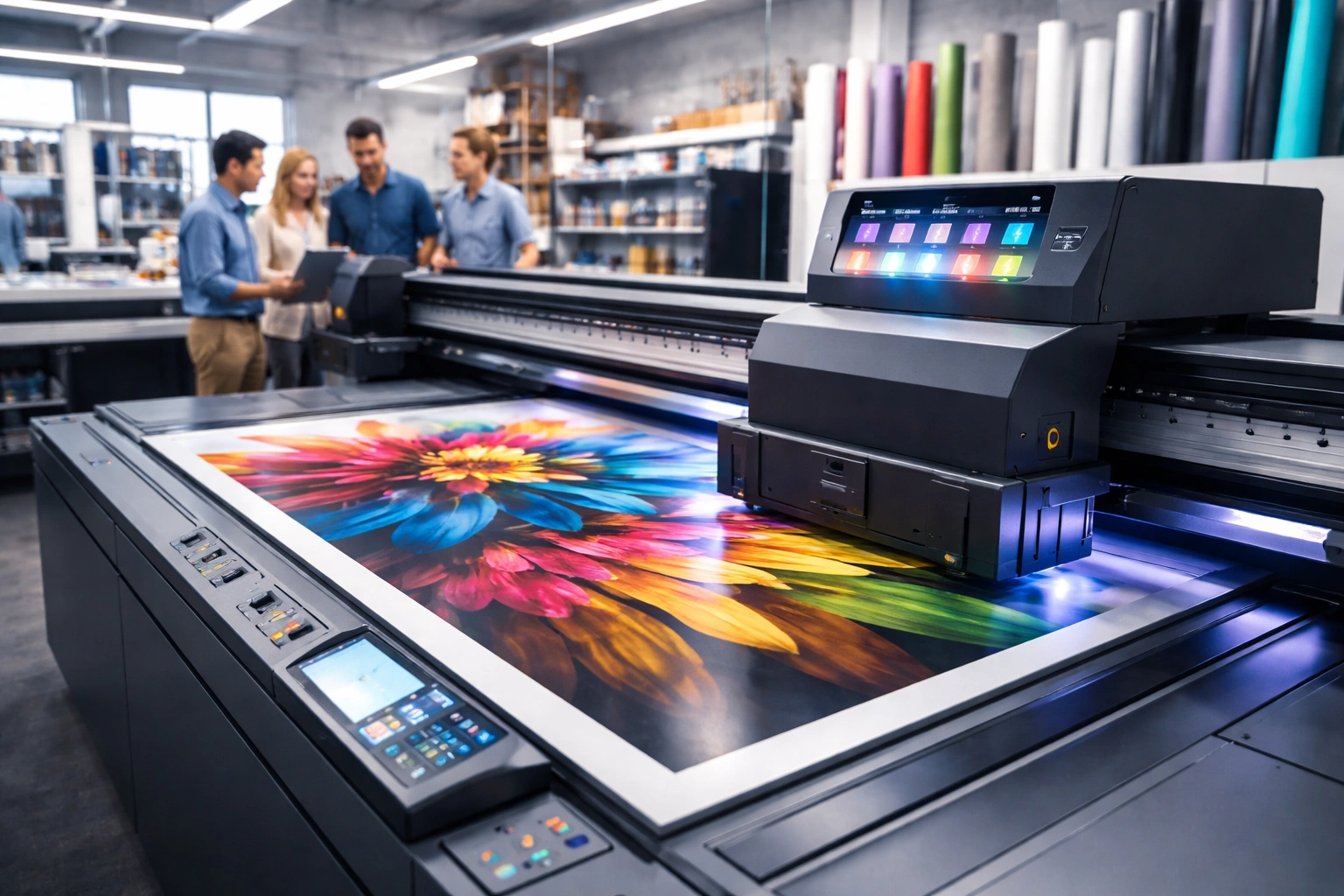
Purchasing a UV printer is not just a routine equipment upgrade—it is a strategic investment that can shape the future growth, efficiency, and profitability of your printing business. UV printing technology has rapidly evolved over the past decade, offering unmatched versatility, superior print quality, and the ability to print on a wide range of substrates. From signage and packaging to promotional products and industrial applications, UV printers have become a cornerstone of modern print operations.
However, with so many models, configurations, and manufacturers available in the market, choosing the right UV printer can feel overwhelming. Specifications on paper often fail to reflect real-world performance. This is where a UV printer demo day becomes critically important. A demo day allows you to evaluate the printer under practical conditions, understand its true capabilities, and identify any limitations before making a financial commitment.
This comprehensive guide explains exactly what you should test, observe, and question during a UV printer demo day. By following this checklist, you can make a confident, informed decision that aligns with your production goals, budget, and long-term business strategy.
Why a UV Printer Demo Day Matters
A UV printer demo day provides a rare opportunity to interact directly with the machine you are considering. Unlike brochures or online videos, a live demonstration shows how the printer performs in real operating conditions.
One of the most important advantages of attending a demo is first-hand experience. You can see how the printer operates, how stable it is during production, and how responsive the controls feel. This experience often reveals practical insights that specifications alone cannot provide.
Another major benefit is quality verification. Print samples produced during a demo allow you to judge color accuracy, sharpness, and ink adhesion on different materials. This is particularly important if your business relies on premium finishes or detailed designs.
Demo days also allow you to customize discussions. You can explain your business use cases, typical order volumes, and material preferences to technical experts and see how the printer responds to those requirements. Additionally, demo events often create opportunities to network with industry professionals, suppliers, and other business owners who can share valuable experiences.
Evaluating Print Quality in Detail
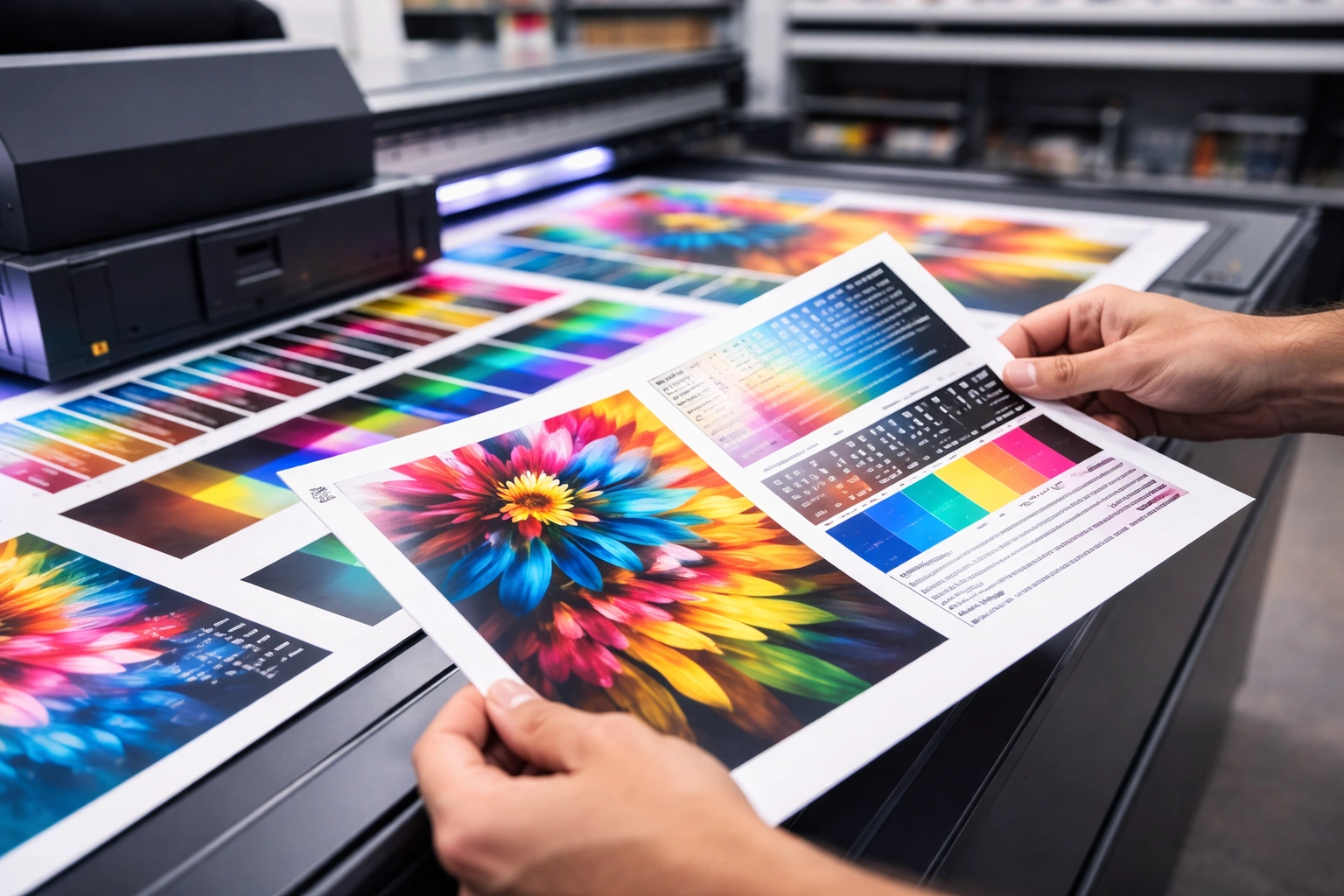
Print quality should be your top priority during a UV printer demo day. A printer may be fast and affordable, but if the output does not meet your quality standards, it will limit your business potential.
Begin by examining color accuracy. Compare printed colors with your original design files and observe whether the printer reproduces tones consistently. Look closely at gradients and transitions between shades. Smooth gradients without visible banding indicate strong color management and print head performance.
Resolution is another critical factor. Ask for samples printed at the maximum supported DPI and inspect fine details such as small text, thin lines, and complex patterns. High-resolution output should appear crisp without pixelation or blurring.
Clarity and edge sharpness also matter, especially for signage and branding applications. Zoom in on edges and corners to ensure there is no feathering or ink bleed. Consistent clarity across the entire print area is a sign of good mechanical stability and accurate print head alignment.
Testing Speed and Overall Productivity
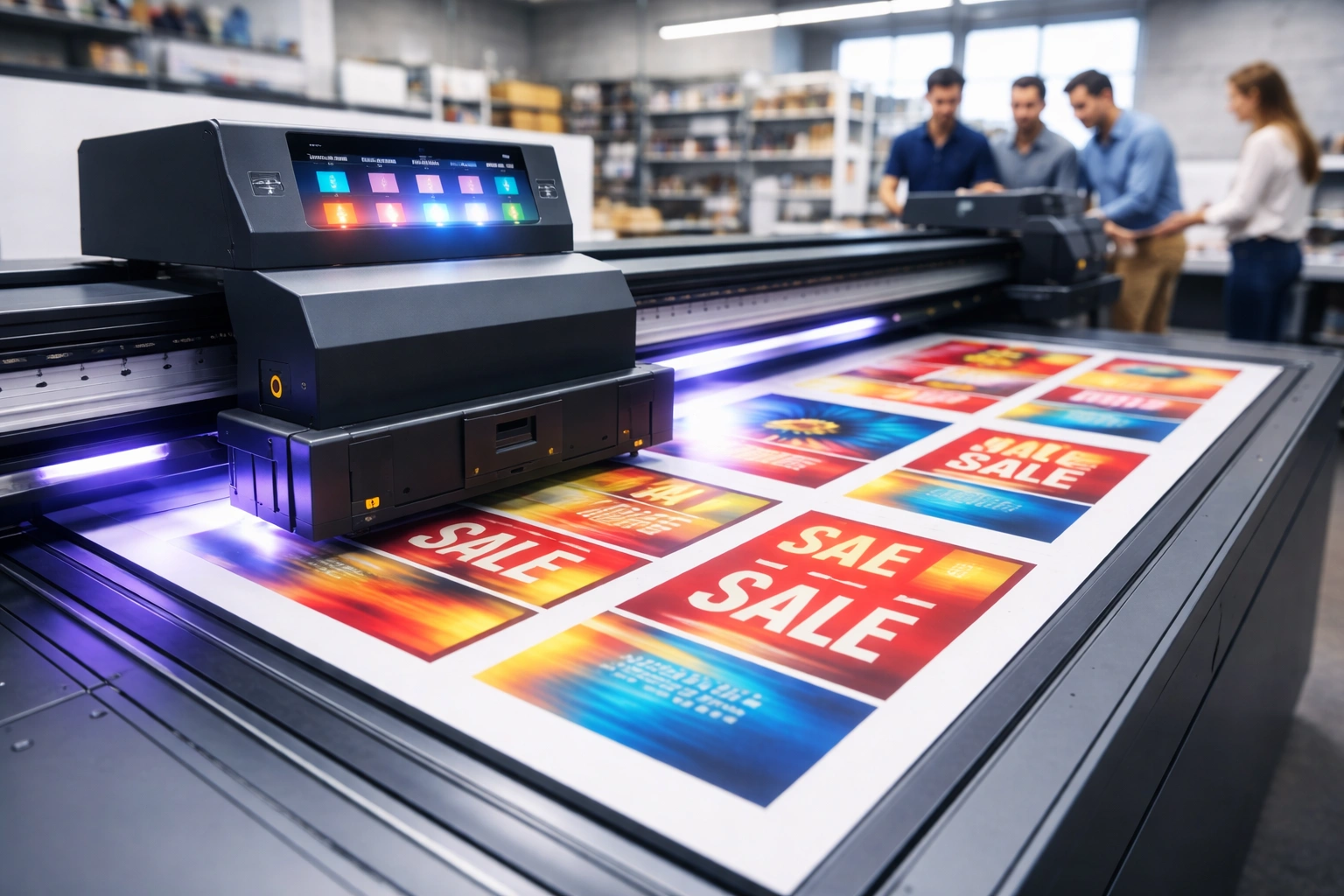
While quality is essential, production speed directly impacts profitability. During the demo, request live demonstrations at different speed settings to understand how performance changes under various conditions.
Observe how long it takes to complete standard print jobs similar to your daily orders. Large formats, dense color areas, and multilayer prints may affect speed differently. A good UV printer should maintain acceptable quality even at higher speeds.
Setup efficiency is equally important. Pay attention to how quickly the printer transitions between jobs. Frequent job changes are common in commercial print environments, so long setup times can slow down your workflow.
Ask about automation features that enhance efficiency, such as automatic height adjustment, ink circulation systems, and job queue management. These features reduce manual intervention and help maintain consistent output during long production runs.
Material Compatibility and Substrate Handling
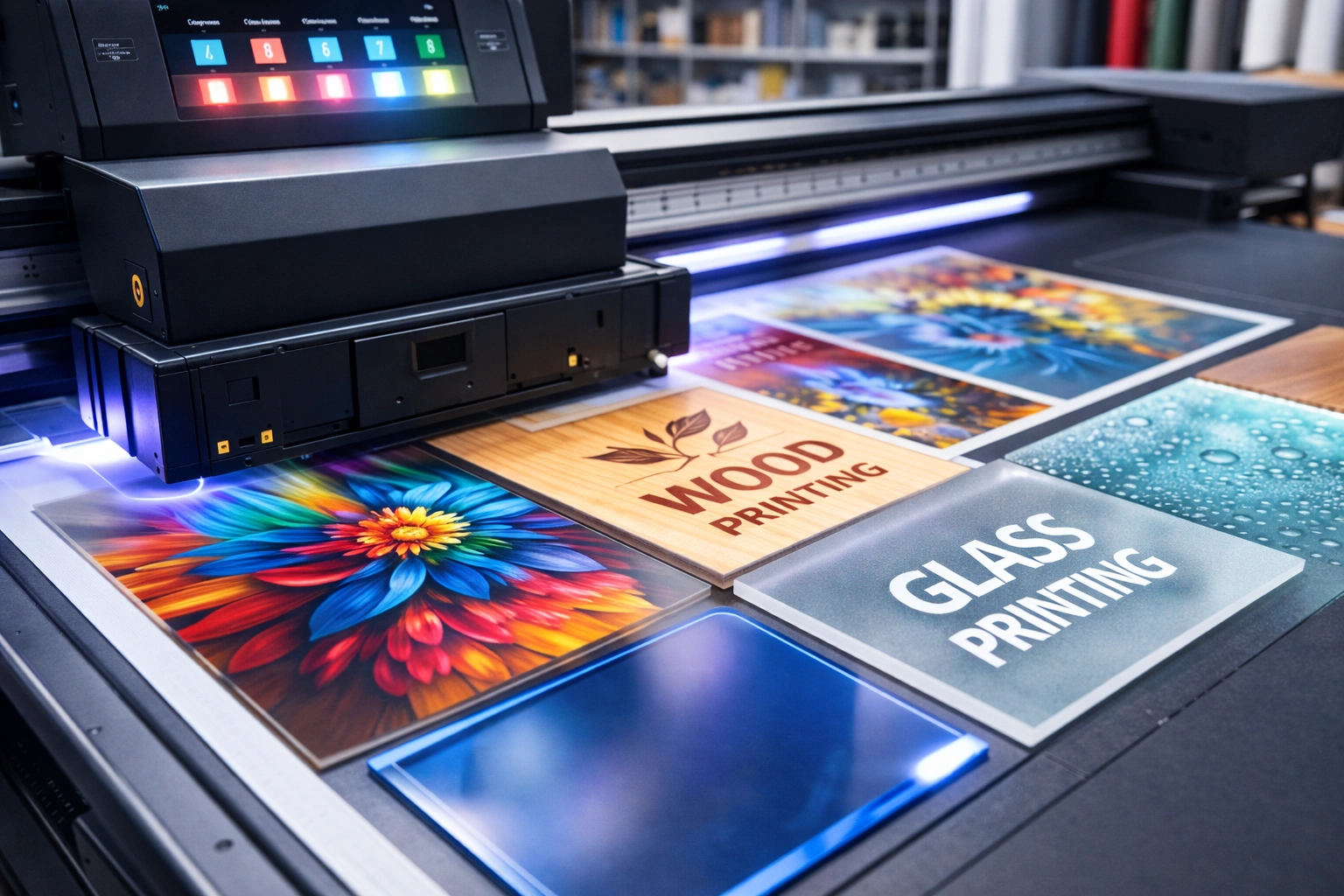
One of the strongest advantages of UV printing is its ability to print on diverse materials. During the demo, test the printer on substrates relevant to your business.
Evaluate how well the printer handles rigid materials like acrylic, wood, glass, metal, and PVC. The ink should adhere evenly without cracking, peeling, or uneven curing. If flexible materials are important for your operations, ask for demonstrations on films, vinyl, or synthetic sheets.
Substrate thickness capacity is another critical consideration. Confirm the maximum material thickness the printer can accommodate and observe how accurately it maintains focus across uneven surfaces.
Discuss specific use cases such as printing on curved items, textured surfaces, or pre-cut objects. Even if these are not immediate needs, understanding the printer’s flexibility can help future-proof your investment.
User Interface and Software Performance
A powerful printer must also be easy to operate. The user interface and software play a major role in daily productivity and error reduction.
During the demo, navigate the control panel or software interface yourself if possible. The layout should feel intuitive, with clearly labeled functions and logical workflows. Complex or cluttered interfaces often increase training time and lead to operational mistakes.
Check software compatibility with your existing design tools. Smooth integration with common design and RIP software ensures faster job preparation and fewer file errors.
Ask about software updates and long-term support. Regular updates improve performance, add features, and fix bugs, making them essential for maintaining efficiency over time.
Maintenance Requirements and Technical Support
Maintenance can significantly affect the total cost of ownership of a UV printer. During the demo day, gather detailed information about daily, weekly, and monthly maintenance routines.
Ask how often print heads require cleaning and whether the process is manual or automated. Simpler maintenance procedures reduce downtime and operator fatigue.
Technical support availability is equally important. Find out whether support is offered remotely, on-site, or both. Response times and service coverage can make a major difference during critical production periods.
Inquire about spare parts availability and consumable supply chains. Easy access to inks, filters, and replacement components ensures uninterrupted operations and predictable expenses.
Understanding Total Cost of Ownership
The purchase price of a UV printer is only one part of the overall investment. During the demo, take time to understand the full cost structure.
Clarify what is included in the initial price, such as installation, training, and warranty coverage. Hidden costs can significantly increase your budget if not identified early.
Operational expenses should also be discussed in detail. Ask about ink consumption rates, electricity usage, and routine maintenance costs. Understanding these factors helps you calculate realistic profit margins.
If financing options are available, explore them carefully. Flexible payment plans can improve cash flow management, especially for growing businesses.
Testing Print Durability and Longevity
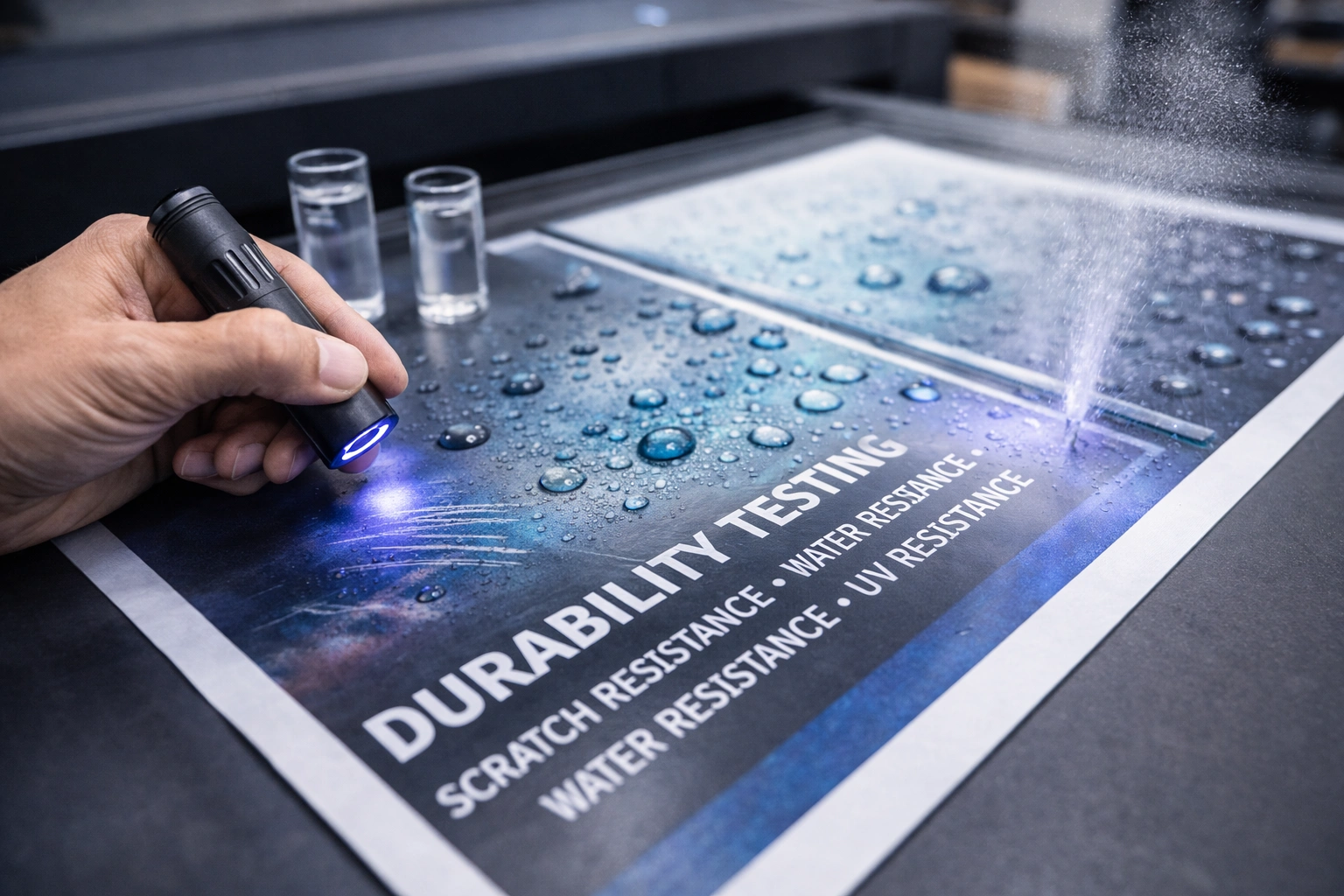
Durability is especially important for outdoor signage, industrial labels, and frequently handled products. During the demo, perform durability tests on printed samples.
Scratch resistance can be tested by gently rubbing the printed surface. High-quality UV prints should resist scratching without visible damage.
UV resistance is another key factor. Ask how long prints maintain color stability when exposed to sunlight. Long-lasting prints reduce customer complaints and reprint costs.
Water resistance should also be evaluated if your products are exposed to moisture. Properly cured UV inks should resist smudging or fading when exposed to water.
Reviewing Samples and Manufacturer Portfolios
Request a wide range of sample prints produced by the printer. These samples provide valuable insight into consistency and versatility.
Look for diversity in materials, finishes, and applications. A strong portfolio demonstrates the printer’s adaptability across different market segments.
Ask for real customer case studies or testimonials. Learning how other businesses use the printer can help you visualize how it fits into your own operations.
Questions You Should Always Ask
A demo day is also about gathering information. Ask direct, practical questions about performance limits, upgrade options, and long-term reliability.
Clarify warranty terms and what components are covered. Understanding warranty conditions protects you from unexpected repair costs.
Ask whether the printer can be upgraded in the future, such as adding white ink, varnish, or automation modules. Upgrade flexibility extends the lifespan of your investment.
Conclusion
A UV printer demo day is more than a simple product showcase—it is a critical evaluation stage that protects your investment and strengthens your business decision-making. By carefully testing print quality, speed, material compatibility, software usability, maintenance requirements, and durability, you gain a realistic understanding of how the printer will perform in your daily operations.
Taking the time to ask detailed questions, review samples, and assess total ownership costs ensures that you choose a UV printer that aligns with your production needs and long-term growth goals. A well-selected printer not only enhances output quality but also improves efficiency, customer satisfaction, and overall profitability.explore our high-quality UV-DTF printers here.
Approach the demo day with a clear checklist and a critical eye, and you will be well-equipped to make a confident, informed purchase decision.
Frequently Asked Questions
What should I focus on most during a UV printer demo day?
Focus on print quality, material compatibility, speed, and ease of operation, as these factors directly affect daily productivity and output consistency.
How important are print samples during the demo?
Print samples are essential because they show real-world quality, durability, and color accuracy that specifications alone cannot demonstrate.
Can a demo day help reduce future maintenance issues?
Yes, understanding maintenance routines and support availability during the demo helps you anticipate downtime and operating costs.
Are UV printers suitable for small businesses?
Many UV printers are designed for scalable production, making them suitable for both small and large businesses when chosen carefully.
Why is total cost of ownership important?
Looking beyond the purchase price helps you understand long-term expenses, ensuring sustainable profitability.