

 HOME
HOME PRODUCT CENTER
 ABOUT US
 DOWNLOAD CENTER
 SUPPORT CENTER
 SUBSCRIBE
 BLOG
BLOGIndustrial vs Desktop UV Printers Explained
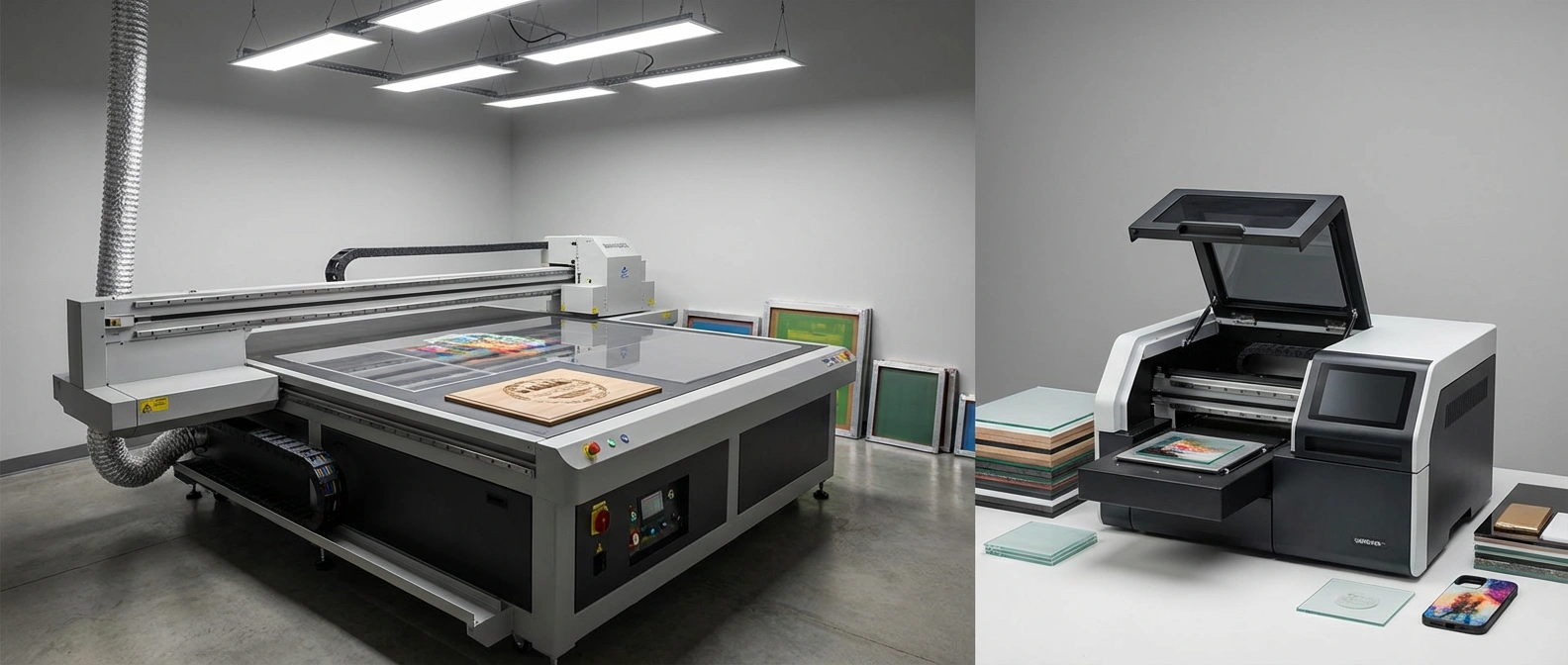
As the printing industry continues to evolve, businesses are constantly searching for technologies that deliver high-quality results, faster production, and long-term cost efficiency. Among the most popular innovations in recent years is UV printing, a technology that has transformed how designs are printed on a wide range of materials.
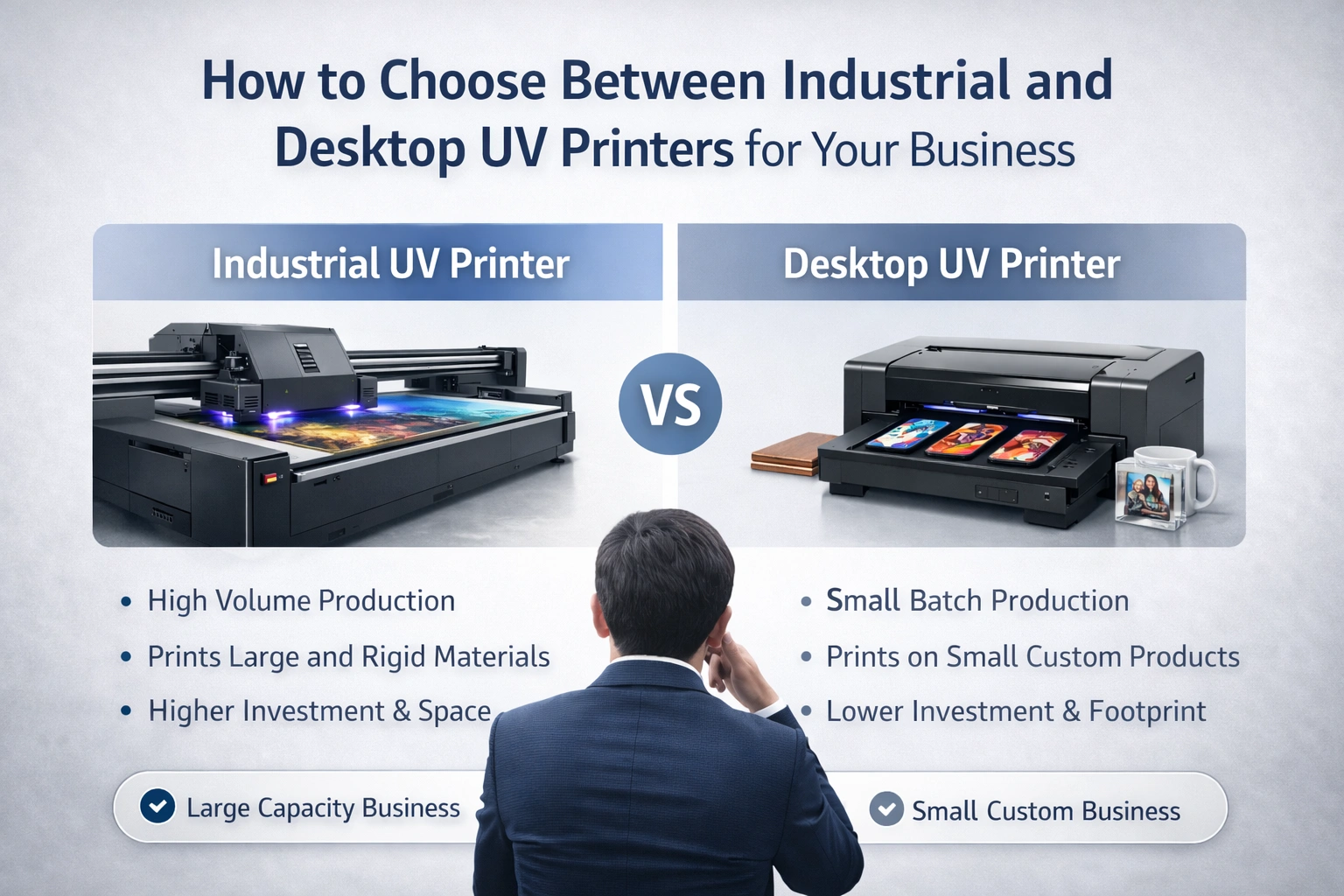
When businesses begin exploring UV printing, they often face one important decision: Should they invest in an industrial UV printer or a desktop UV printer? While both machines use ultraviolet curing technology, they are designed for very different workloads, budgets, and business goals.
This article provides a detailed comparison of industrial UV printers and desktop UV printers, helping you understand their capabilities, limitations, costs, and ideal use cases. By the end, you will be able to confidently choose the right UV printer for your business without confusion or guesswork.
What Is UV Printing Technology?
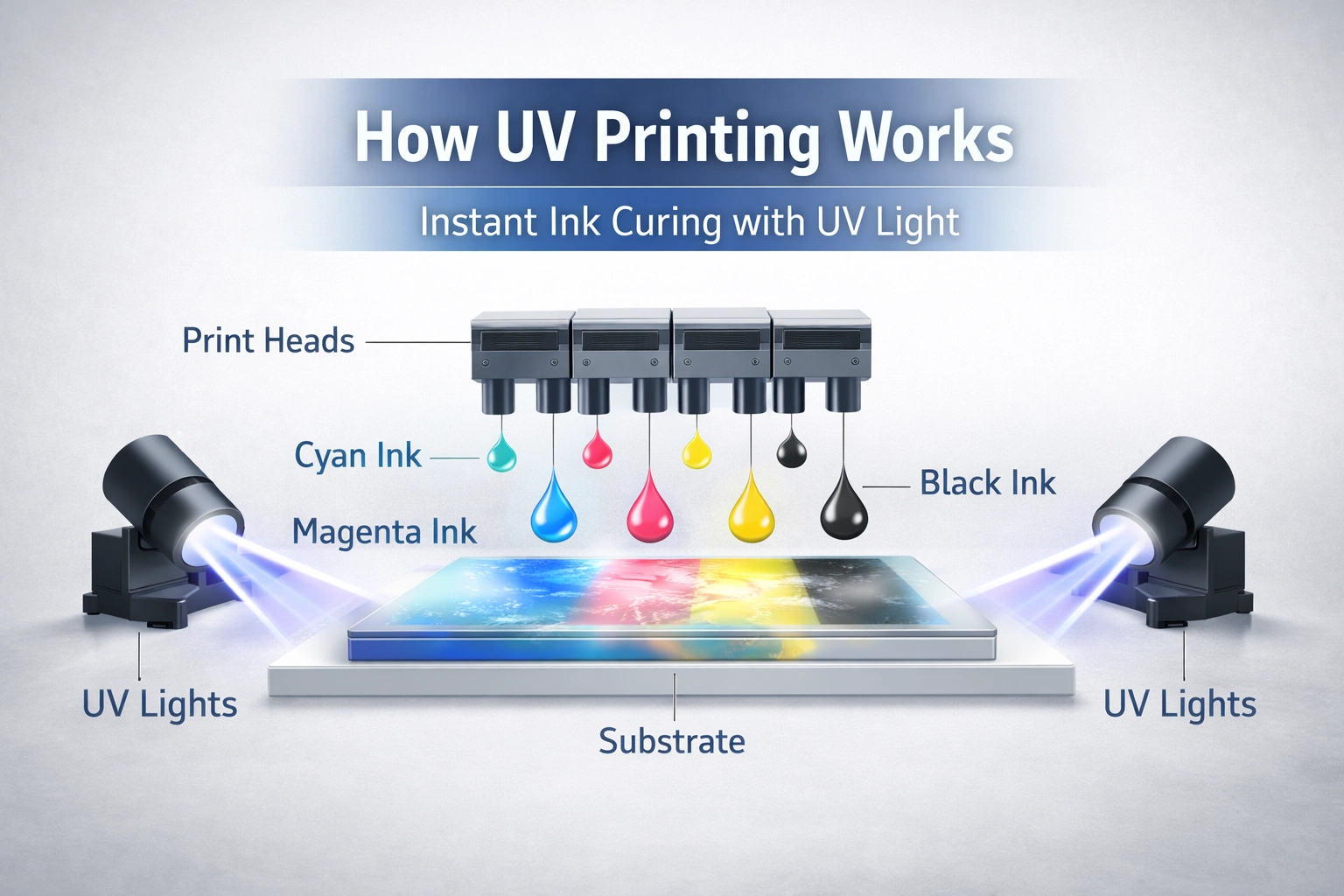
UV printing is a modern digital printing method that uses ultraviolet light to instantly cure ink as it is applied to a surface. Unlike traditional printing methods that rely on air drying or heat, UV printing locks the ink in place immediately after it is deposited.
This instant curing process delivers several advantages:
Sharp and vibrant colors
Strong adhesion to non-porous materials
Scratch-resistant and fade-resistant prints
Faster production with no drying time
Because of these benefits, UV printing has become widely used in industries such as signage, packaging, interior décor, promotional products, and industrial manufacturing.
Overview of Industrial UV Printers
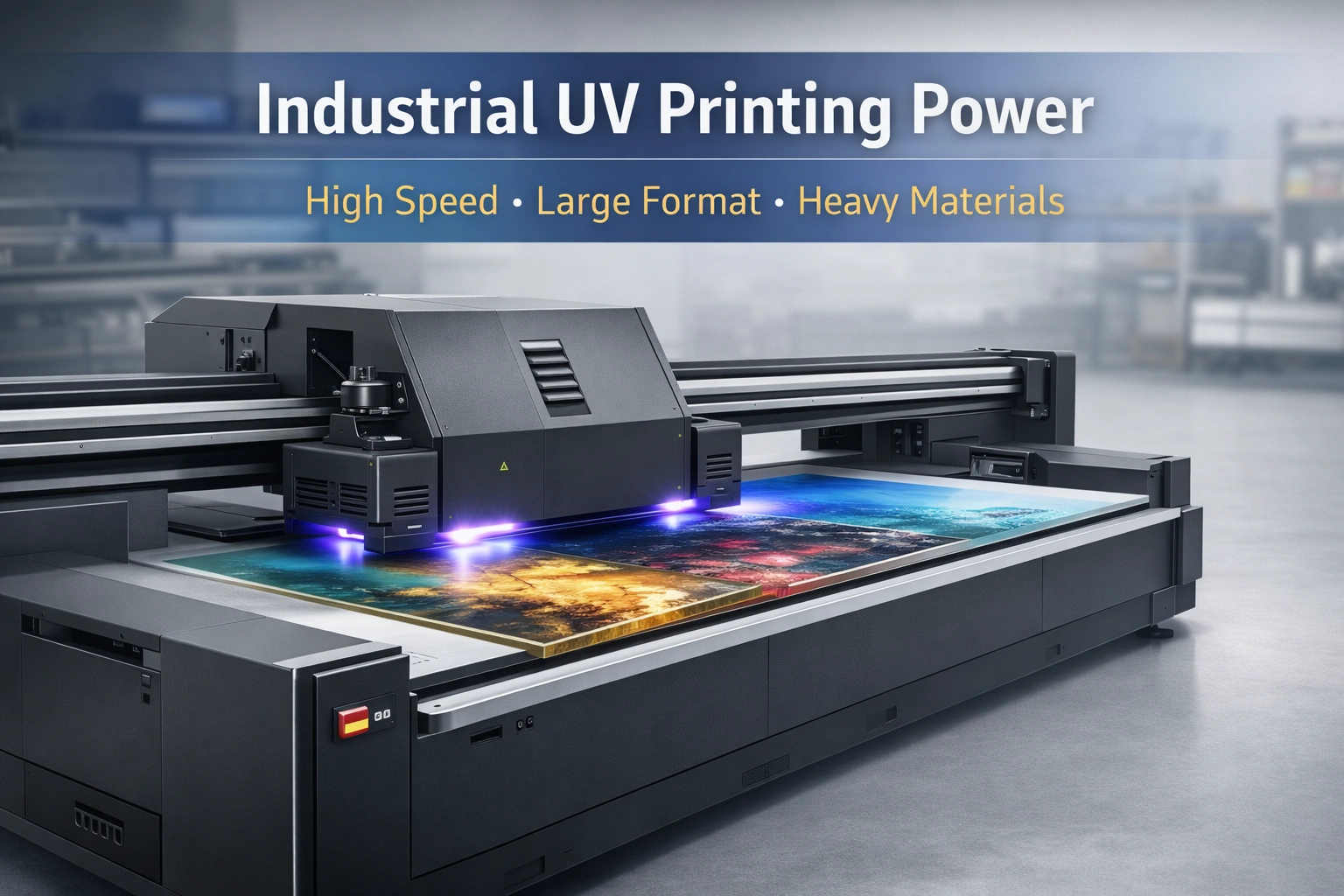
Industrial UV printers are heavy-duty machines designed for large-scale commercial and industrial production. These printers are built to operate continuously and handle demanding workloads with precision and consistency.
They are commonly found in factories, print houses, signage companies, and packaging units where speed, reliability, and material flexibility are critical.
Overview of Desktop UV Printers
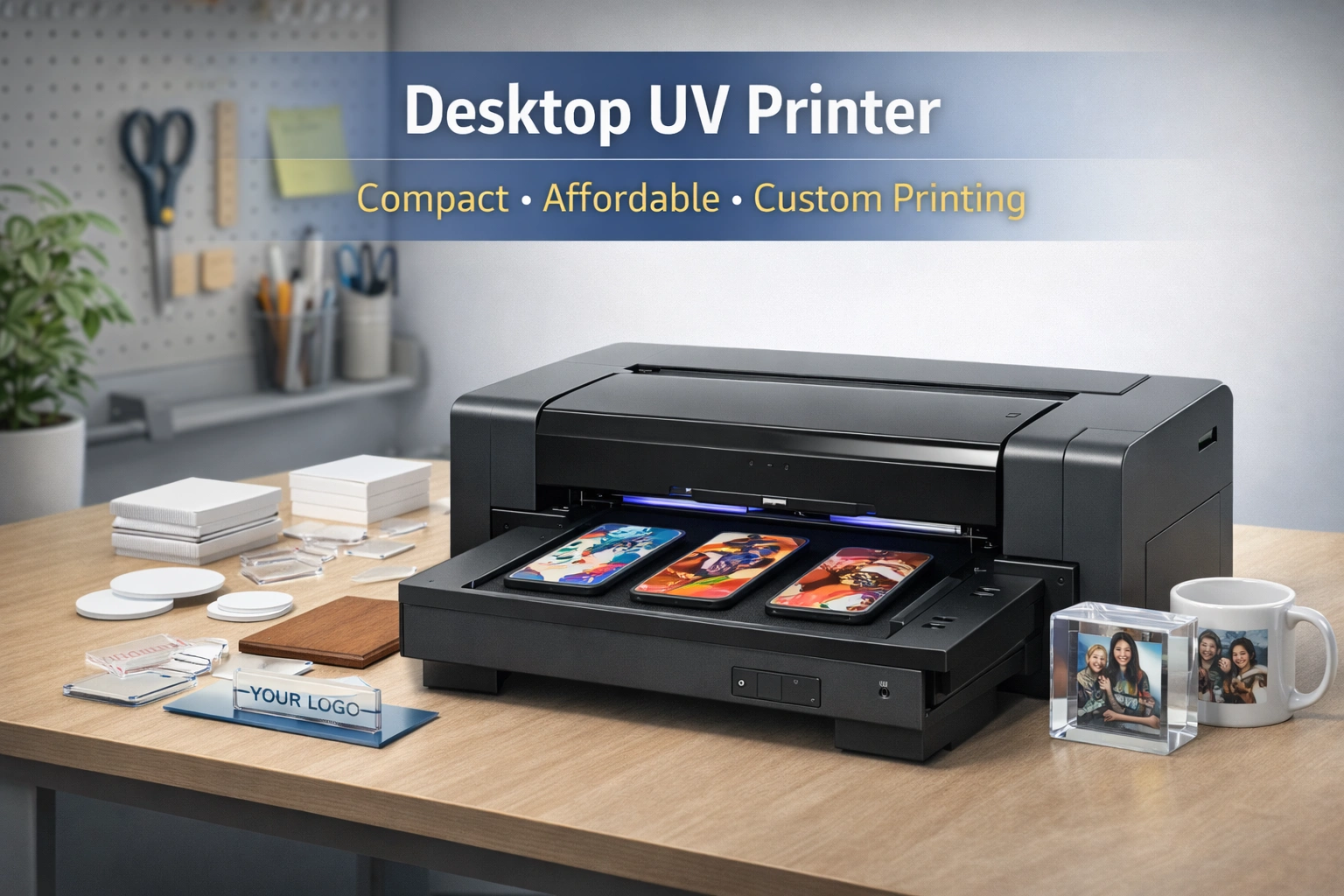
Desktop UV printers are compact machines designed for small businesses, startups, and custom printing studios. They offer an affordable entry point into UV printing without requiring large production spaces or massive capital investment.
These printers are ideal for entrepreneurs who focus on customization, prototyping, or limited production runs.
Key Differences Between Industrial and Desktop UV Printers
1. Size and Physical Footprint
One of the most noticeable differences between the two is their size.
Industrial UV printers are large machines that require dedicated floor space, proper ventilation, and professional installation. They are often integrated into full production lines.
Desktop UV printers, on the other hand, are compact and lightweight. Many models can be placed on a standard table or workstation, making them ideal for small offices or studios.
2. Production Capacity and Output Volume
Production capacity is a deciding factor for most businesses.
Industrial UV printers are built for high-volume printing. They can operate for long hours without overheating and are capable of handling bulk orders efficiently.
Desktop UV printers are designed for low to medium production volumes. While they deliver excellent quality, they are not suitable for continuous mass production.
3. Printing Speed and Workflow Efficiency
Speed directly impacts turnaround time and profitability.
Industrial UV printers use advanced print heads, multi-lane printing systems, and automated workflows to achieve very high speeds. These machines are optimized for efficiency and minimal downtime.
Desktop UV printers operate at slower speeds. They prioritize precision over volume, which is perfectly suitable for personalized or short-run projects.
4. Print Quality and Resolution
Both industrial and desktop UV printers can produce high-quality prints, but there are differences in consistency and detail.
Industrial UV printers offer superior color stability, higher DPI capabilities, and consistent output across large print batches. They are ideal for projects that demand uniformity and fine detail.
Desktop UV printers provide excellent quality for smaller jobs. However, they may not match the precision and repeatability of industrial machines when handling complex or large-scale projects.
5. Material Compatibility and Thickness Handling
Material versatility is one of the strongest advantages of UV printing.
Industrial UV printers can print on a wide range of materials, including:
Glass
Metal
Wood
Acrylic
PVC
Ceramic
Thick and rigid substrates
They are built to handle heavy and uneven materials without compromising print quality.
Desktop UV printers typically support lighter and thinner materials. While some models can handle rigid surfaces, their capacity is limited compared to industrial machines.
6. Durability and Machine Lifespan
Industrial UV printers are engineered for durability. They are built with robust frames, industrial-grade components, and advanced cooling systems to support continuous operation.
Desktop UV printers are durable for their intended use but are not designed for heavy-duty workloads. Excessive use may shorten their lifespan if pushed beyond recommended limits.
7. Maintenance Requirements
Maintenance differs significantly between the two categories.
Industrial UV printers require regular professional maintenance, including print head calibration, ink system checks, and mechanical servicing. While maintenance costs are higher, these machines are designed to minimize breakdowns.
Desktop UV printers are easier to maintain and often allow basic cleaning and servicing by the user. Maintenance costs are generally lower, making them attractive for small businesses.
8. Initial Investment and Operating Costs
Cost is often the most decisive factor.
Industrial UV printers involve a high initial investment. However, they offer lower cost per print when used for high-volume production, making them cost-effective in the long run.
Desktop UV printers are budget-friendly and ideal for businesses with limited capital. While operating costs may be higher per unit, the overall investment risk is much lower.
9. Software and Automation Features
Industrial UV printers usually come with advanced RIP software, automation tools, color management systems, and workflow optimization features. These capabilities are essential for managing large-scale production efficiently.
Desktop UV printers use simpler software designed for ease of use. While they may lack advanced automation, they are user-friendly and easy to learn.
Ideal Use Cases for Industrial UV Printers
Industrial UV printers are best suited for businesses that:
Handle large and recurring print orders
Require fast turnaround times
Work with diverse and thick materials
Operate in signage, packaging, or manufacturing industries
Aim to scale production and maximize output
For such businesses, industrial UV printers are not just machines but long-term productivity assets.
Ideal Use Cases for Desktop UV Printers
Desktop UV printers are ideal for businesses that:
Are startups or small enterprises
Focus on customization and personalized products
Produce small batches or prototypes
Have limited space and budget
Want to test UV printing before scaling
They are especially popular among gift shops, promotional product businesses, and creative studios.
Choosing the Right UV Printer for Your Business
Selecting the right UV printer requires a clear understanding of your business goals. Before making a decision, consider the following questions:
What is your average monthly print volume?
What materials do you plan to print on?
How fast do you need to deliver orders?
What is your budget and long-term growth plan?
If your business prioritizes volume, speed, and versatility, an industrial UV printer is the right choice. If affordability, flexibility, and customization are more important, a desktop UV printer will meet your needs effectively.
Long-Term Business Impact of UV Printer Selection
Choosing the right UV printer directly affects productivity, profit margins, and customer satisfaction. An underpowered printer can slow growth, while an oversized investment can strain finances.
A strategic choice ensures:
Better workflow efficiency
Lower operational risks
Improved return on investment
Scalability as demand increases
Conclusion
Both industrial UV printers and desktop UV printers play important roles in the modern printing ecosystem. Industrial models excel in speed, durability, and material flexibility, making them ideal for large-scale commercial production. Desktop models offer affordability, simplicity, and creative freedom for smaller operations.explore our high-quality UV printers here.
The best choice depends entirely on your business size, workload, budget, and long-term vision. By carefully evaluating these factors, you can invest in a UV printer that supports sustainable growth and delivers consistent, high-quality results.
Frequently Asked Questions (FAQ)
What materials can industrial UV printers print on?
Industrial UV printers can print on glass, metal, wood, plastic, acrylic, ceramic, and many other rigid or flexible substrates.
Are desktop UV printers suitable for commercial use?
Yes, desktop UV printers are suitable for small-scale commercial use, especially for customized and short-run projects.
Do UV prints fade over time?
UV prints are highly resistant to fading, scratches, and moisture due to instant ink curing.
Is UV printing environmentally friendly?
UV printing produces less waste and emits fewer volatile organic compounds compared to traditional printing methods.
Which UV printer is better for beginners?
Desktop UV printers are generally better for beginners due to lower costs, simpler operation, and minimal maintenance requirements.