

 HOME
HOME PRODUCT CENTER
 ABOUT US
 DOWNLOAD CENTER
 SUPPORT CENTER
 SUBSCRIBE
 BLOG
BLOGVisual Positioning UV Printer Demo Day Guide
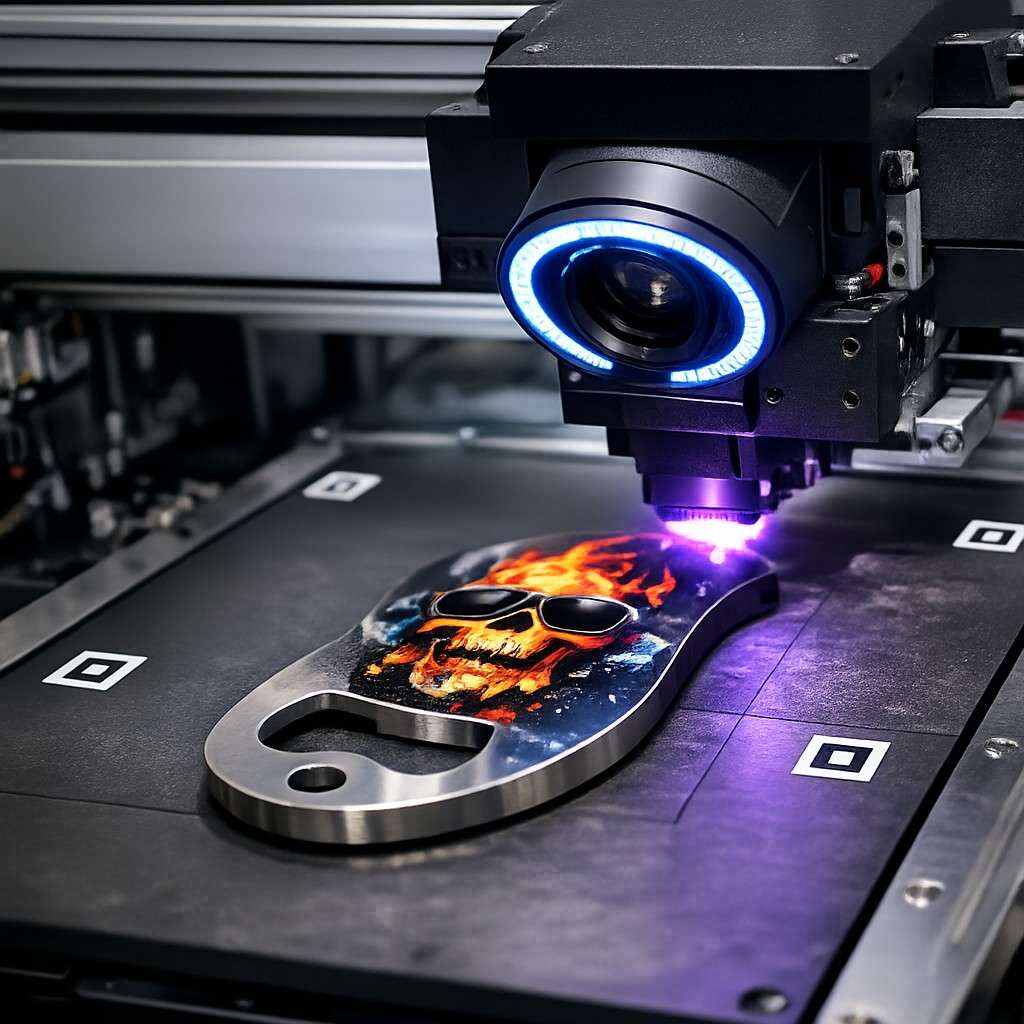
Accuracy has become one of the most critical success factors in modern printing businesses. Customers expect flawless alignment, consistent color output, and the ability to print on complex or irregular surfaces without compromise. As printing applications expand into customized products, industrial components, signage, and promotional items, traditional printing systems often fall short of these expectations.
This is where Visual Positioning UV Printers stand out. By combining high-precision camera systems with UV curing technology, these printers deliver exceptional accuracy on a wide variety of substrates. However, purchasing such advanced equipment is a significant investment, and making the right decision requires more than reading specifications online.
A Visual Positioning UV Printer Demo Day offers an ideal opportunity to test real-world performance before committing to a purchase. This article serves as a comprehensive guide to understanding why demo days matter, what to evaluate during the event, how visual positioning technology works, and how to ensure the printer you choose aligns with your business goals.
What Is a Visual Positioning UV Printer?
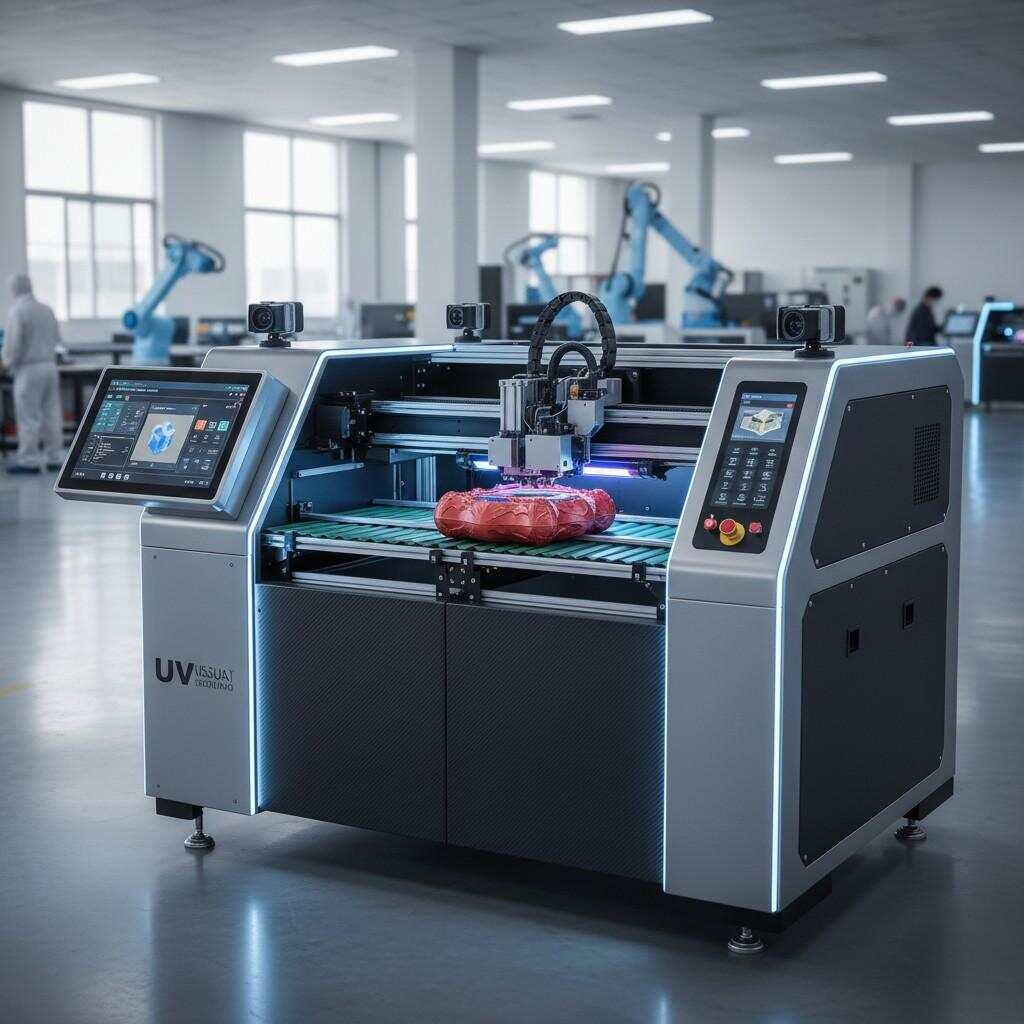
A Visual Positioning UV Printer is an advanced printing system that integrates high-resolution cameras and intelligent software with UV inkjet technology. Unlike conventional printers that rely solely on fixed coordinates, these machines “see” the object being printed and automatically adjust print positioning in real time.
The system captures an image of the substrate, detects edges, shapes, holes, or markers, and precisely aligns the print file with the physical object. UV light instantly cures the ink as it is deposited, ensuring sharp details and strong adhesion.
This technology is especially valuable for:
Irregular or non-standard shapes
Pre-cut or pre-assembled items
Mass customization workflows
High-accuracy branding and labeling
Why a Demo Day Is Essential Before Purchase
Seeing Real Performance, Not Just Marketing Claims
Manufacturers often highlight ideal performance conditions, but real production environments can be very different. A demo day allows you to see how the printer behaves with actual materials, print speeds, and design complexities similar to your daily operations.
Reducing Investment Risk
Visual Positioning UV Printers represent a substantial financial commitment. Testing the equipment firsthand reduces the risk of purchasing a machine that does not meet your accuracy, speed, or workflow expectations.
Comparing Multiple Models Side by Side
Demo events frequently feature more than one model or configuration. This allows you to compare:
Camera accuracy
Ink performance
Software usability
Production speed
Build quality
Side-by-side comparison is far more effective than reviewing brochures or videos.
Understanding Operational Complexity
Even the most advanced printer must be practical for daily use. A demo day helps you evaluate:
Setup time
Learning curve
Operator involvement
Maintenance requirements
How Visual Positioning Technology Works
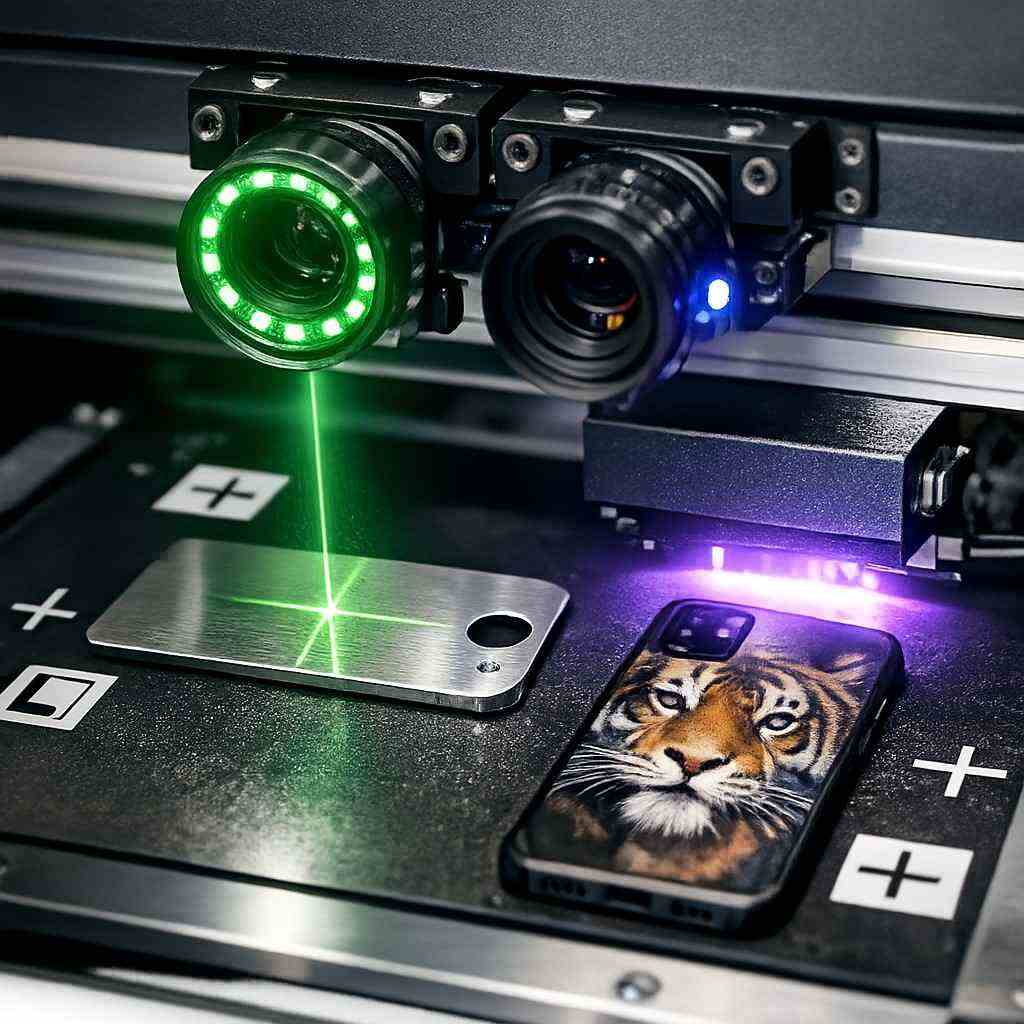
Camera-Based Detection
High-resolution industrial cameras scan the printing surface and detect the exact position of the object. The system identifies reference points such as edges, contours, or printed markers.
Intelligent Software Mapping
The printer’s software maps the detected object against the digital design file. It automatically compensates for misalignment, rotation, or placement variation.
Real-Time Adjustment
As printing begins, the system continuously monitors positioning, ensuring that each print lands exactly where intended—even if objects are placed inconsistently.
UV Ink Curing
Ultraviolet lamps instantly cure the ink as it is printed. This prevents ink spread, improves durability, and allows immediate handling.
Key Benefits of Visual Positioning UV Printers
Exceptional Printing Accuracy
The primary advantage is unmatched precision. Visual positioning minimizes errors caused by manual placement and significantly reduces material waste and reprints.
Expanded Application Possibilities
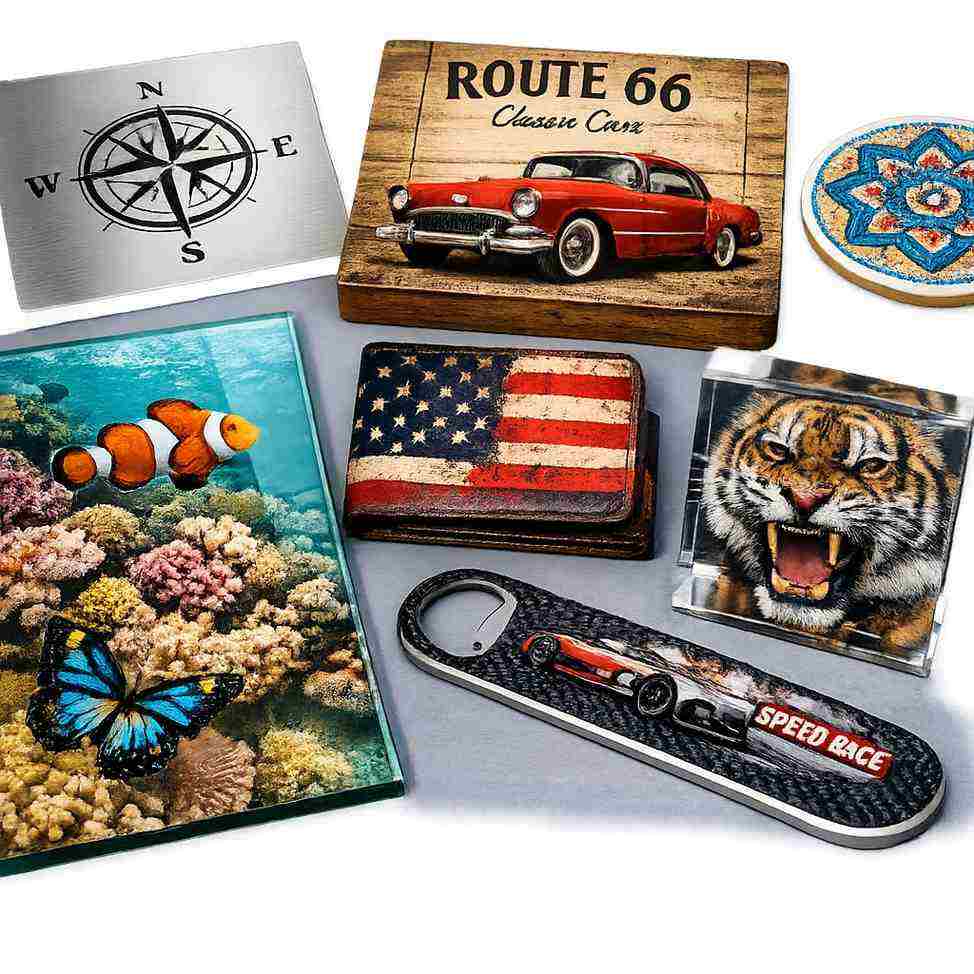
These printers can handle a wide range of materials, including:
Glass
Acrylic
Metal
Wood
Leather
Plastic
Ceramics
This flexibility allows businesses to diversify their product offerings and attract new markets.
Faster Production Turnaround
Instant UV curing eliminates drying time. Finished products can be handled, packed, or processed immediately after printing.
Professional Finish and Durability
UV inks provide:
Strong adhesion
Scratch resistance
Fade resistance
High color density
This results in premium-quality prints suitable for both indoor and outdoor use.
Long-Term Cost Efficiency
Although the initial cost may be higher, savings are realized through:
Reduced material waste
Lower reprint rates
Minimal consumable usage
Longer machine lifespan
What to Evaluate During a Demo Day
Print Quality Assessment
Carefully inspect printed samples for:
Sharp edges
Fine detail reproduction
Color consistency
Uniform ink layers
Test both simple and complex designs to see how the printer handles detail.
Accuracy on Irregular Objects
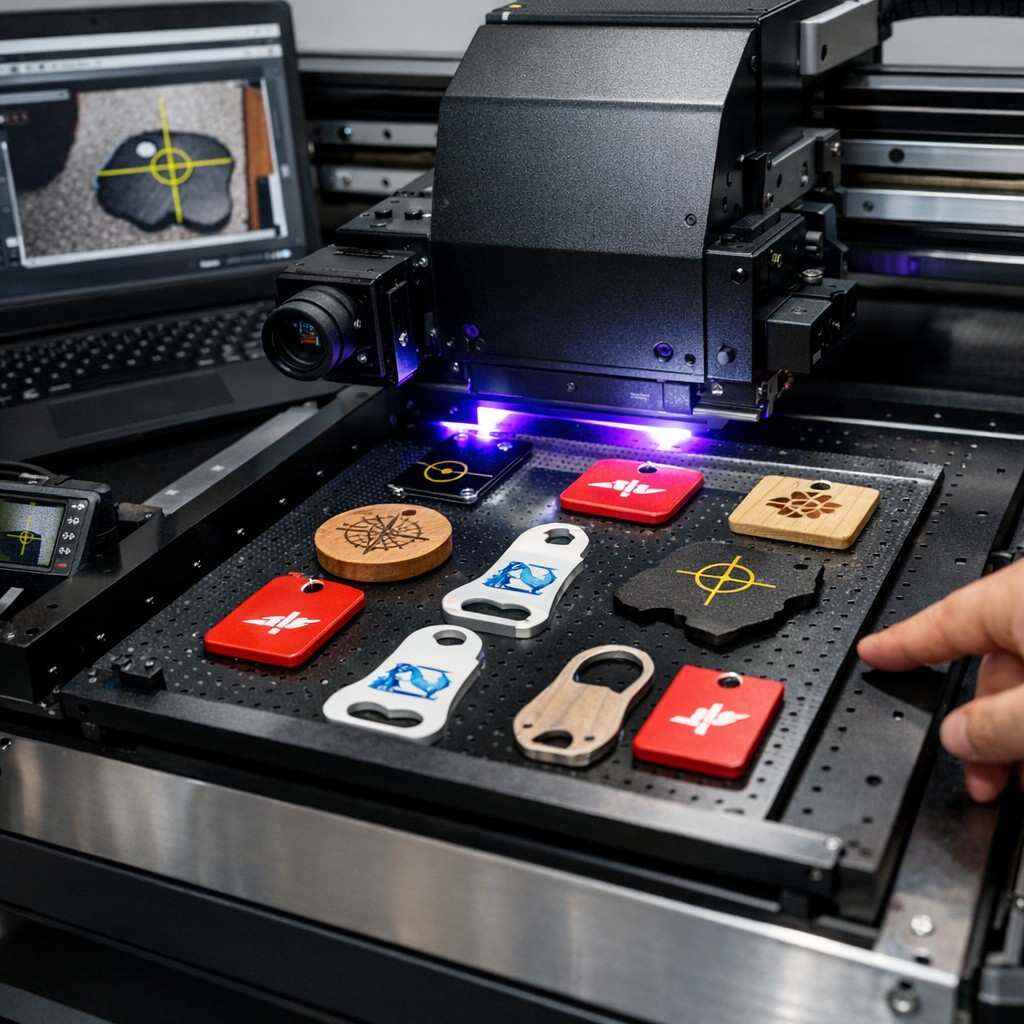
Request demonstrations on uneven, pre-cut, or asymmetrical items. This reveals the true capability of the visual positioning system.
Printing Speed and Workflow
Observe:
Setup time
File loading process
Print cycle duration
Transition between jobs
Speed matters, but consistency is equally important.
Software Interface and Ease of Use
Evaluate how intuitive the software is:
File alignment tools
Camera calibration options
Job management features
Error notifications
User-friendly software reduces training time and production mistakes.
Machine Build and Stability
A solid frame and reliable motion system ensure long-term accuracy. Look for:
Industrial-grade components
Smooth carriage movement
Minimal vibration during printing
Questions You Should Ask at the Demo
What materials does this printer handle best?
How often does the camera system require calibration?
What is the average maintenance schedule?
What ink types are supported?
Is technical support available locally?
What training is included after purchase?
Can the system be upgraded in the future?
The answers will help you assess both short-term usability and long-term value.
Preparing for a Successful Demo Day
Bring Your Own Materials
Testing with your actual substrates provides the most accurate evaluation. Differences in surface texture and thickness can affect results.
Bring Real Design Files
Use designs similar to what you print daily. This highlights how well the printer manages alignment and detail.
Involve Your Production Team
Operators often notice practical issues that decision-makers may overlook. Their feedback is invaluable.
Take Detailed Notes
Document:
Performance strengths
Limitations
Differences between models
Cost considerations
This helps when comparing options later.
Common Industries Using Visual Positioning UV Printers
Promotional Products
Customized phone cases, keychains, signage, and branded items benefit from accurate placement and fast turnaround.
Industrial Manufacturing
Marking components, panels, and parts requires precision and durability.
Interior Decoration
Printing on glass, tiles, wood panels, and decorative elements demands accurate alignment.
Packaging and Prototyping
Short-run customized packaging is easier with visual positioning technology.
Maintenance and Long-Term Considerations
Routine Maintenance
Regular cleaning of:
Printheads
Camera lenses
UV lamps
ensures consistent performance.
Software Updates
Updated software improves accuracy, adds features, and enhances stability.
Technical Support and Warranty
Reliable after-sales support can significantly reduce downtime and operational stress.
How Demo Day Insights Influence Buying Decisions
Attending a demo day helps you:
Confirm real performance claims
Identify hidden limitations
Estimate production efficiency
Calculate return on investment more accurately
Instead of guessing, you base your decision on firsthand experience.
Future Trends in Visual Positioning UV Printing
The technology continues to evolve with:
AI-assisted object recognition
Faster camera processing
Improved ink formulations
Greater automation integration
Investing now positions your business to stay competitive as demand for customization grows.
Conclusion
A Visual Positioning UV Printer is more than just a printing machine—it is a strategic tool that can redefine accuracy, efficiency, and product quality. However, selecting the right system requires careful evaluation beyond technical specifications.explore our high-quality Visual Positioning UV printers here.
A demo day provides unmatched insight into how the printer performs under real conditions. By preparing properly, asking the right questions, and evaluating key features such as accuracy, software usability, and durability, you can make a confident, informed investment.
For businesses seeking precision, versatility, and long-term value, attending a Visual Positioning UV Printer demo day is not optional—it is essential.
Frequently Asked Questions
What makes visual positioning different from traditional UV printing?
Visual positioning uses cameras and intelligent software to automatically align prints, while traditional systems rely on manual placement and fixed coordinates.
Is visual positioning suitable for small businesses?
Yes. It reduces waste, improves accuracy, and supports customization, making it ideal for businesses of all sizes.
Can these printers handle mass production?
Absolutely. They are designed for both short-run customization and high-volume production environments.
Are UV inks safe and eco-friendly?
Many modern UV inks are low-VOC and designed to meet environmental standards.
How long does training usually take?
Most operators can learn basic operation within a few days, with advanced features mastered over time.