

 HOME
HOME PRODUCT CENTER
 ABOUT US
 DOWNLOAD CENTER
 SUPPORT CENTER
 SUBSCRIBE
 BLOG
BLOG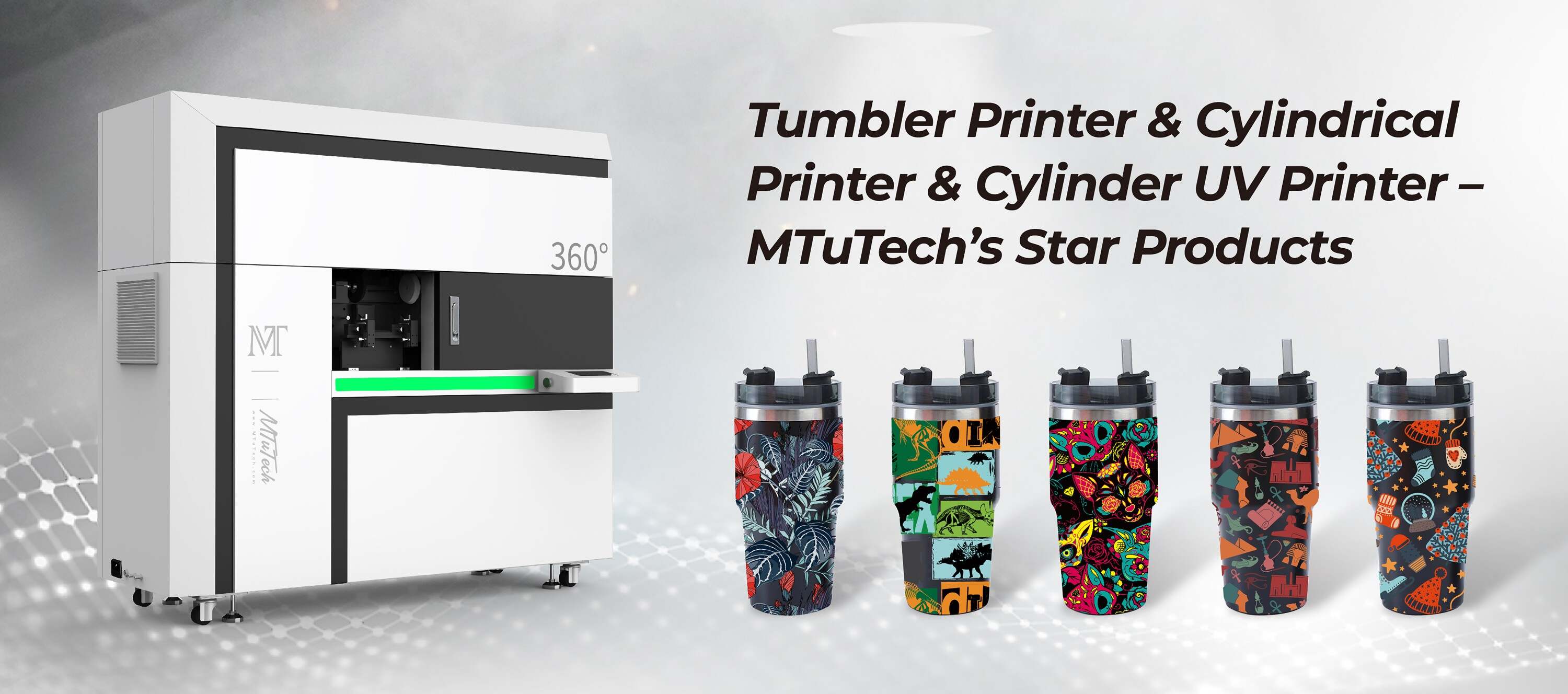
Tumbler Printer Electrical Requirements: Voltage, Amps, and UPS Needs
Introduction
Tumbler printers are a fantastic addition to businesses focused on personalized drinkware, offering opportunities for customized designs and vibrant prints. However, for optimal performance and longevity, it’s crucial to understand the electrical requirements associated with these machines. This guide will delve into the essential electrical specifications like voltage, amperage, and UPS needs, ensuring your tumbler printing operations run smoothly and efficiently.
Understanding Tumbler Printers
Before discussing the electrical requirements, let’s briefly explore what tumbler printers are and how they function. Tumbler printers use advanced UV printing technology to apply high-quality designs to various drinkware, including tumblers, mugs, and bottles. These printers require a reliable power supply to operate their sophisticated printing mechanisms effectively.
Voltage Requirements
Why Voltage Matters
Voltage is a key indicator of the electrical potential and feeding power to your tumbler printer. Each model may have specific voltage requirements which, if not adhered to, can lead to operational issues or damage the equipment.
Common Voltage Ratings
·
110V: Commonly seen in North America, many smaller or entry-level tumbler printers operate on this voltage.
·
·
220V: More prevalent in Europe and other parts of the world, higher-capacity printers often utilize this voltage for enhanced performance.
·
Ensure that your electrical outlet matches the voltage requirement of your tumbler printer. Using the incorrect voltage can lead to underperformance or potentially hazardous situations.
Amperage Specifications
Understanding Amperage
Amperage measures the flow of electrical current. Each printer model will have a specific amperage rating to ensure it operates efficiently without overheating.
Typical Amperage Ratings for Tumbler Printers
·
5A-15A: Depending on the printer's size and capabilities, many tumbler printers fall within this range. Small, low-capacity printers may operate at lower amperages.
·
·
20A+: High-performance models can require more amperage to support additional features and large printing tasks.
·
It is crucial to check the manufacturer's specifications for your tumbler printer model to avoid overloading your electrical system and potentially damaging the printer.
UPS Needs for Tumbler Printers
Importance of a UPS
A Uninterruptible Power Supply (UPS) is vital for any sensitive electronic equipment, including tumbler printers. A UPS provides backup power during outages and protects the printer from voltage surges and fluctuations.
Selecting the Right UPS
When selecting a UPS for your tumbler printer, consider the following:
·
VA Rating: The VA (Volt-Ampere) rating should accommodate the total wattage of your printer. It is advisable to use a UPS with a VA rating that exceeds the combined amperage.
·
·
Runtime: Ensure the UPS can provide power long enough for you to save your work and shut down safely, typically allowing for at least 15-30 minutes of backup time.
·
·
Surge Protection: A good UPS will have built-in surge protection to protect your printer from power spikes.
·
Investing in a quality UPS will not only protect your printer but also enhance its lifespan and reliability.
Best Practices for Power Management
Power Setup
Proper setup and management of power supply are crucial for your tumbler printer's performance.
·
Ensure that your printer is connected to a dedicated circuit to prevent overloaded circuits.
·
·
Use surge protectors in addition to your UPS for an extra layer of protection.
·
·
Regularly check power cords and outlets for wear and recalibrate connections as needed.
·
Regular Maintenance
Maintaining your electrical system is equally important. Regular checks can prevent power issues that might lead to printer malfunction. Consider the following maintenance tips:
·
Inspect power cords for fraying or damage.
·
·
Monitor the UPS for proper functionality and replace batteries as recommended.
·
·
Keep a log of electrical usage to identify any unusual patterns or fluctuations.
·
Conclusion
Understanding and adhering to the electrical requirements for your tumbler printer—specifically voltage, amperage, and UPS needs—can significantly impact the performance and longevity of your investment. Proper power management practices will ensure that your tumbler printer operates smoothly, minimizes downtime, and delivers beautiful, high-quality prints. If you're looking to explore high-quality tumbler printers to enhance your drinkware business, be sure to explore our high-quality Tumbler printers here.
FAQ
What voltage do most tumbler printers use?
Most tumbler printers commonly operate on either 110V or 220V, depending on their design and the region in which they are used.
What amperage do I need for my tumbler printer?
The required amperage can vary significantly by model, typically ranging from 5A for smaller printers to over 20A for high-performance units.
Do I really need a UPS for my tumbler printer?
Yes, a UPS is crucial for providing backup power during outages and protecting your tumbler printer from power surges and fluctuations.
How often should I perform electrical maintenance on my printer?
Regular checks should be performed monthly, while deeper inspections may be needed quarterly or biannually, depending on usage and environmental conditions.