

 HOME
HOME PRODUCT CENTER
 ABOUT US
 DOWNLOAD CENTER
 SUPPORT CENTER
 SUBSCRIBE
 BLOG
BLOGUV DTF Printer Maintenance and Troubleshooting Guide
UV Direct-to-Film (UV DTF) printing has rapidly transformed the digital printing industry by enabling high-quality, vibrant designs to be transferred onto a wide variety of hard surfaces such as glass, metal, plastic, wood, acrylic, ceramics, and more. This innovative technology combines the flexibility of film transfer with the durability of UV-cured inks, allowing businesses to expand their product offerings without investing in multiple printing machines.
However, like all advanced printing equipment, a UV DTF printer requires consistent care, correct handling, and a structured maintenance routine to perform at its best. Neglecting maintenance often leads to common issues such as clogged printheads, color inconsistency, weak adhesion, and costly downtime. For print shops and businesses that rely on daily production, these problems can quickly affect profitability and customer satisfaction.
This comprehensive guide explains everything you need to know about UV DTF printer maintenance, from understanding the core components of the machine to daily, weekly, and monthly care routines. You will also learn practical troubleshooting solutions for common printing problems, best practices for extending machine lifespan, and expert tips to maintain consistent print quality.
How a UV DTF Printer Works
Before diving into maintenance, it is essential to understand how a UV DTF printer operates.
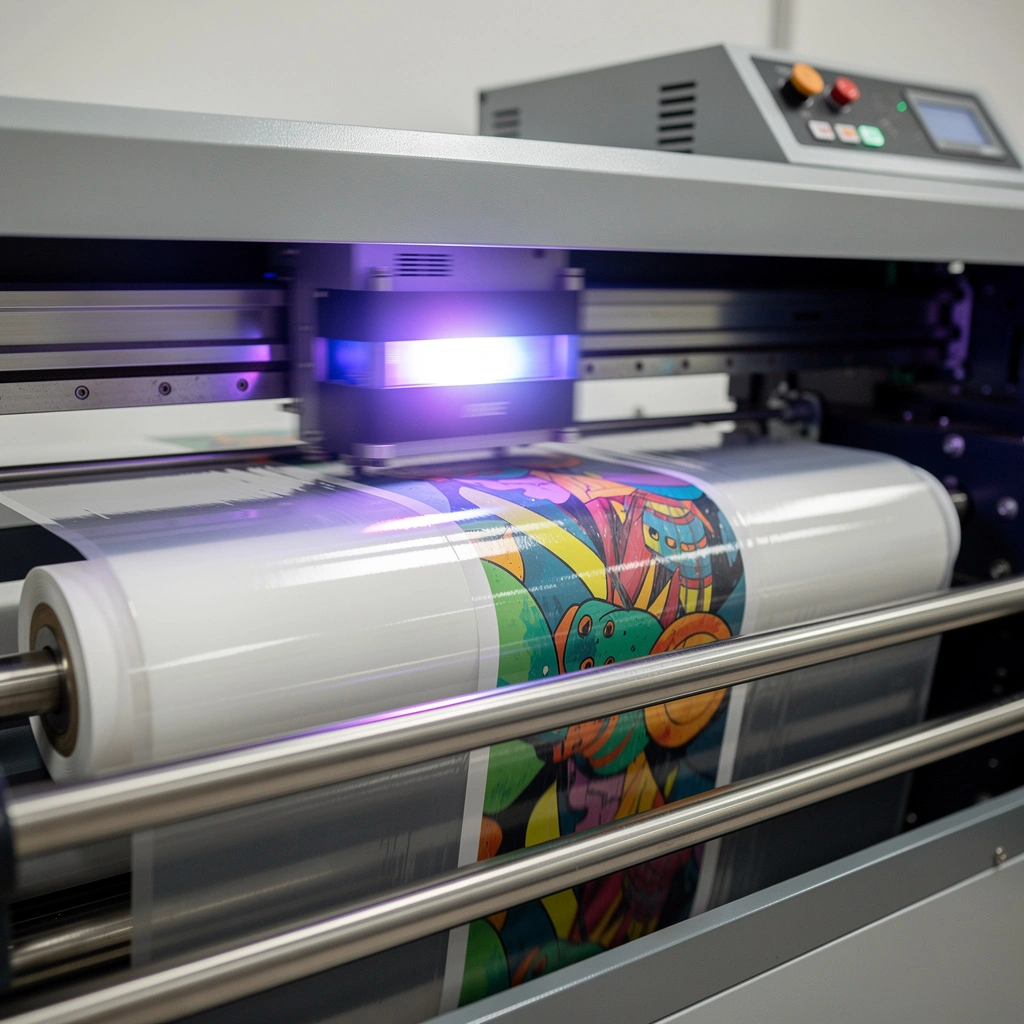
Unlike traditional DTF printing for fabrics, UV DTF printing uses UV-curable inks that are printed onto a special transfer film. The UV lamp instantly cures the ink as it is printed. The printed film is then laminated and transferred onto a hard surface using adhesive properties rather than heat pressing.
This process involves several synchronized components working together:
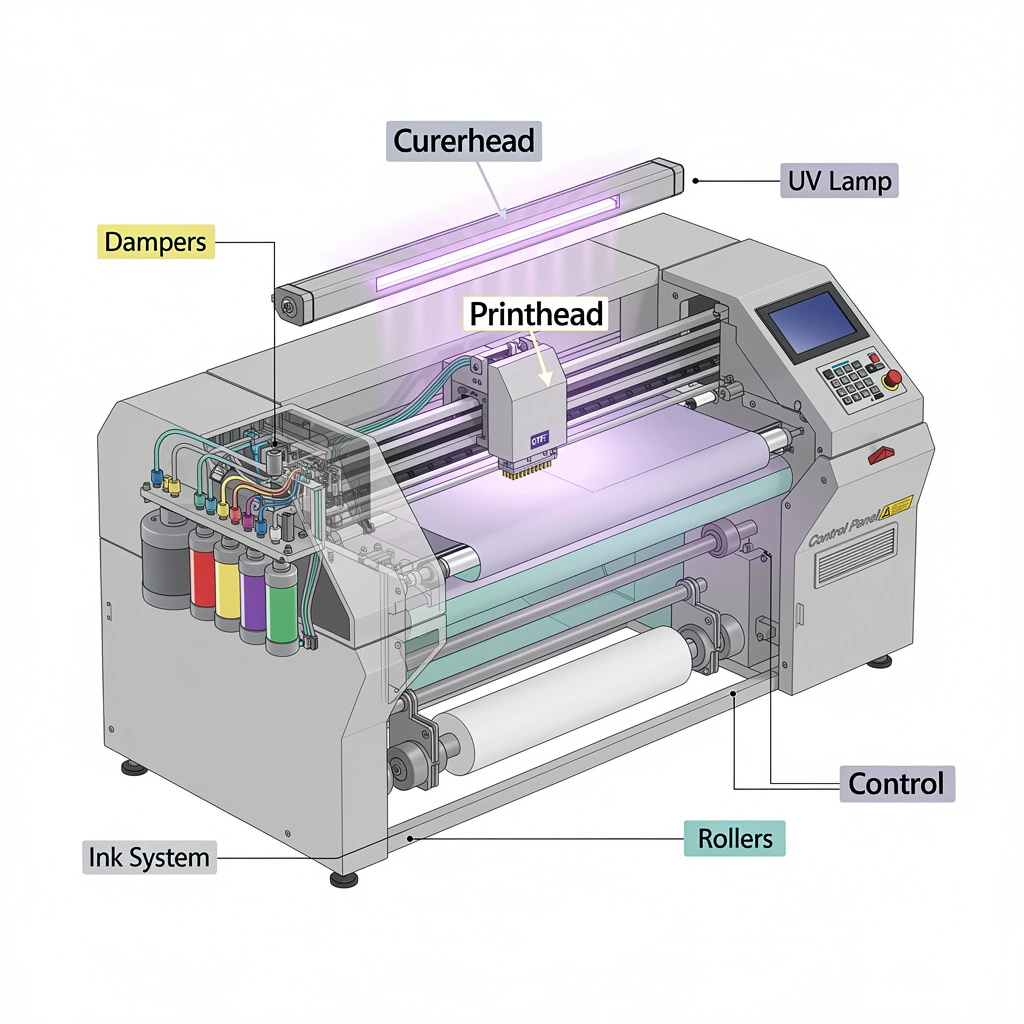
Printhead sprays UV ink precisely onto the film.
UV lamp cures the ink instantly to prevent smudging.
Ink supply system ensures consistent ink flow.
Rollers and feeding system move the film smoothly.
Control panel and firmware manage print accuracy and calibration.
Because this system depends on precision, even minor dust particles, dried ink, or mechanical wear can significantly impact output quality.
Main Components of a UV DTF Printer
Understanding the key parts of your printer helps you maintain them properly.
Printhead
The printhead is the most sensitive and expensive part of the printer. It controls ink droplet placement and directly affects print clarity and color accuracy.
UV Lamp
The UV lamp cures the ink immediately after printing. If the lamp weakens, prints may appear sticky, dull, or poorly adhered.
Ink Delivery System
This includes ink tanks, tubes, dampers, and cartridges. Any blockage or air bubble can disrupt ink flow.
Film Feeding Mechanism
Rollers and belts ensure smooth film movement. Wear and tear here can cause alignment issues and film jams.
Control Panel and Software
The software controls color profiles, alignment, and printer communication. Outdated firmware can cause performance issues.
Daily UV DTF Printer Maintenance Routine
Daily maintenance is critical because UV ink dries quickly when exposed to air.
1. Clean the Printhead
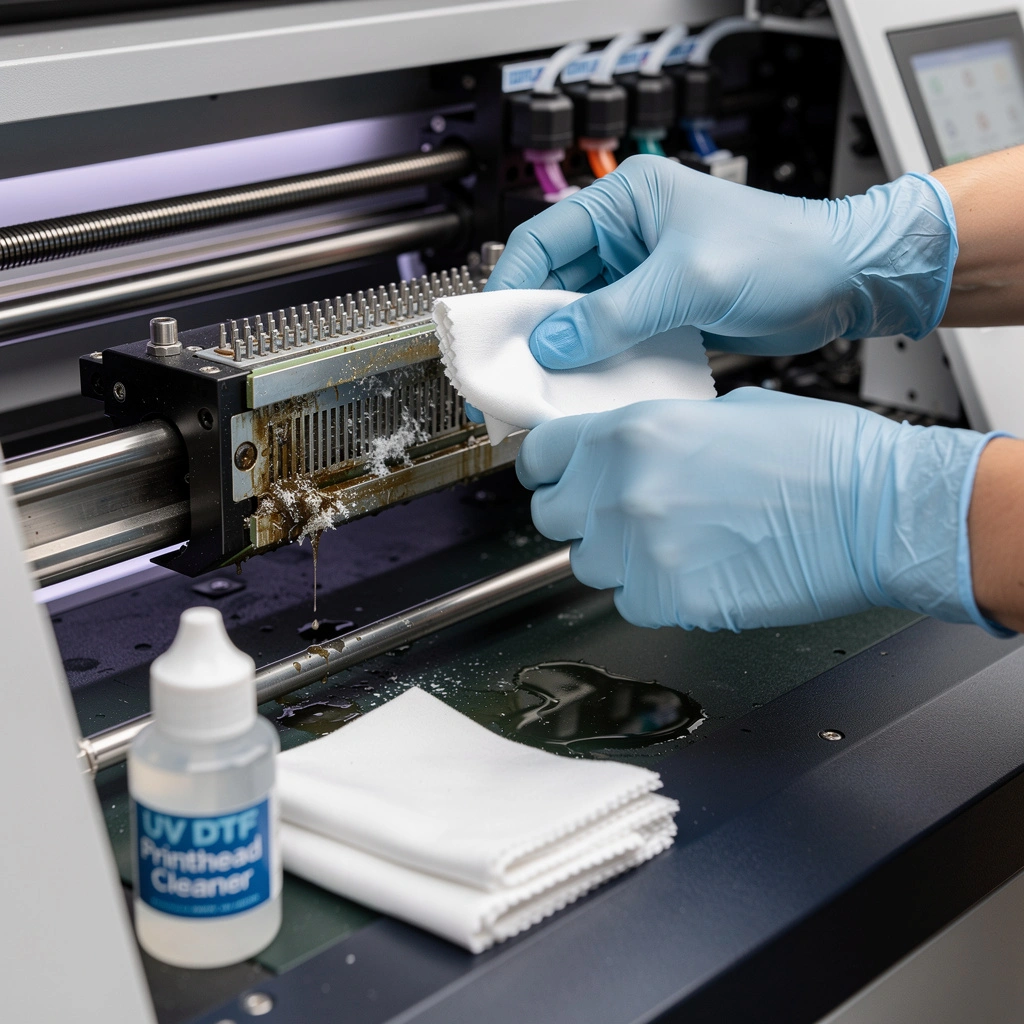
Gently wipe the printhead surface using a lint-free cloth and approved cleaning solution. This prevents ink buildup and clogging.
2. Perform Nozzle Check
Run a nozzle test before starting work. Missing lines indicate partial clogs that should be cleaned immediately.
3. Check Ink Levels
Low ink levels may introduce air into the system, causing inconsistent prints.
4. Clean Surrounding Area
Dust is a major enemy of UV printing. Keep the printer exterior and workspace clean.
5. Cap the Printhead Properly
Ensure the printhead is parked correctly to prevent ink from drying overnight.
Weekly Maintenance Procedures
Weekly care focuses on deeper cleaning and calibration.
Deep Printhead Cleaning
Use the printer’s built-in cleaning function and flush ink lines if necessary.
Inspect Dampers and Tubes
Check for air bubbles, ink leakage, or blockages.
Calibration and Alignment
Print alignment charts and adjust settings to maintain sharp output.
Inspect Rollers and Belts
Look for wear, cracks, or ink residue that may affect film feeding.
Monthly Maintenance Checklist
Monthly maintenance ensures long-term reliability.
Firmware and Software Updates
Install updates provided by the manufacturer to improve performance.
UV Lamp Inspection
Check curing performance. Replace lamps that show reduced intensity.
Internal Cleaning
Carefully clean internal ink dust using a small vacuum or air blower.
Lubricate Moving Parts
Apply recommended lubricant to rails and moving mechanical parts.
Common UV DTF Print Quality Problems and Solutions
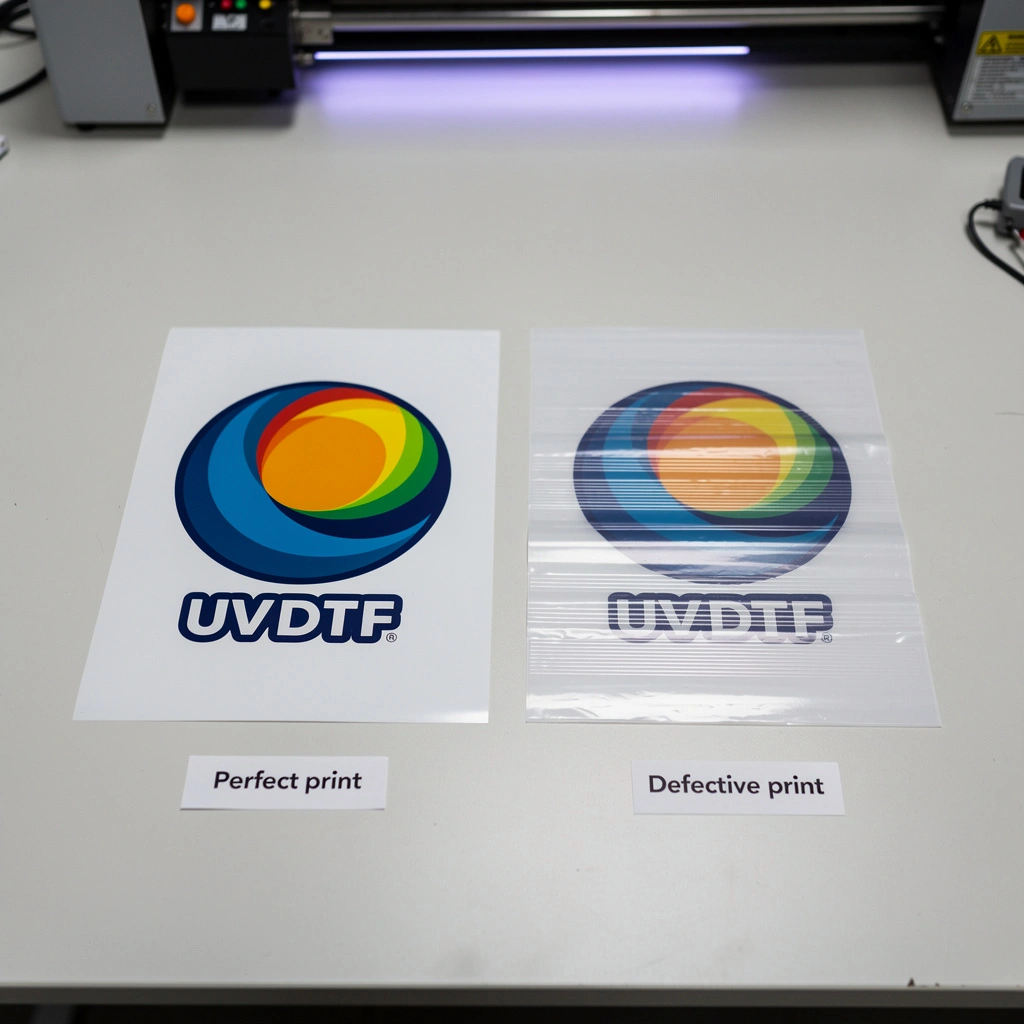
Blurry Prints
Caused by misalignment or dirty printheads. Recalibrate and clean.
Streaks or Lines
Indicates clogged nozzles. Perform deep cleaning.
Dull Colors
May result from weak UV curing or low-quality ink.
Ink Not Sticking to Film
Check UV lamp performance and film compatibility.
Mechanical and Electrical Issues
Film Jams
Clean rollers and ensure correct film loading.
Printer Not Responding
Restart system and check cable connections.
UV Lamp Failure
Reseat or replace the lamp if curing stops.
Power Issues
Inspect power cables and voltage stability.
Best Practices for Long-Term Performance
Use only recommended UV inks and films.
Maintain room temperature between 20–28°C with low humidity.
Train operators properly.
Avoid long idle periods without cleaning cycles.
Store inks in a cool, dark place.
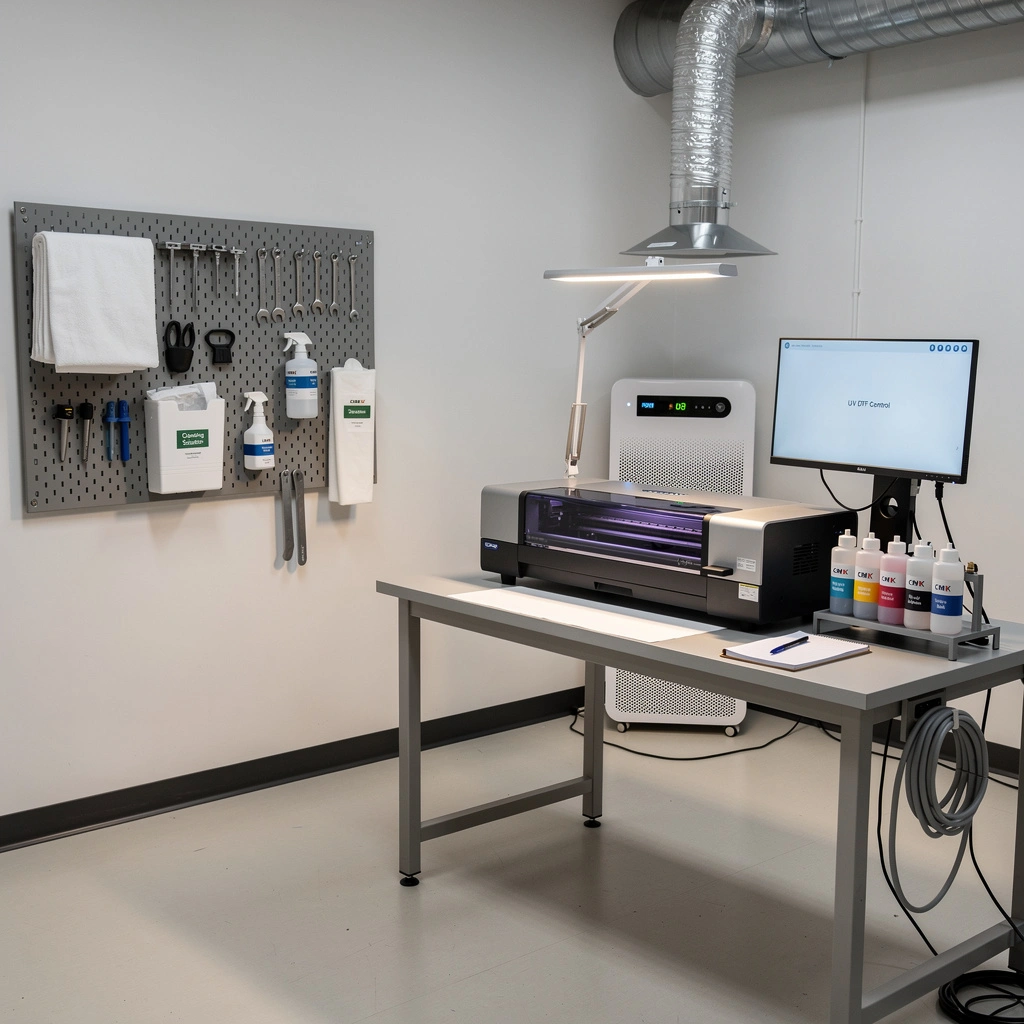
Creating the Ideal Workspace for UV DTF Printing
A controlled environment significantly improves print consistency.
Dust-free room
Proper ventilation
Stable table for the printer
Organized tools for maintenance
Adequate lighting for inspection
Preventive Maintenance vs Reactive Repairs
Preventive maintenance saves money. Replacing a printhead is far more expensive than routine cleaning. Following a schedule reduces downtime and ensures consistent production.
Expert Tips to Extend Printhead Life
Never touch the nozzle surface.
Use original cleaning solutions.
Avoid power cuts during printing.
Perform shutdown procedures correctly.
When to Replace Key Parts
| Component | Signs of Replacement |
|---|---|
| Printhead | Frequent clogs, missing nozzles |
| UV Lamp | Poor ink curing |
| Dampers | Air bubbles, leakage |
| Rollers | Film slipping or jamming |
Conclusion
Proper maintenance of a UV DTF printer is not optional—it is essential for achieving professional-quality prints and maximizing the lifespan of your investment. By following daily, weekly, and monthly routines, monitoring print quality, and addressing small issues before they become major problems, you can ensure smooth operation and consistent output.explore our high-quality UV-DTF printers here.
A well-maintained UV DTF printer reduces downtime, lowers repair costs, and allows your business to deliver high-quality products reliably. With the right care, your printer can serve you efficiently for years while maintaining excellent print standards.
Frequently Asked Questions (FAQ)
How often should I clean my UV DTF printer?
Daily light cleaning, weekly deep cleaning, and monthly inspection are recommended.
Why are my prints coming out blurry?
This usually results from printhead clogs or alignment issues.
What causes film jams?
Dirty or worn rollers and incorrect film placement.
How do I know the UV lamp is weak?
Ink will feel sticky or won’t adhere properly.
Can I use third-party ink?
It is not recommended, as it may damage the printhead and affect quality.