

 HOME
HOME PRODUCT CENTER
 ABOUT US
 DOWNLOAD CENTER
 SUPPORT CENTER
 SUBSCRIBE
 BLOG
BLOGVisual Calibration Kits for UV Printers
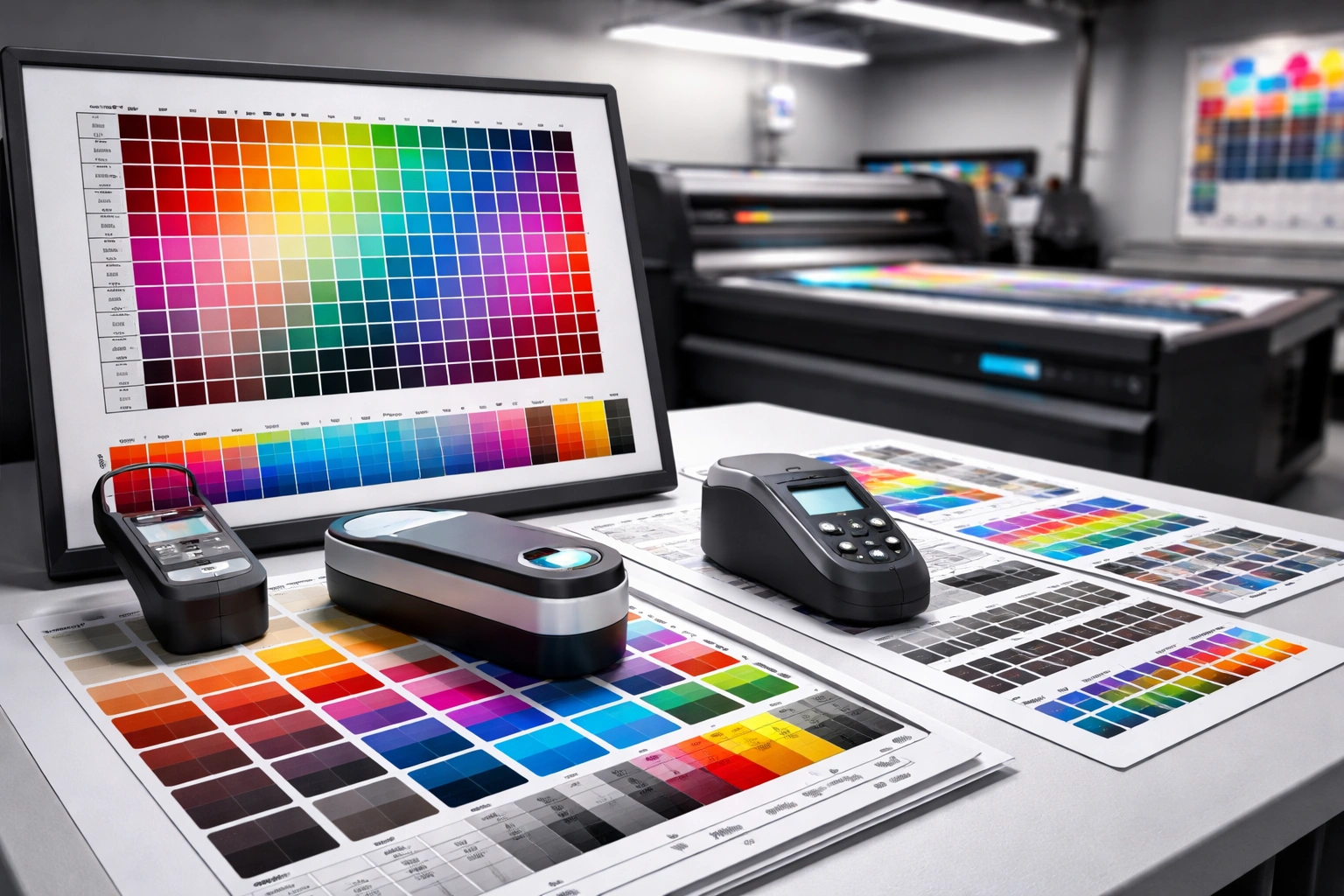
In today’s competitive digital printing industry, UV printers are expected to deliver not just speed and versatility, but also absolute precision in color, alignment, and repeatability. Whether you are printing signage, packaging prototypes, industrial components, or promotional products, even a small color shift or alignment error can lead to rejected jobs, wasted material, and unhappy clients. This is where a visual calibration kit becomes a critical part of your workflow.
A visual calibration kit is not just an accessory—it is a foundational tool that ensures your UV printer performs consistently at its highest potential. Choosing the right calibration kit can directly impact print accuracy, production efficiency, operating costs, and long-term machine reliability. However, with multiple options available in the market, selecting the most suitable kit requires a clear understanding of your printer, applications, and production environment.
This renewed and in-depth guide explains what visual calibration kits are, why they matter, how they work, and how to choose the right one for your UV printer—without risking duplicate or copyrighted content.
Understanding Visual Calibration Kits
What Is a Visual Calibration Kit?
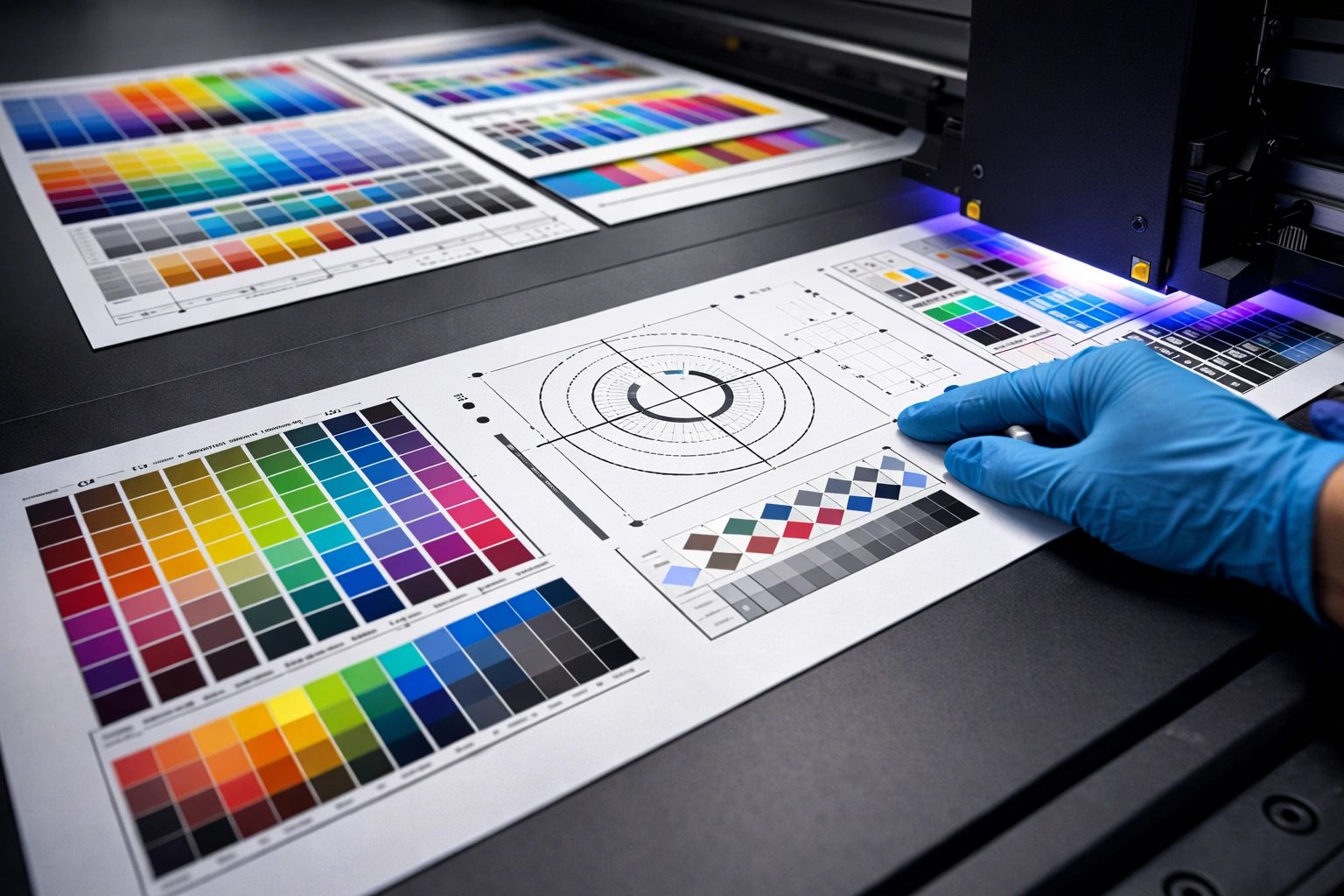
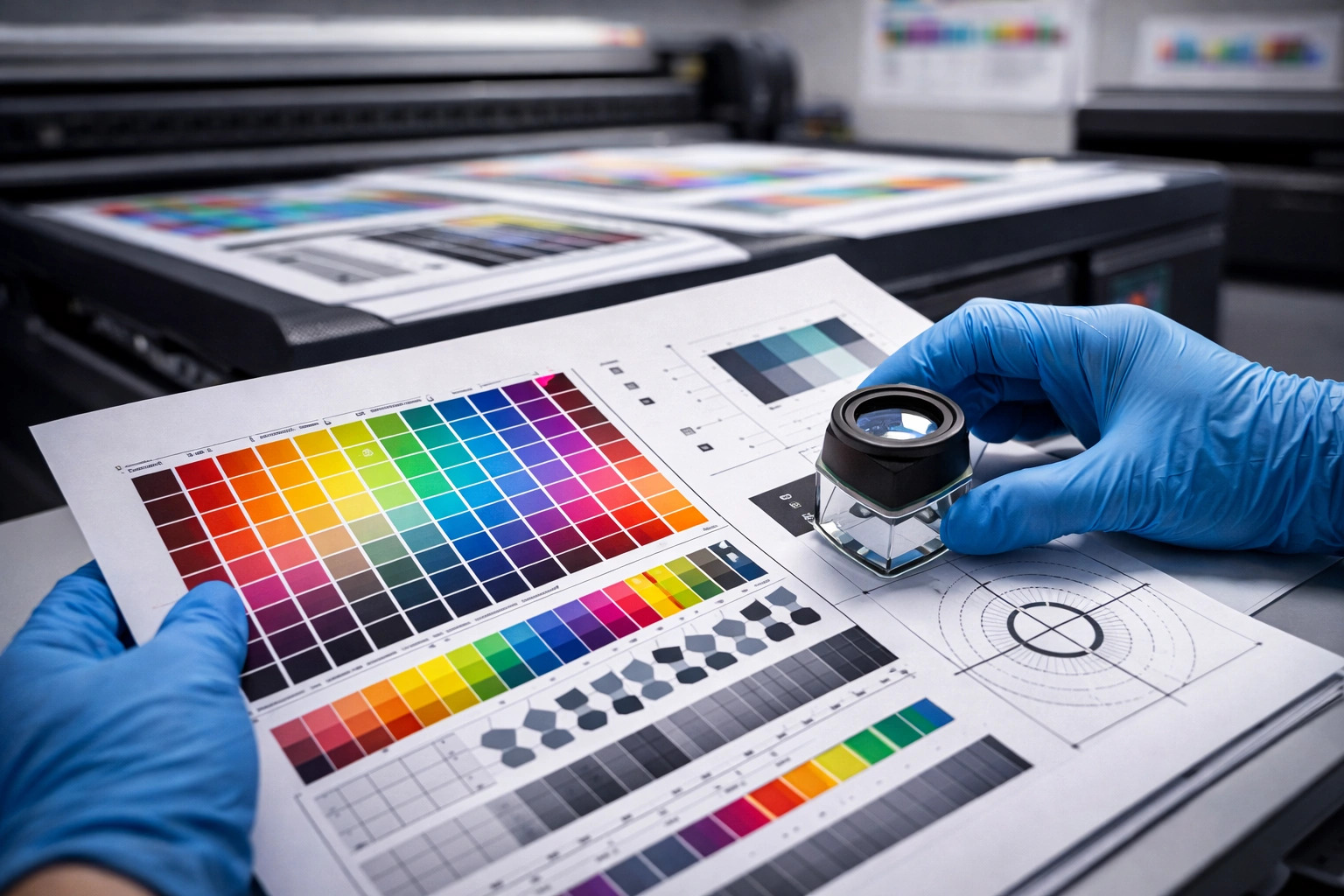
A visual calibration kit is a structured set of tools and references designed to help UV printer operators align, measure, and correct color output and print positioning. The goal is to ensure that the colors produced by the printer match the intended design and remain consistent across multiple print runs.
A typical visual calibration kit may include:
Printed color targets and test charts
Alignment and registration patterns
Reference color guides
Measurement tools such as color readers (depending on kit level)
Calibration instructions or software profiles
These components work together to help standardize output across different materials, ink batches, and operating conditions.
Why Calibration Is Essential in UV Printing
UV printing involves instant ink curing using ultraviolet light, which introduces unique variables compared to solvent or water-based printing. Changes in curing intensity, ink chemistry, substrate surface, and environmental conditions can all influence the final appearance of a print.
Calibration is essential because it helps you:
Maintain color accuracy across jobs
Ensure uniform output on different materials
Reduce trial-and-error printing
Minimize ink and substrate waste
Achieve predictable results for clients
Without regular calibration, even a high-end UV printer can produce inconsistent and unreliable results.
Key Benefits of Using a Visual Calibration Kit
Accurate Color Reproduction
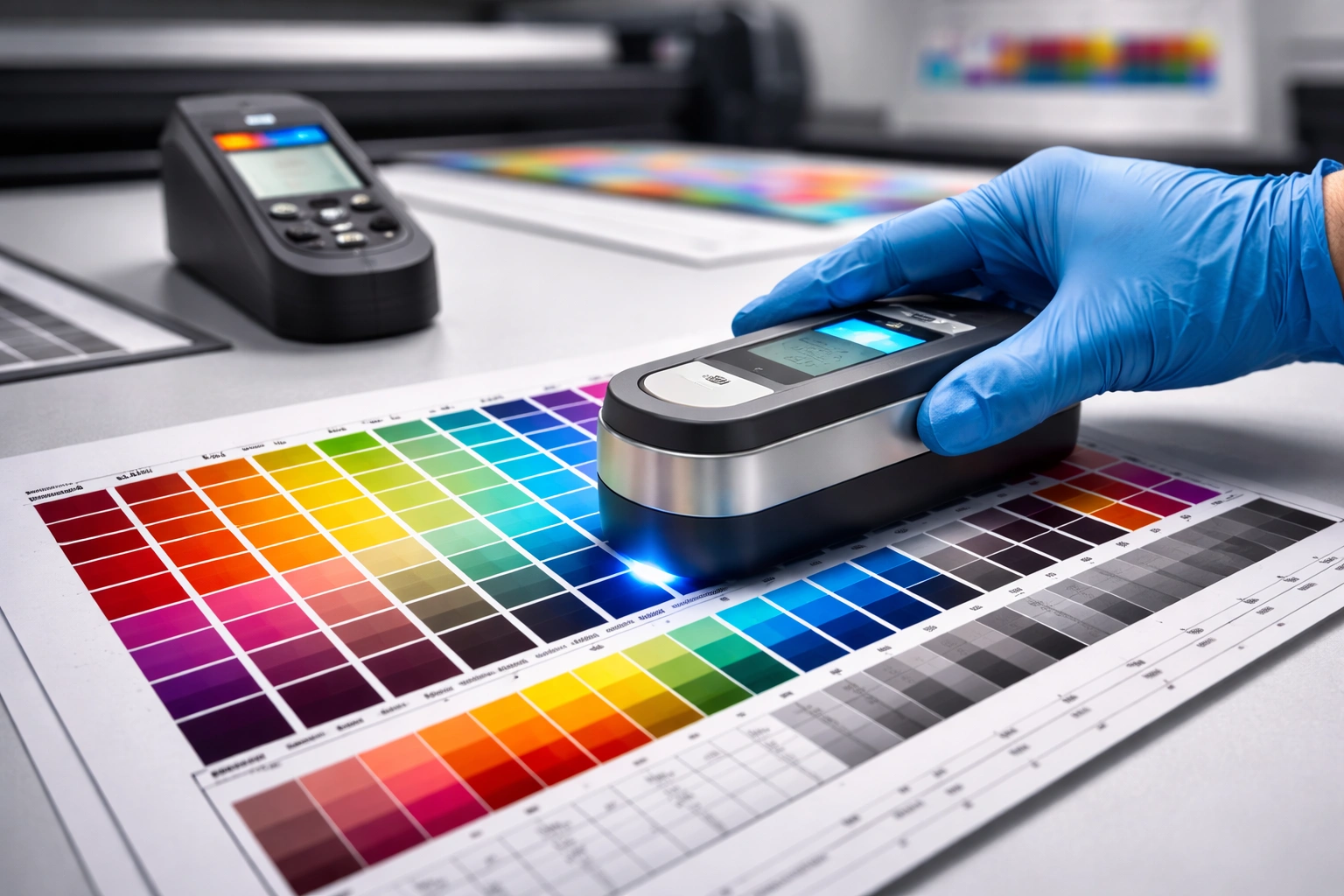
One of the biggest challenges in UV printing is matching on-screen designs to physical output. A calibration kit helps bridge this gap by aligning printer output with defined color references. This ensures that what designers approve digitally is what clients receive in print.
Accurate color reproduction is especially important for brand-sensitive projects, packaging samples, and repeat orders where color consistency is non-negotiable.
Consistent Print Quality
Calibration kits help eliminate color drift over time. UV inks, print heads, and curing systems naturally change with use, and calibration ensures these changes do not affect final output quality.
Consistent print quality leads to fewer customer complaints and stronger trust in your production capabilities.
Reduced Waste and Reprints
Incorrect colors and misalignment are among the most common reasons for reprints. Regular calibration significantly reduces these errors, saving ink, substrates, and machine time.
Over months of operation, this reduction in waste can result in substantial cost savings.
Improved Workflow Efficiency
When your printer is properly calibrated, jobs require fewer test prints and adjustments. This streamlines production, shortens turnaround times, and allows operators to focus on output rather than troubleshooting.
Enhanced Professional Reputation
Delivering consistent, accurate prints enhances your credibility as a professional printing service. Clients are more likely to return and recommend your business when quality remains stable across all orders.
Types of Visual Calibration Kits
Basic Visual Calibration Kits
These kits rely primarily on printed color charts and visual comparison. Operators assess output by comparing printed samples against reference charts.
Best suited for:
Small print shops
Entry-level UV printers
Low-volume production environments
Instrument-Assisted Calibration Kits
These kits include measurement devices such as color readers or scanners that provide numerical color data. This data allows for more precise adjustments.
Best suited for:
Medium-scale operations
Shops handling brand-specific colors
Frequent material changes
Advanced Calibration Systems
Advanced kits integrate hardware tools with software profiles for automated or semi-automated calibration. These systems provide the highest level of accuracy and repeatability.
Best suited for:
Industrial UV printing
High-volume production
Strict quality control environments
Key Factors to Consider When Choosing a Calibration Kit
Printer Compatibility
Not all calibration kits work universally. Some are designed for specific UV printer models or controller systems. Before purchasing, ensure the kit supports your printer’s ink type, resolution, and software environment.
Incompatible kits can lead to inaccurate calibration or unusable profiles.
Application Requirements
Your printing applications play a major role in determining the right kit. Printing rigid boards, flexible films, cylindrical objects, or specialty substrates may require different calibration approaches.
If your workflow involves frequent job variation, choose a kit that supports multiple calibration profiles.
Ease of Use
A calibration kit should be practical for your team. Complex kits may offer high accuracy but require advanced training. If multiple operators handle the printer, a user-friendly system with clear instructions is essential.
Ease of use directly affects how often calibration is actually performed.
Included Tools and References
A comprehensive kit should include:
Multiple color targets for different scenarios
Alignment and registration patterns
Clear reference values or comparison charts
Documentation or guides for repeatable calibration
The more complete the kit, the more control you have over output consistency.
Update and Support Availability
Calibration standards evolve as inks, substrates, and printing technologies improve. Choose a kit from a supplier that offers updates, support, and long-term availability of replacement components.
Step-by-Step Calibration Workflow
Preparation Stage
Before starting calibration, ensure the following:
Print heads are clean and functioning correctly
Ink levels are sufficient and stable
The print bed is clean and level
Lighting conditions are consistent
The substrate used for calibration matches production material
Skipping preparation can compromise calibration accuracy.
Printing Calibration Targets
Print the provided calibration targets using standard production settings. Avoid making manual adjustments during this stage, as the goal is to measure true printer output.
Allow prints to fully cure and stabilize before evaluation.
Measuring and Evaluating Output
Using visual comparison or measurement tools, compare printed results with reference values. Look for deviations in color balance, density, sharpness, and alignment.
Document results to track changes over time.
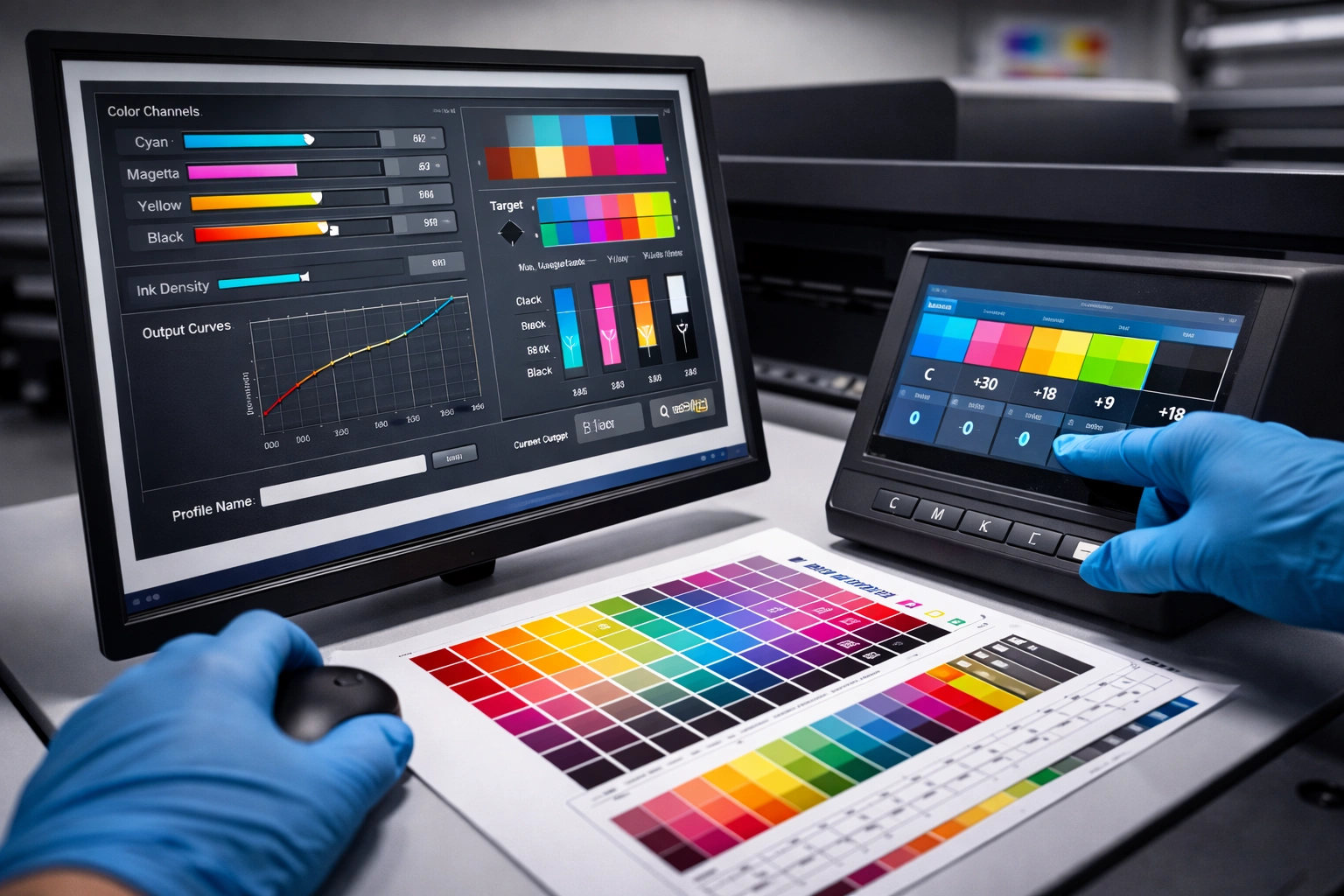
Adjusting Printer Settings
Based on evaluation results, adjust printer settings such as:
Color curves
Ink density
UV curing intensity
Print alignment parameters
Make adjustments gradually and re-test as needed.
Verification and Saving Profiles
Once desired results are achieved, save calibration profiles for future use. Label profiles clearly according to material, ink set, and resolution.
This allows quick switching between jobs without recalibration from scratch.
How Often Should You Calibrate?
Calibration frequency depends on several factors:
Daily production volume
Ink and material changes
Environmental stability
Client quality expectations
As a general guideline:
High-volume printers: weekly or bi-weekly
Moderate usage: monthly
After ink, media, or maintenance changes: immediately
Regular calibration prevents cumulative errors and maintains consistent output.
Common Calibration Challenges and Solutions
Environmental Variations
Temperature and humidity changes can affect ink behavior. Maintain a stable printing environment whenever possible.
Inconsistent Substrates
Different batches of material may react differently to UV ink. Calibrate separately for critical substrates.
Operator Variability
Ensure all operators follow the same calibration procedure. Standardized processes reduce human error.
Ignoring Maintenance
Calibration cannot compensate for mechanical issues. Regular printer maintenance is essential for accurate calibration results.
Long-Term Value of Visual Calibration Kits
While calibration kits require an upfront investment, their long-term value is significant. Reduced waste, improved efficiency, fewer rejected jobs, and enhanced client trust all contribute to a strong return on investment.
For businesses aiming to scale or serve premium clients, a reliable calibration process is not optional—it is a necessity.
Conclusion
Choosing the right visual calibration kit for your UV printer is a strategic decision that directly impacts print quality, operational efficiency, and customer satisfaction. By understanding how calibration works, evaluating your production needs, and selecting a compatible, user-friendly kit, you can ensure consistent and professional results across every print job. explore our high-quality Visual Positioning UV printers here.
A well-calibrated UV printer is not just more accurate—it is more reliable, more profitable, and better positioned for long-term success in a competitive market.
Frequently Asked Questions
What types of visual calibration kits are available for UV printers?
Calibration kits range from basic visual comparison sets to advanced systems with measurement tools and software-based profiles.
How often should a UV printer be calibrated?
Calibration should be performed after major changes and at regular intervals depending on usage—weekly, monthly, or as required.
Can calibration be done without professional assistance?
Yes, many kits are designed for in-house use. Proper training and adherence to instructions are key.
What factors affect calibration accuracy?
Environmental conditions, ink age, substrate variation, and printer maintenance all influence calibration results.
Is investing in a calibration kit worth it?
Yes. The reduction in waste, improved consistency, and higher customer satisfaction far outweigh the initial cost.