

 HOME
HOME PRODUCT CENTER
 ABOUT US
 DOWNLOAD CENTER
 SUPPORT CENTER
 SUBSCRIBE
 BLOG
BLOGRetrofitting Visual Positioning on Older UV Printers
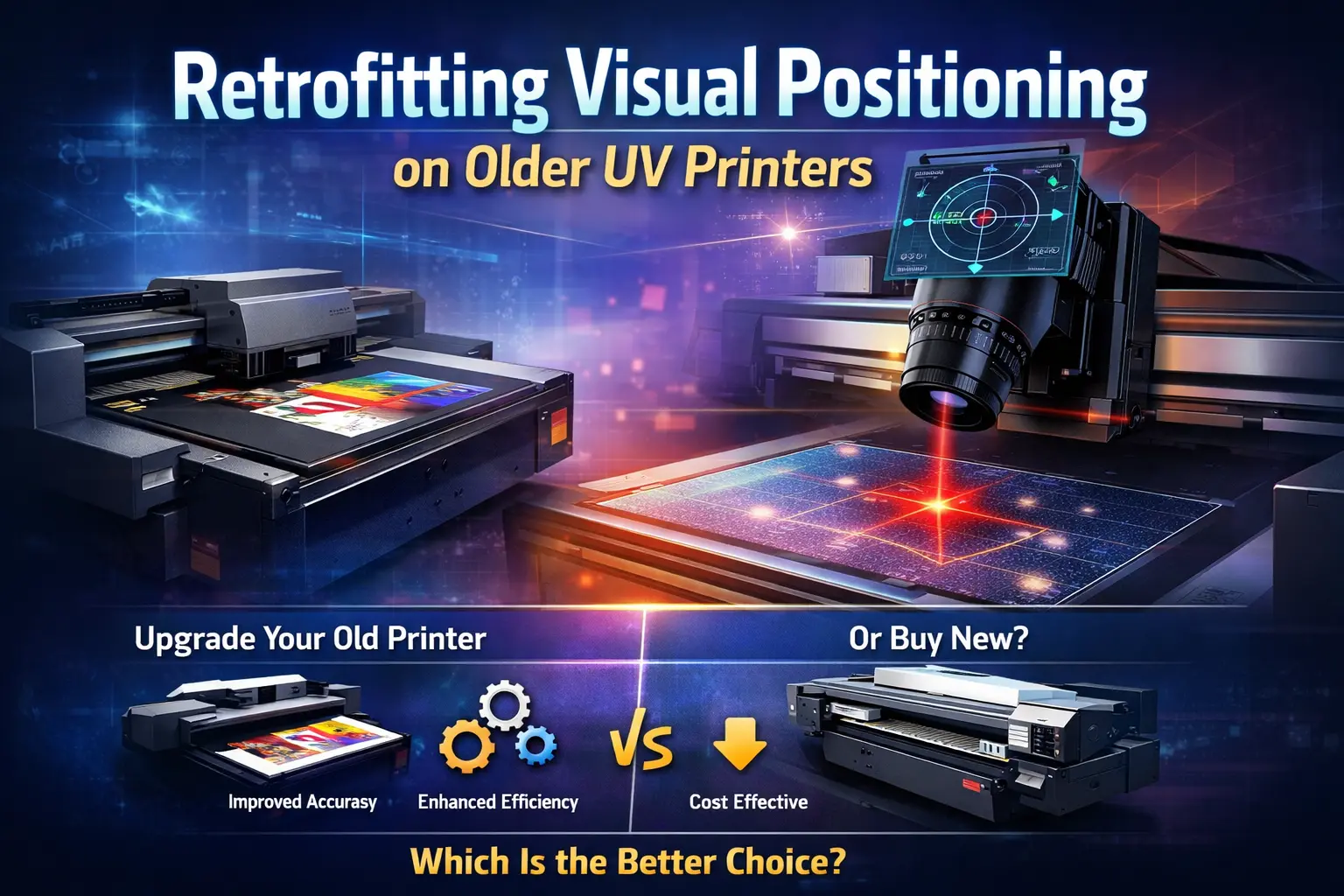
The UV printing industry has evolved rapidly over the last decade. What was once a process heavily dependent on manual alignment and operator skill has now shifted toward automation, precision, and smart technologies. One of the most impactful innovations in this space is visual positioning technology, which enables printers to detect object placement automatically and print with extreme accuracy.
However, many printing businesses still operate older UV printers that lack visual positioning capabilities. These machines may still be mechanically reliable, but they struggle to meet today’s demands for precision, speed, and customization. This creates an important business question: Is it worth retrofitting visual positioning technology onto older UV printers, or is replacing the machine the better option?
This article provides a detailed, unbiased analysis of retrofitting visual positioning systems onto older UV printers. It covers technical feasibility, benefits, limitations, costs, real-world impact, and long-term value—helping you decide whether retrofitting is the right move for your business.
Understanding Visual Positioning Technology
Visual positioning is an advanced alignment system that uses high-resolution cameras, optical sensors, and intelligent software to detect the exact position of an object before printing begins. Instead of relying on fixed jigs or manual placement, the printer “sees” the object and adjusts the print layout automatically.
How Visual Positioning Works
The process typically follows these steps:
The substrate or object is placed freely on the printer bed
An industrial camera scans the surface
Software detects edges, shapes, or reference points
The system calculates precise X–Y coordinates
The print head path is adjusted automatically
Printing begins with accurate alignment
This process significantly reduces human error and improves repeatability.
Why Visual Positioning Matters in Modern UV Printing
Modern customers demand high-quality, customized prints with quick turnaround times. Visual positioning makes this possible by enabling:
Accurate printing on irregular shapes
Printing on pre-cut or pre-formed objects
Batch printing with random placement
Consistent results across multiple jobs
Industries that benefit most include promotional products, packaging, signage, electronics, gifts, souvenirs, and industrial labeling.
Without visual positioning, older UV printers often require slow setup, frequent test prints, and constant operator supervision.
Why Businesses Consider Retrofitting Older UV Printers
Many older UV printers are still structurally sound. Their frames, motors, rails, and ink systems may work perfectly, but they lack modern intelligence. Replacing such machines entirely can be expensive and unnecessary.
Retrofitting offers a middle path—upgrading capability without replacing the whole printer.
Key reasons businesses consider retrofitting include:
High cost of new visual positioning UV printers
Existing printer still performs reliably
Growing demand for precision and customization
Need to stay competitive without large capital investment
Benefits of Retrofitting Visual Positioning
Improved Print Accuracy
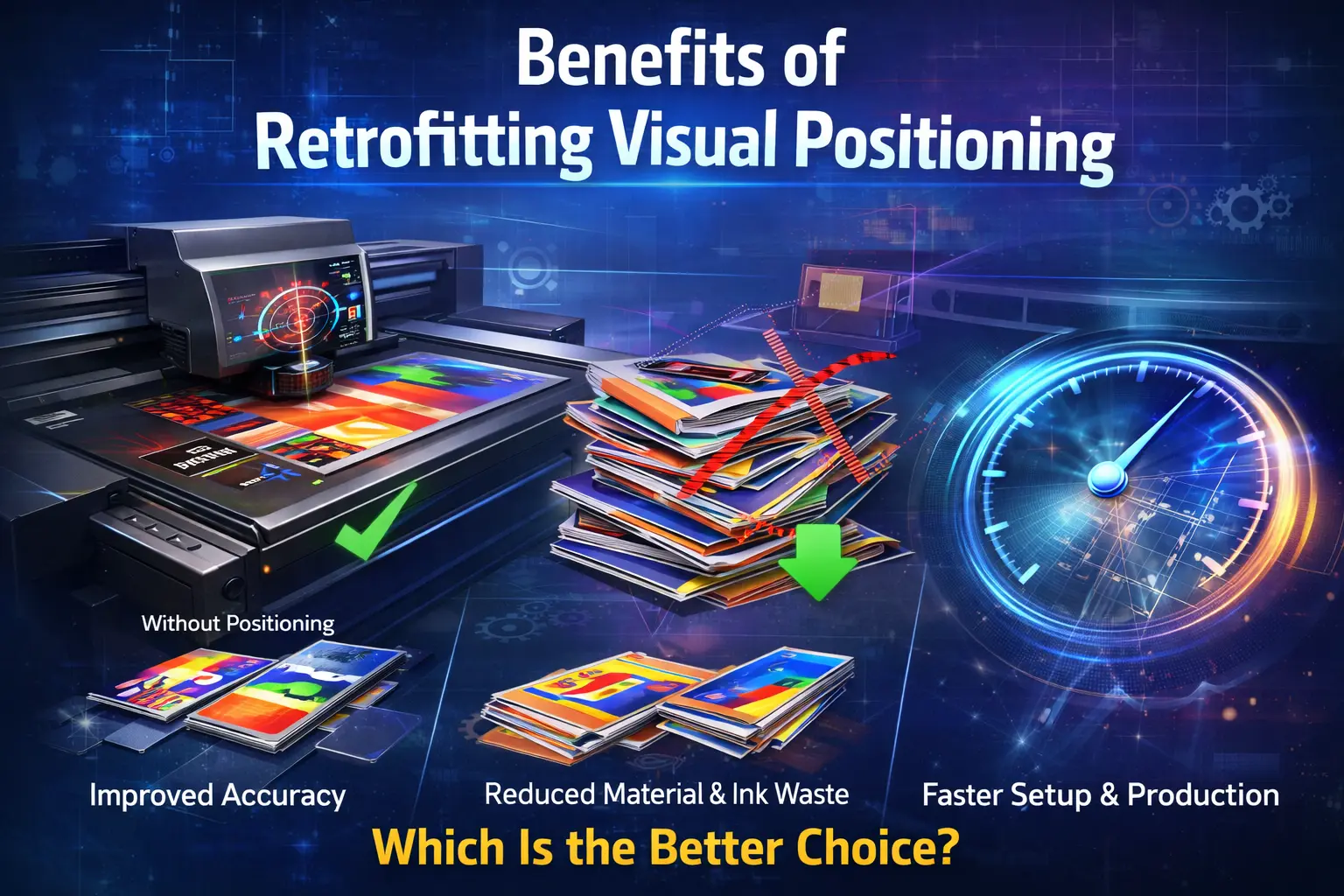
Visual positioning dramatically improves registration accuracy. Designs align correctly even on uneven or uniquely shaped substrates, reducing misprints and rework.
Reduced Material and Ink Waste
Misaligned prints result in wasted substrates and ink. By printing accurately the first time, retrofitting helps lower operational waste and improve margins.
Faster Job Setup
Manual alignment can take several minutes per job. Visual positioning automates this process, allowing operators to start printing almost immediately.
Higher Productivity
Faster setup, fewer errors, and reduced reprints mean higher daily output without increasing labor hours.
Cost Efficiency
Retrofitting costs significantly less than purchasing a new printer. For many businesses, it delivers the highest return on investment.
Extended Machine Life
Adding modern technology extends the useful life of older printers, delaying the need for full replacement.
Competitive Advantage
With visual positioning, older printers can handle complex, high-value jobs that were previously impossible, helping businesses attract better clients.
Compatibility: Can Every Old UV Printer Be Retrofitted?
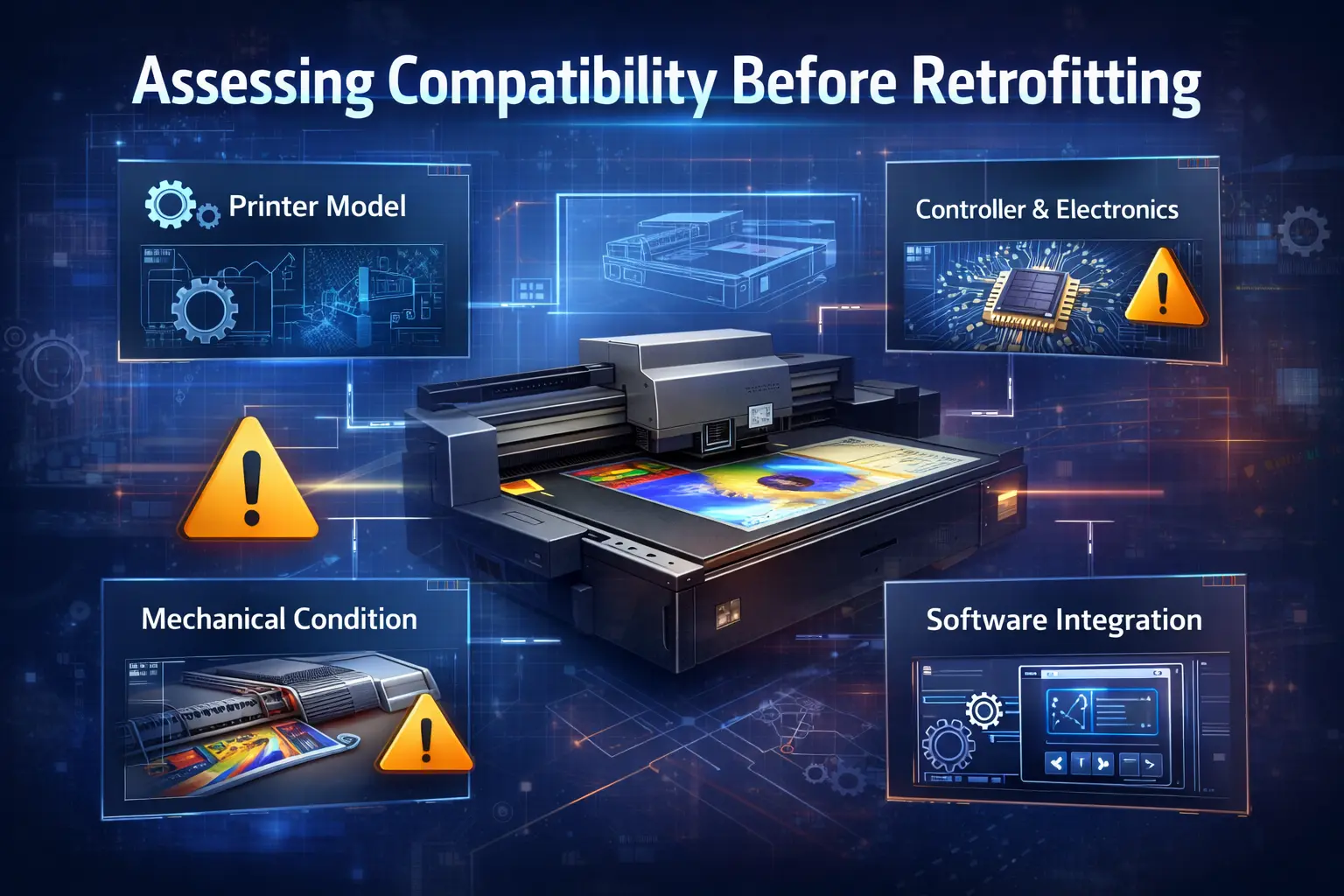
Not all printers are suitable for retrofitting. A careful evaluation is essential.
Printer Model and Architecture
Printers with open or semi-open control systems are easier to retrofit. Highly closed or proprietary systems may limit integration.
Mechanical Condition
Visual positioning depends on precise motion. If the printer has worn rails, unstable movement, or vibration issues, retrofitting alone may not solve accuracy problems.
Controller and Electronics
The printer’s controller must be able to communicate with the visual positioning system. In some cases, controller upgrades are required.
Software Integration
New software must integrate smoothly with existing workflows. Operator training and software stability are critical for success.
The Retrofitting Process Explained
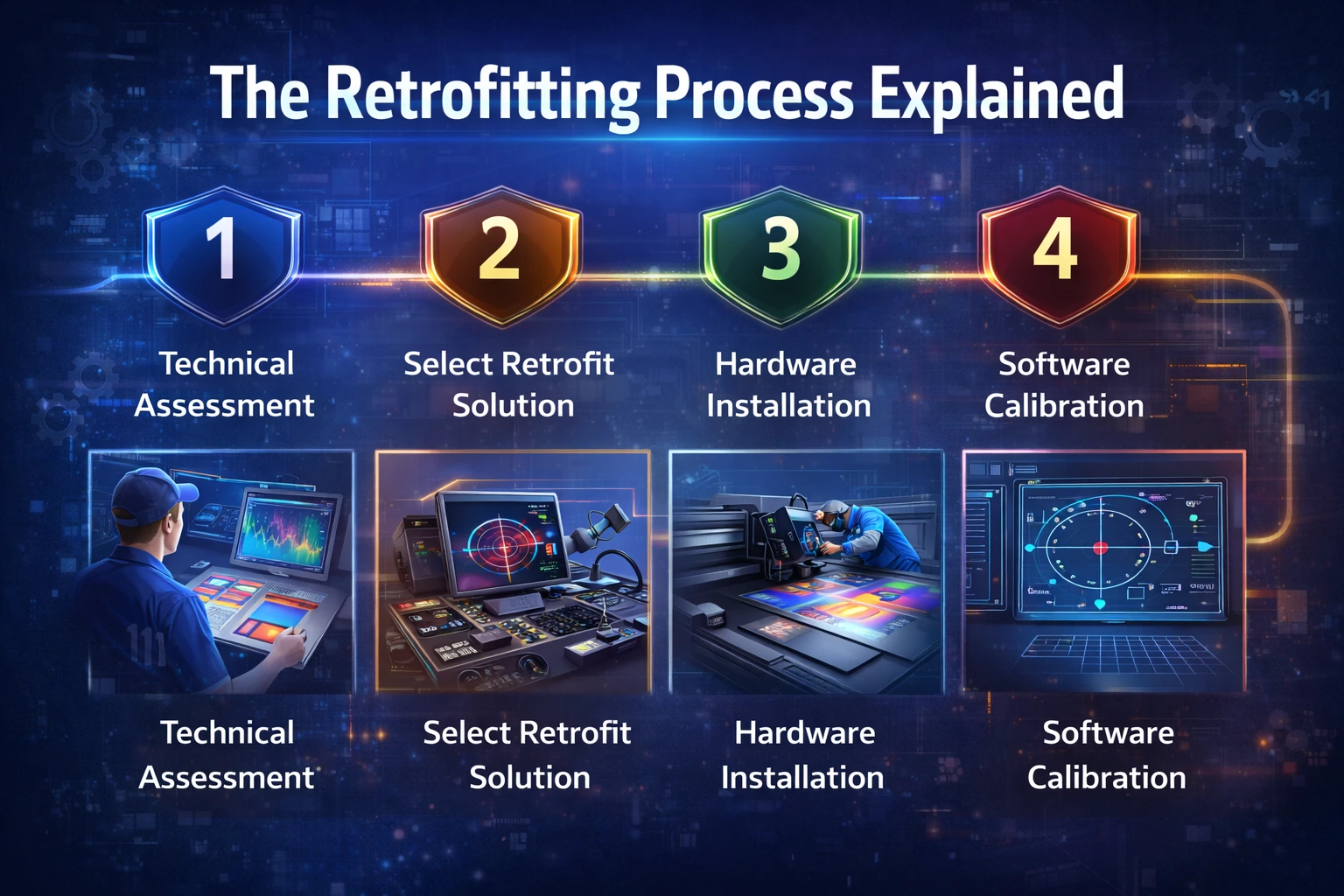
Step 1: Technical Assessment
A full evaluation of mechanical condition, electronics, and workflow requirements is performed.
Step 2: Selecting the Retrofit System
The right system depends on print size, object type, required accuracy, and production volume.
Step 3: Hardware Installation
Cameras, lighting, sensors, and cables are installed and aligned precisely.
Step 4: Software Calibration
The system is calibrated to recognize objects accurately and synchronize with printer movement.
Step 5: Testing and Optimization
Multiple test runs ensure consistent performance, accuracy, and repeatability.
Cost Analysis: Retrofitting vs Buying New
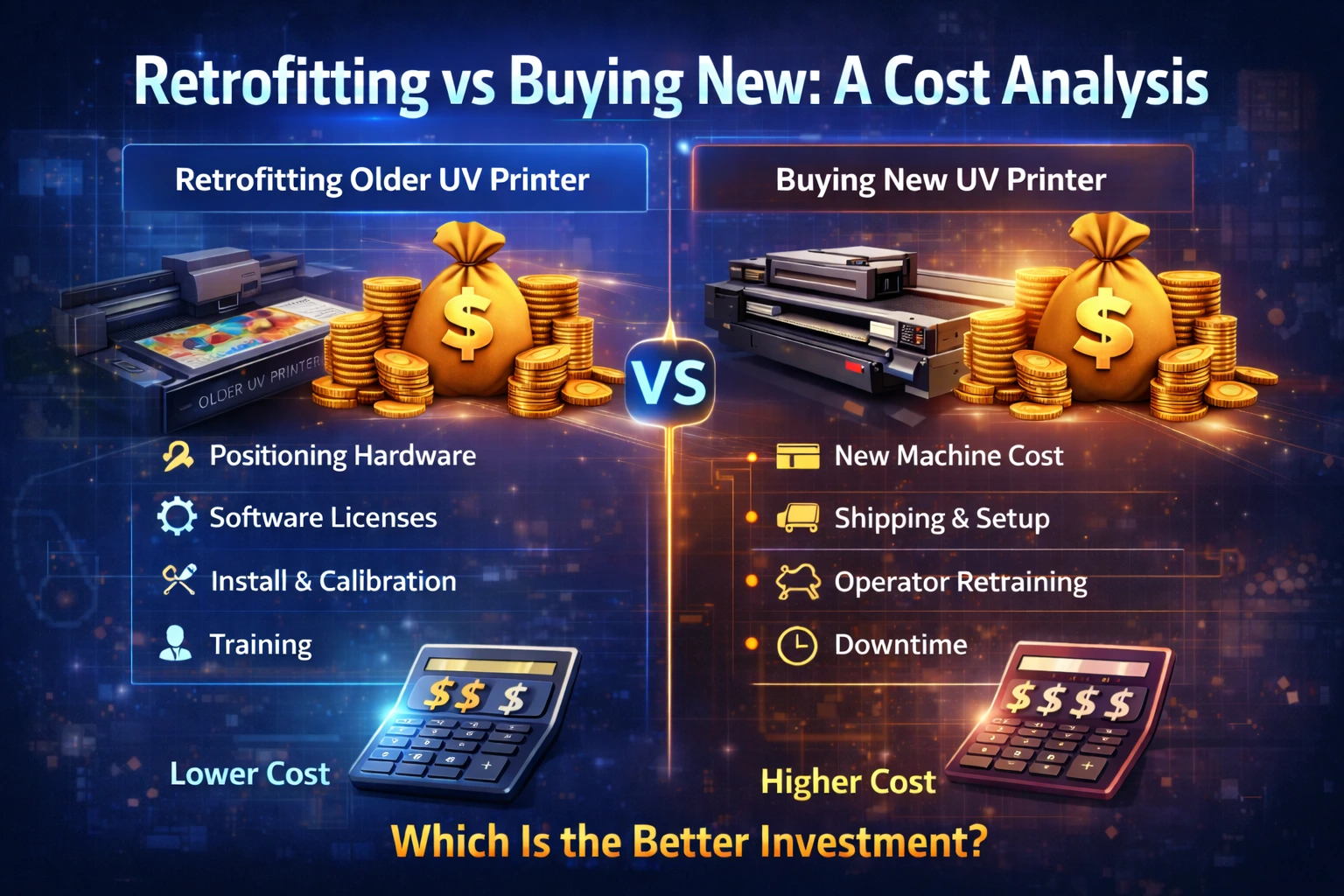
Retrofitting Costs Include:
Visual positioning hardware
Software licenses
Installation and calibration
Training
Buying a New Printer Includes:
Machine cost
Shipping and installation
Operator retraining
Downtime during transition
In most cases, retrofitting costs a fraction of full replacement while delivering comparable functional benefits.
Long-Term Financial Impact
Businesses that retrofit successfully often see:
Reduced waste
Lower labor costs
Increased order acceptance
Higher customer satisfaction
Faster ROI
Many recover their investment within 6 to 18 months.
When Retrofitting Is the Right Choice
Retrofitting makes sense when:
The printer is mechanically stable
Print quality is acceptable
Budget is limited
Custom jobs are increasing
When Replacement Is the Better Option
Buying a new printer may be better if:
The machine breaks down frequently
Speed limitations hurt productivity
Multiple upgrades are required
Technology gap is too large
Common Challenges in Retrofitting
Inaccurate calibration
Software learning curve
Operator resistance
Underestimating total costs
Proper planning and expert installation help avoid these issues.
Future of Visual Positioning in UV Printing
Visual positioning is quickly becoming a standard feature rather than a luxury. As automation and customization continue to dominate the market, printers without this capability will struggle to remain competitive.
Retrofitting offers a practical bridge between legacy equipment and modern expectations.
Conclusion
Retrofitting visual positioning technology onto older UV printers can be a highly effective strategy when done correctly. It improves accuracy, reduces waste, increases productivity, and extends machine life—often at a fraction of the cost of buying new equipment.
The decision should be based on machine condition, business goals, and long-term strategy. For many print businesses, retrofitting is not just worth it—it is the smartest path forward.
FAQ
What is visual positioning in UV printing?
It is a camera-based system that automatically aligns prints with high accuracy.
Is retrofitting expensive?
It is significantly cheaper than purchasing a new UV printer.
Can every old UV printer be retrofitted?
No, compatibility depends on mechanical and electronic design.
Does it improve productivity?
Yes, by reducing setup time, errors, and reprints.
How long does retrofitting take?
Usually from a few days to two weeks, depending on complexity.