

 HOME
HOME PRODUCT CENTER
 ABOUT US
 DOWNLOAD CENTER
 SUPPORT CENTER
 SUBSCRIBE
 BLOG
BLOGVisual Positioning UV Printer Showroom Checklist
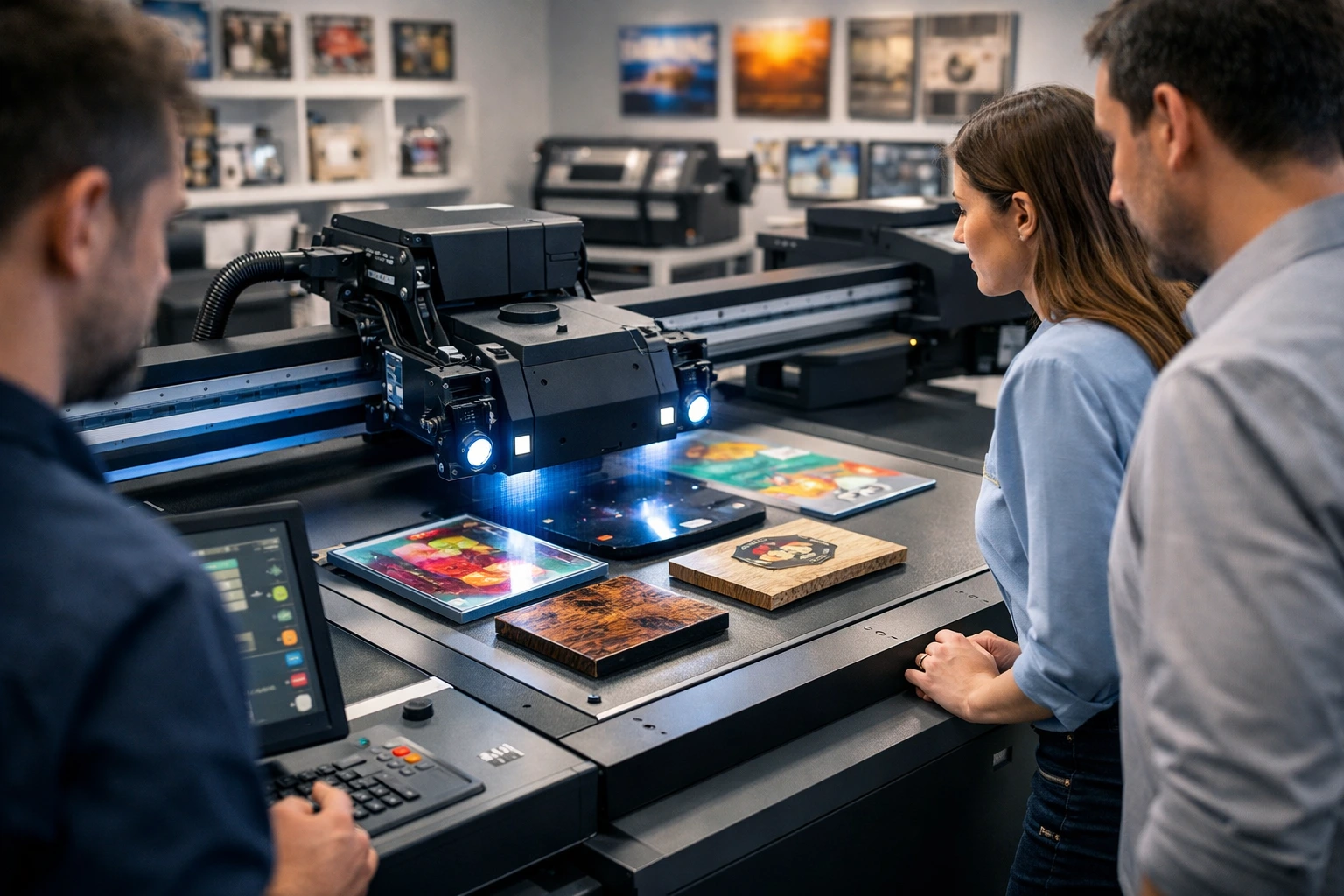
Investing in a visual positioning UV printer is not just another equipment purchase—it is a strategic business decision that can redefine your production capabilities, quality standards, and market reach. These advanced printers are designed to deliver exceptional accuracy, high-definition output, and the ability to print on irregular and pre-shaped materials with remarkable consistency.
However, the growing popularity of visual positioning UV printers has also led to an overcrowded market. Showrooms are filled with machines that look similar on the surface but differ significantly in performance, durability, software intelligence, and long-term costs. Many buyers make the mistake of focusing only on print quality demos, ignoring deeper technical and operational factors that determine real-world success.
This article serves as a comprehensive showroom checklist. It outlines the most important questions you must ask before finalizing a visual positioning UV printer. By the end, you will not only understand how these printers work but also how to evaluate them from a business, technical, and financial perspective—ensuring you choose a solution that delivers consistent returns and long-term reliability.
Understanding Visual Positioning UV Printing Technology
Visual positioning UV printers use camera-based recognition systems combined with UV inkjet technology. Unlike conventional flatbed or roll-to-roll printers, these machines detect the exact position, angle, and shape of the object placed on the bed. The printer then automatically adjusts the print path to align perfectly with the object, eliminating manual alignment errors.
UV ink is cured instantly using ultraviolet light, which allows printing on non-absorbent and uneven surfaces. This combination makes visual positioning UV printers ideal for industries that require precision printing on pre-cut, molded, or irregular items.
How Visual Positioning Works
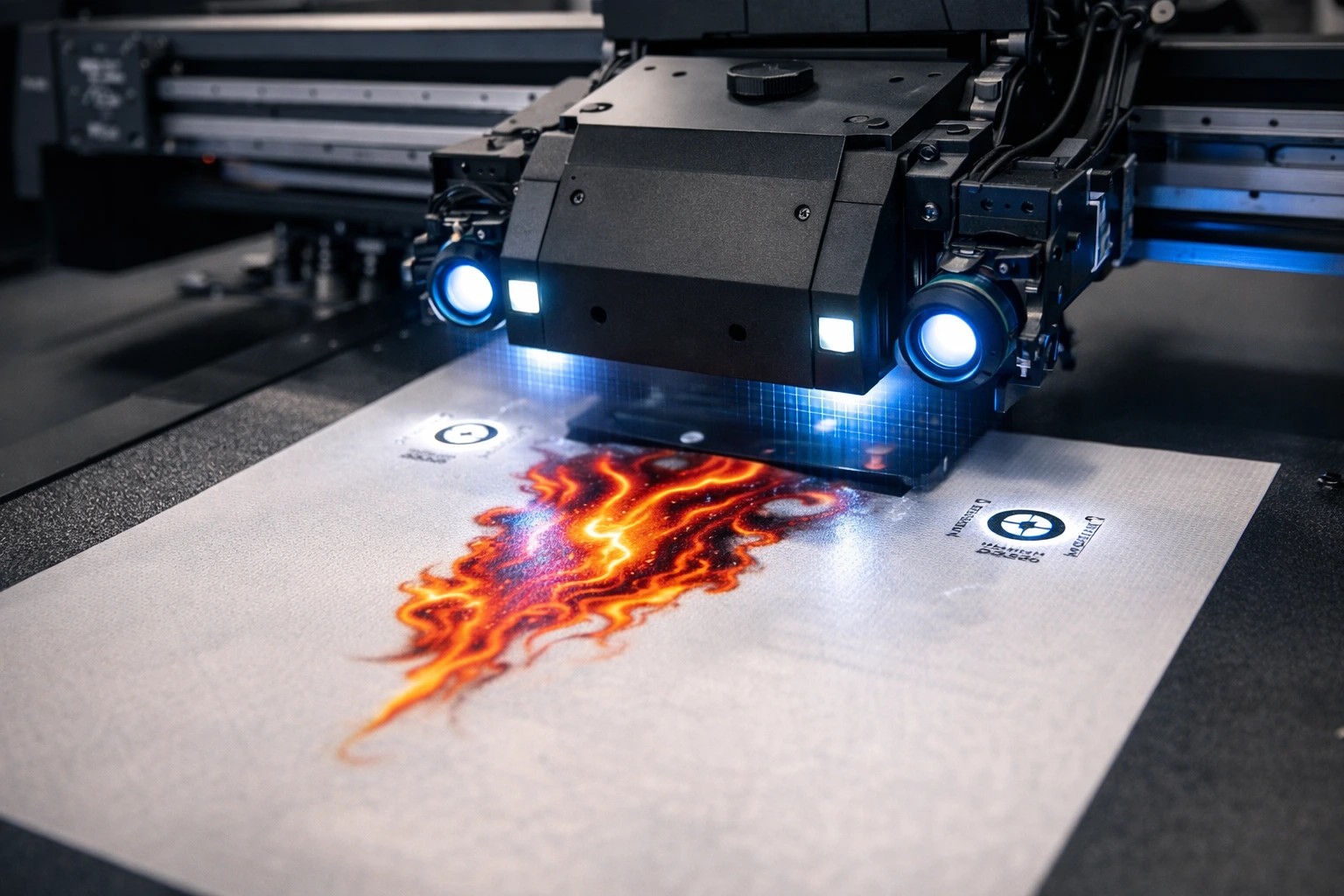
High-resolution industrial cameras scan the printing surface before printing begins. These cameras capture reference points on the substrate, and the software calculates the precise coordinates for ink placement. This ensures perfect registration even if the object is slightly rotated or placed inconsistently.
Why This Technology Matters
In traditional printing, alignment errors lead to material waste, reprints, and inconsistent output. Visual positioning technology drastically reduces these issues, making it especially valuable for high-mix, low-volume production environments.
Why a Showroom Visit Is Critical
Online specifications and brochures rarely tell the full story. A showroom visit allows you to see the printer operating in real conditions, evaluate build quality, test workflow efficiency, and interact with the technical team behind the product.
More importantly, it gives you the opportunity to ask the right questions—questions that reveal whether the machine is truly suitable for your business or simply impressive in a controlled demo environment.
Essential Questions to Ask in a Visual Positioning UV Printer Showroom
1. What Are the Core Printer Specifications?
Specifications define the performance boundaries of any printer. Do not rely on marketing claims—ask for detailed explanations.
Print Resolution
Ask about both native and maximum resolution. High DPI numbers look attractive, but true print clarity depends on printhead quality, ink droplet size, and motion control systems.
Print Speed
Clarify real production speed, not laboratory test speeds. Ask how speed varies when printing in high-quality modes or on complex substrates.
Maximum Print Area
Confirm the actual usable print area, not just the bed size. Edge limitations and camera coverage can reduce effective printing space.
Printhead Configuration
Inquire about the number of printheads, brand reliability, lifespan, and replacement costs. Printheads are one of the most expensive consumables.
2. What Materials Can the Printer Handle Reliably?
One of the biggest selling points of UV printing is material versatility. However, not all machines perform equally across substrates.
Supported Materials
Ask for a complete list of tested materials such as acrylic, PVC, wood, glass, metal, leather, ceramics, and plastic composites.
Material Thickness Range
Confirm the minimum and maximum thickness supported. This is critical for printing on uneven or raised objects.
Adhesion Performance
Ask whether adhesion promoters or primers are required for certain materials and how they impact production time and cost.
3. How Accurate Is the Visual Positioning System?
Visual positioning accuracy is the heart of this technology.
Camera Resolution and Type
Higher-resolution industrial cameras offer better object detection and alignment accuracy. Ask about camera brand, resolution, and calibration frequency.
Repeatability
Ask how consistent the alignment remains across long production runs.
Lighting Control
Inquire about built-in lighting systems. Poor lighting can affect camera recognition and lead to alignment errors.
4. What Software Powers the Printer?
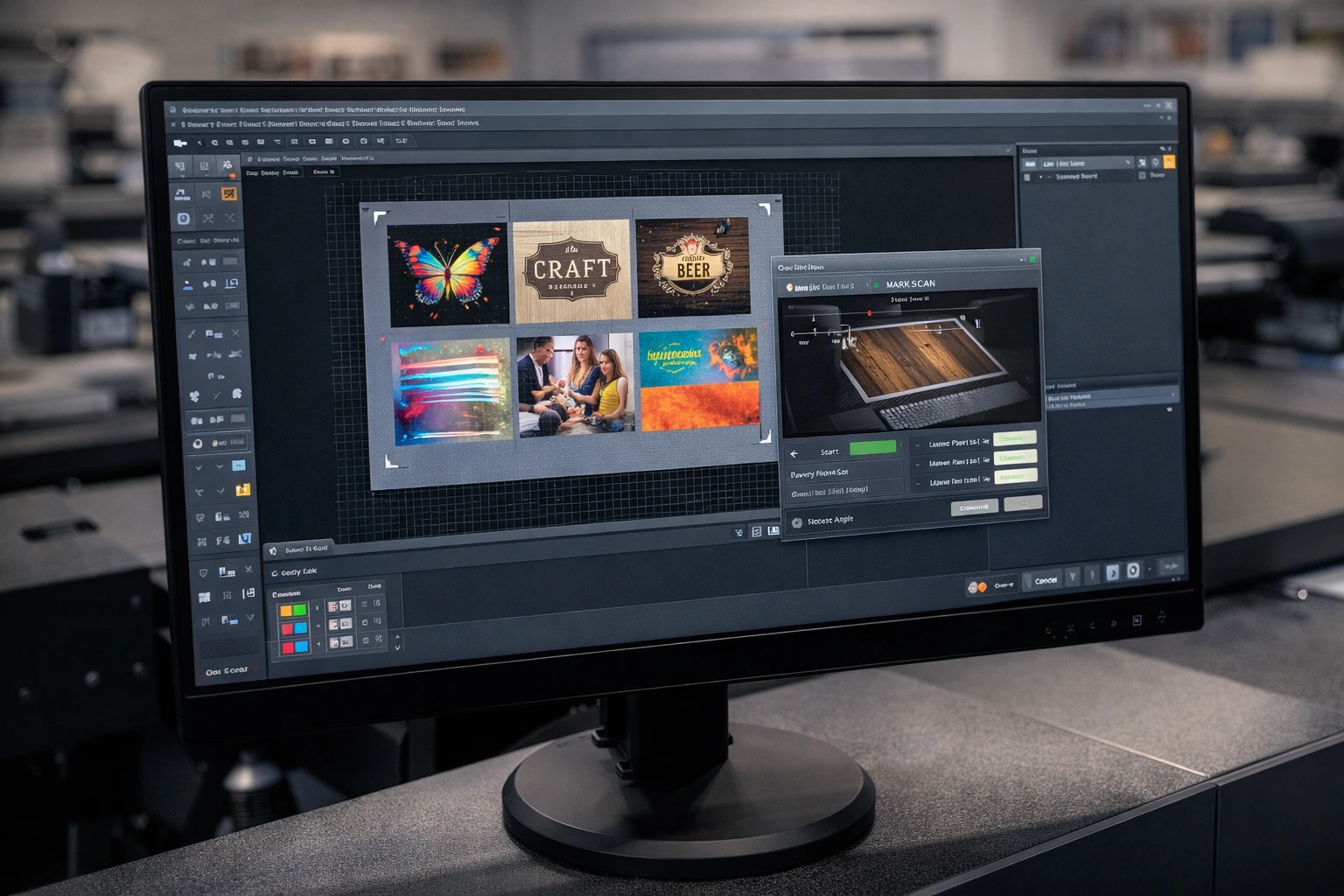
Software determines how efficiently your team can operate the machine.
Included Software
Ask whether the printer includes proprietary software or relies on third-party RIP solutions.
File Compatibility
Confirm support for popular design formats and seamless integration with mainstream design tools.
Automation Features
Ask about features such as batch processing, automatic object detection, and template-based workflows.
Learning Curve
Request a live demonstration of the full workflow—from file import to final print—to assess usability.
5. What Is the Daily and Long-Term Maintenance Requirement?
Maintenance directly affects uptime and operating costs.
Daily Maintenance Tasks
Ask what needs to be done daily, weekly, and monthly.
Printhead Protection
Inquire about automatic cleaning systems and nozzle protection mechanisms.
Downtime Risk
Ask how long common maintenance procedures take and how often breakdowns occur in real-world usage.
6. What After-Sales Support Is Available?
A printer is only as reliable as the support behind it.
Technical Support Availability
Ask whether support is local or remote and how quickly technicians can respond.
Spare Parts Availability
Confirm whether critical components are stocked locally or need to be imported.
Service Contracts
Ask about optional annual maintenance contracts and what they include.
7. What Training Is Included With the Purchase?
Even advanced machines underperform without proper training.
Initial Training
Ask how long the training lasts and whether it includes both operators and technicians.
Advanced Training
Inquire about refresher sessions, software updates training, and process optimization guidance.
8. What Is the Total Cost of Ownership?
The purchase price is only one part of the investment.
Ink Consumption
Ask about average ink usage per square meter and cost per liter.
Electricity Consumption
UV curing systems consume power—ask for realistic power usage data.
Consumables
Confirm costs for lamps, filters, cleaning fluids, and spare parts.
9. How Scalable Is This Printer for Future Growth?
Your business needs today may not be the same tomorrow.
Upgrade Options
Ask if the printer can be upgraded with additional printheads, larger beds, or enhanced software.
Production Expansion
Confirm whether the same model is used successfully in higher-volume environments.
10. What Is the Brand’s Market Reputation?
Brand credibility matters in long-term investments.
Installed Base
Ask how many units are installed globally or regionally.
Customer Feedback
Request references or case studies from existing users in similar industries.
Industry Experience
Ask how long the manufacturer has specialized in UV and visual positioning technology.
Key Business Benefits of Visual Positioning UV Printers
Precision and Consistency
Automated alignment ensures every print matches design intent, even on irregular objects.
Reduced Waste
Fewer alignment errors mean less material waste and lower production costs.
Faster Turnaround
Instant ink curing and reduced setup time enable quicker order fulfillment.
Expanded Product Portfolio
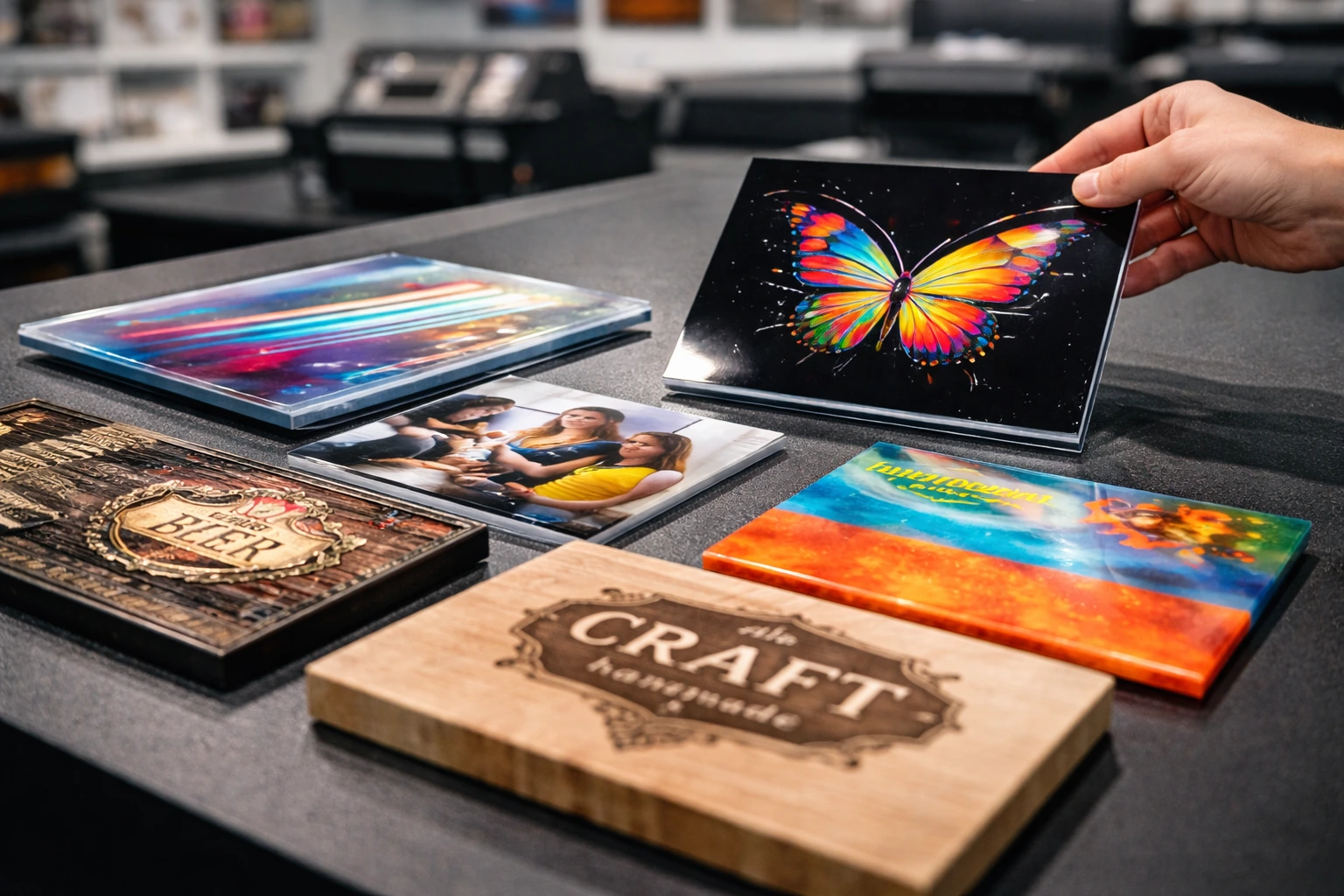
Ability to print on diverse materials allows businesses to offer premium and customized products.
Sustainable Printing
UV inks produce minimal emissions and reduce material waste, supporting eco-conscious operations.
Common Mistakes Buyers Make in Showrooms
Focusing only on print samples instead of workflow efficiency
Ignoring long-term maintenance and support costs
Overlooking software limitations
Choosing based on price rather than total value
Not testing their own materials during demos
Avoiding these mistakes can save significant time and money in the long run.
How to Prepare Before Visiting a Showroom
Bring sample materials you plan to print on
Prepare real design files for testing
List your daily and monthly production targets
Define your budget range and growth plans
Assign someone technical to evaluate machine reliability
Preparation ensures you get meaningful answers instead of generic sales pitches.
Conclusion
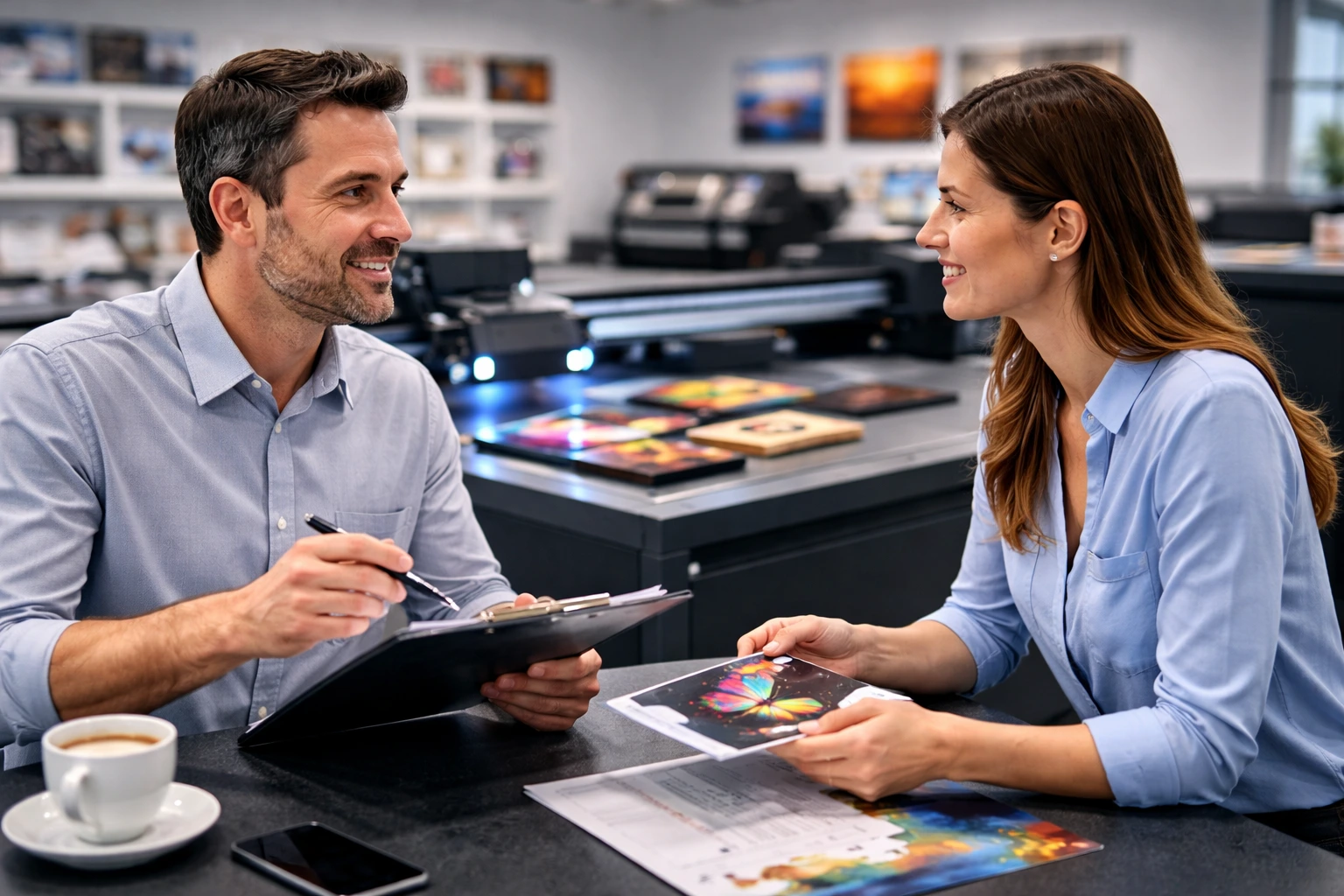
A visual positioning UV printer can transform your printing business, but only if you choose the right machine for your operational reality. A showroom visit should never be treated as a casual demonstration—it is a critical evaluation stage where informed questions lead to confident decisions.
By asking the right technical, operational, and financial questions, you gain clarity on performance, reliability, and long-term value. This approach not only protects your investment but also positions your business for sustainable growth in an increasingly competitive printing market.
Take your time, analyze every answer carefully, and remember—precision in decision-making is just as important as precision in printing.
Frequently Asked Questions
What makes visual positioning UV printers different from standard UV printers?
They use camera-based alignment systems to automatically adjust print placement, ensuring high accuracy on irregular or pre-positioned objects.
Are visual positioning UV printers suitable for small businesses?
Yes, especially for businesses focusing on customization, short runs, and premium products.
How long does it take to master the operation of these printers?
With proper training, most operators become proficient within a few weeks.
Do these printers require special environmental conditions?
Stable temperature, controlled dust levels, and proper ventilation are recommended for optimal performance.
What is the average lifespan of a visual positioning UV printer?
With proper maintenance, these machines typically last 5 to 10 years or more.