

 HOME
HOME PRODUCT CENTER
 ABOUT US
 DOWNLOAD CENTER
 SUPPORT CENTER
 SUBSCRIBE
 BLOG
BLOGDTG Printer Maintenance Guide
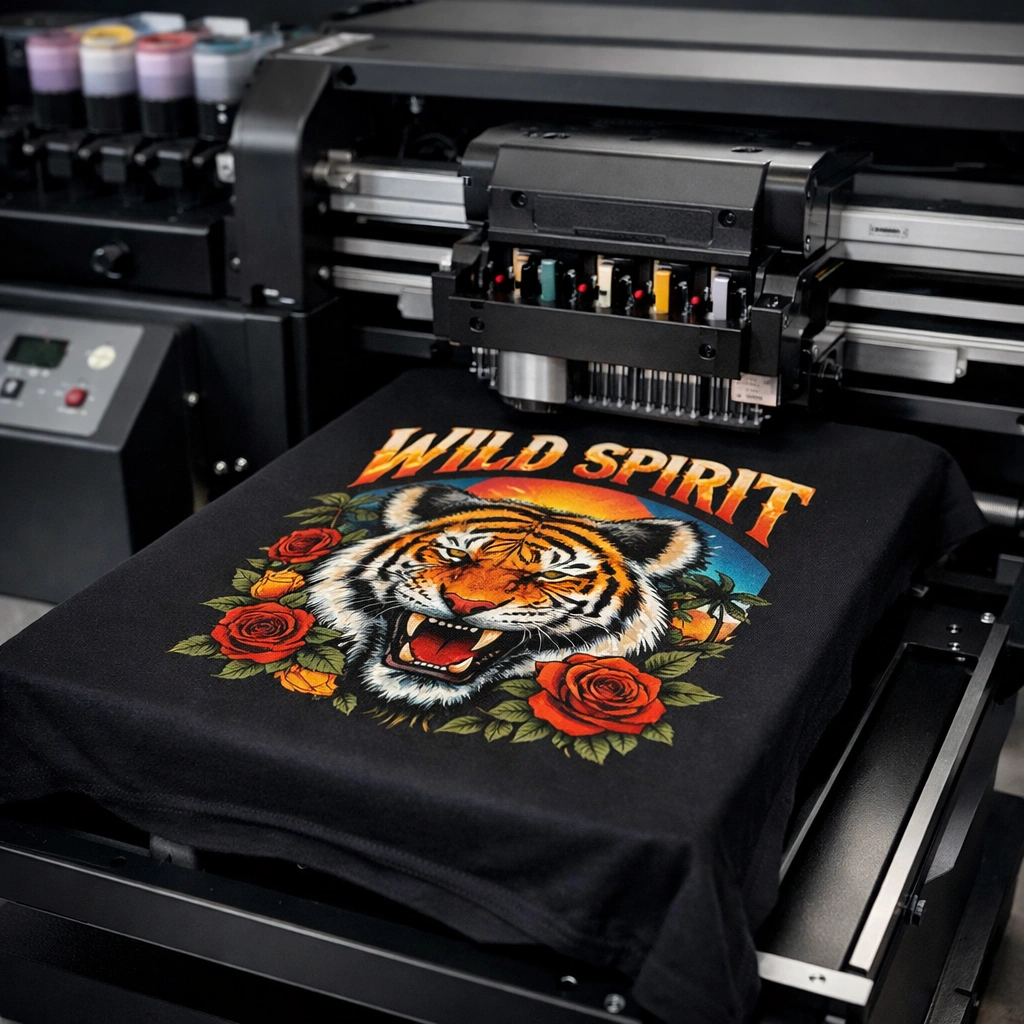
Direct to Garment (DTG) printing has become a game-changer in the custom apparel and textile industry. From small print-on-demand startups to large-scale garment manufacturers, DTG printers are widely used for producing vibrant, high-resolution designs directly onto fabric. Unlike traditional printing methods, DTG technology allows for detailed artwork, unlimited color combinations, and fast turnaround times.
However, owning a DTG printer is not just about printing designs—it is about maintaining consistency, quality, and reliability over time. A DTG printer is a precision machine that relies on delicate components such as printheads, ink delivery systems, and software calibration. Without proper care, even the most advanced DTG printer can suffer from clogged nozzles, color inconsistency, frequent breakdowns, and expensive downtime.
Regular and well-planned maintenance is the key to keeping your DTG printer running at peak performance. Proper maintenance not only improves print quality but also extends the life of the machine, reduces repair costs, and ensures smooth daily operations. This comprehensive guide explains everything you need to know about DTG printer maintenance—from daily cleaning routines to long-term care strategies—so you can protect your investment and grow your printing business confidently.
Understanding DTG Printer Technology
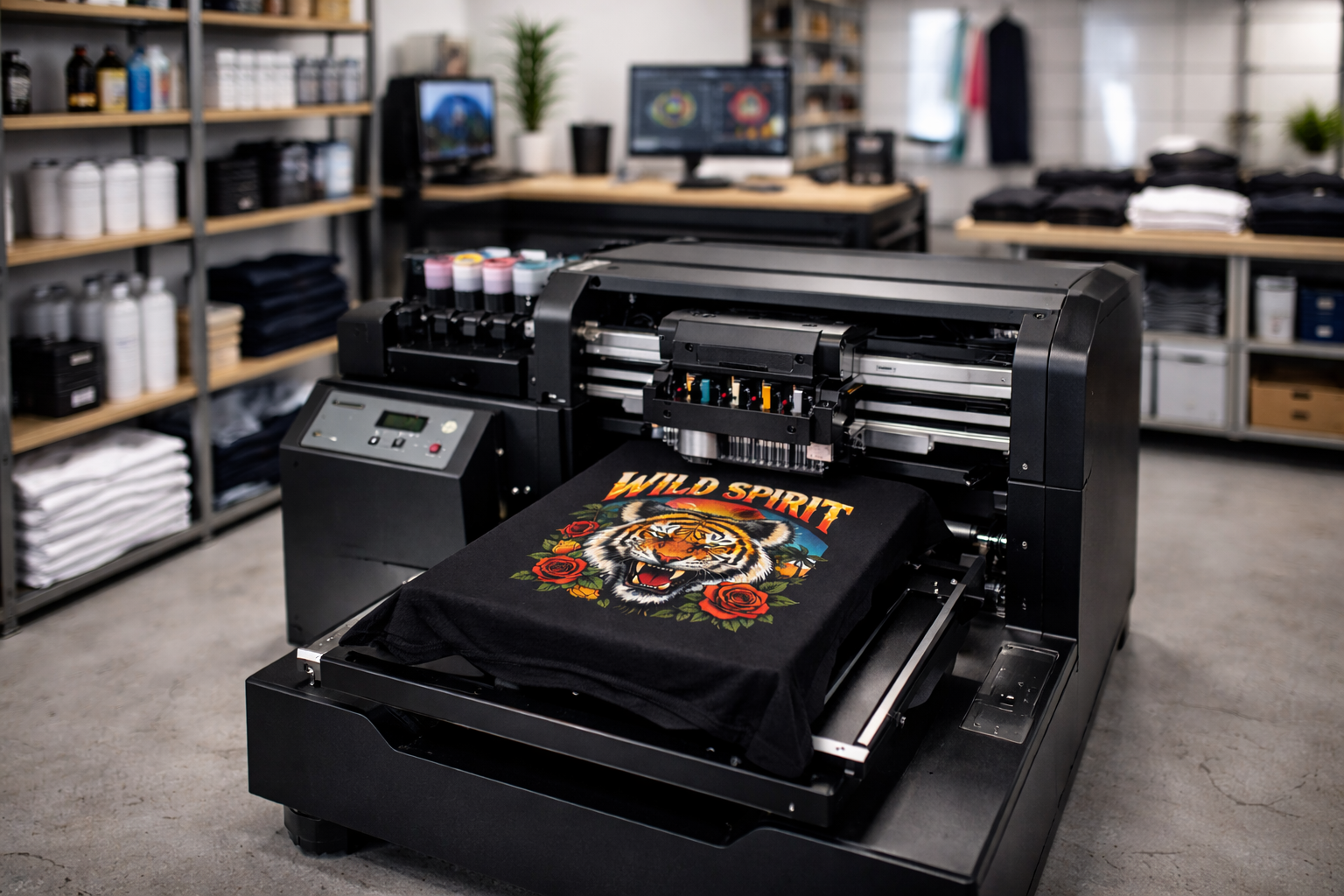
Before diving into maintenance practices, it is important to understand how a DTG printer works. A DTG printer uses specialized water-based textile inks that are sprayed directly onto garments through microscopic nozzles in the printhead. The printer relies on precise ink flow, accurate garment alignment, and consistent temperature and humidity conditions.
DTG printers typically include:
Printheads with extremely fine nozzles
Ink circulation and delivery systems
Capping stations and wiper blades
RIP software and firmware controls
Pretreatment compatibility for garments
Because these components work together in a highly controlled environment, even small issues—such as dried ink or dust buildup—can affect output quality. This is why regular maintenance is not optional; it is essential.
Why DTG Printer Maintenance Is Crucial
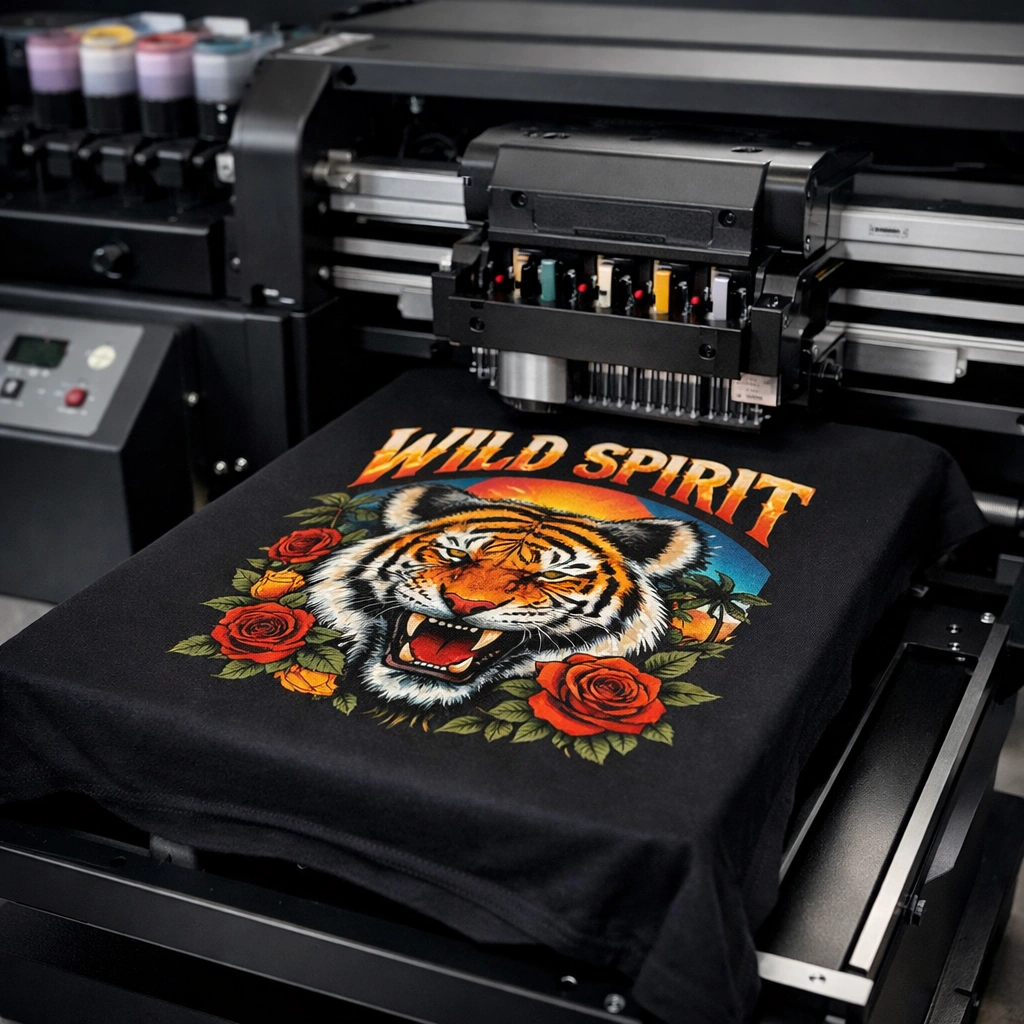
Neglecting DTG printer maintenance can lead to serious operational problems. Over time, ink residue can dry inside the printhead, air bubbles can disrupt ink flow, and sensors may lose calibration. These issues often result in failed prints, wasted garments, and unhappy customers.
Consistent maintenance helps you:
Maintain sharp, vibrant prints
Avoid sudden machine breakdowns
Reduce ink waste and material loss
Improve production efficiency
Protect expensive printer components
In a competitive printing market, reliability and quality are what set successful businesses apart. A well-maintained DTG printer allows you to meet deadlines, deliver consistent results, and scale your operations without unnecessary stress.
Benefits of Regular DTG Printer Maintenance
1. Consistent Print Quality
Regular cleaning ensures that ink flows smoothly through the printhead nozzles. This prevents banding, color fading, and missing lines in prints. Clean components result in accurate color reproduction and professional-quality garments.
2. Extended Printer Lifespan
DTG printers are a significant investment. Routine maintenance reduces wear and tear on internal components, helping the machine operate efficiently for many years.
3. Reduced Downtime
Unexpected printer failures can halt production and delay orders. Preventive maintenance minimizes the risk of breakdowns and keeps your workflow uninterrupted.
4. Lower Long-Term Costs
Replacing printheads or repairing major components is expensive. Proper maintenance helps avoid these costs by catching issues early.
5. Improved Business Reputation
Consistent output quality builds trust with customers. When your printer performs reliably, your brand reputation improves as well.
Daily DTG Printer Maintenance Tasks
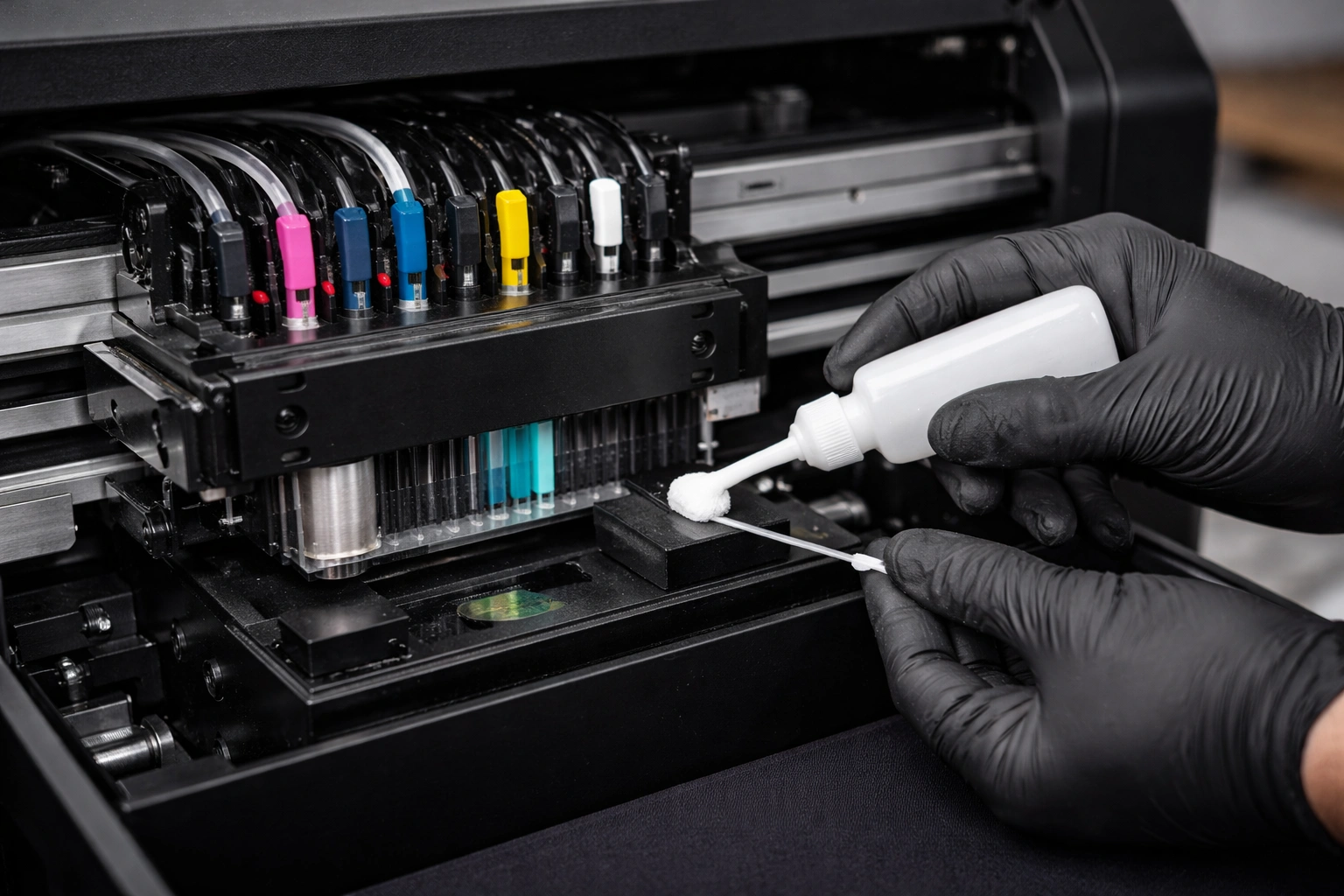
Daily maintenance is the foundation of a healthy DTG printer. These tasks require minimal time but have a major impact on performance.
Printhead Nozzle Check
Perform a nozzle check before starting production each day. This helps identify clogged or misfiring nozzles early.
Light Printhead Cleaning
If the nozzle check shows issues, perform a light cleaning cycle. Avoid excessive cleaning, as it can waste ink.
Capping Station Inspection
Ensure the capping station is clean and moist. This prevents ink from drying on the printhead when the printer is idle.
Wiper Blade Cleaning
Ink buildup on the wiper blade can smear ink across the printhead. Clean it gently using approved cleaning solutions.
Environment Check
Maintain proper humidity and temperature in the printing area. Low humidity can cause ink to dry faster, leading to clogs.
Weekly DTG Printer Maintenance Tasks
Weekly maintenance focuses on deeper cleaning and system checks.
Thorough Printhead Cleaning
Perform a more detailed cleaning routine to remove ink residue that daily cleaning may miss.
Ink System Inspection
Check ink lines, cartridges, and dampers for leaks, air bubbles, or sediment buildup.
Platen and Rails Cleaning
Remove lint, dust, and ink splashes from the platen and printer rails to ensure smooth garment movement.
Software Performance Check
Ensure your RIP software is functioning correctly and profiles are properly configured.
Monthly and Periodic Maintenance
Monthly maintenance helps prevent long-term issues and ensures overall system stability.
Firmware and Software Updates
Manufacturers release updates to improve performance, fix bugs, and enhance compatibility. Always keep your system up to date.
Deep Internal Cleaning
Carefully clean internal components such as sensors, fans, and ventilation areas to prevent overheating and dust accumulation.
Color Calibration
Regular color calibration ensures consistent output across different print runs and garment types.
Mechanical Inspection
Check belts, motors, and moving parts for unusual noise or resistance.
Proper Ink Management for DTG Printers
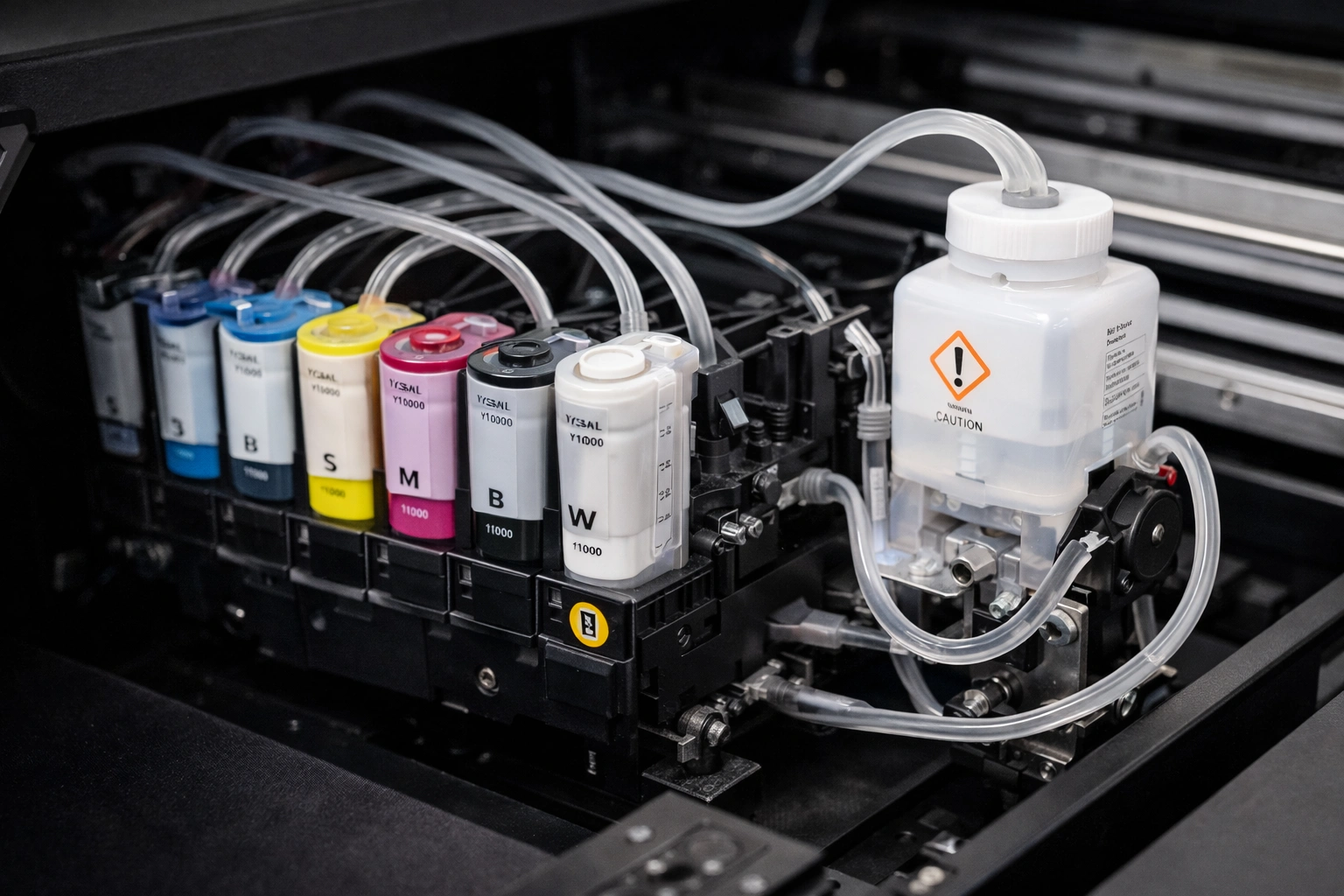
Ink quality plays a critical role in DTG printer performance.
Use Manufacturer-Approved Inks
Always use inks recommended by the printer manufacturer. Third-party inks may cause clogs or chemical reactions.
Avoid Ink Mixing
Never mix different ink brands or types. This can damage the printhead permanently.
Shake White Ink Regularly
White ink contains heavier pigments that settle quickly. Proper circulation prevents sediment buildup.
Store Ink Correctly
Store ink cartridges in a cool, dry place away from direct sunlight.
Common DTG Printer Maintenance Mistakes to Avoid
Skipping daily nozzle checks
Over-cleaning printheads unnecessarily
Ignoring environmental conditions
Using unapproved cleaning solutions
Delaying maintenance until problems appear
Avoiding these mistakes can save thousands in repair costs and lost production time.
When to Seek Professional Servicing
While many maintenance tasks can be handled in-house, some situations require professional expertise.
Seek professional help if:
Print quality issues persist after cleaning
The printer displays repeated error messages
Ink leaks or electrical issues occur
Printhead replacement is required
Regular professional servicing can also help identify hidden issues before they become serious problems.
Creating an Effective DTG Maintenance Schedule
A structured maintenance schedule keeps tasks organized and consistent.
A simple schedule may include:
Daily: Nozzle check, light cleaning
Weekly: Deep cleaning, ink inspection
Monthly: Software updates, calibration
Quarterly: Professional inspection
Documenting maintenance activities helps track performance and identify recurring issues.
DTG Printer Maintenance and Business Growth
A reliable DTG printer directly impacts business growth. Fewer errors mean less waste, faster order fulfillment, and higher profit margins. When your printer runs smoothly, you can focus on marketing, customer satisfaction, and expanding your product range.
Maintenance is not an expense—it is an investment in long-term success.
Conclusion
DTG printers have transformed the garment printing industry, offering unmatched design flexibility and print quality. However, the true potential of a DTG printer can only be realized through consistent and proper maintenance. From daily nozzle checks to periodic professional servicing, every maintenance step contributes to smoother operation, better prints, and a longer machine lifespan.Explore our high-quality DTG printers here
By following a disciplined maintenance routine, managing inks carefully, and avoiding common mistakes, you can ensure that your DTG printer remains a reliable asset for years to come. A well-maintained printer not only protects your investment but also strengthens your business reputation and profitability.
Frequently Asked Questions (FAQs)
How often should a DTG printer be cleaned?
Light cleaning should be done daily, while deeper cleaning should be performed weekly or as needed based on usage.
Which parts of a DTG printer need regular maintenance?
Printheads, capping stations, wiper blades, ink lines, and software systems require regular attention.
What are signs that a DTG printer needs maintenance?
Poor print quality, missing colors, frequent cleaning alerts, and error messages are common indicators.
Can I use any ink in my DTG printer?
No. Always use manufacturer-recommended inks to avoid damage and maintain print quality.
Does maintenance really affect print quality?
Yes. Proper maintenance directly impacts color accuracy, sharpness, and overall print consistency.