

 HOME
HOME PRODUCT CENTER
 ABOUT US
 DOWNLOAD CENTER
 SUPPORT CENTER
 SUBSCRIBE
 BLOG
BLOG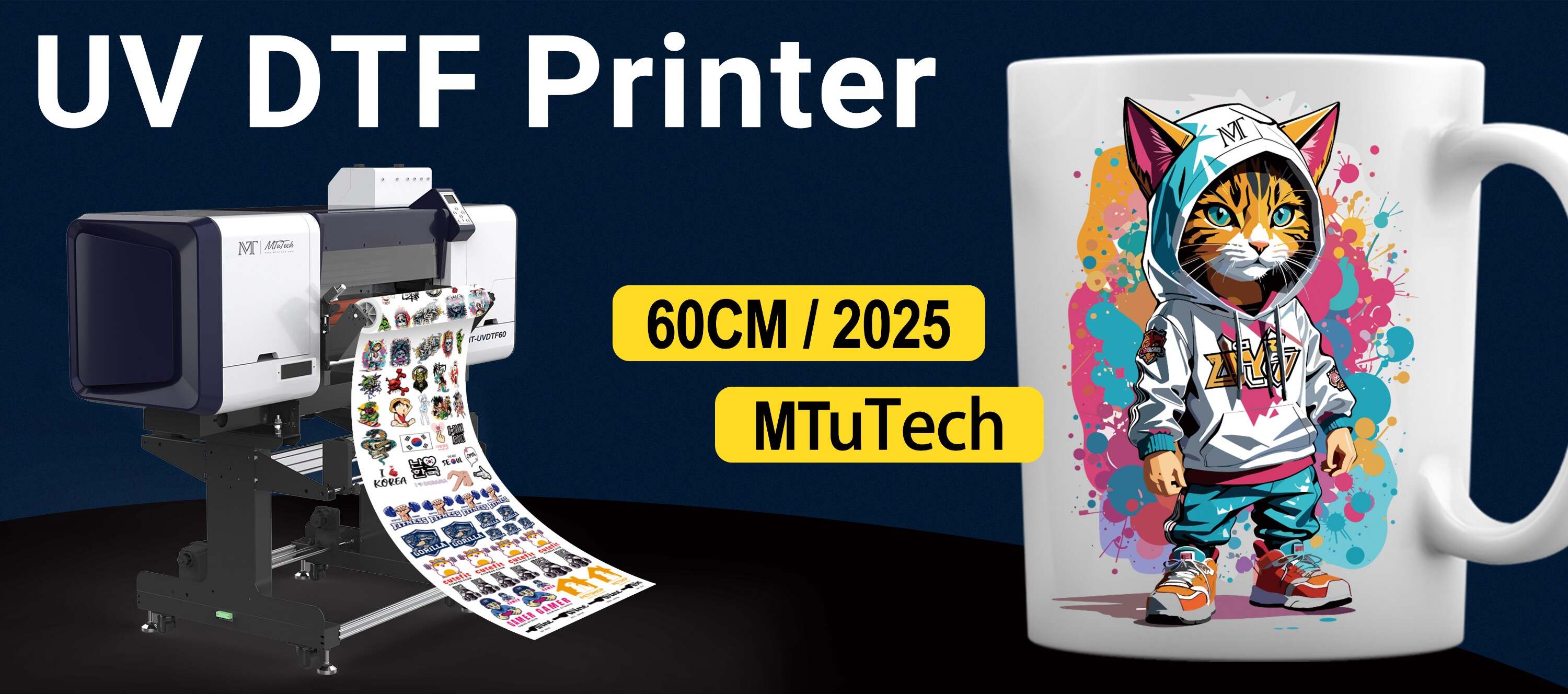
Introduction
Starting your journey with UV DTF (Direct to Film) printing can be both exciting and overwhelming. This innovative printing technology allows you to produce stunning, high-quality prints on a variety of surfaces and materials. If you're a beginner looking to set up your first UV DTF printer, having a checklist can make the process smoother and help avoid common pitfalls. In this guide, we will discuss essential components, tips for setup, and the overall benefits of UV DTF printing.
Understanding UV DTF Printing
UV DTF printing combines the principles of both UV printing and transfer printing. This method uses UV light to cure ink as it’s printed, allowing for vibrant colors and durable prints. It can be used on various materials, from fabrics to hard surfaces like metal and wood.
Before diving into the setup process, let’s discuss some key benefits of this printing technology.
Benefits of UV DTF Printing
Versatility: UV DTF printing works on various substrates, making it perfect for diverse projects.
Durability: The UV curing process results in prints that are more resistant to wear, sunlight, and water.
Vivid Colors: UV inks provide better saturation and vibrancy compared to traditional inks.
Eco-Friendly Options: Many UV inks are designed to be environmentally friendly, reducing your carbon footprint.
Less Waste: The direct-to-film process allows for precise printing, which minimizes wasted materials.
Essential Equipment and Materials
1. UV DTF Printer
The first and most critical component of your setup is selecting a reliable UV DTF printer. It’s essential to choose a model that suits your production needs and budget. Explore our high-quality UV-DTF printers here for a range of options that cater to beginners and professionals alike.
2. UV Resistant Ink
Ensure you have high-quality UV resistant ink. The type of ink you use will directly impact the quality and durability of your prints. Choose inks that are compatible with your printer model.
3. Transfer Film
Invest in premium transfer film specifically designed for UV DTF printing. This film acts as the medium to transfer your print onto the desired substrate.
4. Heat Press Machine
A heat press machine is crucial for transferring the print from the film to your substrate. Look for a machine that provides even heat distribution and is compatible with the materials you plan to use.
5. Software for Design and Printing
Design software lets you create and manipulate your print designs. Additionally, choose printing software that supports UV DTF processes, ensuring you can accurately print your designs onto the transfer film.
6. Substrates
Depending on your projects, gather various substrates such as t-shirts, mugs, wood panels, or any other materials you wish to print on. Make sure they are clean and suitable for UV printing.
Setup Process
Step 1: Unpacking and Assembly
Carefully unpack your UV DTF printer and its components. Follow the manufacturer’s instructions for assembly, ensuring all parts are correctly installed. Proper calibration and alignment are crucial for optimal printing results.
Step 2: Install the Software
Install the required software on your computer. This will usually include drivers for the printer and any design or printing applications. Make sure to check for updates and compatibility with your operating system.
Step 3: Load the Ink
Fill the ink cartridges with the appropriate UV resistant ink. Always refer to the manufacturer’s guidelines for the correct ink filling process and to avoid contamination.
Step 4: Set Up the Heat Press
Prepare your heat press machine according to the manufacturer’s specifications. Set the proper temperature and pressure settings for the substrates you will be using.
Step 5: Test Print
Before starting on your actual projects, conduct a test print on a sample of your transfer film. This will help you ensure the printer is functioning correctly and that the colors and design are accurate.
Step 6: Transfer the Print
Once satisfied with the test print, it’s time to transfer the design onto your chosen substrate using the heat press. Make sure to follow the correct pressing time and temperature settings specific for the material.
Maintenance Tips for Your UV DTF Printer
Maintaining your printer is crucial to ensuring its longevity and performance:
Regular Cleaning: Keep the print heads and surrounding areas clean to prevent clogs and maintain quality.
Check Ink Levels: Regularly monitor ink levels to avoid running low during printing jobs.
Software Updates: Keep your software updated to ensure compatibility and access to the latest features.
Storage: Store your inks and films properly to prevent degradation and maintain quality.