

 HOME
HOME PRODUCT CENTER
 ABOUT US
 DOWNLOAD CENTER
 SUPPORT CENTER
 SUBSCRIBE
 BLOG
BLOGColor Consistency in UV DTF Printing
In today’s competitive digital printing industry, visual accuracy is not just a preference—it is a necessity. Customers expect printed designs to look exactly the same every time, regardless of when or where they are produced. One of the most critical elements of print quality is color consistency, especially in advanced printing methods such as UV Direct to Film (UV DTF) printing.
UV DTF printing has rapidly become popular due to its flexibility, durability, and ability to print on a wide range of surfaces. From promotional products to industrial labeling and customized merchandise, UV DTF delivers vibrant, long-lasting prints. However, achieving consistent color output across multiple print runs remains a major challenge for many print businesses.
Color shifts, unexpected tone variations, and inconsistent saturation can reduce product quality, damage brand identity, and increase production costs. This article explores why color consistency matters in UV DTF printing, the key factors that affect it, and practical strategies to maintain accurate and repeatable color results. Whether you are a beginner or an experienced printer, these insights will help you improve reliability, efficiency, and customer satisfaction.
What Is UV DTF Printing?
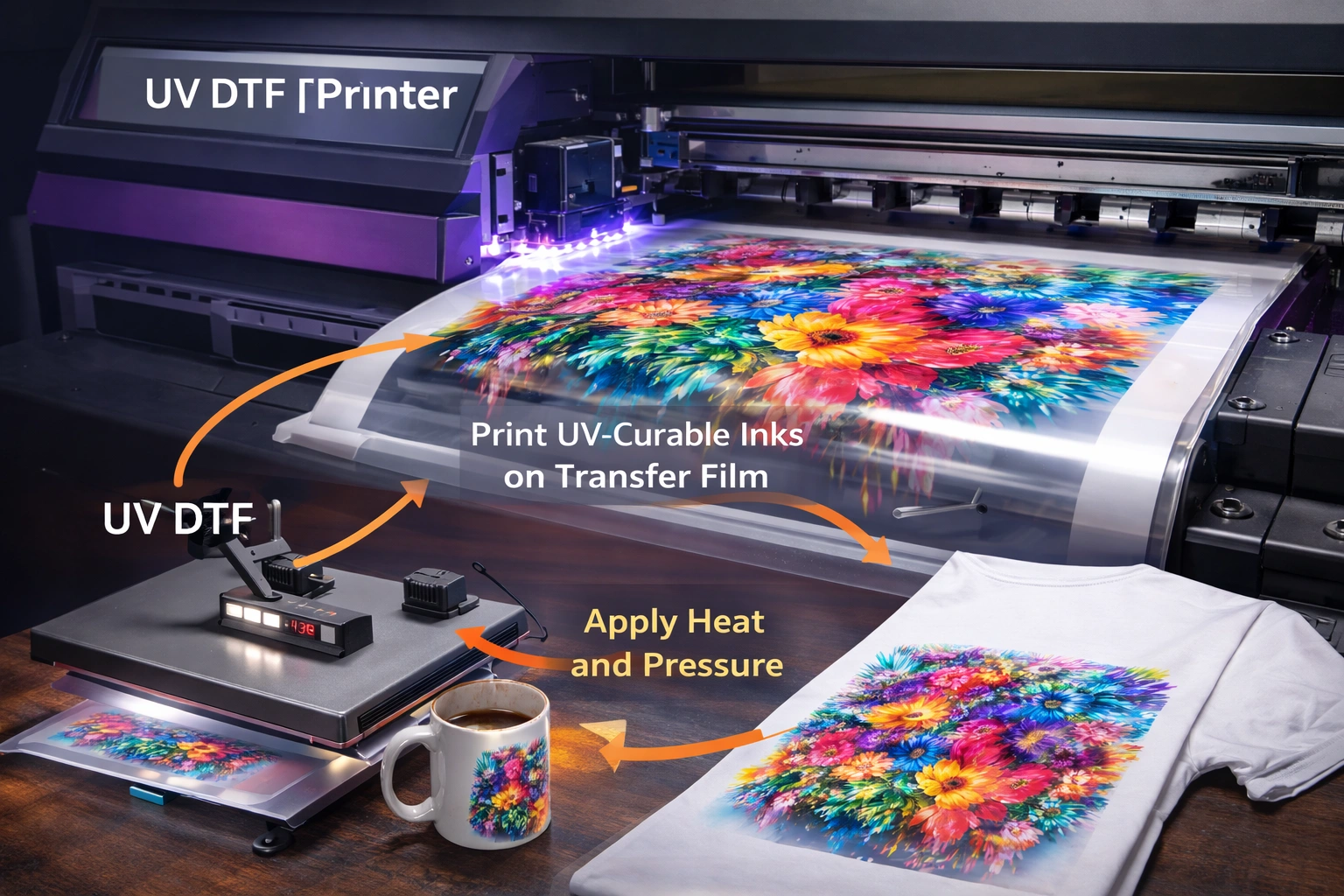
UV Direct to Film printing is a modern printing technique that involves printing UV-curable inks onto a special transfer film instead of directly onto the final substrate. Once printed, the film is applied to the target surface using pressure, allowing the design to adhere cleanly and permanently.
Unlike traditional printing methods, UV DTF printing does not require heat pressing in many applications and works effectively on both flat and irregular surfaces. This makes it ideal for printing on materials such as plastic, metal, glass, wood, ceramics, leather, and coated fabrics.
The UV inks used in this process cure instantly under ultraviolet light, creating sharp details, high opacity, and excellent resistance to fading, scratching, and moisture. However, because UV inks behave differently from solvent or water-based inks, managing color accuracy requires a more controlled and systematic approach.
Why Color Consistency Matters in UV DTF Printing
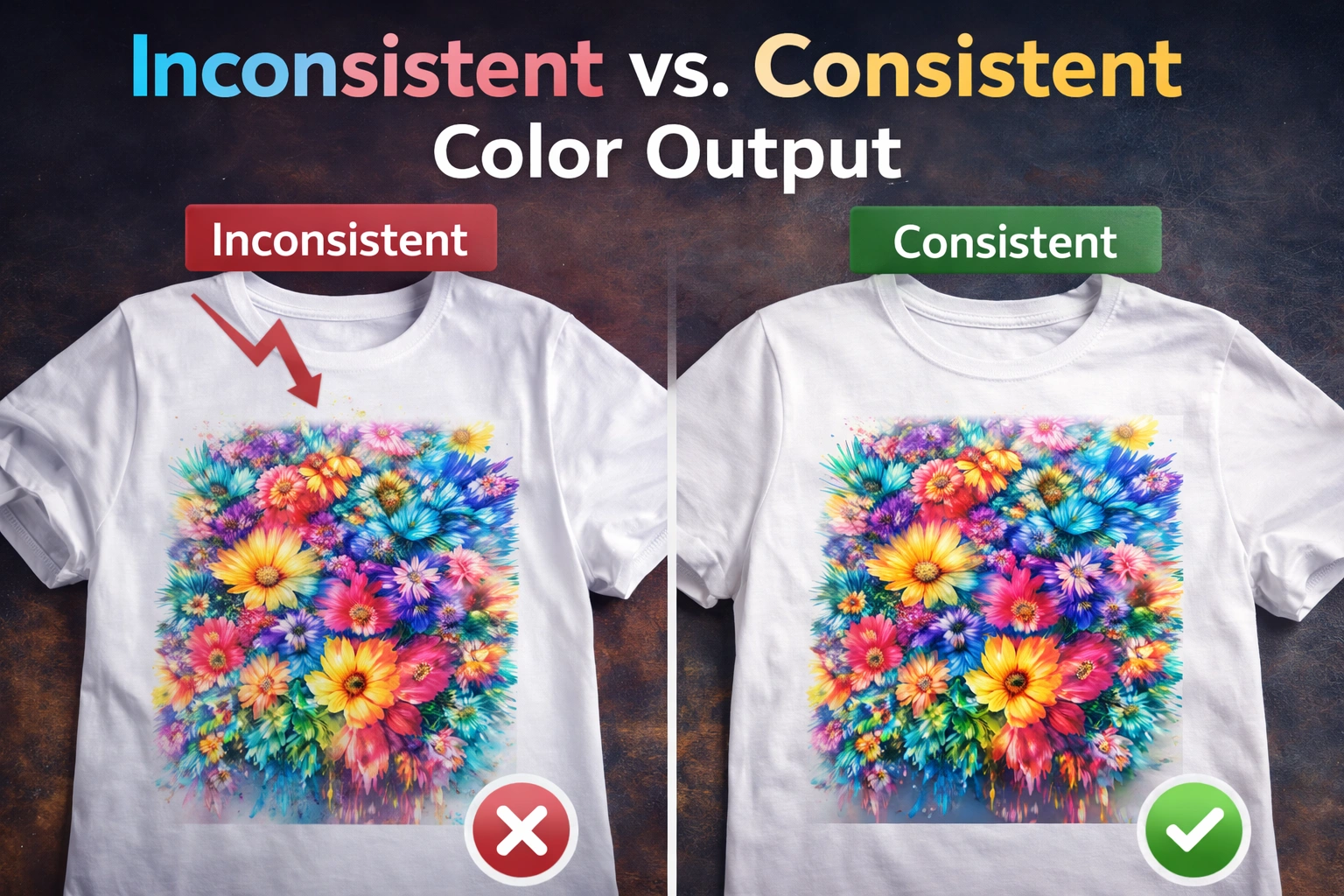
Brand Identity and Recognition
For businesses that print logos, product labels, or promotional materials, color consistency directly affects brand recognition. Even slight color differences can make a brand look unprofessional or unreliable. Maintaining consistent colors ensures that brand guidelines are followed accurately across all printed items.
Professional Print Quality
Uniform color output reflects technical precision and professionalism. Consistent prints show that the production process is stable and well-managed, which builds trust with clients and partners.
Customer Satisfaction and Repeat Orders
Customers expect repeat orders to match previous prints exactly. Inconsistent colors often lead to complaints, reprints, refunds, and loss of long-term clients. Reliable color reproduction improves customer confidence and encourages repeat business.
Reduced Waste and Cost Efficiency
Color mismatches result in rejected prints and wasted materials. By maintaining color consistency, printers can reduce ink consumption, material loss, and production downtime, ultimately increasing profitability.
Common Color Consistency Challenges in UV DTF Printing
Despite its advantages, UV DTF printing presents several challenges that can affect color accuracy:
Variations in ink formulation
Printer calibration issues
Differences in film or substrate coatings
Environmental fluctuations
Improper software settings
Inconsistent curing conditions
Understanding these challenges is the first step toward controlling them.
Key Factors That Affect Color Consistency
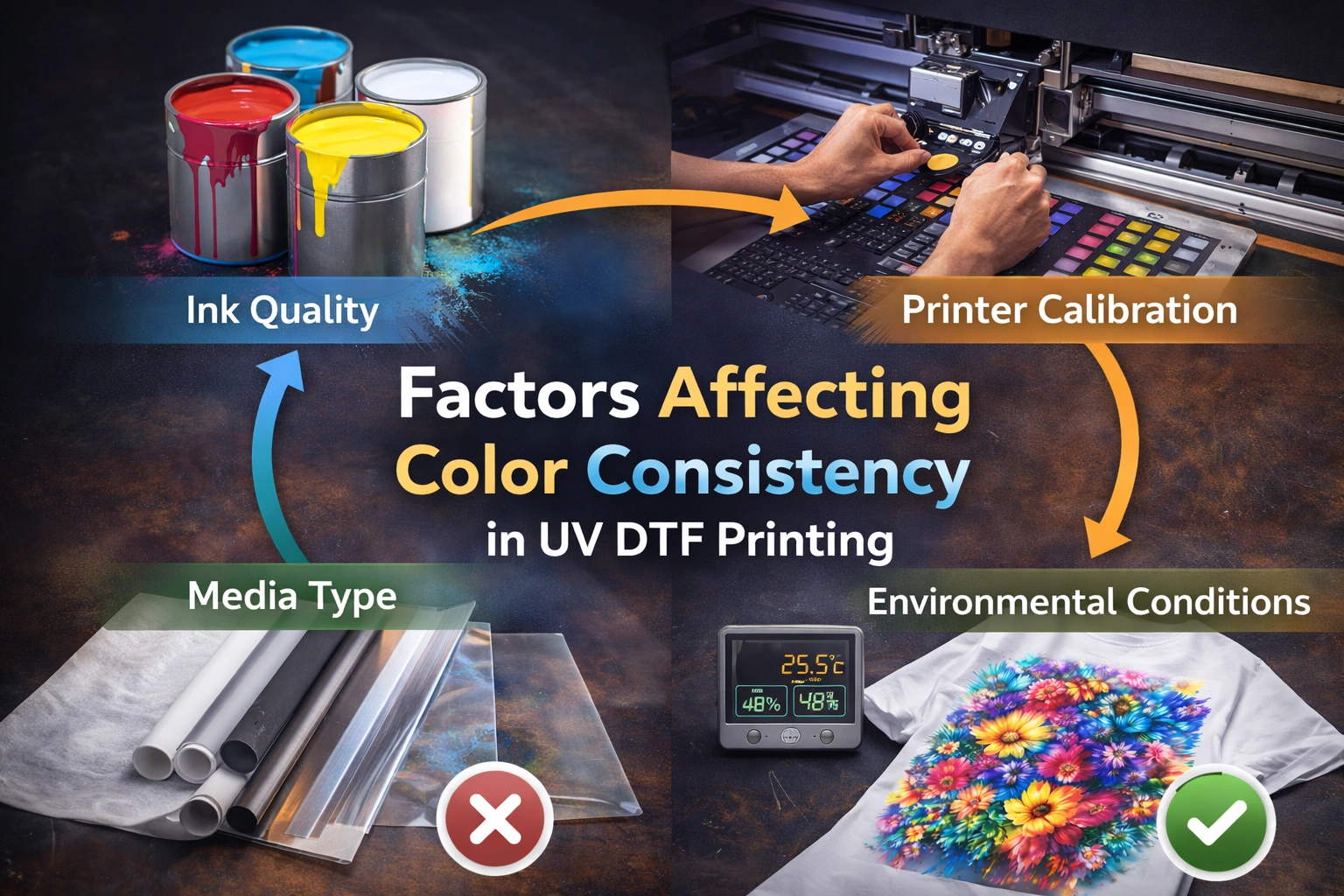
1. UV Ink Quality and Stability
The quality of UV inks plays a foundational role in color consistency. Low-quality inks may contain unstable pigments that shift in color during curing or over time. Variations between ink batches can also lead to inconsistent output.
High-quality UV inks are formulated with stable pigments that maintain consistent color density and saturation. Using certified and well-tested inks ensures predictable results across different production cycles.
Additionally, improper ink storage can affect viscosity and pigment dispersion. Exposure to heat, sunlight, or contamination can degrade ink performance and cause unexpected color variations.
2. Printer Calibration and Alignment
Printer calibration is one of the most critical elements of color accuracy. Calibration ensures that the printer reproduces colors exactly as intended by aligning ink output, print heads, and color channels.
Without regular calibration, UV DTF printers may produce color shifts such as incorrect skin tones, uneven gradients, or inaccurate spot colors. Print head misalignment, nozzle inconsistencies, and incorrect voltage settings can all affect color output.
Routine calibration helps maintain consistency by correcting deviations before they become visible defects.
3. Transfer Film and Substrate Behavior
Different films and substrates interact with UV inks in unique ways. Surface texture, coating thickness, absorption level, and reflectivity all influence how colors appear after transfer.
For example, glossy surfaces may enhance vibrancy, while matte surfaces may soften colors. Even slight changes in film quality or supplier can result in noticeable color differences.
Using consistent film brands and substrate types helps minimize variation and ensures predictable results.
4. Environmental Conditions
Environmental factors significantly impact UV DTF printing, even though UV inks cure instantly. Temperature and humidity affect ink flow, curing speed, and adhesion.
High humidity can cause ink spreading or poor bonding, while low humidity may lead to static issues or uneven ink distribution. Extreme temperatures can alter ink viscosity, leading to inconsistent color density.
A controlled production environment helps stabilize printing conditions and improve color reliability.
5. Color Profiles and Software Settings
Color accuracy depends heavily on correct software configuration. Printing software uses color profiles to translate digital colors into physical ink output.
Incorrect color profiles, mismatched RGB or CMYK settings, or improper rendering intents can result in dull or inaccurate colors. Consistent use of standardized color profiles ensures uniform translation from screen to print.
Software updates or changes in RIP settings can also affect color output if not managed carefully.
Best Practices for Maintaining Color Consistency
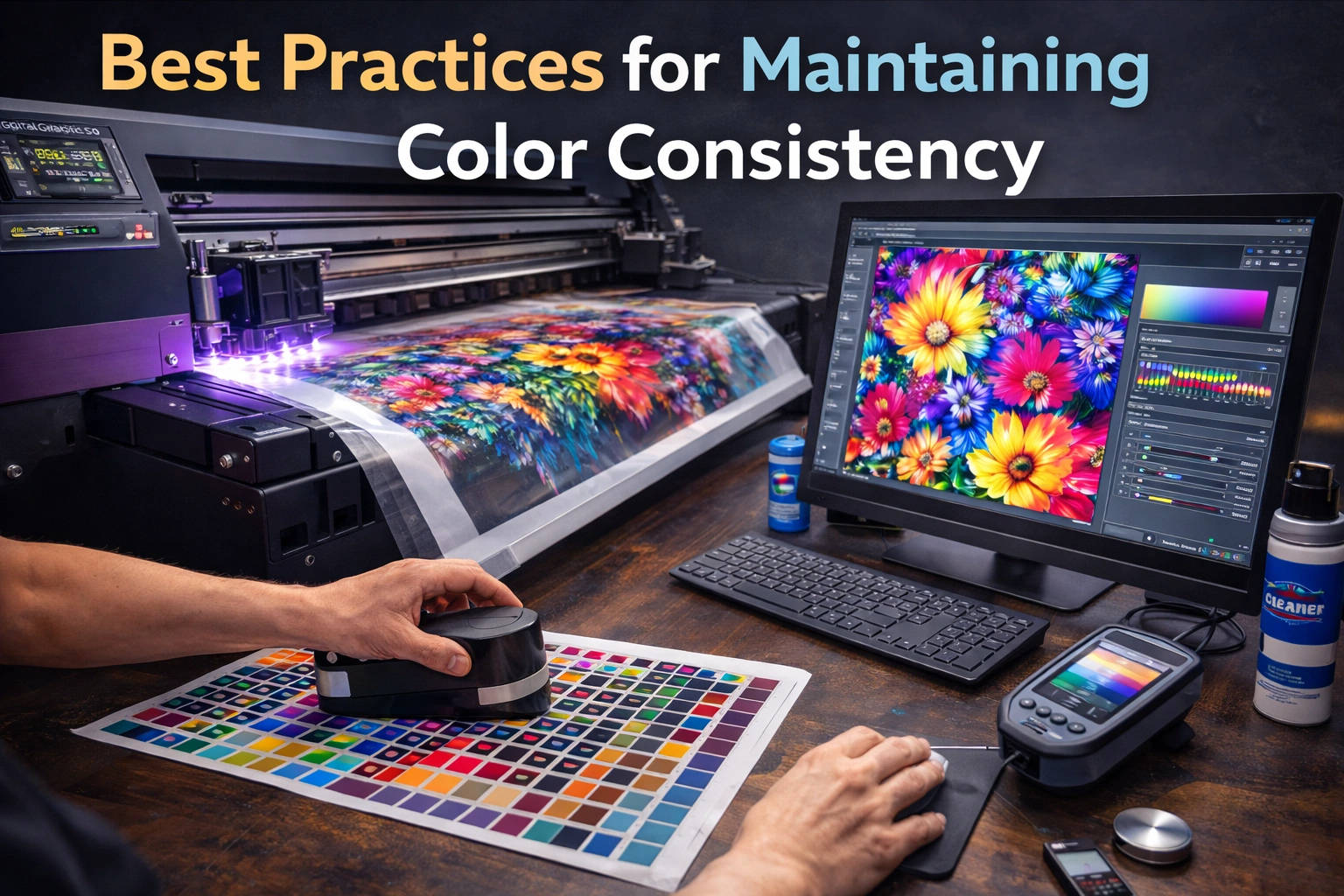
Regular Printer Calibration
Schedule regular calibration sessions based on production volume and workload. Calibration should include:
Print head alignment
Ink density checks
White ink balance
Color channel consistency
Calibration before major production runs helps prevent color drift and ensures repeatable results.
Implement a Color Management System (CMS)
A Color Management System standardizes color output across devices and workflows. It ensures that the colors seen on screen closely match the final printed output.
Using ICC profiles and controlled color workflows allows printers to maintain consistency across different printers, materials, and projects.
Perform Test Prints Before Production
Test prints are essential for identifying color issues early. They allow printers to verify color accuracy, saturation levels, and contrast before committing to full-scale production.
This step is especially important when using new materials, inks, or design files.
Control the Printing Environment
Maintain stable temperature and humidity levels in the printing area. Use climate control equipment if necessary to reduce environmental fluctuations.
Consistent environmental conditions improve ink behavior and reduce unexpected variations in color output.
Standardize Materials and Supplies
Using the same film type, ink brand, and substrate source reduces variability. Changing materials frequently increases the risk of color inconsistency.
If changes are unavoidable, recalibrate and test thoroughly before production.
Maintain Detailed Color Records
Document color settings, profiles, ink batches, and calibration parameters for each project. This information helps replicate successful results and troubleshoot issues efficiently.
Perform Regular Equipment Maintenance
Clean print heads, inspect UV lamps, and replace worn components on schedule. Poorly maintained equipment often leads to uneven ink output and inconsistent curing, both of which affect color accuracy.
Managing Color Consistency Across Multiple Print Runs
Consistency over time is just as important as consistency within a single batch. To achieve long-term reliability:
Use archived color profiles
Repeat calibration routines
Maintain consistent production conditions
Store inks and films properly
Avoid mixing old and new supplies
These practices ensure that prints produced weeks or months apart still match visually.
Quality Control and Visual Inspection
Even with automation and software tools, visual inspection remains essential. Comparing prints under standardized lighting conditions helps identify subtle color differences that may not be detected digitally.
Implementing a quality control checklist ensures that every print meets acceptable standards before delivery.
Conclusion
Color consistency in UV DTF printing is a result of careful planning, controlled processes, and ongoing attention to detail. While UV DTF technology offers exceptional flexibility and durability, maintaining accurate and repeatable color output requires disciplined workflow management.explore our high-quality UV-DTF printers here
By focusing on high-quality inks, regular calibration, standardized materials, controlled environments, and effective color management systems, print businesses can significantly improve color reliability. These efforts not only enhance print quality but also reduce waste, increase customer satisfaction, and strengthen brand credibility.
A consistent color workflow transforms UV DTF printing from a technical challenge into a competitive advantage, enabling businesses to deliver professional results with confidence—every single time.
Frequently Asked Questions (FAQ)
What is UV DTF printing?
UV DTF printing is a process where UV-curable inks are printed onto a transfer film and then applied to various surfaces using pressure. It allows durable, vibrant prints on a wide range of materials.
How often should a UV DTF printer be calibrated?
Calibration should be performed regularly—ideally before major print jobs and at least once a month. High-volume production may require more frequent calibration.
Can different substrates affect color output?
Yes. Surface texture, coating, and material properties can significantly influence how colors appear after transfer.
Why are test prints important?
Test prints help identify color issues before large-scale production, reducing waste and ensuring accuracy.
Is it possible to maintain consistent colors across different projects?
Yes, with proper color management, standardized materials, and controlled workflows, consistent results can be achieved across multiple projects and timelines.