

 HOME
HOME PRODUCT CENTER
 ABOUT US
 DOWNLOAD CENTER
 SUPPORT CENTER
 SUBSCRIBE
 BLOG
BLOGSmart Checklist for Buying a UV Printer
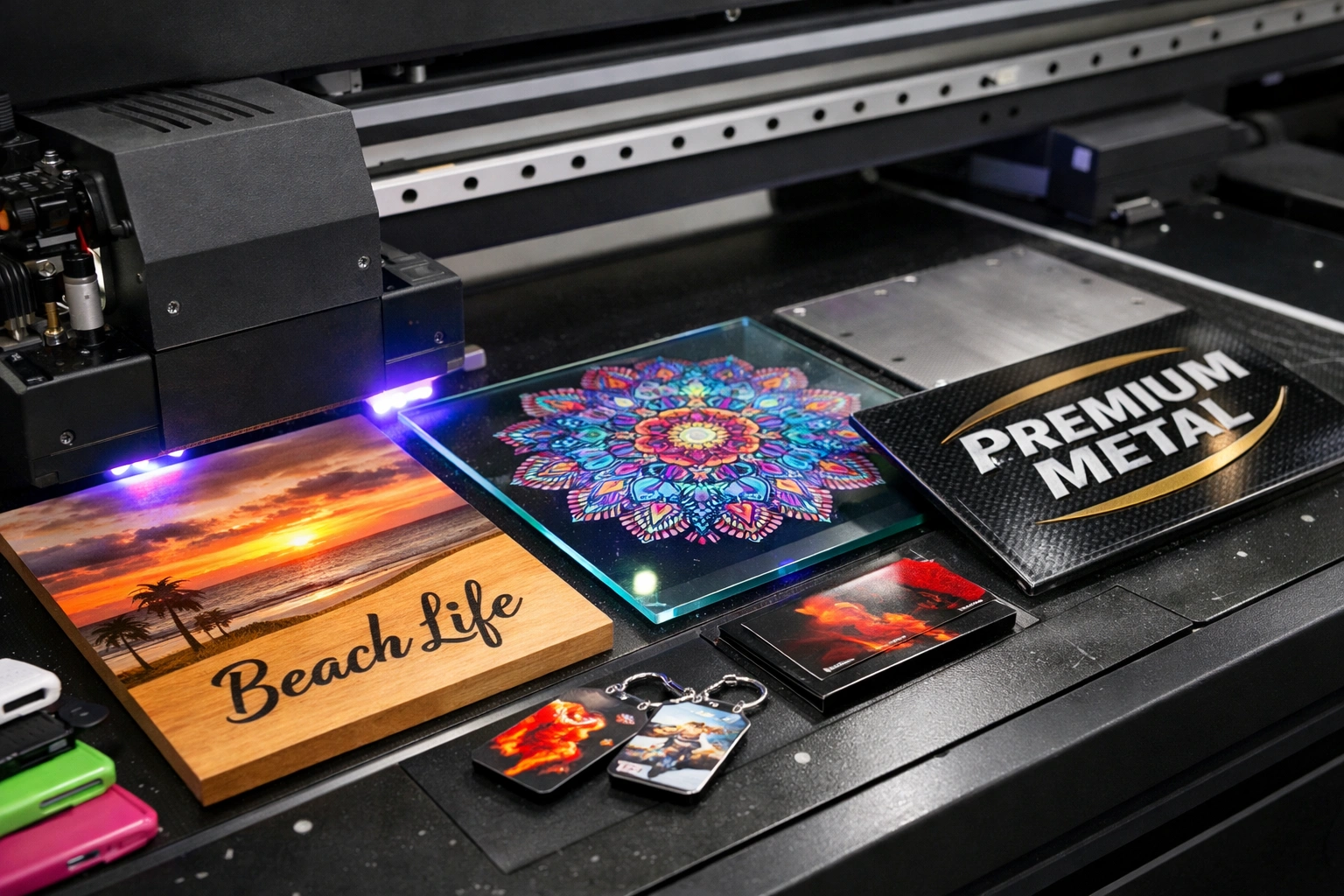
UV printing has rapidly become one of the most powerful technologies in the modern printing industry. Businesses today demand faster production, better durability, and the ability to print on a wide variety of materials—and UV printers deliver exactly that. From signage and promotional products to industrial applications and customized goods, UV printers are transforming how prints are produced and delivered.
However, buying a UV printer is not a small decision. It involves a significant investment, long-term operational planning, and a clear understanding of your business needs. With many models, configurations, and technical terms available, choosing the wrong machine can lead to high maintenance costs, limited capabilities, and reduced profitability.
This detailed guide is designed to help you make the right decision. It walks you through the most important questions you should ask before purchasing a UV printer, explains technical aspects in simple language, and helps you evaluate which machine truly fits your business goals. Whether you are a startup, a growing print shop, or an industrial manufacturer, this checklist will help you invest wisely.
Understanding UV Printing Technology
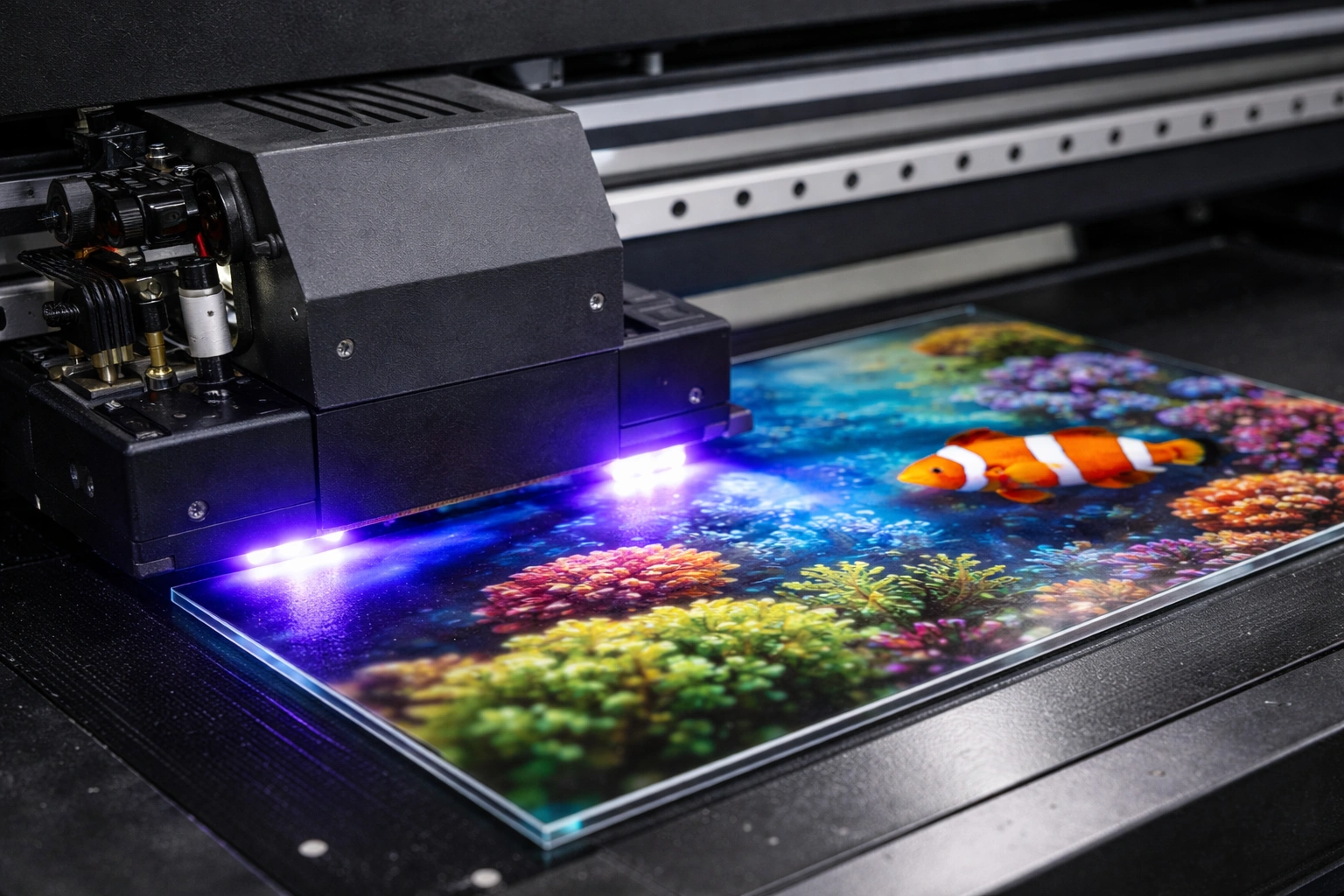
UV printing works by instantly curing ink using ultraviolet light as soon as it is deposited onto the surface. Unlike traditional solvent or water-based inks that need time to dry, UV inks harden immediately when exposed to UV lamps. This instant curing process creates sharp images, strong adhesion, and exceptional durability.
Because the ink does not absorb into the material, UV printers can print on non-porous surfaces such as glass, metal, acrylic, plastic, wood, leather, and ceramics. This flexibility opens up endless creative and commercial possibilities.
Key advantages of UV printing include:
Immediate drying and faster production cycles
High image clarity with rich, vibrant colors
Strong resistance to scratches, moisture, and fading
Reduced ink waste and cleaner operation
Environmentally friendlier output with low VOC emissions
Understanding these fundamentals is essential before moving forward with a purchase.
Why Choosing the Right UV Printer Matters
A UV printer is not just a machine—it becomes the backbone of your production workflow. The wrong choice can limit your output capacity, increase downtime, or restrict the types of jobs you can accept. On the other hand, the right UV printer can increase profits, expand your service offerings, and give your business a competitive edge.
Before making a decision, you should evaluate not only current needs but also future growth. A well-chosen UV printer can serve your business for many years if selected carefully.
15 Essential Questions to Ask Before Buying a UV Printer
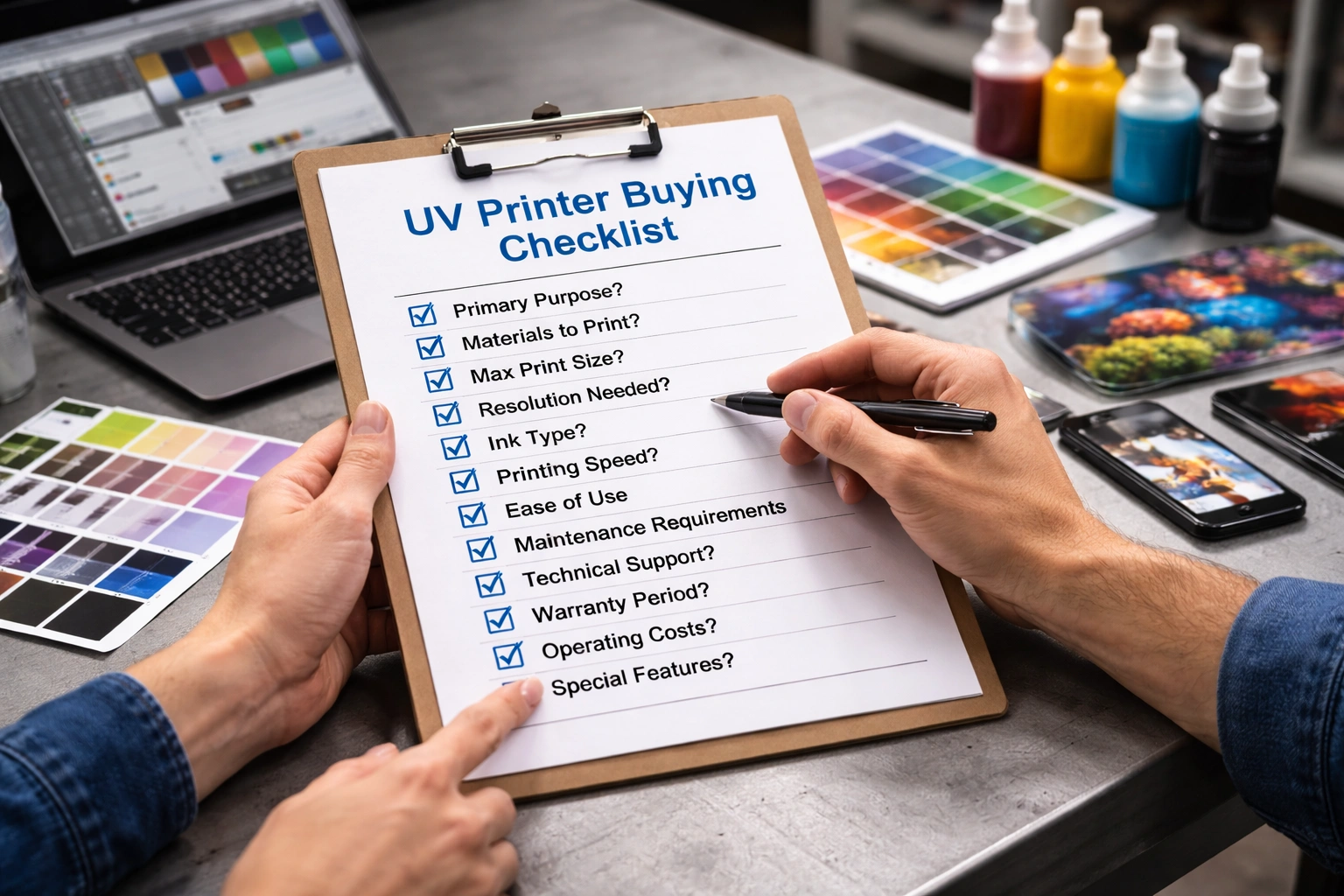
1. What is the main purpose of buying a UV printer?
Start by defining your primary goal. Are you planning to produce signage, promotional items, industrial components, or customized consumer products? Different applications require different printer configurations, ink types, and print sizes.
Clear goals help narrow down your options and prevent unnecessary spending on features you may not need.
2. Which materials will you print on regularly?
UV printers are known for material flexibility, but not all machines support every substrate. Some printers are optimized for rigid materials, while others handle flexible or roll-to-roll media.
Make a list of materials you plan to print on frequently. This ensures the printer you choose can handle them efficiently without compromising print quality or adhesion.
3. What maximum print size do you require?
UV printers are available in various bed sizes and formats. Choosing a printer that is too small may limit future projects, while an oversized printer can increase costs unnecessarily.
Evaluate both current job requirements and potential future expansion to select an appropriate print area.
4. How important is print resolution and detail?
Resolution plays a crucial role in image sharpness and fine detail reproduction. High DPI printing is especially important for close-view products, branding elements, and detailed artwork.
If your business focuses on premium or high-end output, prioritize machines known for consistent high-resolution performance.
5. Do you have sufficient workspace for the printer?
UV printers are larger and heavier than many traditional printers. Apart from the machine itself, you may need space for ventilation, material handling, and maintenance access.
Measure your available workspace carefully and consider installation requirements before finalizing your purchase.
6. What type of UV ink does the printer use?
UV printers may use rigid inks, flexible inks, or hybrid formulations. Each ink type affects adhesion, flexibility, durability, and material compatibility.
Understanding ink behavior helps you avoid cracking, peeling, or poor print adhesion on specific surfaces.
7. How fast does the printer operate?
Print speed affects turnaround time and overall productivity. Faster printers allow you to handle higher job volumes, but speed should not come at the cost of quality.
Compare production speeds at different quality modes rather than relying on maximum speed claims alone.
8. Is the printer easy to operate?
User-friendly software and controls can significantly reduce training time and operator errors. A complex interface may slow down production and increase dependency on skilled operators.
Look for intuitive RIP software, clear control panels, and automation features that simplify daily operations.
9. What maintenance is required?
All UV printers require routine maintenance, including nozzle checks, cleaning cycles, and lamp inspections. Some machines are designed for easy maintenance, while others may involve complex procedures.
Understanding maintenance needs helps you estimate downtime and ongoing operational effort.
10. What level of technical support is available?
Reliable technical support can save time and prevent costly delays. Check whether support is available locally, response times, and whether spare parts are easily accessible.
Strong after-sales support is often just as important as machine quality.
11. What warranty coverage is included?
A comprehensive warranty reflects the manufacturer’s confidence in the product. Look for warranties that cover critical components, service, and labor.
Clear warranty terms protect your investment and reduce long-term risk.
12. What are the long-term operating costs?
Beyond the purchase price, consider ink consumption, power usage, replacement parts, and maintenance expenses. A lower-cost machine may end up being more expensive to operate over time.
Calculating total cost of ownership helps avoid unexpected financial strain.
13. Are advanced features available?
Some UV printers offer features such as white ink, varnish layers, texture printing, and multi-layer effects. These features can help you offer premium services and stand out in the market.
Choose features that align with your business strategy rather than paying for unused options.
14. Can you review real print samples?
Seeing actual print samples allows you to judge color accuracy, sharpness, and durability. Samples provide more reliable insight than technical specifications alone.
Always evaluate real-world output before making a final decision.
15. What do existing users say about the printer?
Customer feedback reveals practical strengths and weaknesses that may not appear in brochures. Look for reviews related to reliability, service quality, and long-term performance.
User experiences help validate your final choice.
Key Benefits of Investing in a High-Quality UV Printer
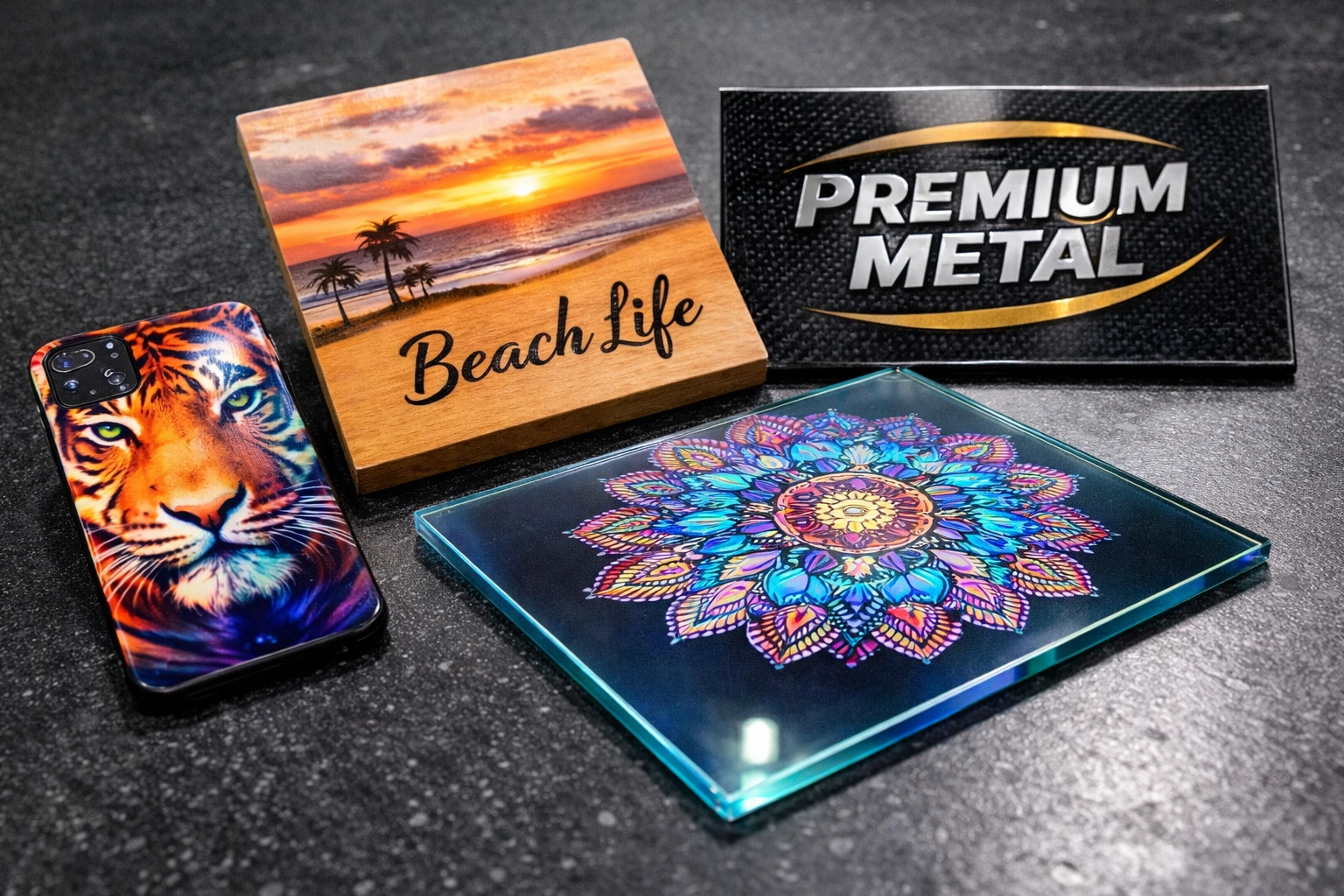
A well-selected UV printer can transform your business in multiple ways:
Expanded Capabilities: Print on diverse materials and accept a wider range of projects.
High Durability: UV prints resist wear, fading, and environmental damage.
Faster Turnaround: Instant curing speeds up production and delivery.
Professional Output: Consistent, high-quality results enhance brand reputation.
Sustainable Operation: Reduced waste and lower emissions support eco-friendly practices.
Common Mistakes to Avoid When Buying a UV Printer
Choosing based only on price instead of long-term value
Ignoring future business growth needs
Overlooking maintenance and service requirements
Not testing print quality beforehand
Underestimating space and power requirements
Avoiding these mistakes ensures a smoother investment and better returns.
How to Future-Proof Your UV Printer Investment
Technology evolves rapidly, so selecting a printer with upgrade options, scalable features, and reliable support is essential. Consider machines that allow software updates, ink compatibility upgrades, and modular enhancements.
A future-ready printer protects your investment and keeps your business competitive.
Conclusion
Buying a UV printer is a strategic decision that can shape the future of your printing business. By asking the right questions, understanding your production needs, and evaluating both technical and operational factors, you can choose a machine that delivers long-term value.
Instead of rushing the purchase, take time to analyze specifications, compare options, and assess real-world performance. A carefully chosen UV printer will not only improve print quality but also boost efficiency, expand services, and strengthen customer satisfaction.
Make an informed choice today, and set your business up for sustainable growth tomorrow.explore our high-quality UV-DTF printers here.
Frequently Asked Questions
What is a UV printer?
A UV printer uses ultraviolet light to instantly cure ink during printing, allowing high-quality output on various materials.
How does UV printing differ from traditional printing?
UV printing dries ink instantly, offers stronger durability, and supports non-porous surfaces unlike traditional methods.
Is UV printing suitable for small businesses?
Yes, UV printing is suitable for small and medium businesses due to its versatility and growing demand.
Does UV printing require special maintenance?
Routine maintenance is required, including cleaning and inspections, but modern machines are designed for efficiency.
Is UV printing environmentally friendly?
UV printing produces low VOC emissions and reduces waste, making it a more eco-conscious option.