

 HOME
HOME PRODUCT CENTER
 ABOUT US
 DOWNLOAD CENTER
 SUPPORT CENTER
 SUBSCRIBE
 BLOG
BLOGUV Printer vs UV DTF Printer: Which Technology Fits Your Products?
Choosing the right digital printing technology can have a major impact on product quality, production efficiency, and the range of products a business can offer. When comparing UV printer vs UV DTF printer, the most important question is not simply which technology is better. Instead, it is which printing method best matches your substrates, product shapes, production workflow, and customization requirements.
Both technologies use UV-curable ink and UV curing to produce vivid, durable graphics. However, they approach product decoration differently. A UV printer applies ink directly to the substrate, while a UV DTF printer prints a design onto transfer film before the graphic is applied to the final product.
Understanding these differences can help manufacturers, promotional product businesses, signage companies, and customization shops select the right equipment for their applications.
What Is the Difference Between a UV Printer and a UV DTF Printer?
The fundamental difference is where the image is printed.
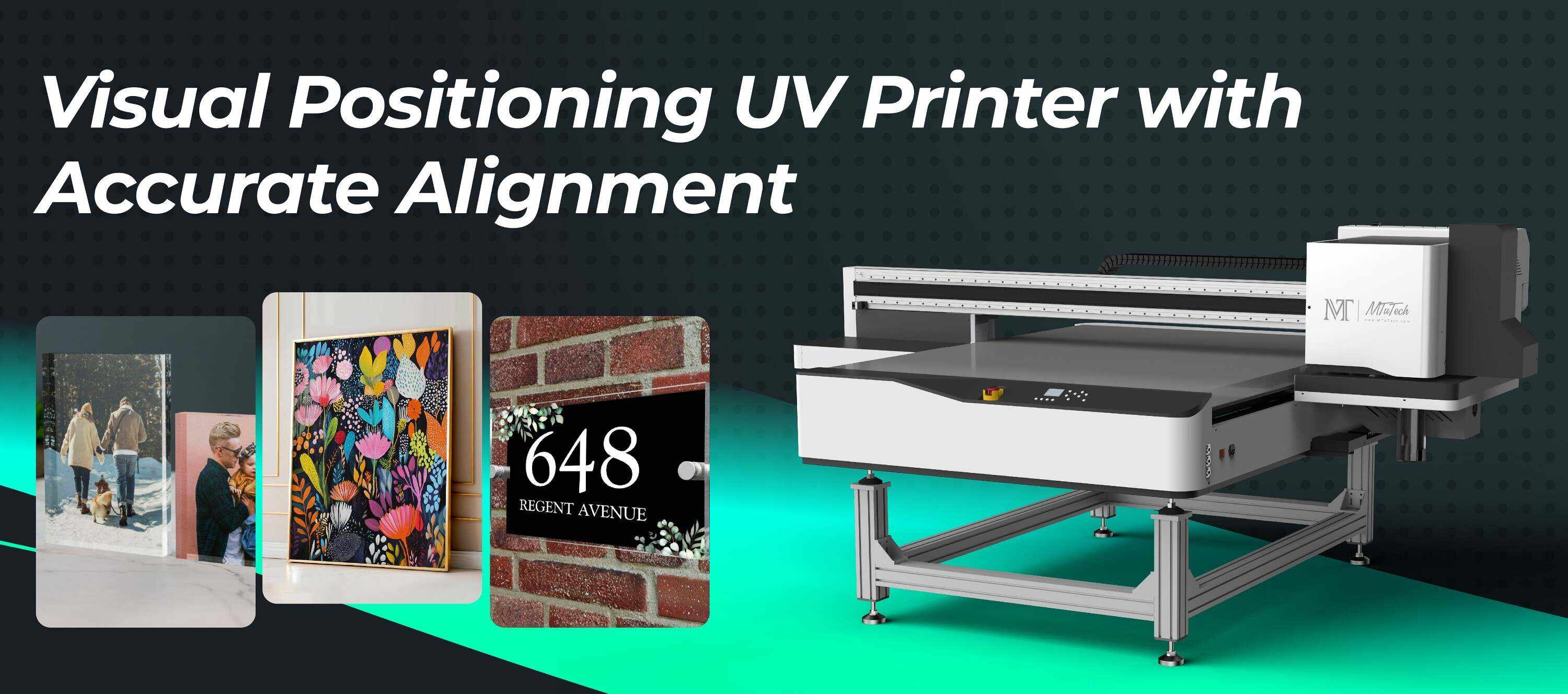
A traditional UV Printers system prints UV-curable ink directly onto the surface of a product or printing material. The ink is cured immediately by UV light, creating a dry and durable image without a conventional drying process.
A UV DTF printer follows a transfer-based workflow. Instead of printing directly onto the final item, the printer creates the design on a special PET film. The printed film is then laminated and transferred onto the target surface.
This distinction affects the types of products each technology handles most efficiently.
For direct UV printing, flat rigid substrates such as acrylic, wood, glass, aluminum, MDF, signage boards, phone cases, and promotional items can be excellent applications. Some UV systems can also handle cylindrical products with rotary functionality.
UV DTF is particularly useful when the final product has a curved, irregular, recessed, or otherwise difficult-to-print surface. The design can be prepared as a transfer first and then applied to the product.
UV Printer vs UV DTF Printer: At a Glance
Feature | UV Printer | UV DTF Printer |
Printing method | Direct-to-substrate | Print-to-film and transfer |
Ink | UV-curable ink | UV-curable ink |
Curing | UV LED curing | UV curing during film printing |
Best surfaces | Flat and supported cylindrical surfaces | Curved, irregular, and difficult surfaces |
Main workflow | Print directly on product | Print → laminate → transfer |
Product setup | Object must be positioned on printer | Product is decorated after transfer preparation |
Customization | Excellent for direct product personalization | Excellent for flexible surface decoration |
Ideal applications | Signs, boards, plaques, phone cases, gifts | Tumblers, bottles, irregular promotional items |
Transfer film required | No for direct printing | Yes |
Manual application | Minimal | Required during transfer application |
How Does Each Printing Technology Work?
Understanding the production process makes the UV printer vs UV DTF printer comparison easier.
How a UV Printer Works
A direct UV printing workflow is relatively straightforward:
1. Prepare the artwork in the RIP or compatible design workflow.
2. Place the substrate or product securely on the printing platform.
3. Adjust the printing height and position according to the object.
4. Print CMYK, white, varnish, or other configured ink layers.
5. Cure the ink immediately with UV LED lamps.
6. Remove the finished product after printing.
The direct printing approach reduces the number of transfer steps. MTuTech UV printer systems are designed for applications ranging from rigid media and promotional products to selected cylindrical objects. For example, the MT-UV 9060Pro supports a 900 × 600 mm print area, printing heights up to 180 mm, and both flat and cylindrical applications.
Its visual positioning technology can also assist with accurate alignment when printing on individual products.
How a UV DTF Printer Works
A typical UV DTF workflow is:
1. Prepare the artwork digitally.
2. Print the design onto A-film using UV-curable ink.
3. Cure the printed image using UV light.
4. Laminate the printed film with the corresponding B-film.
5. Prepare the finished transfer.
6. Position the transfer on the target product.
7. Apply pressure to bond the design to the surface.
8. Peel away the backing film.
This process creates a ready-to-apply transfer that can be used on products where direct printing may be difficult or impractical.
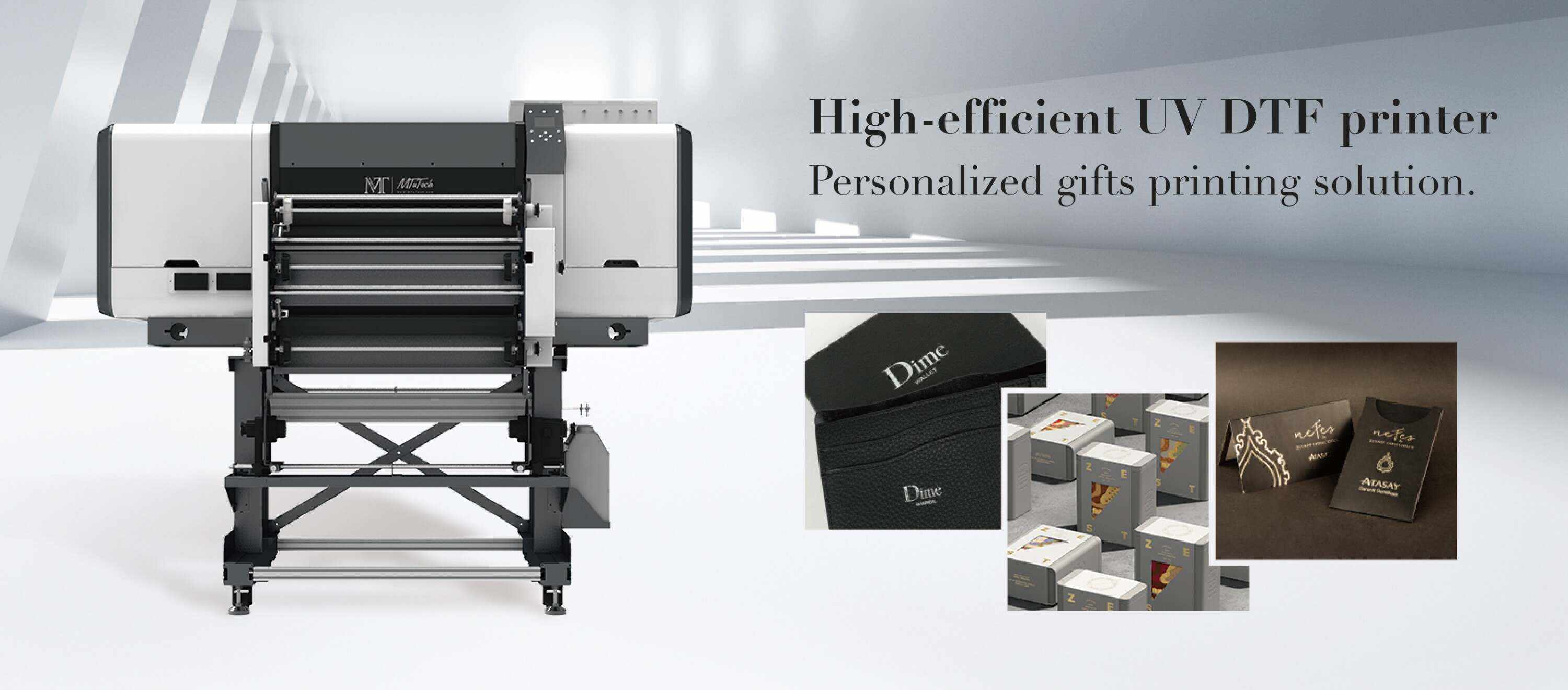
MTuTech currently offers dedicated UV DTF Printers, including 30 cm and 60 cm configurations. The MT-UV DTF 60, for example, is designed around a 60 cm print width and supports UV DTF applications for customized products and transfer production.
UV Printer vs UV DTF Printer: Which Products Should You Print?
The most effective way to choose between the two is to start with your product portfolio.
Choose UV Printing for Direct Product Decoration
A UV printer is generally a strong choice when your products can be positioned securely under the printhead and you want the graphic applied directly to the product.
Typical applications include:
· Acrylic signs and awards
· Wood products
· Metal plates and aluminum products
· Glass panels and decorative items
· Phone cases
· Promotional products
· Packaging components
· Small personalized gifts
· Rigid signage materials
Direct printing can simplify production because there is no separate transfer preparation stage. It also enables businesses to create custom graphics, fine text, white ink layers, and varnish effects directly on the product.
For businesses producing large rigid graphics, MTuTech also offers a broader range of flatbed and hybrid UV equipment designed for different print sizes and production requirements.
Choose UV DTF for Irregular or Hard-to-Print Products
UV DTF becomes especially attractive when the product geometry makes direct printing difficult.
Examples include:
· Tumblers
· Bottles
· Curved promotional items
· Irregular giftware
· Textured hard surfaces
· Products with difficult-to-access printing areas
Instead of moving the entire product into the printer, the graphic is produced on film and then transferred manually. This allows a business to decorate shapes that may not be suitable for conventional flatbed positioning.
This makes UV DTF particularly useful for businesses selling personalized drinkware, branded gifts, promotional merchandise, and custom product transfers.
A Step-by-Step Guide to Choosing Between UV and UV DTF
Choosing the right technology becomes easier when you evaluate your production needs systematically.
Step 1: Identify Your Main Products
Start with the products that generate the largest share of your orders.
If most products are flat boards, plaques, panels, signs, phone cases, or other rigid items, direct UV printing may provide the more efficient workflow.
If your product line focuses heavily on bottles, tumblers, curved containers, or irregular objects, UV DTF may provide greater flexibility.
Step 2: Evaluate Product Shape
Shape is one of the most important factors in the UV printer vs UV DTF printer decision.
A flat surface is generally straightforward for direct printing. As product geometry becomes more cylindrical, uneven, recessed, or difficult to position, a transfer-based solution can become more practical.
Some UV printers can extend their capabilities with rotary printing systems. MTuTech’s UV printer range includes models designed for both flat and cylindrical applications, giving businesses additional flexibility without automatically moving to a transfer workflow.
Step 3: Compare Production Workflow
Think beyond print speed and examine the complete production process.
Direct UV printing generally follows:
Position → Print → Cure → Finish
UV DTF generally follows:
Print Film → Cure → Laminate → Transfer → Peel → Finish
UV DTF introduces additional handling, but that extra flexibility can be valuable when direct printing is difficult.
Step 4: Consider Production Volume
For repeated production of flat products, direct printing can reduce handling and simplify the overall workflow.
For businesses producing a wide variety of highly customized objects, UV DTF may offer more adaptability because the same transfer approach can be applied across different product shapes.
The right decision therefore depends on total workflow efficiency rather than printer speed alone.
What About Cost, Quality, and Durability?
The cost comparison should include more than the initial equipment investment.
A direct UV printer may require less manual transfer work, while UV DTF production requires film and additional transfer handling. However, UV DTF can reduce product-positioning challenges when decorating complex shapes.
Print quality from both technologies can be excellent when the appropriate ink, substrate, RIP settings, and curing parameters are used.
UV printing also provides opportunities for layered effects. White ink can improve image visibility on dark or transparent substrates, while varnish can be used to create gloss, texture, or raised visual effects on compatible systems.
Durability depends on several factors, including the substrate, ink formulation, surface preparation, curing conditions, and end-use environment. For demanding applications, businesses should conduct sample testing before selecting a production process.
Can One Machine Support Multiple Printing Needs?
For businesses that want to maximize equipment utilization, a hybrid UV printer can be an interesting option.
MTuTech’s MT-UV A3MAX Pro, for example, combines direct-to-object and direct-to-film capabilities in one compact platform. Its supported applications include flat materials, cylindrical products, roll media, and UV DTF stickers.
This type of equipment can be useful for businesses that do not want to limit themselves to a single product category. Instead of choosing between direct decoration and transfer production exclusively, a multi-function system can provide additional flexibility as product demand changes.
For businesses focusing heavily on direct product personalization, MTuTech also provides a dedicated Direct-to-Object Solution, covering applications such as bottles, tumblers, phone covers, promotional products, wood, acrylic, glass, and metal.
UV Printer vs UV DTF Printer: Which One Is Right for Your Business?
There is no universal winner in the UV printer vs UV DTF printer comparison.
Choose a UV printer when direct printing, production efficiency, rigid substrates, and product personalization are your primary priorities.
Choose a UV DTF printer when your business frequently handles curved, irregular, or difficult-to-position products and you need the flexibility of a transfer-based workflow.
A hybrid approach can be even more practical for businesses serving multiple markets. By combining direct-to-object printing with film-transfer capabilities, companies can expand their product range without relying on a single production method.
The best investment is therefore the one that matches your actual products, workflow, production volume, and future business goals.
Final Takeaway
The decision between a UV printer and a UV DTF printer ultimately comes down to how you need to decorate your products.
UV printing delivers a direct, efficient workflow for many rigid materials and supported product shapes. UV DTF printing adds flexibility by transferring cured graphics from film onto surfaces that can be challenging for direct printing.
Before investing, analyze your most common product shapes, materials, order volumes, finishing requirements, and expected product expansion. With the right technology, businesses can improve production efficiency while opening new opportunities in signage, personalization, promotional products, packaging, and specialty printing.